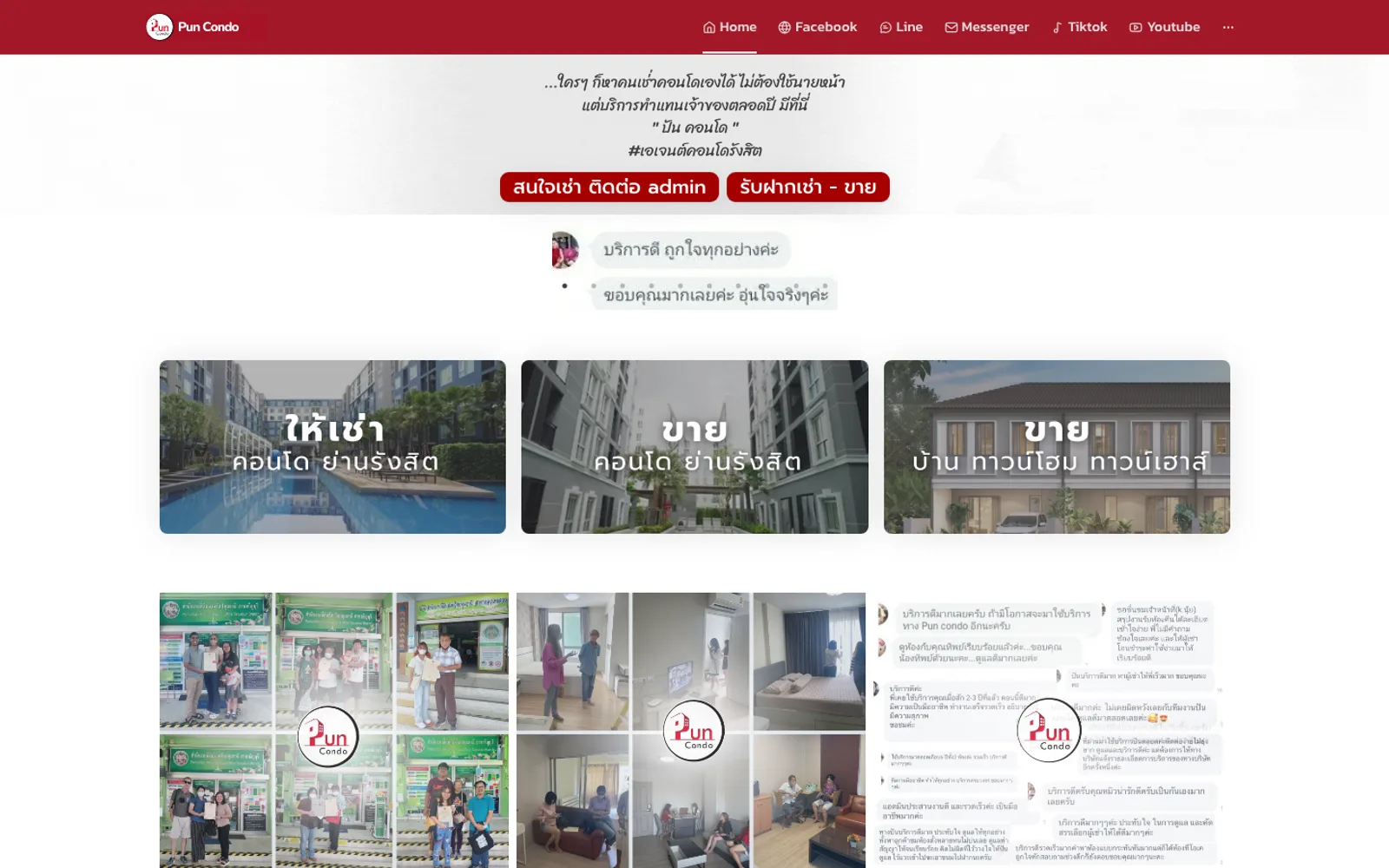
01·Gallery
Property listings & search
Reporting / analytics
Real-estate platform with property listings and an admin back-office.
Public listings site, admin back office and resident portal
From new lead, proposal, viewing, booking and signing to renewal, not rented or cancelled
Every menu explained with real screenshots, written for non-technical staff
A real-estate platform with property listings on the public side and an admin back-office for managing listings, agents, and reports.
Pun Property rents and sells condos around Rangsit and nearby areas. Its rooms, owners and rental status lived in multi-sheet Excel workbooks going back to 2020, while enquiries, viewings and follow-ups ran through chats and spreadsheets, and the website was informational only. The brief: turn the website into the system the team actually works in — from listings, leads and viewings to residents, rent and repair requests — and bring every existing record across.
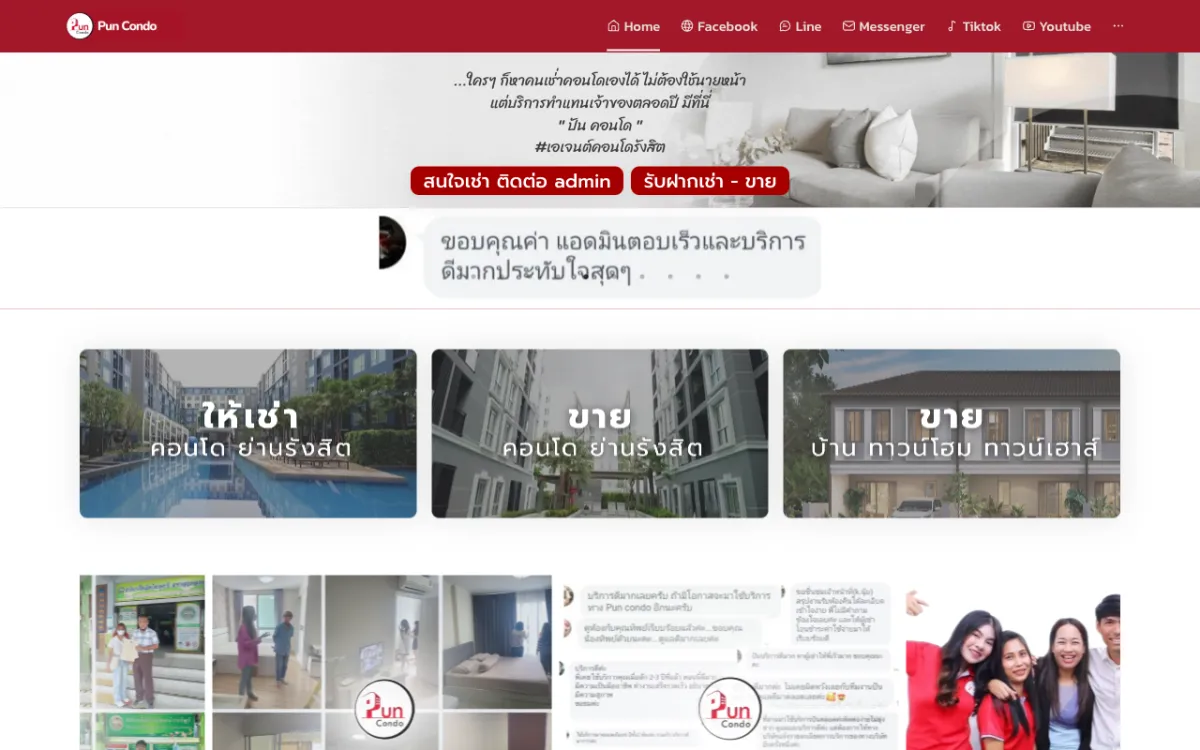
We followed one room from a row in the old Excel file to a listing on the website, an enquiry, a viewing, a signed lease and a resident paying rent each month. The listings site, the back office and the resident portal share one set of records, so a room updated in the back office shows on the website without being entered twice.
The 2020–2025 rental and sales workbooks were read in full, with phone numbers, Buddhist-era dates, prices, room codes and free-typed Thai statuses put into one consistent format before everything was loaded in one go. A row missing its project, owner or room number is reported with the reason instead of being filled in by guesswork.
Every room gets a readable code built from the project prefix, room size and a running number that is never reused after a deletion. A room listed for both rent and sale is kept as two linked records, so a rental status can never overwrite the sale side.
Visitors pick a zone, then a condo, then available rooms to rent or buy with price, size and photos. Enquiry and viewing forms go straight into the back office, and owners can list their room through the website.
Each lead gets an automatic code, its source (Facebook page or group, LINE OA, TikTok, website or phone), the condos of interest, move-in month and budget. It moves through eight stages from new lead to signed or renewed lease, and converts into a viewing assigned to a staff member. The back office also holds the team schedule, an owner call log with lease-expiry reminders, and an approval queue for rooms owners submit through the website.
Adding a resident marks the room as rented and opens monthly rent records. Residents sign in to the portal with their resident code to upload payment slips, report repairs with photos and send documents, while admins approve slips and track rent month by month.
All three apps are live, and the admin team has a Thai user manual that walks through every menu with real screenshots.
Visitors pick a zone, then a condo, then available rooms to rent or buy with price, size and photos; enquiry and viewing forms go straight into the back office.
The team sees today’s new leads, today’s viewings and follow-ups on one page, each with its stage from new lead to signed contract.
Residents upload rent slips, report repairs and send documents through the portal; admins review and approve them in the back office.
Every page has its own title and description, the page list sent to Google is built from rooms actually available, listings and condos are described in a way Google understands, and search and AI tools are allowed to read the site.
Public listings site, admin back office and resident portal
From new lead, proposal, viewing, booking and signing to renewal, not rented or cancelled
Every menu explained with real screenshots, written for non-technical staff
Gallery
01·Gallery
Reporting / analytics
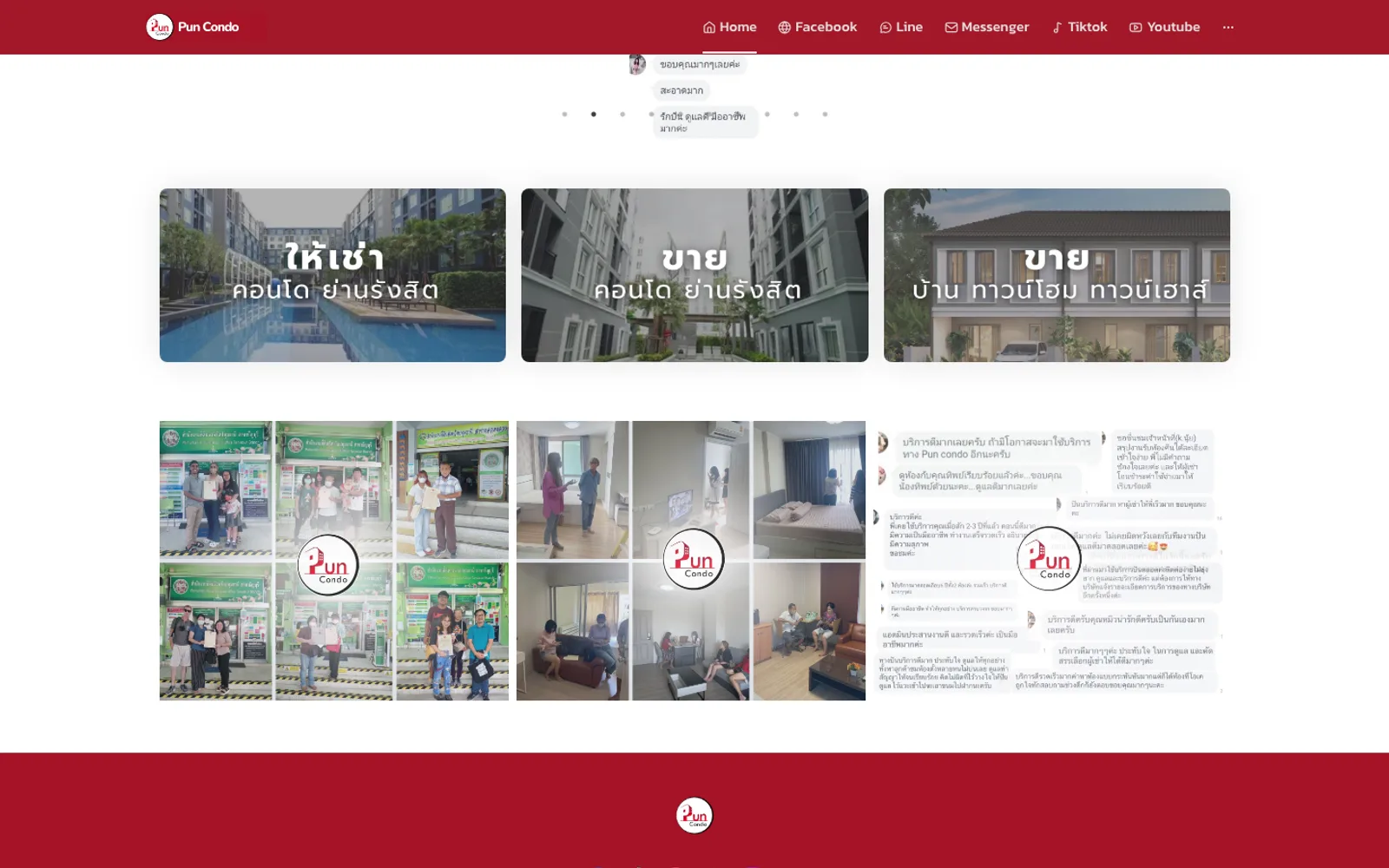
02·Gallery
Public site + admin back-office
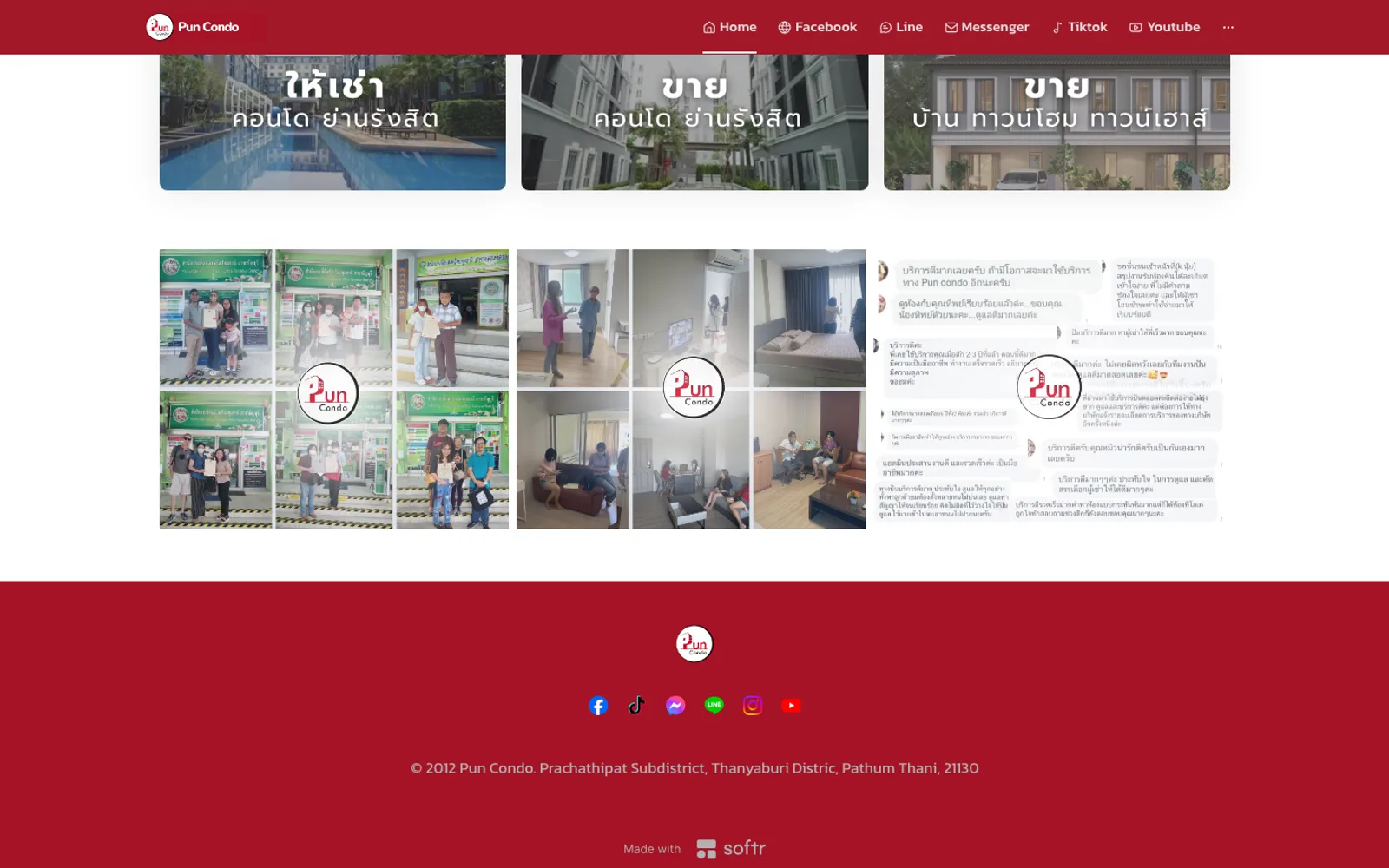
03·Gallery
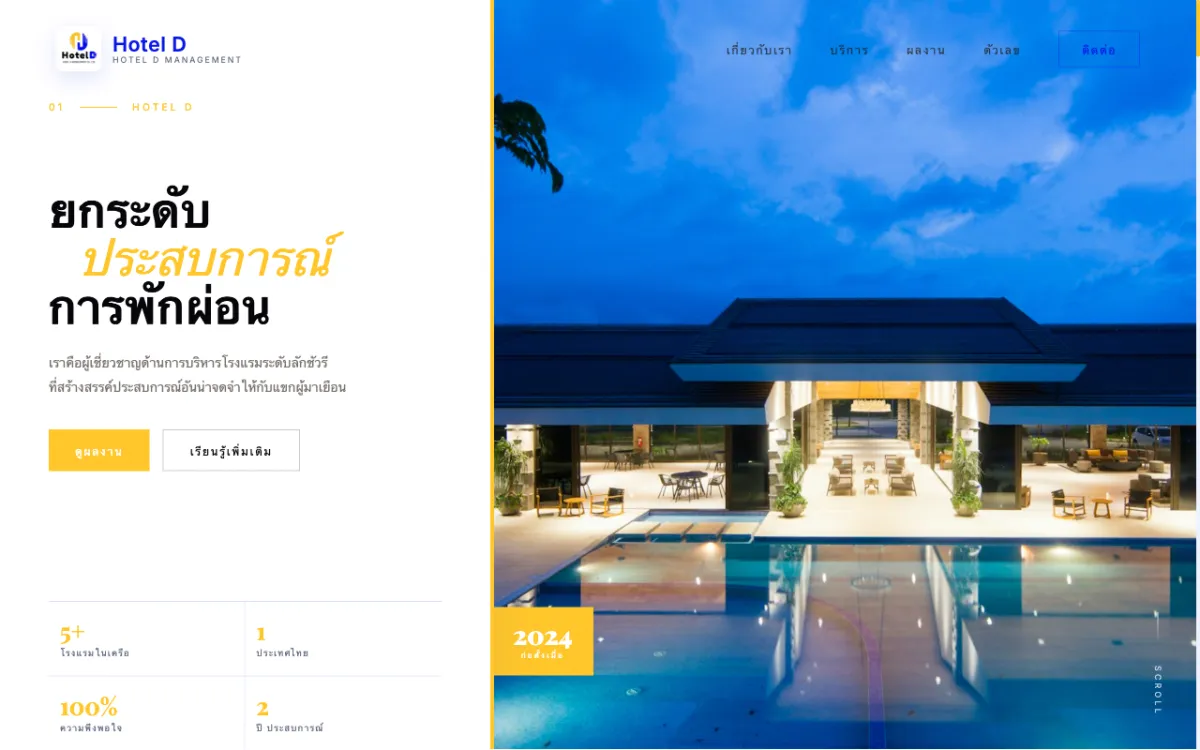
Corporate site for a full-service hotel-management firm serving properties across Thailand. Bilingual.

Football scouting platform (prototype stage) connecting players with scouts and clubs.

Product and services site for a supplier of NDT systems, coordinate measuring machines (CMM) and 3D scanners.
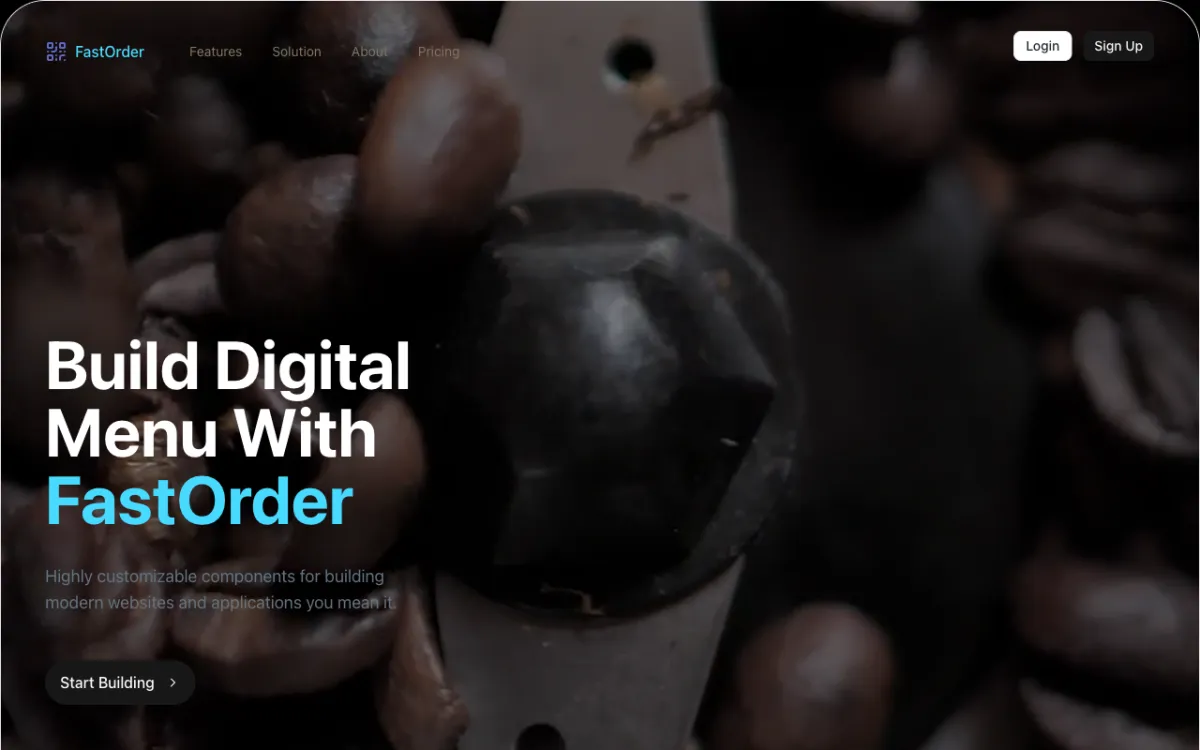
Digital-menu and QR order-management system for restaurants.
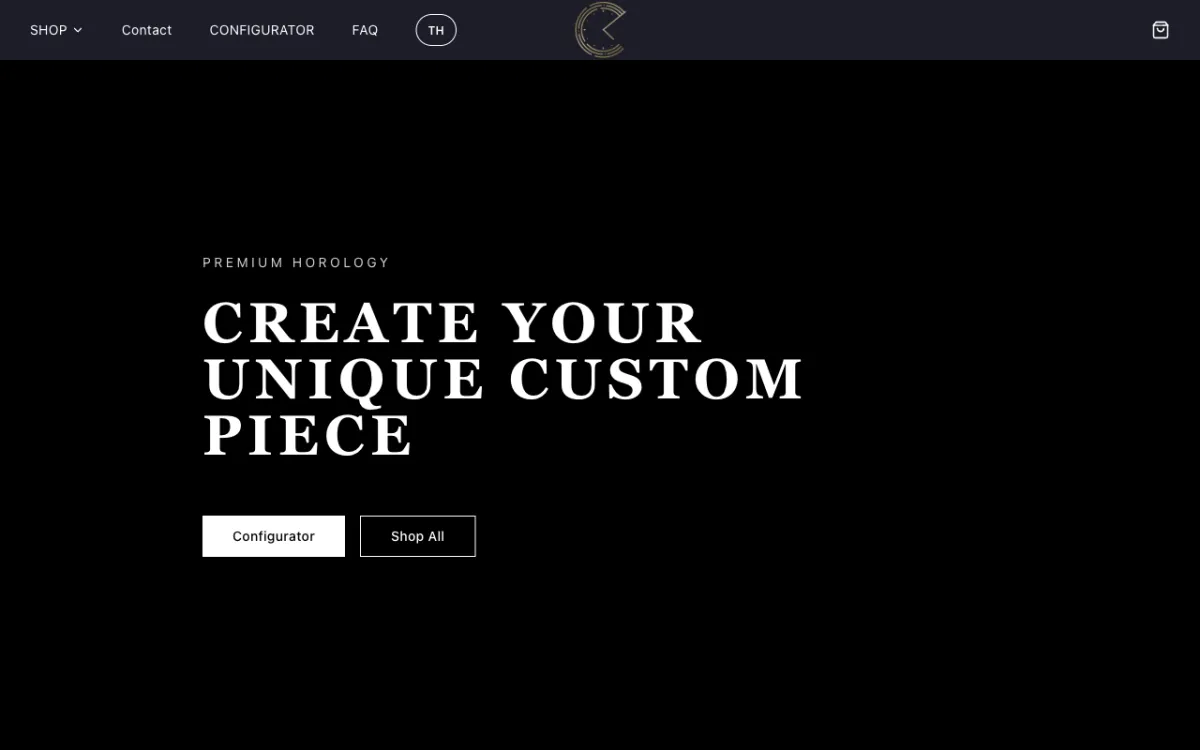
E-commerce store for custom Seiko mod watches with a configurator.
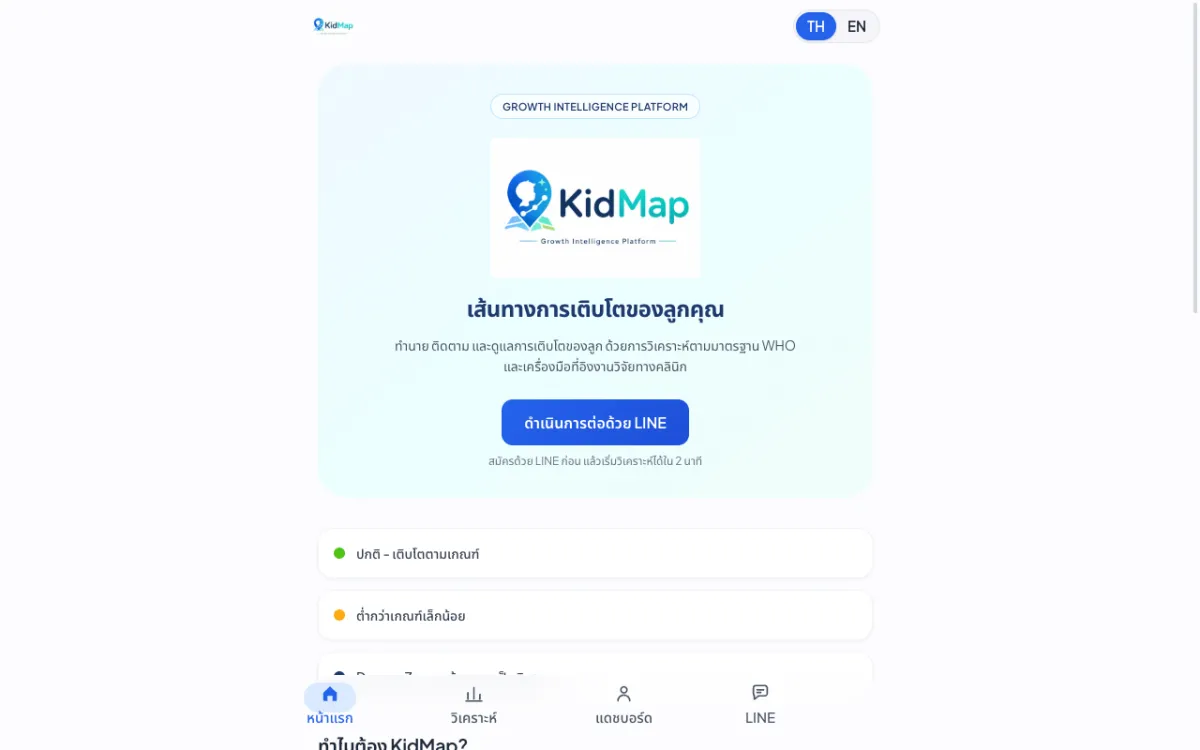
Platform that predicts and tracks children’s growth against WHO standards.
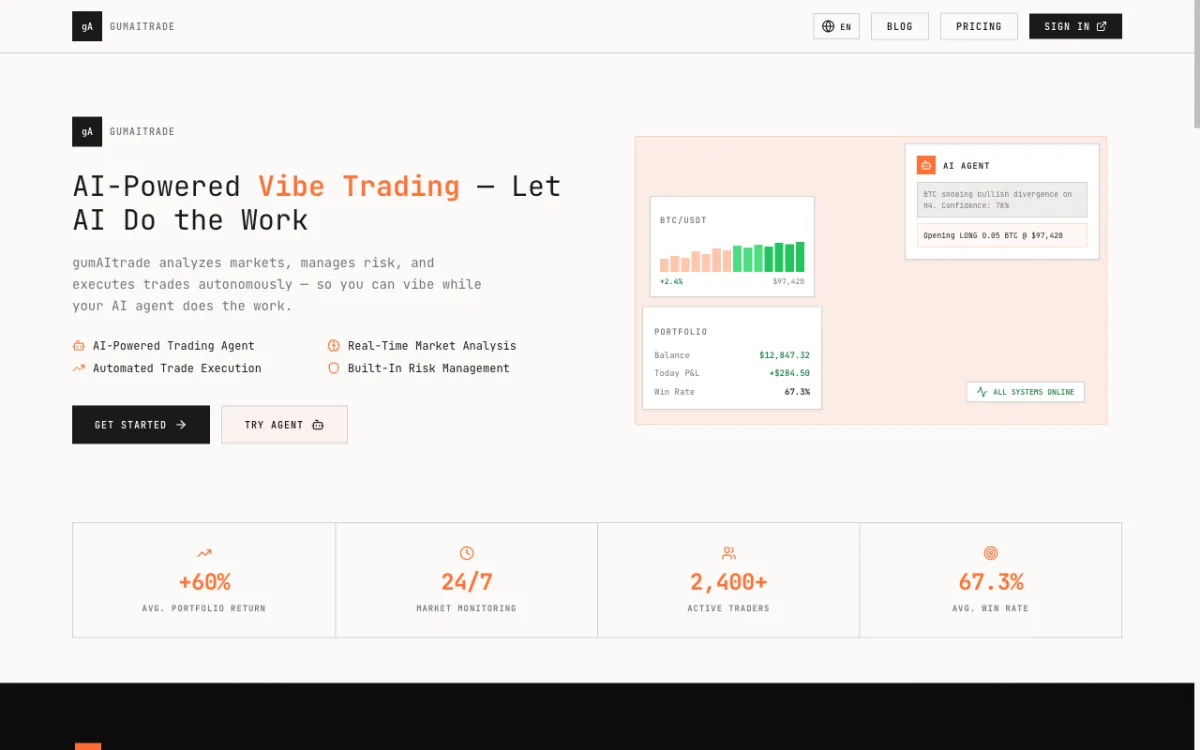
Product site for an AI crypto trading bot built around a “vibe trading” concept.
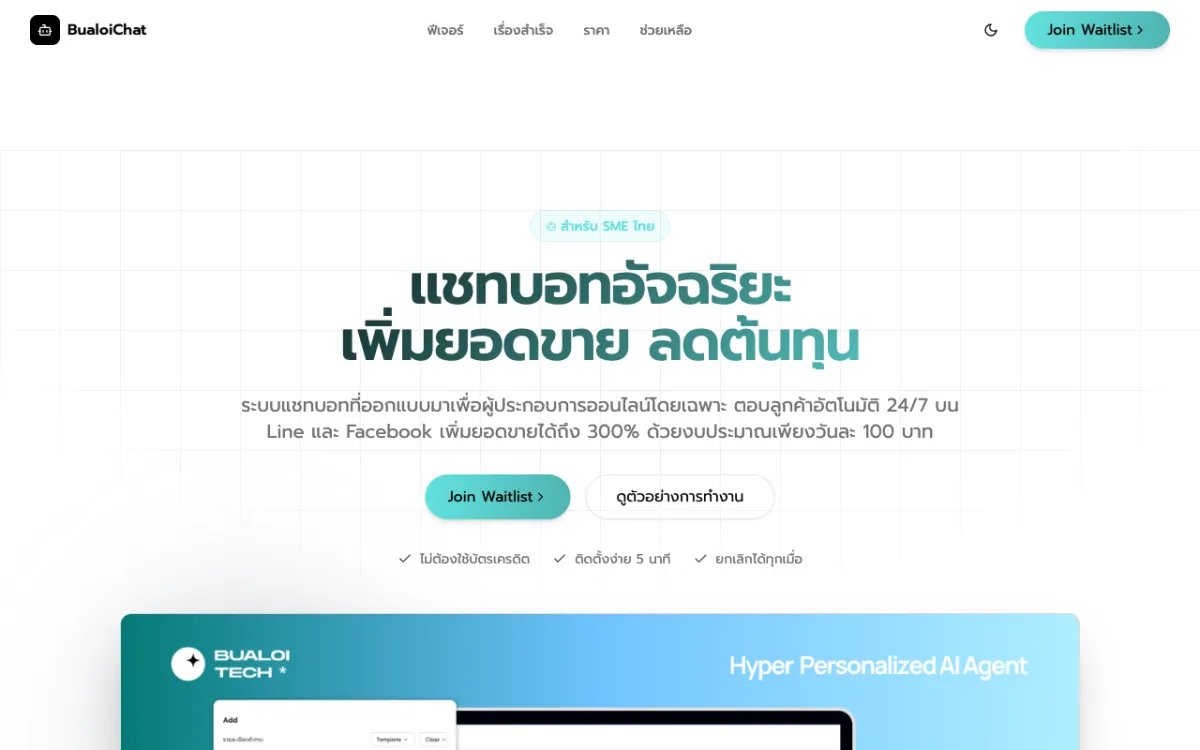
Pre-launch landing page for an AI chatbot service that answers SME customers on LINE OA and Messenger.
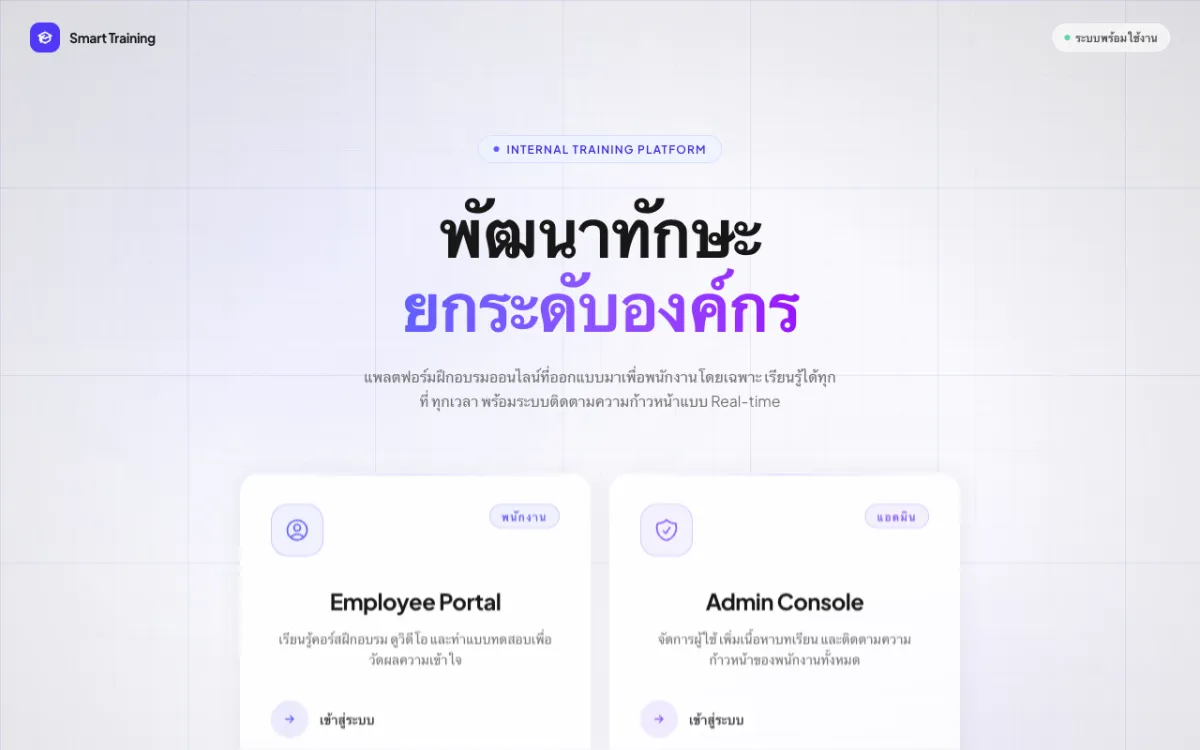
Internal employee training (LMS) with video courses and quizzes.
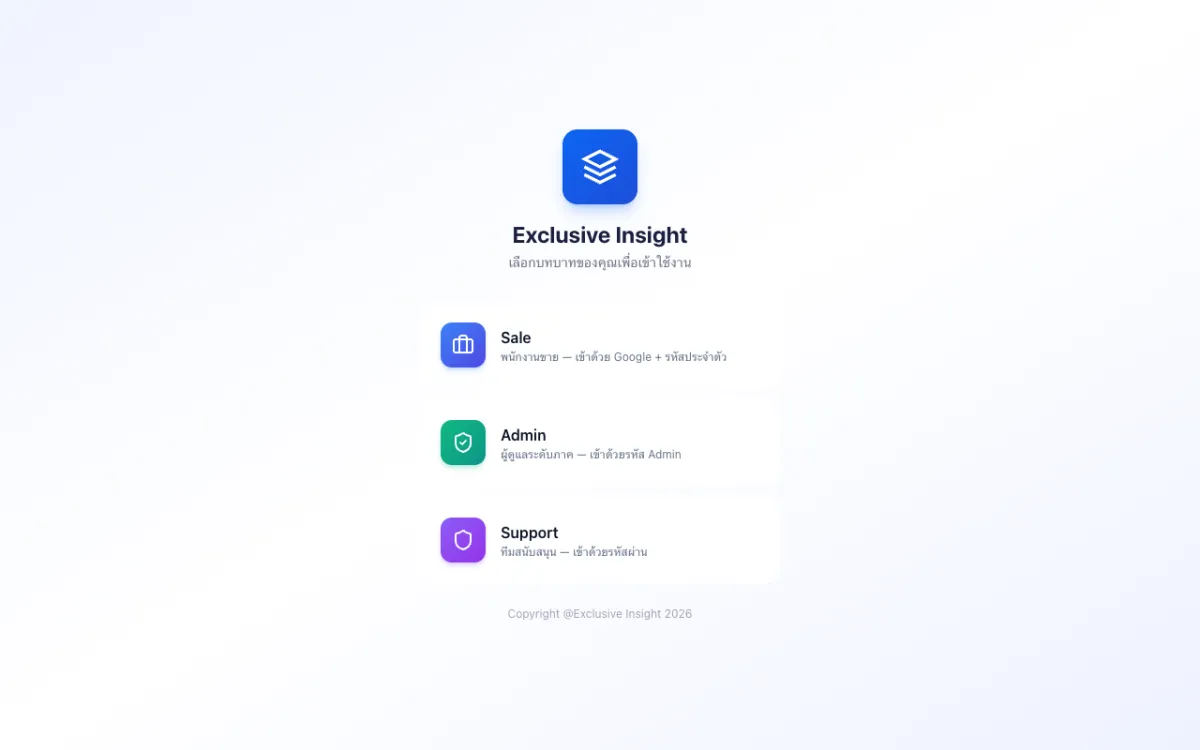
Role-based CRM with Sales, Admin and Support access.
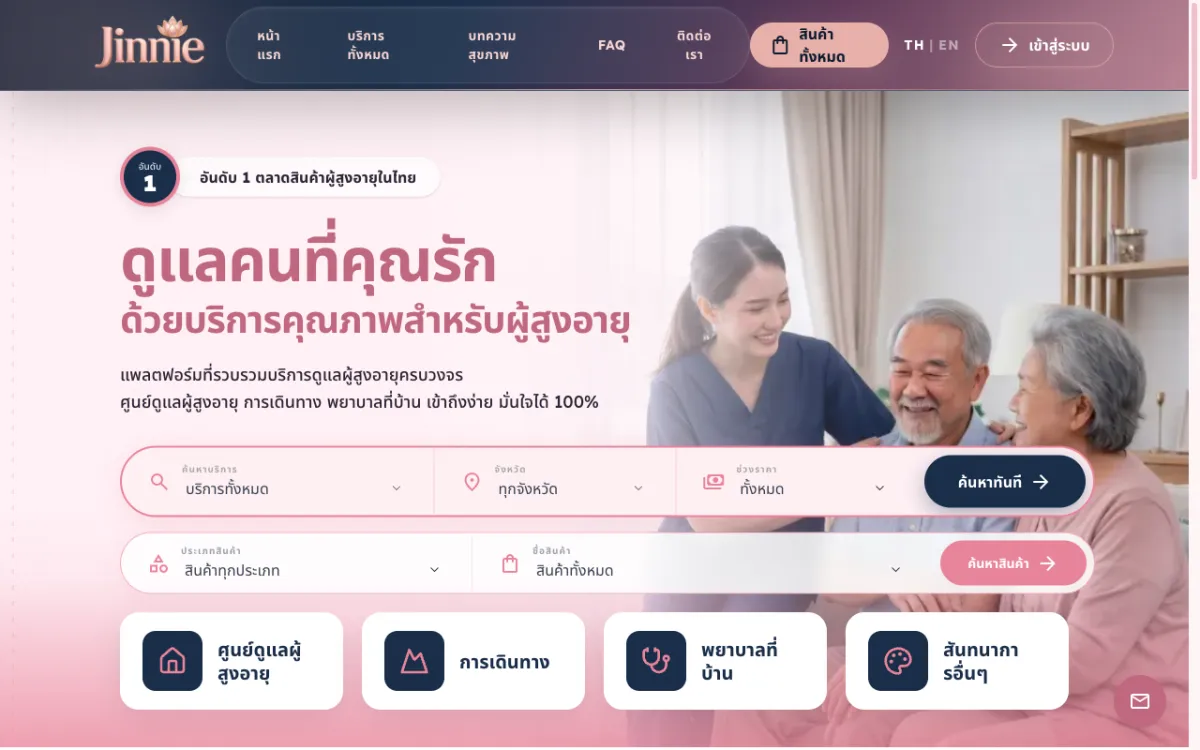
Platform to find and book elderly-care services across 12 categories from many providers.
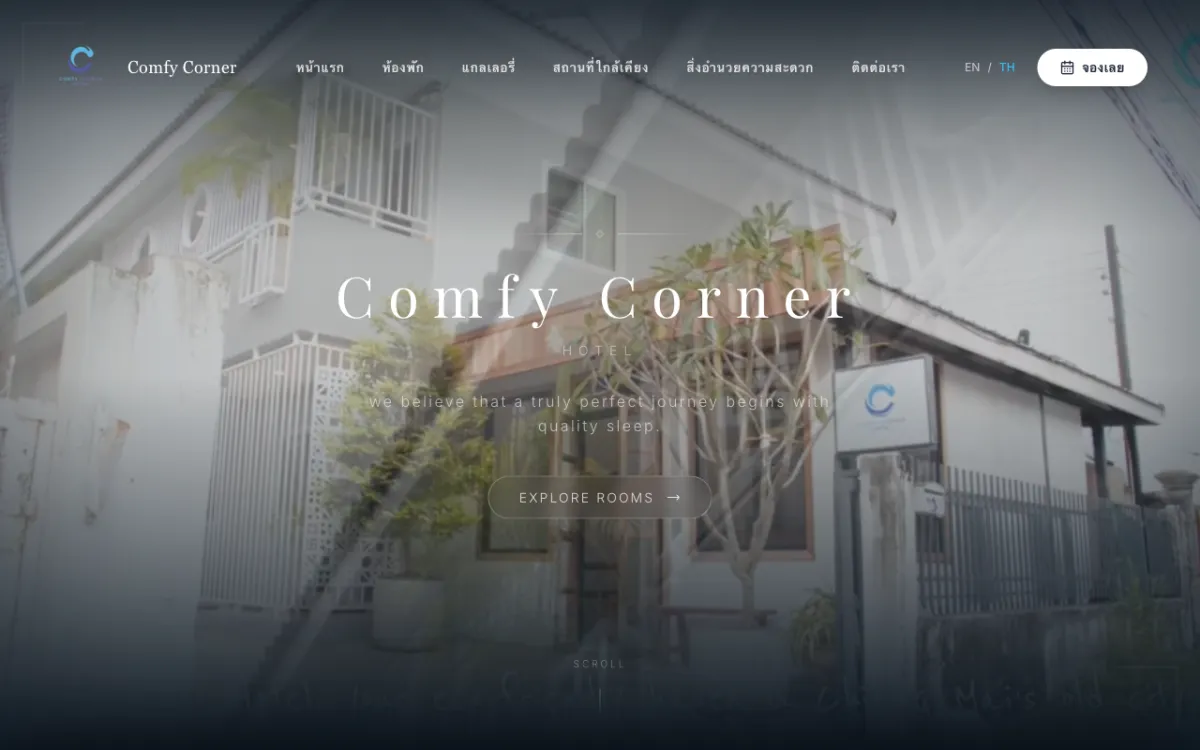
Booking site for a boutique budget hotel in Chiang Mai. Bilingual.
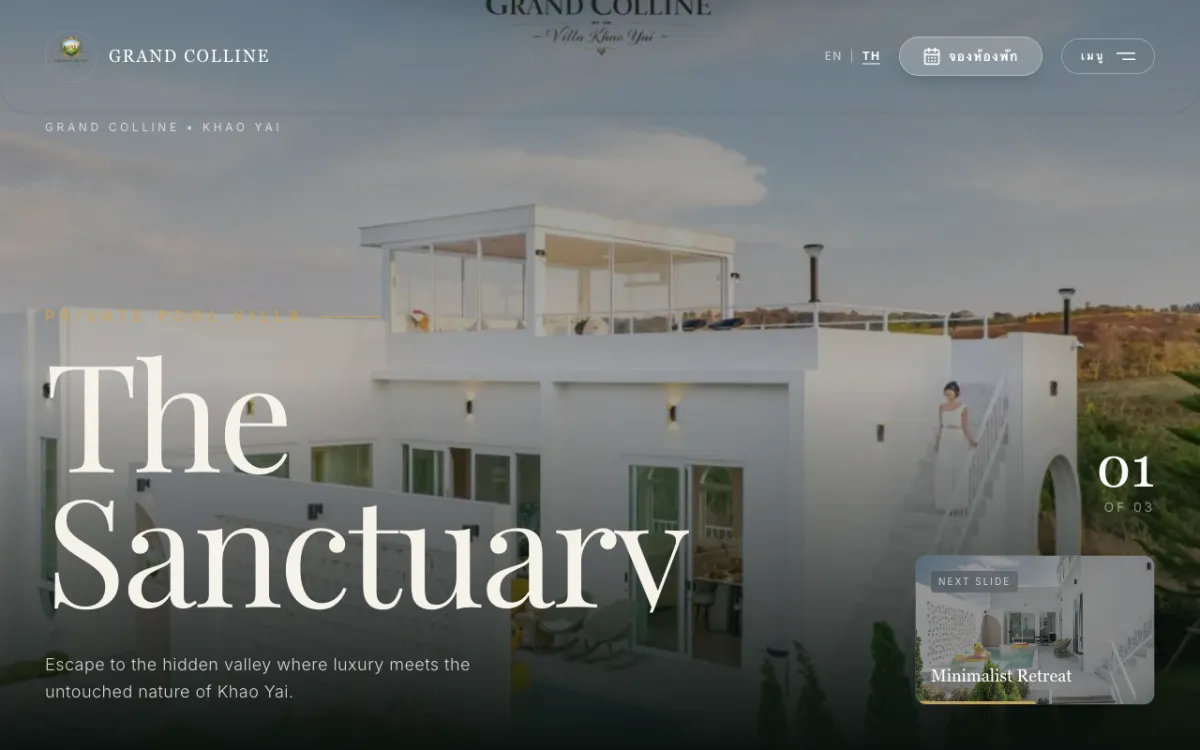
Private luxury pool-villa resort in Khao Yai; books via Agoda/Trip.com. Bilingual.

Khao Yai resort site with a “music meets nature” concept. Bilingual.

Site for a premium real-estate developer and home-builder. Bilingual.
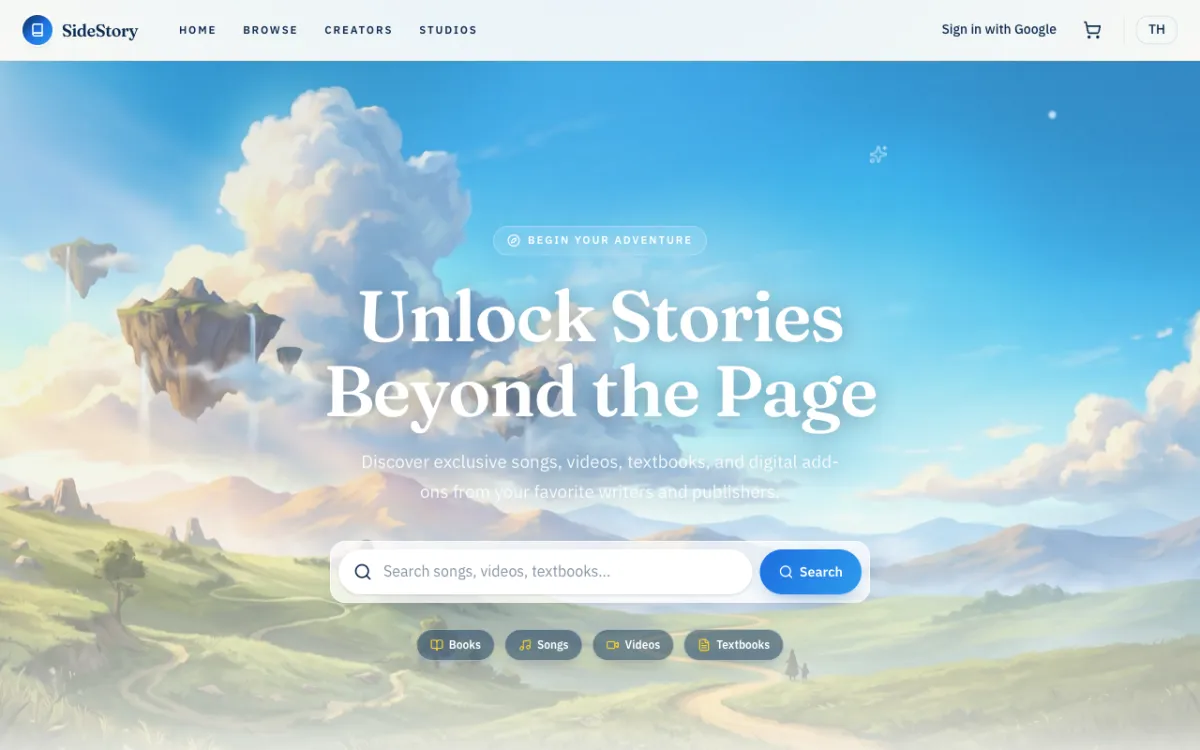
Digital-content marketplace for Thai writers and publishers.
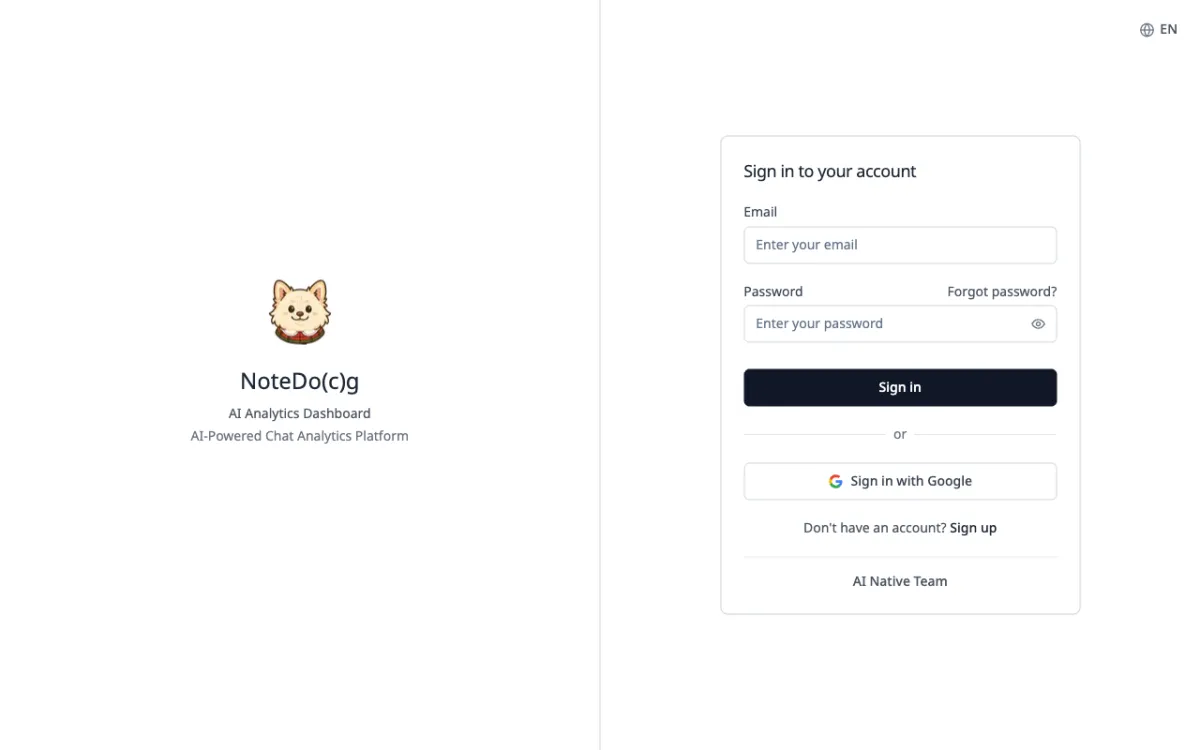
AI analytics for LINE Official Account group chats, with automatic conversation summaries.
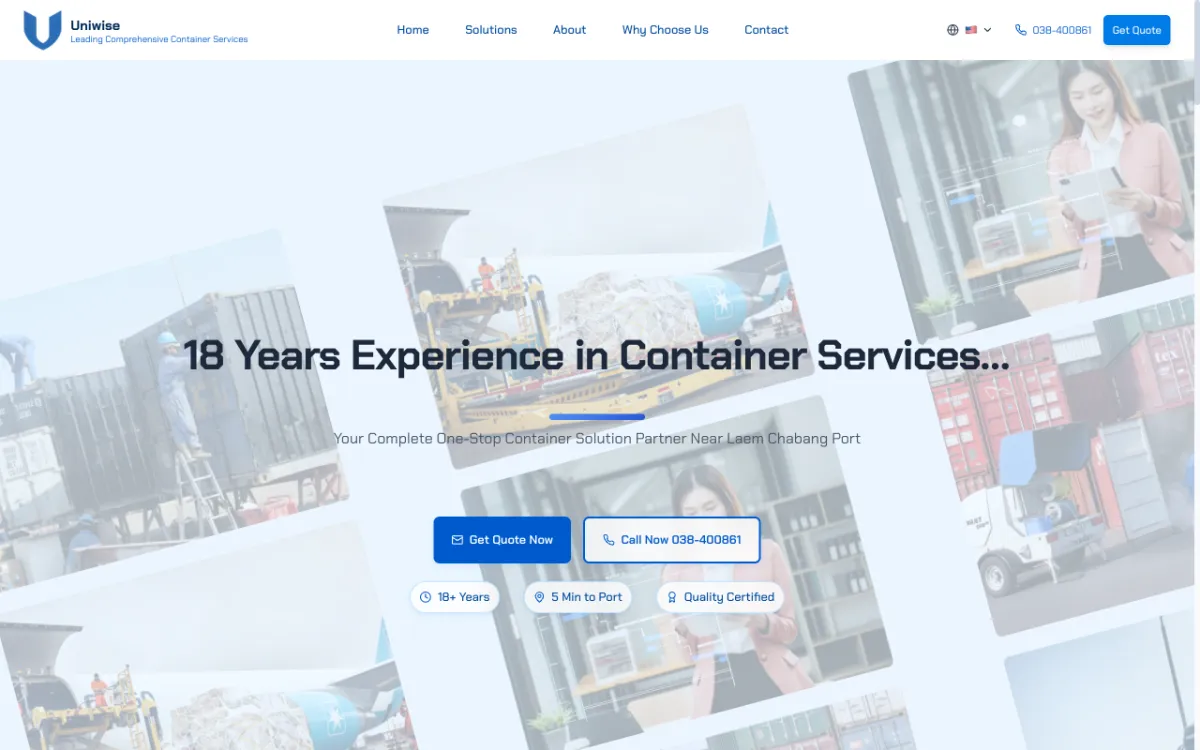
Site for a container yard near Laem Chabang Port. Thai, English and Chinese.

Landing page for a startup studio & tech consultancy focused on MVPs.

Brand site for a software house founded by Chula students, serving Thailand & ASEAN.
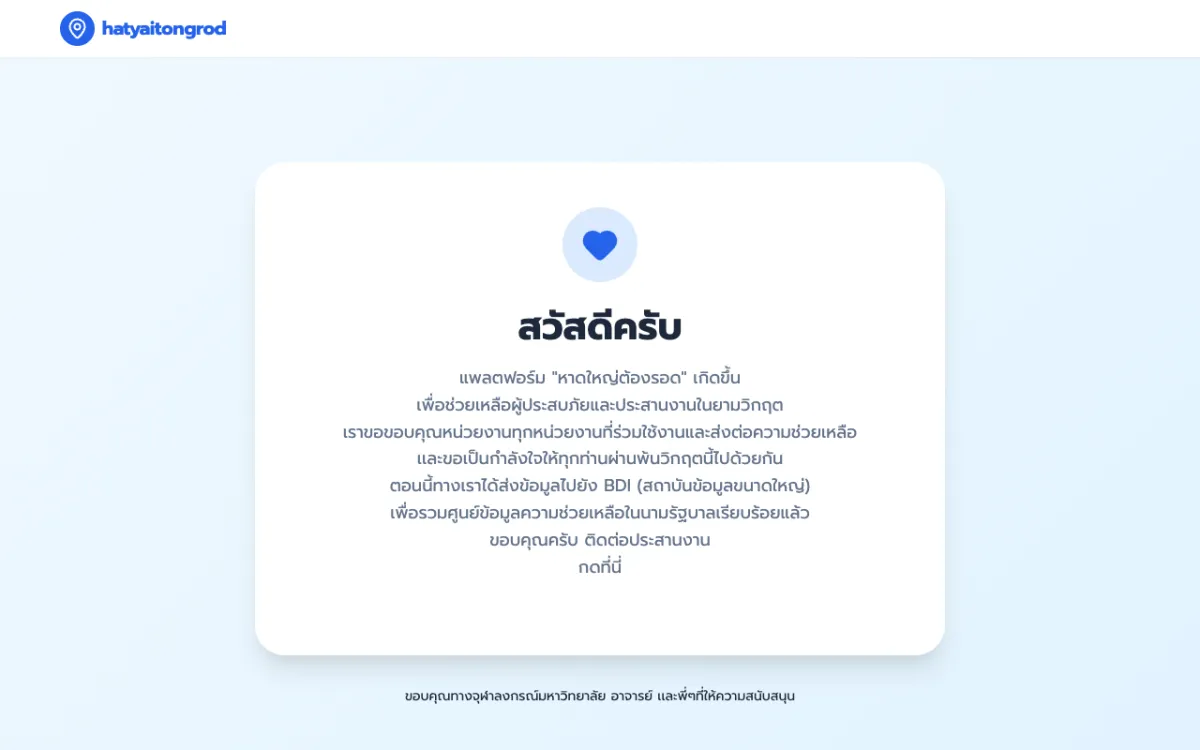
Crisis web app that served 1,000,000+ concurrent users during the Hat Yai floods.
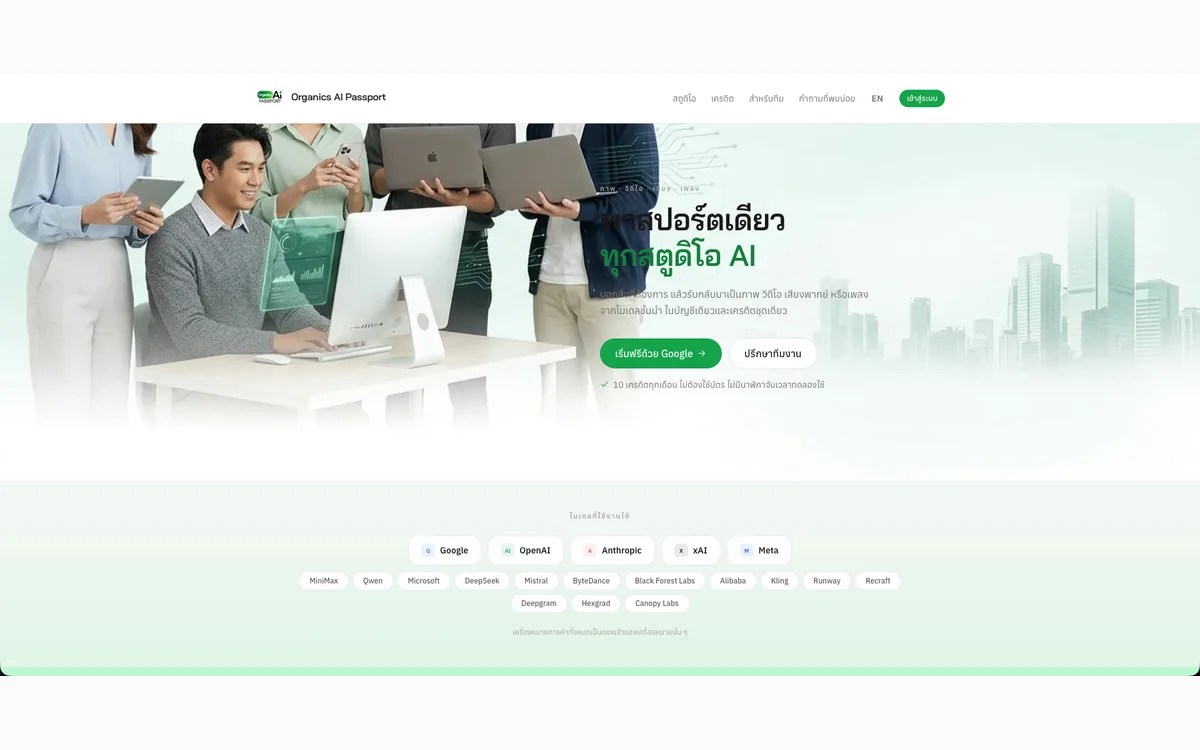
One account to generate images, video, voiceovers and music with AI, metered by a single credit balance.
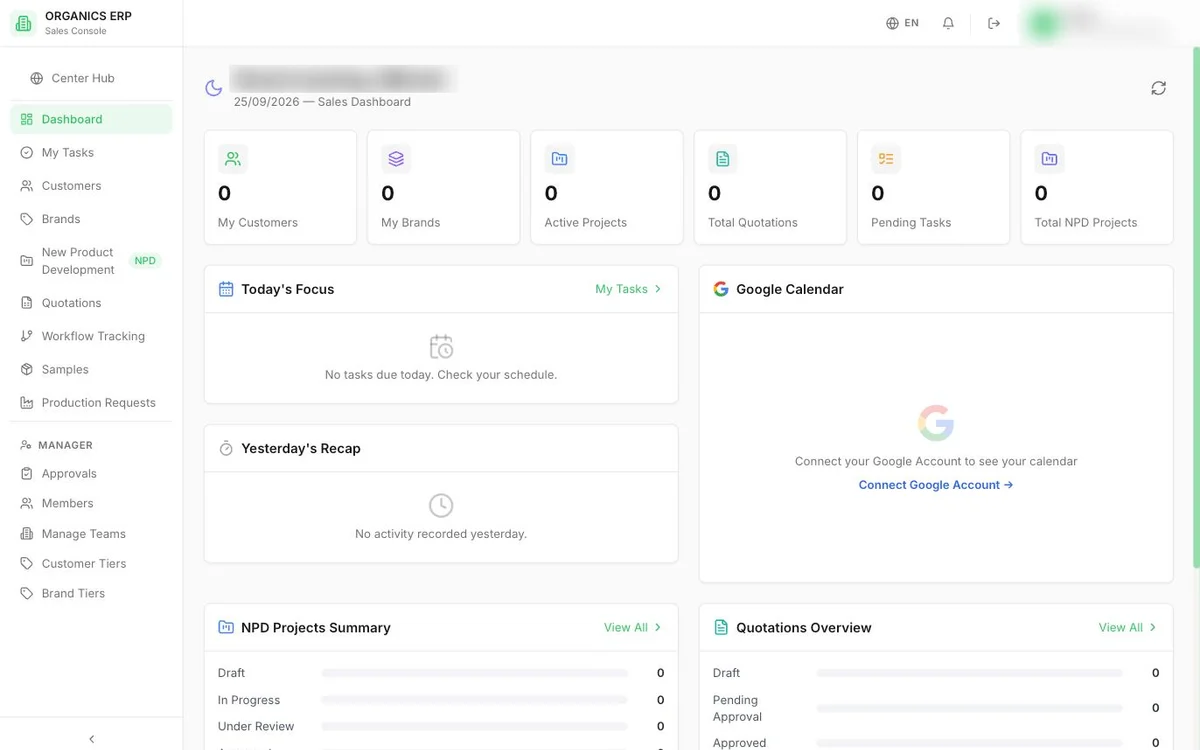
Department-by-department ERP for a cosmetics manufacturer, covering sales, procurement, production, warehouse and finance.
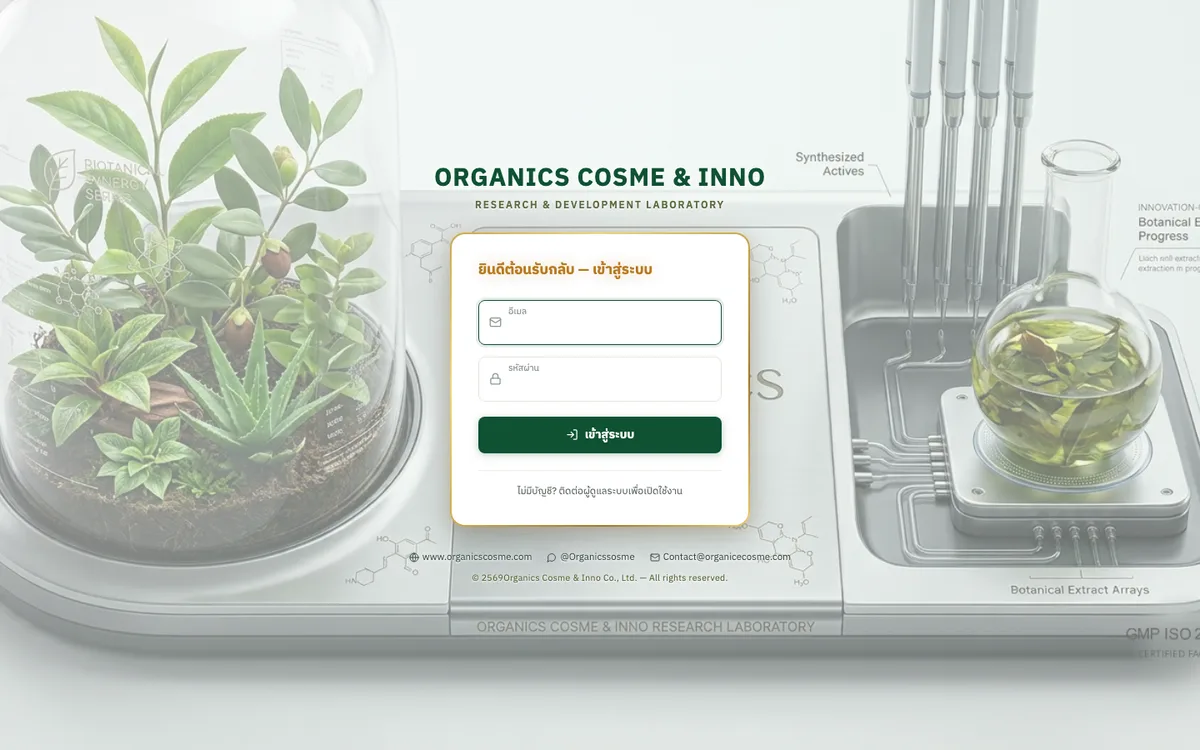
Sales brief system that carries an OEM product brief from intake through quotation to delivery tracking.
AI workspace for a cosmetics R&D team to find ingredients, check stock, and draft, cost and revise formulas.
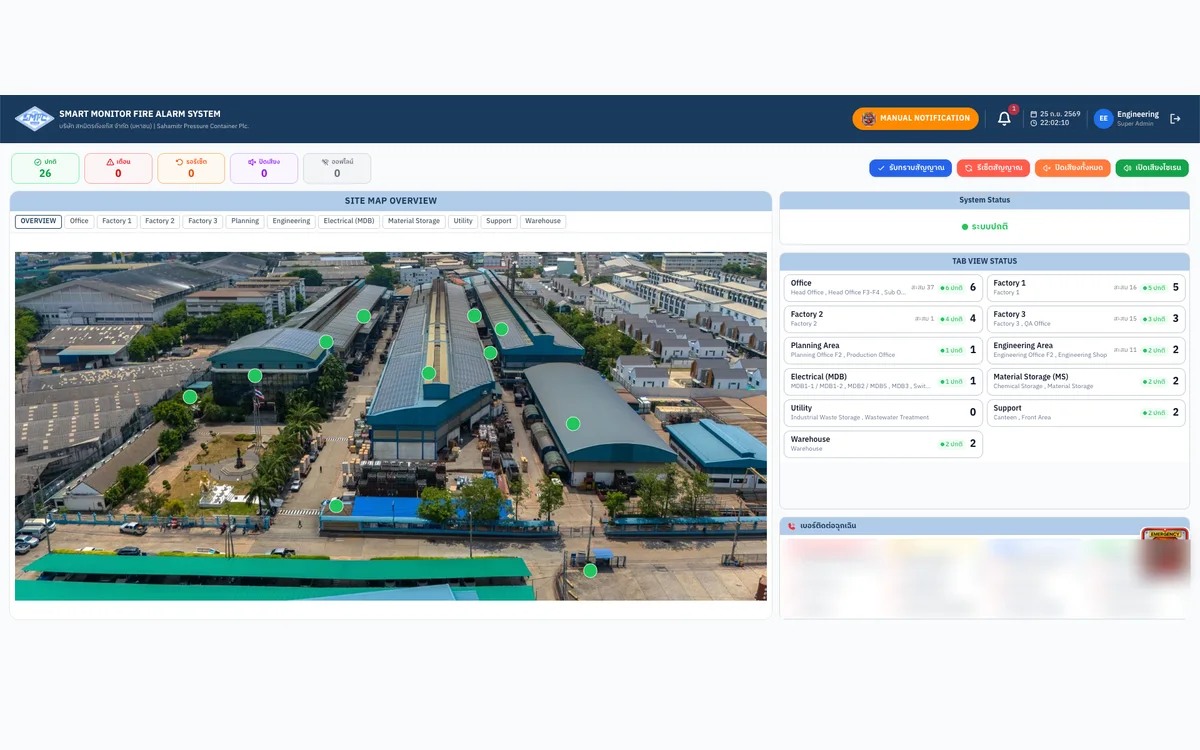
Real-time fire-alarm monitoring web app for a factory, wired directly to its PLC.
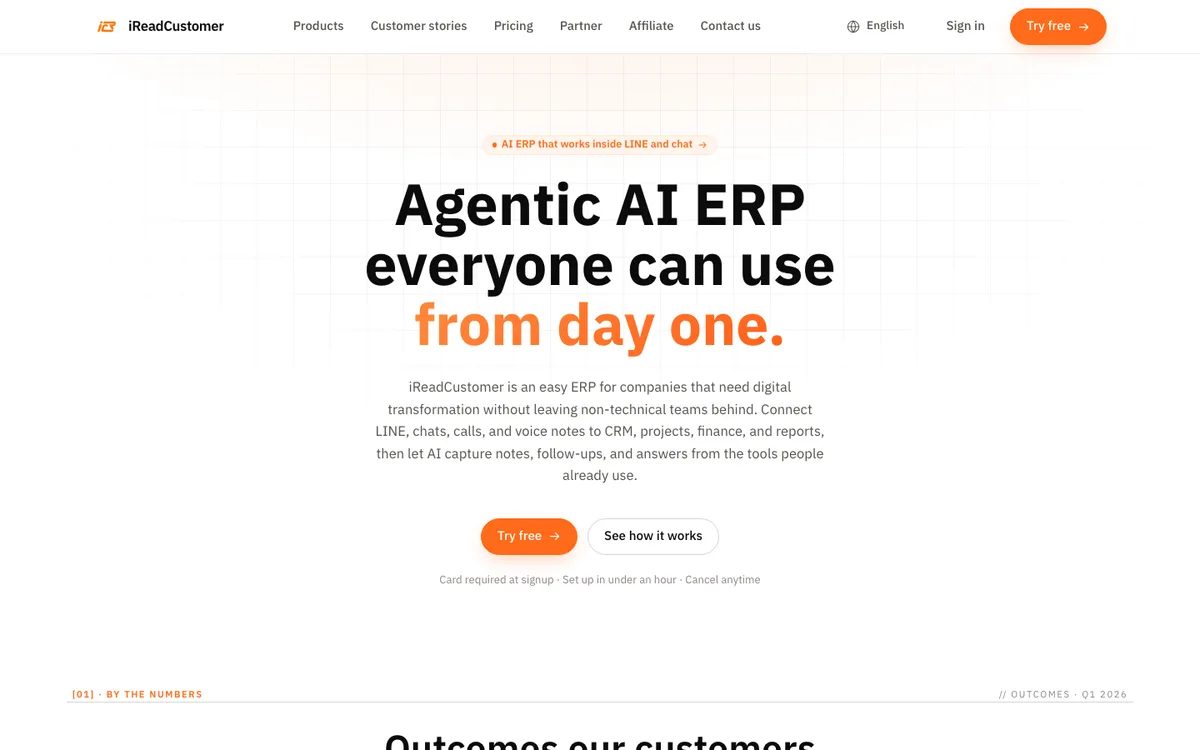
AI-agent ERP that connects LINE chats and voice notes to CRM, projects, sales and accounting.
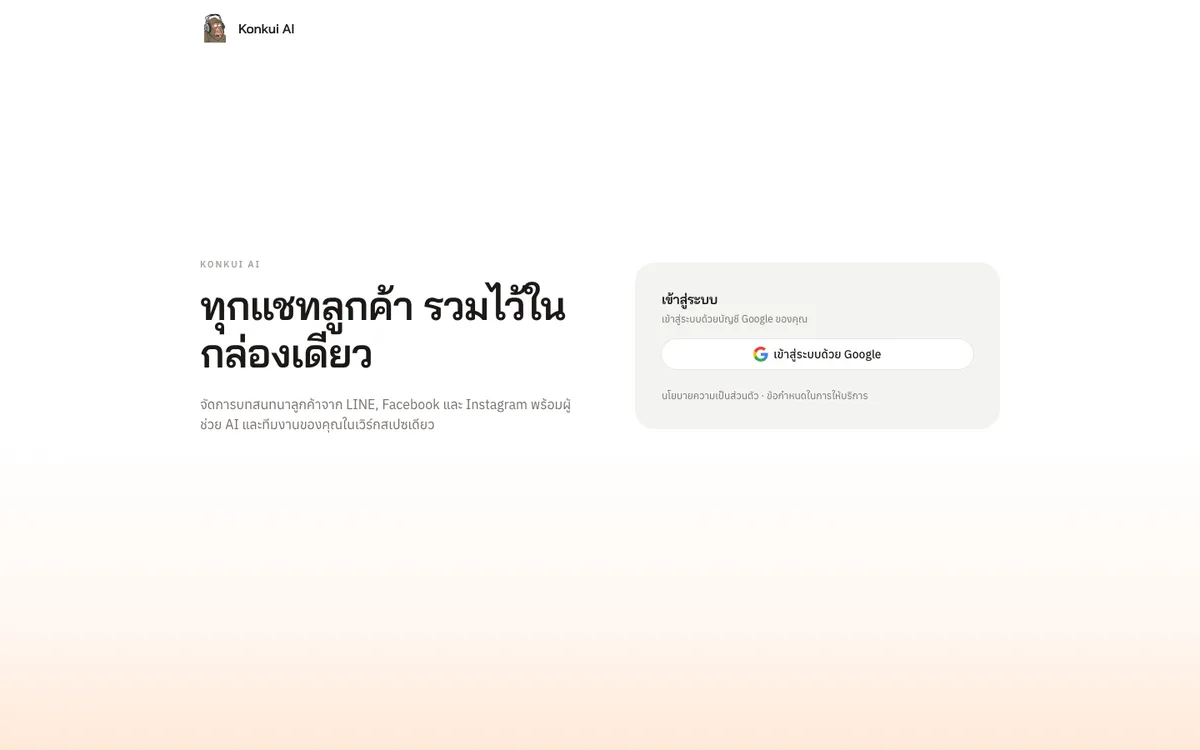
One inbox for LINE, Facebook and Instagram customer chats, with an AI Assistant that answers first and hands off to the team.
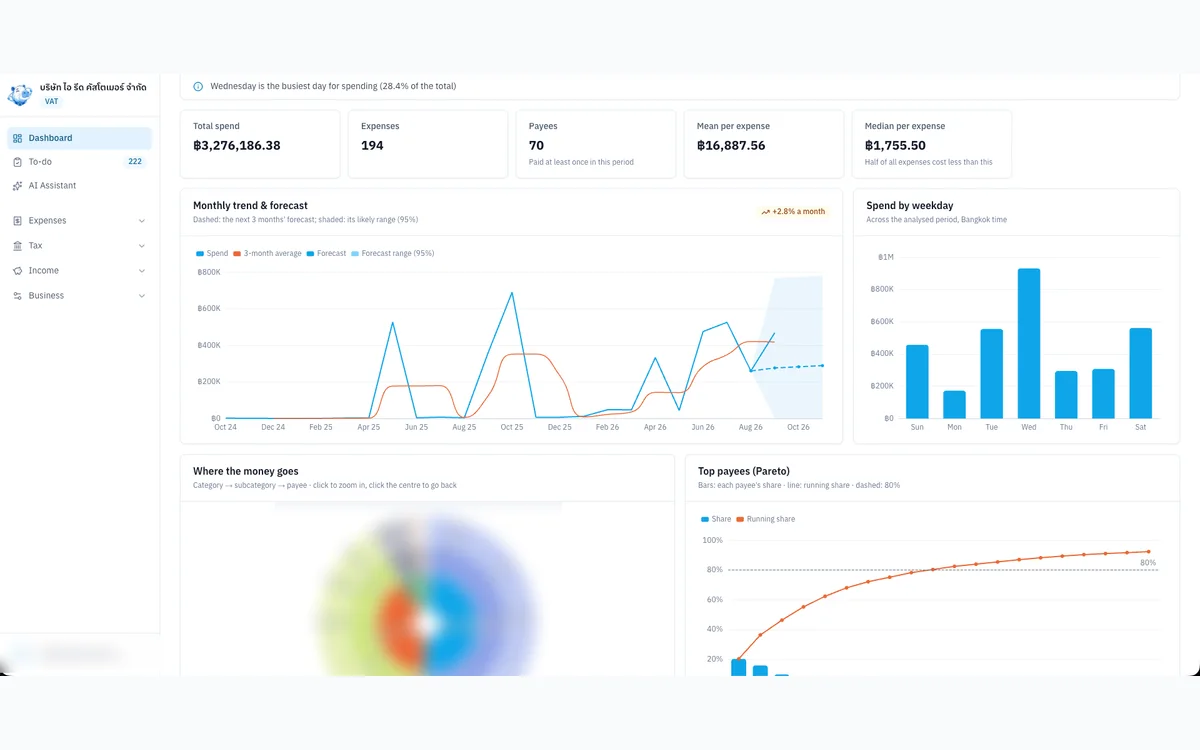
Internal tool that organises expense evidence, input VAT and P.P.36 for a VAT-registered Thai company.
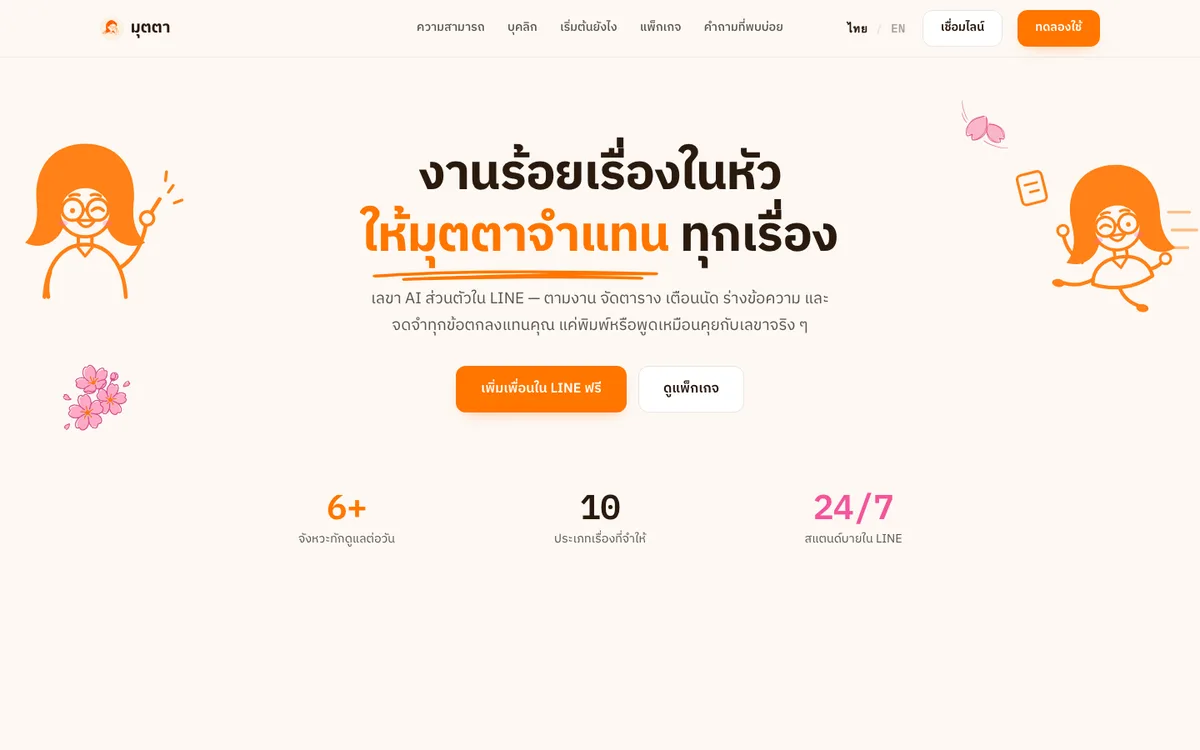
An AI personal secretary in LINE that chases follow-ups, keeps your schedule, drafts messages and remembers every agreement.
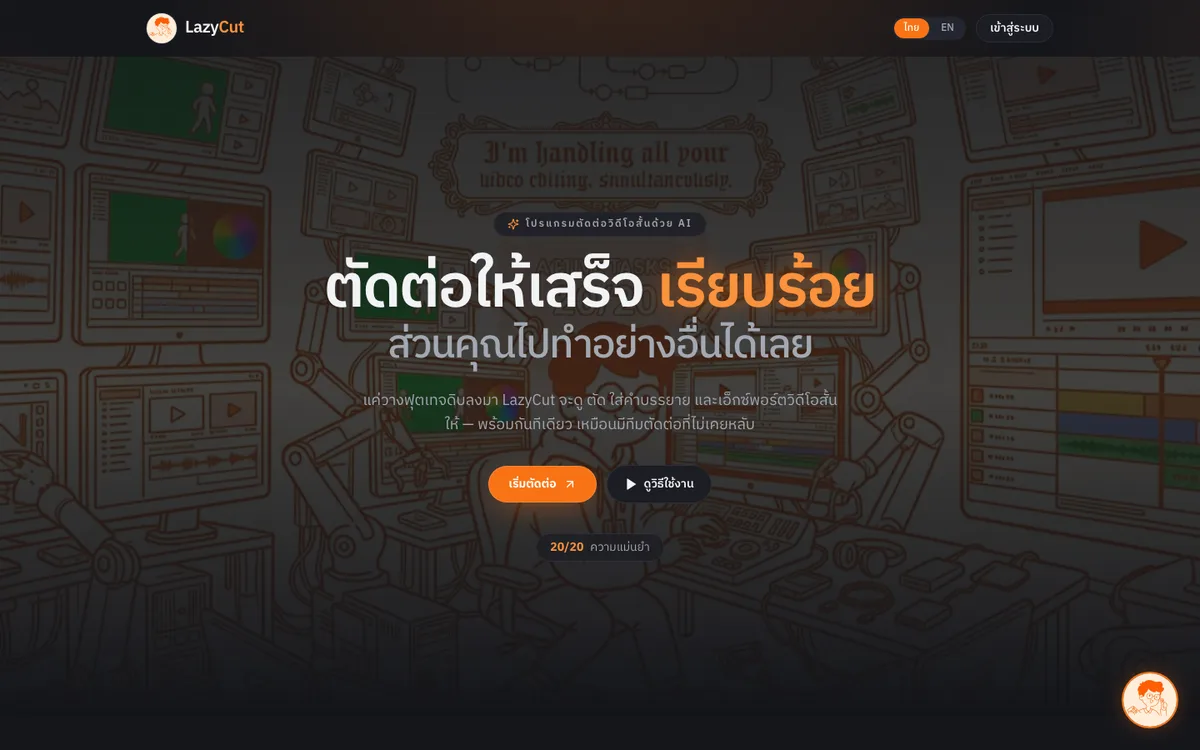
AI short-form video editor that cuts dead air, adds captions and exports ready-to-post clips.
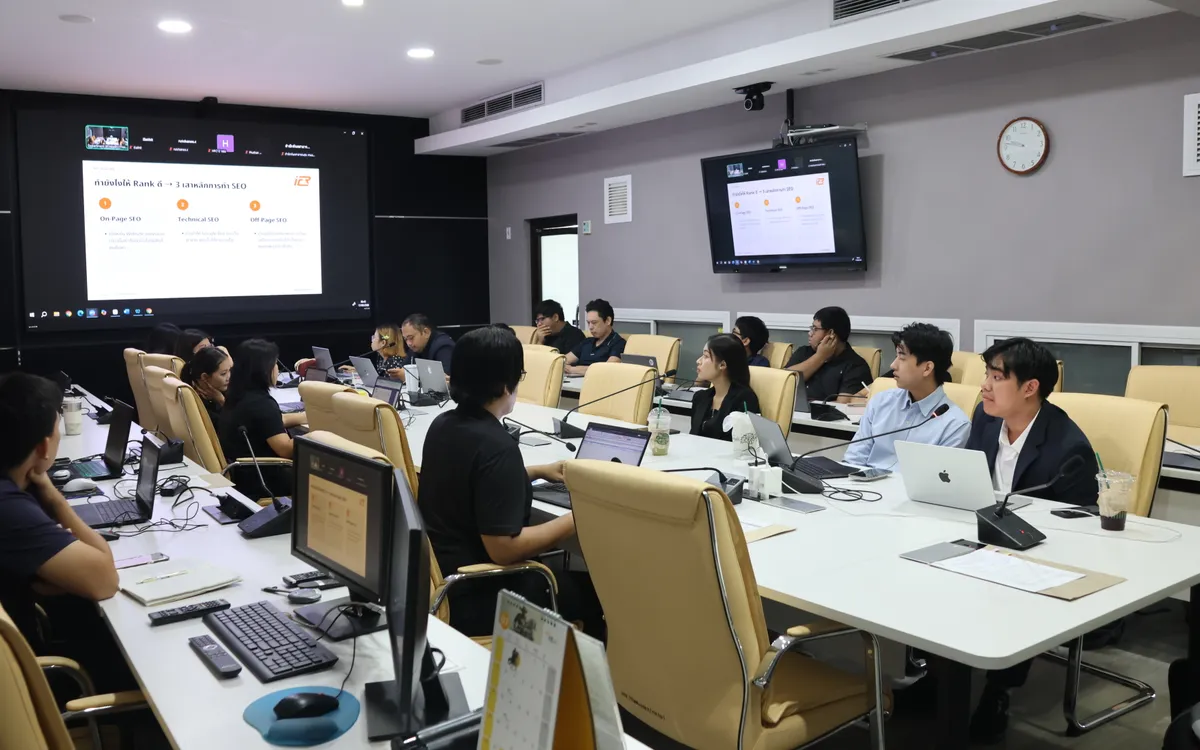
Onsite training and hands-on workshop (09:30–16:00) that helps the Department of Health’s web teams make articles easier for Google and AI search to find, understand and cite.
Contact Us