01·Gallery
HD video training courses
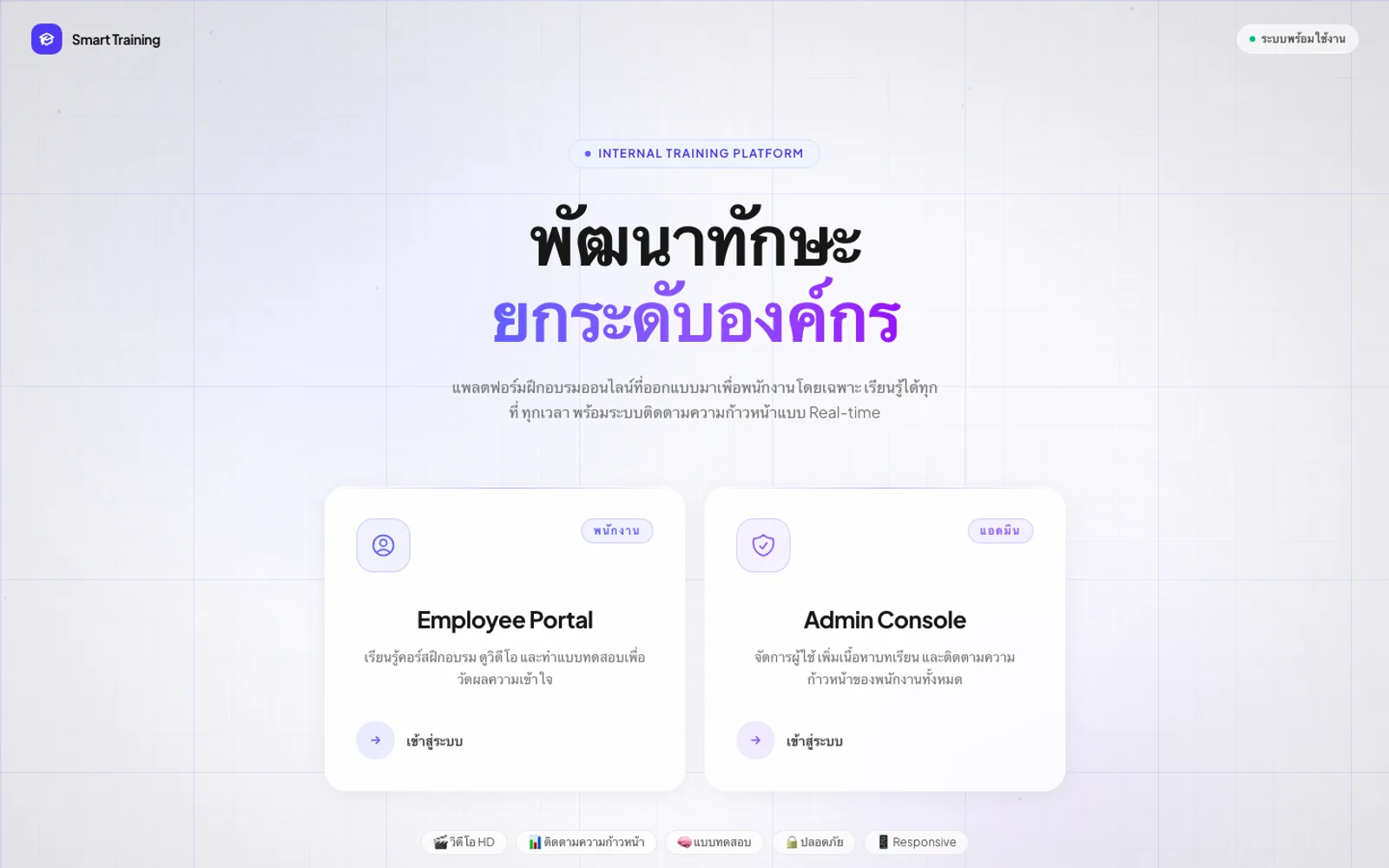
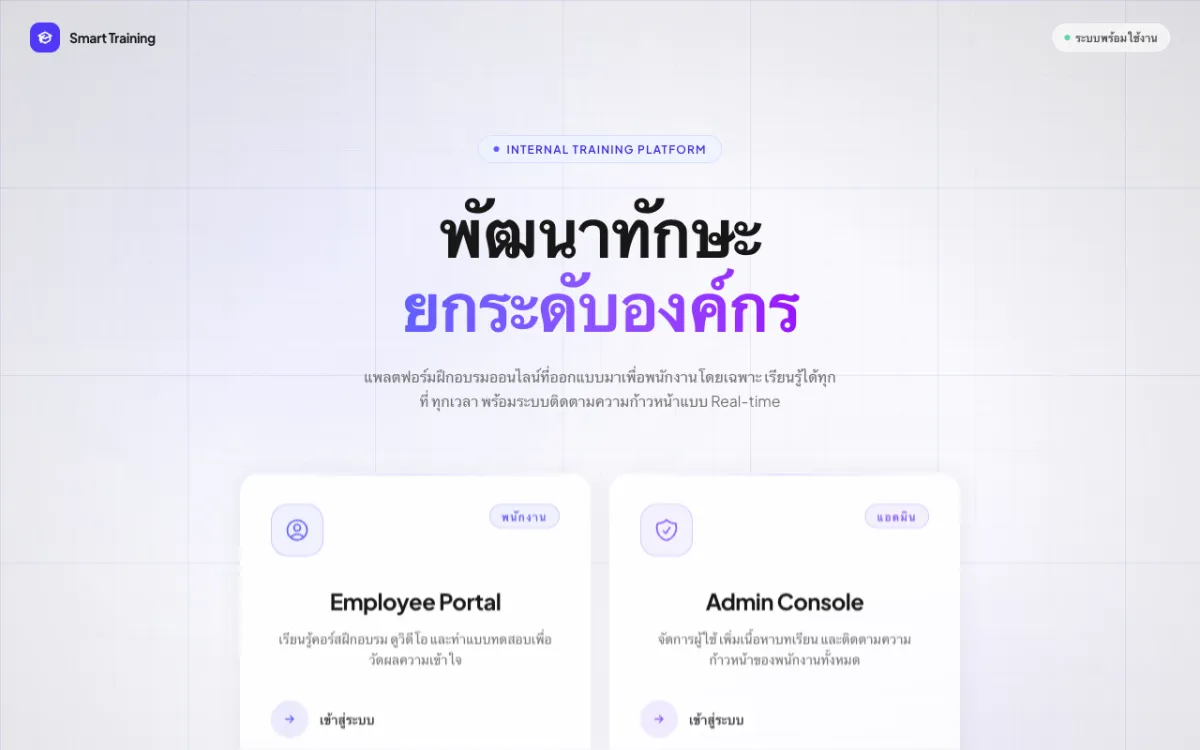
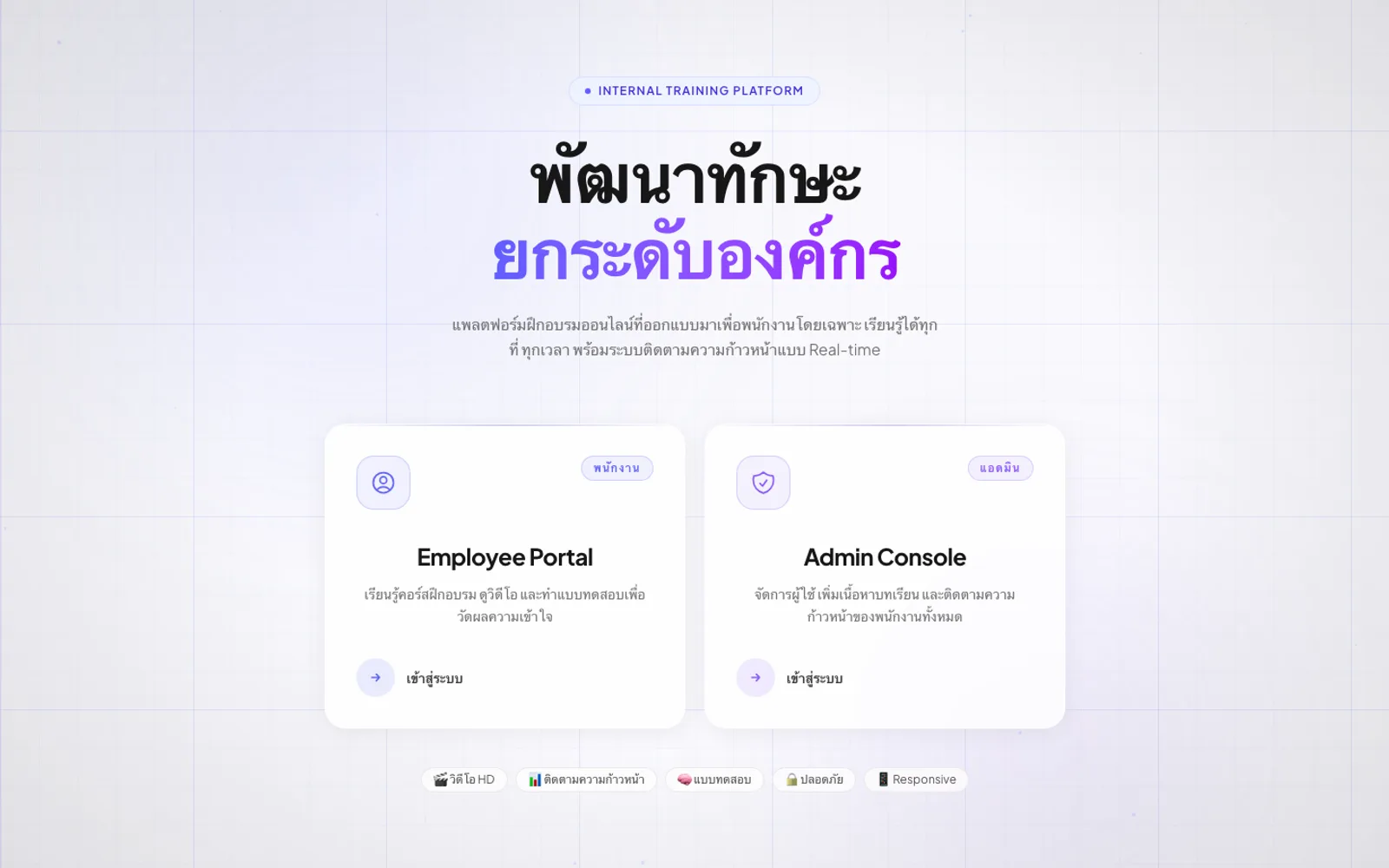
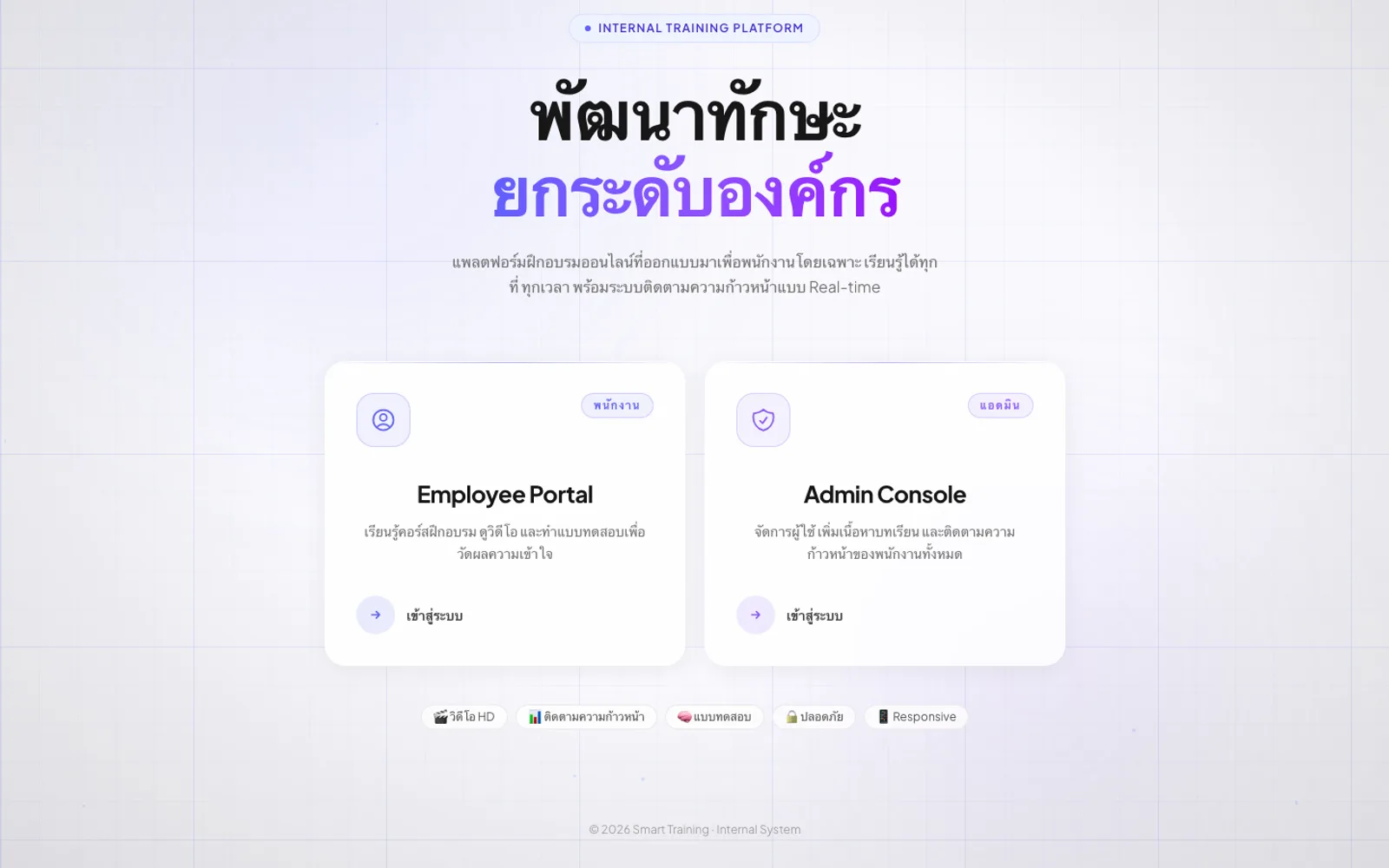
Separate employee & admin portals
Internal employee training (LMS) with video courses and quizzes.
Main admin, branch manager and employee
A lesson counts as passed at 80% or above on its quiz
Upload MP4, MOV, AVI or WebM directly, or link a video instead
An internal employee-training platform. Staff learn through HD video courses and quizzes while progress is tracked in real time, and separate portals serve employees and administrators.
A business with several brands and branches needs every staff member trained to one standard — product knowledge, technique and selling for each brand, plus general topics such as safety rules, marketing and computer systems — while head office and branch managers need to know who has finished and passed. The build had to put courses online, check understanding after every lesson, and show progress to head office across the board and to each branch manager for their own team only.
The aim is training that can be measured, not just videos watched. So we followed one lesson from head office creating it, to an employee watching it and taking the quiz, to the result reaching the person responsible for that employee.
Users are split into main admin, branch manager and employee. Employees sign in on their own page, while admins and branch managers share the management sign-in. Each branch manager is tied to a branch and a list of assigned members, and management sign-ins expire after 8 hours.
Admins build courses and lessons themselves. Each lesson has two steps: first a video, either an MP4, MOV, AVI or WebM upload of up to 500 MB or a video link checked before continuing, then one or more multiple-choice quiz sets. Each course has an on/off switch so admins publish it when it is ready.
Employees browse by category (each brand’s courses and the general library), unlock a course to start recording progress, and see their own status on every lesson, from video watched or unfinished to quiz passed or failed.
The admin overview shows users, categories, courses and who has passed, with each person’s progress as a percentage, while branch managers see their assigned members and each one’s quiz results.
The platform is live, with separate sign-in pages for employees and for admins and branch managers.
Every lesson ends in a quiz, counted as passed at 80% or above.
Branch managers can see how far each of their members has got and whether they have passed.
Admins upload videos, write quizzes and open new courses from the console.
Courses are organised by brand and category, so every employee learns from the same material.
Main admin, branch manager and employee
A lesson counts as passed at 80% or above on its quiz
Upload MP4, MOV, AVI or WebM directly, or link a video instead
Gallery
01·Gallery
Separate employee & admin portals
02·Gallery
Works on any device, with secure sign-in
03·Gallery
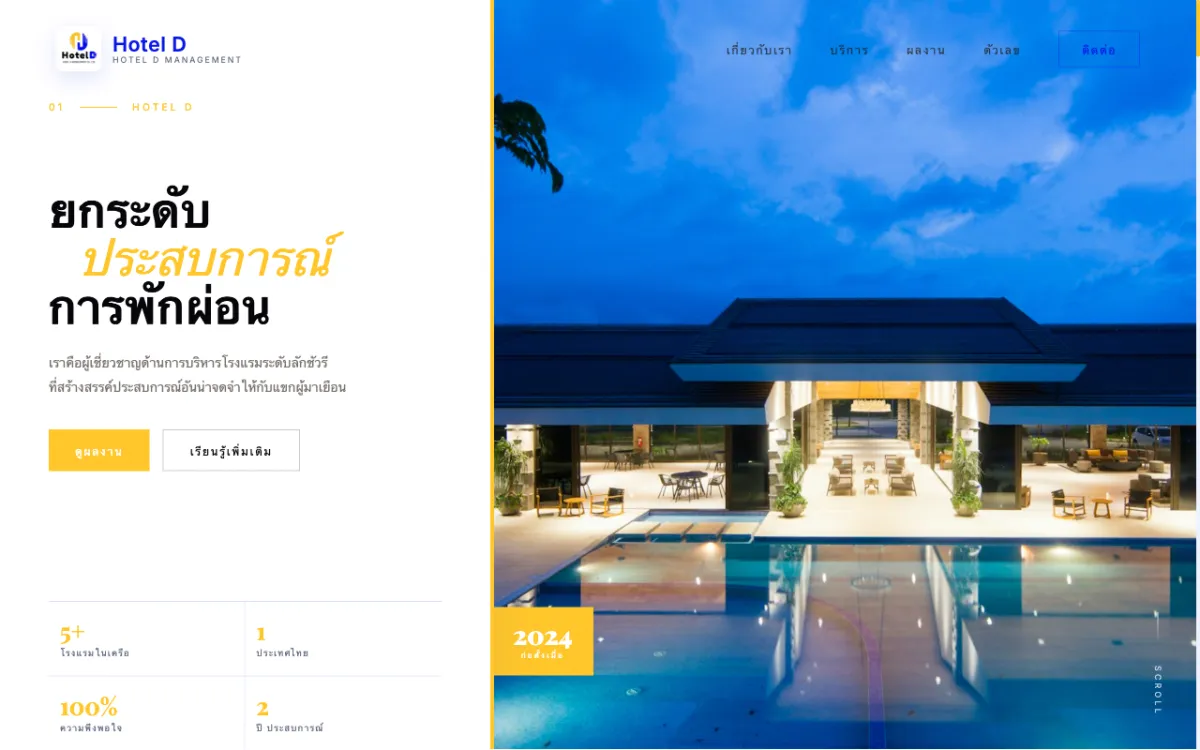
Corporate site for a full-service hotel-management firm serving properties across Thailand. Bilingual.
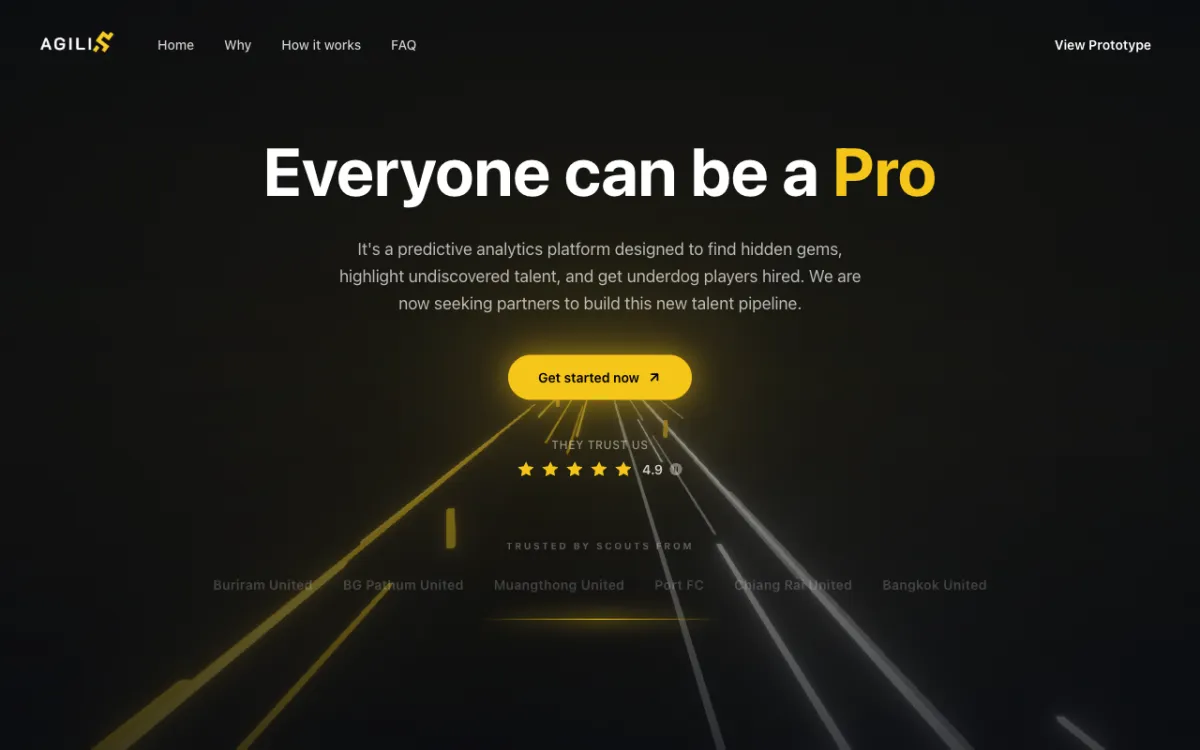
Football scouting platform (prototype stage) connecting players with scouts and clubs.
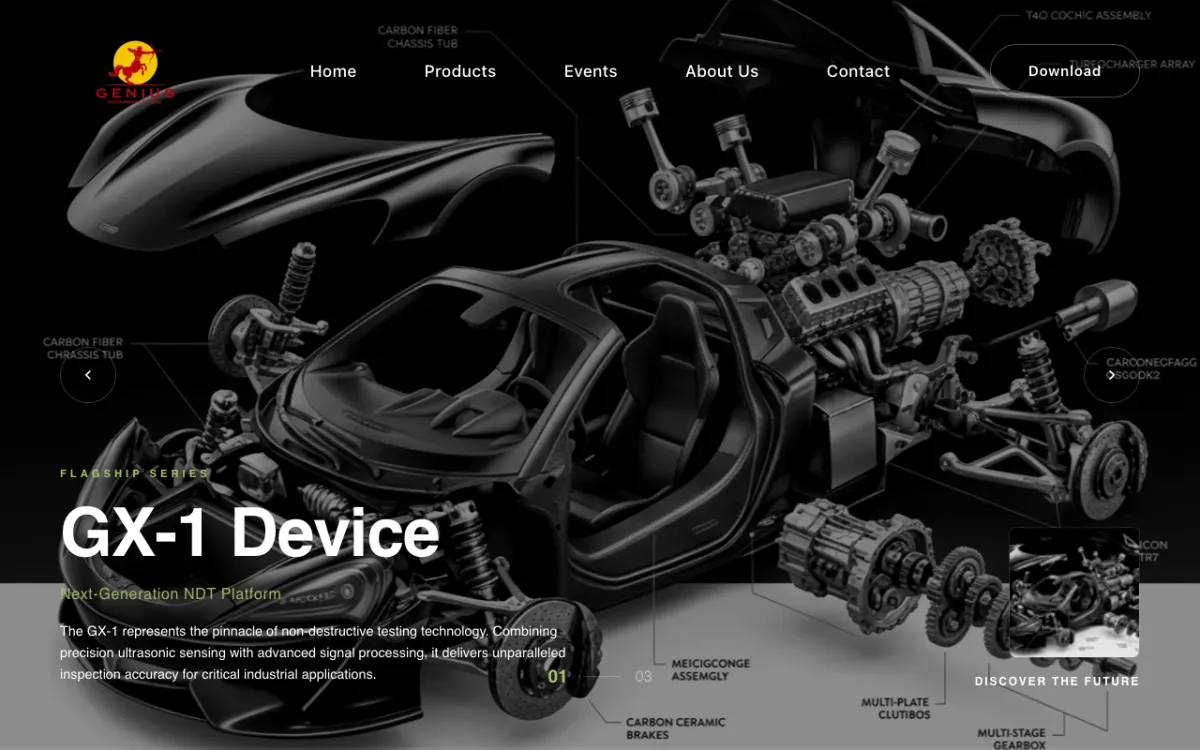
Product and services site for a supplier of NDT systems, coordinate measuring machines (CMM) and 3D scanners.
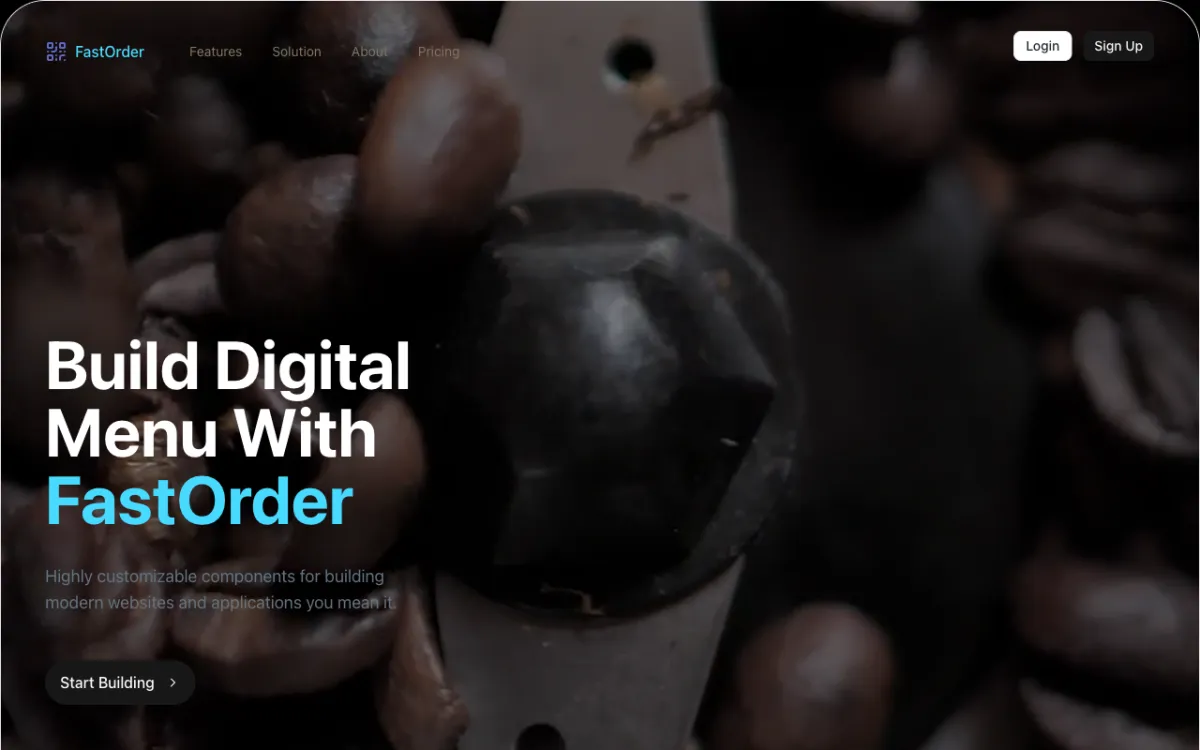
Digital-menu and QR order-management system for restaurants.
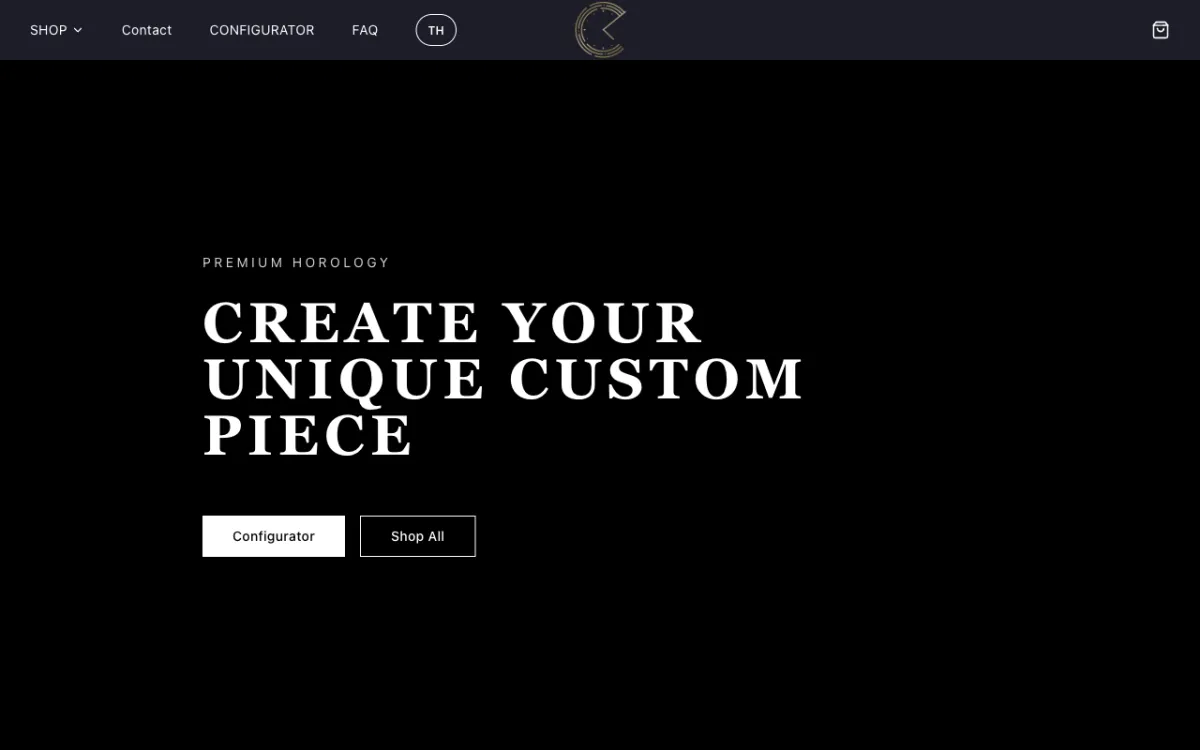
E-commerce store for custom Seiko mod watches with a configurator.
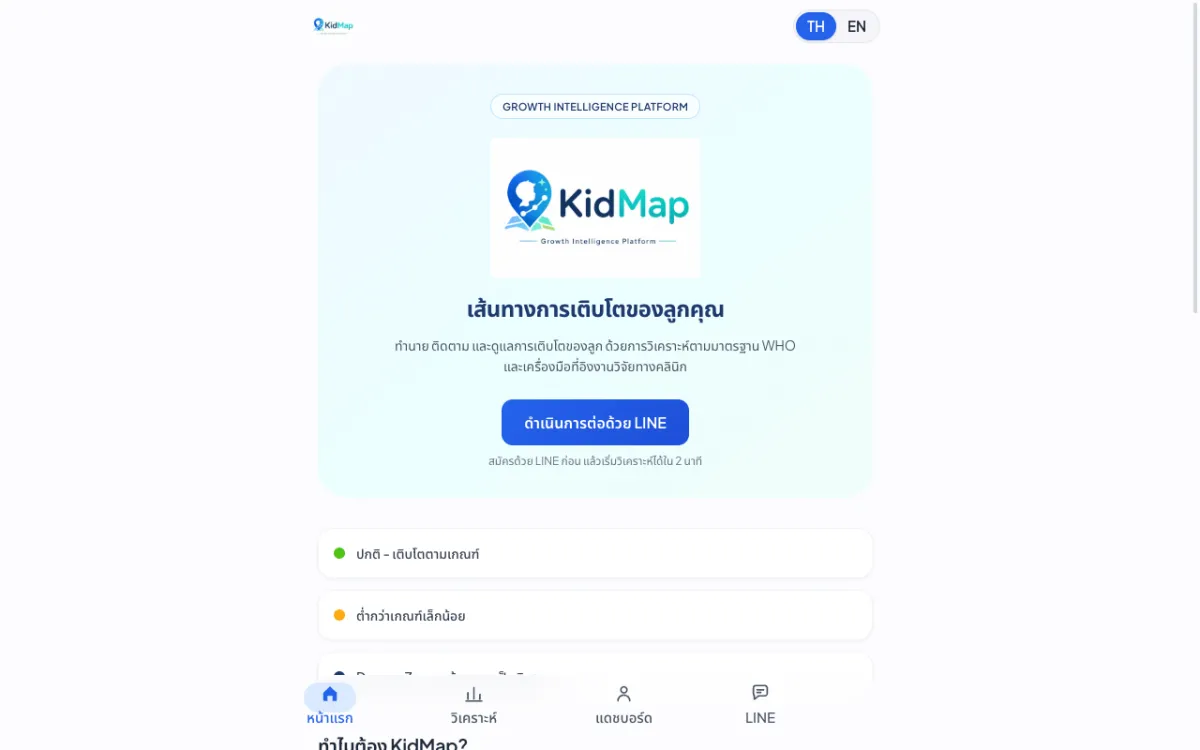
Platform that predicts and tracks children’s growth against WHO standards.
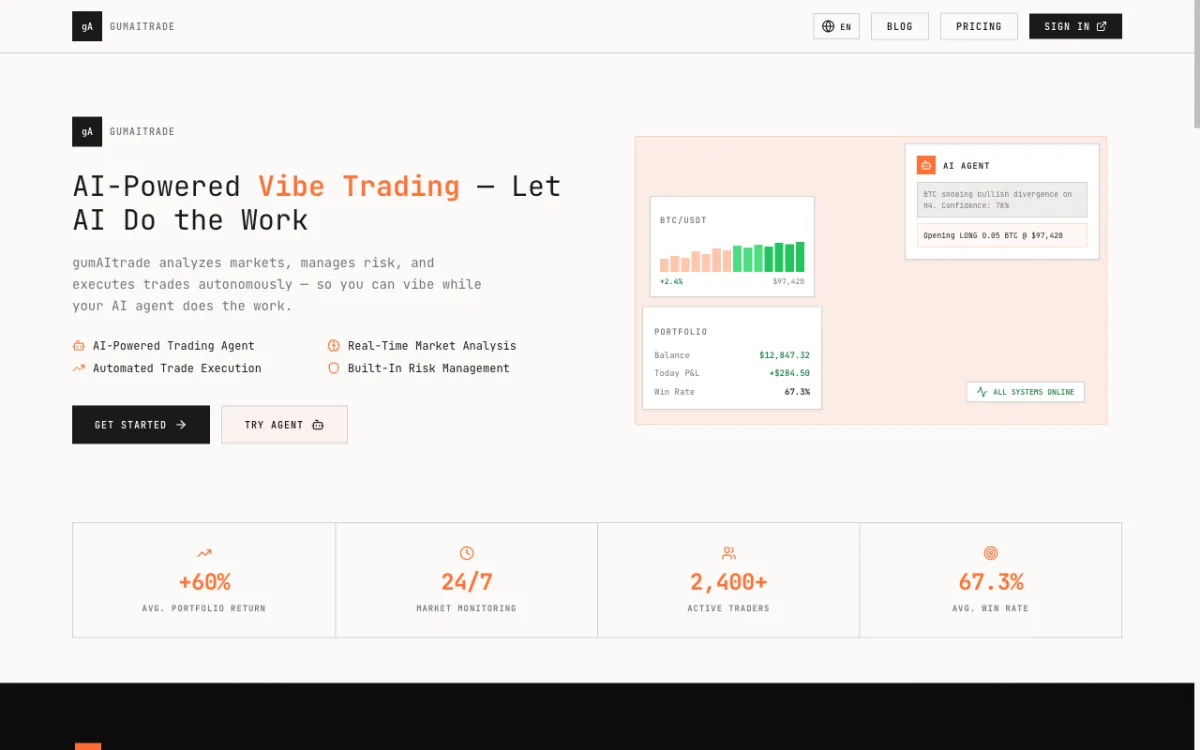
Product site for an AI crypto trading bot built around a “vibe trading” concept.
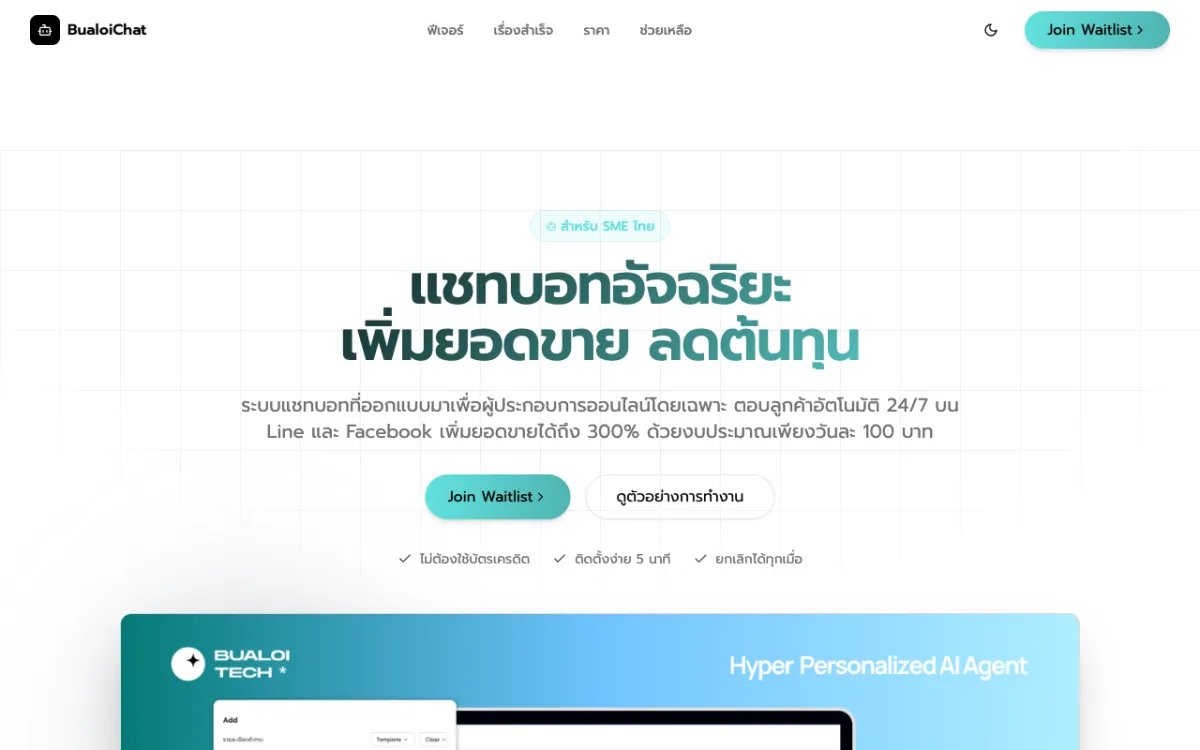
Pre-launch landing page for an AI chatbot service that answers SME customers on LINE OA and Messenger.
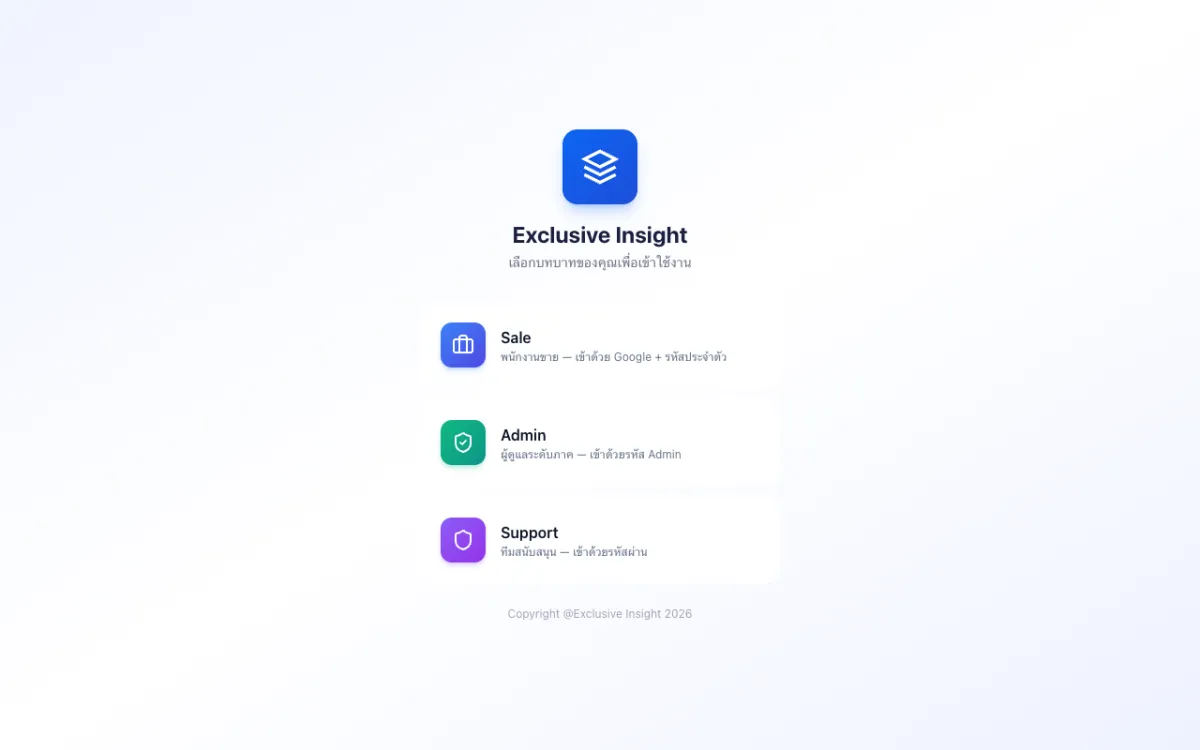
Role-based CRM with Sales, Admin and Support access.
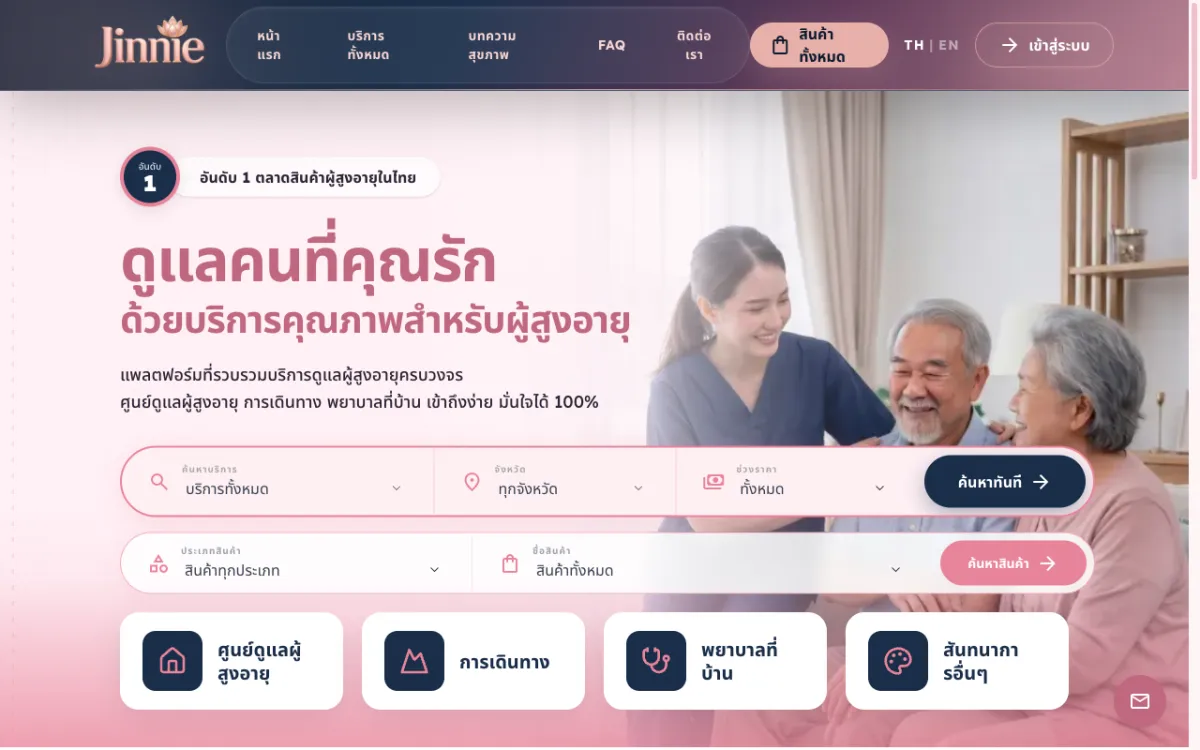
Platform to find and book elderly-care services across 12 categories from many providers.
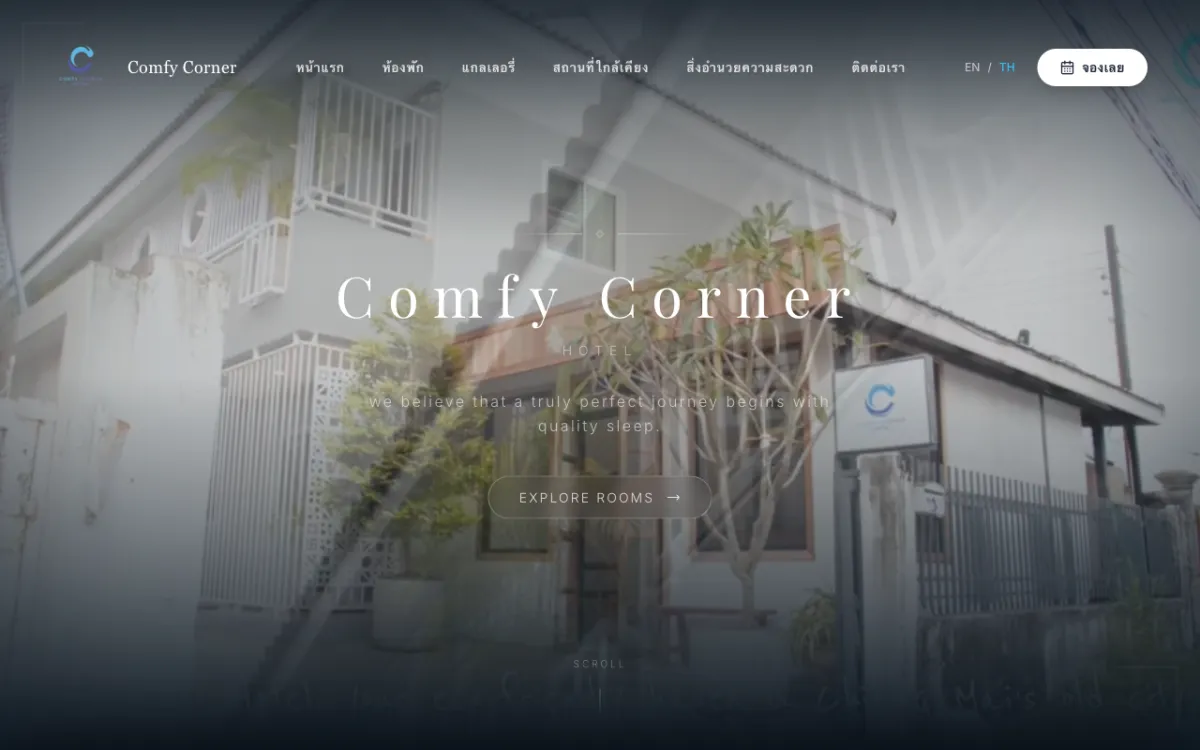
Booking site for a boutique budget hotel in Chiang Mai. Bilingual.
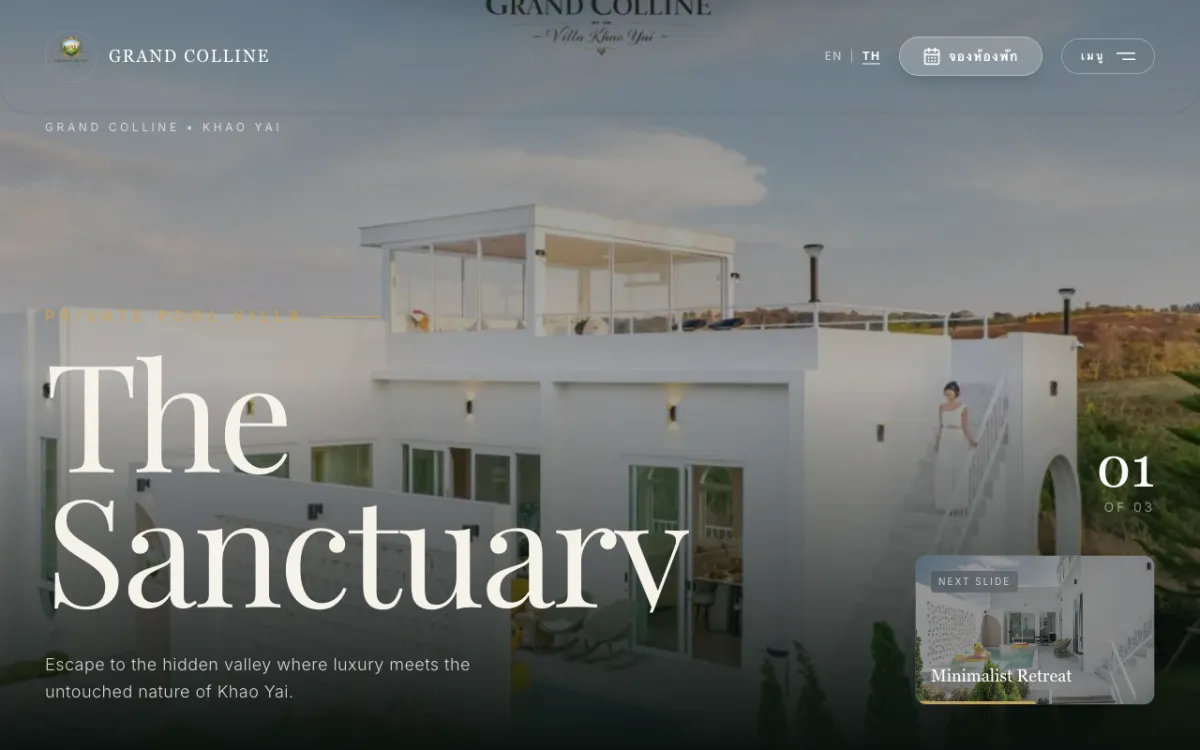
Private luxury pool-villa resort in Khao Yai; books via Agoda/Trip.com. Bilingual.

Khao Yai resort site with a “music meets nature” concept. Bilingual.
Site for a premium real-estate developer and home-builder. Bilingual.
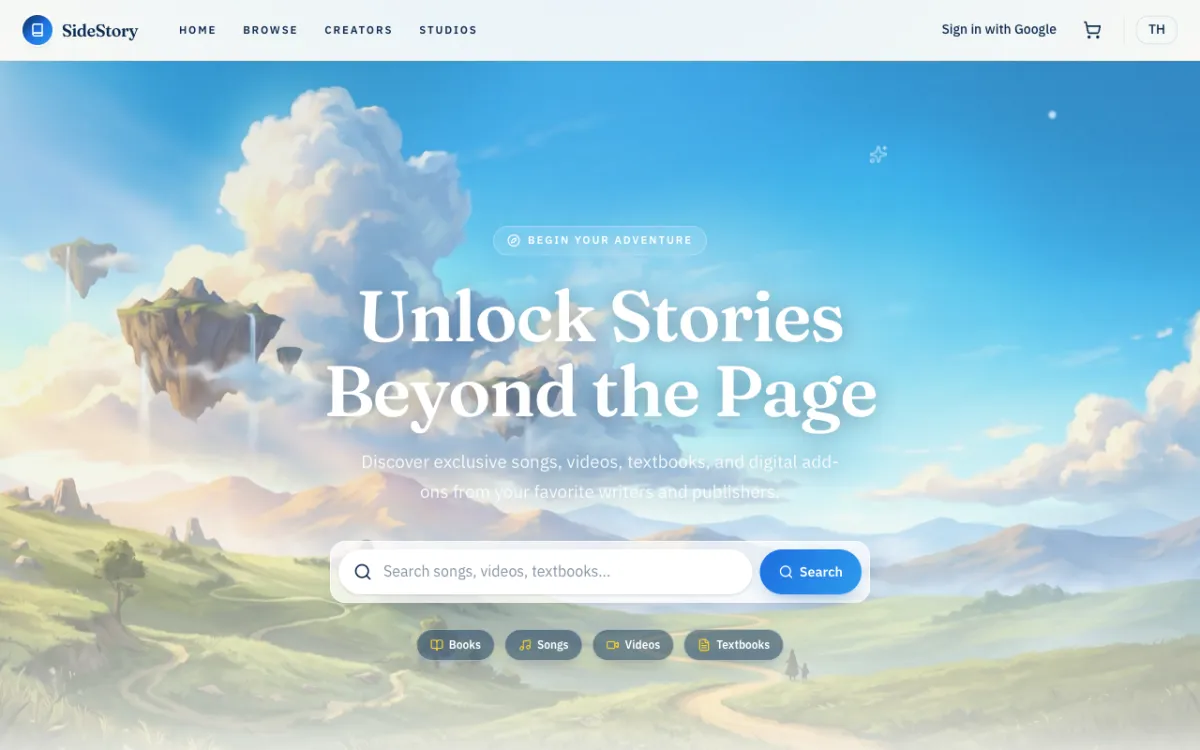
Digital-content marketplace for Thai writers and publishers.
AI analytics for LINE Official Account group chats, with automatic conversation summaries.
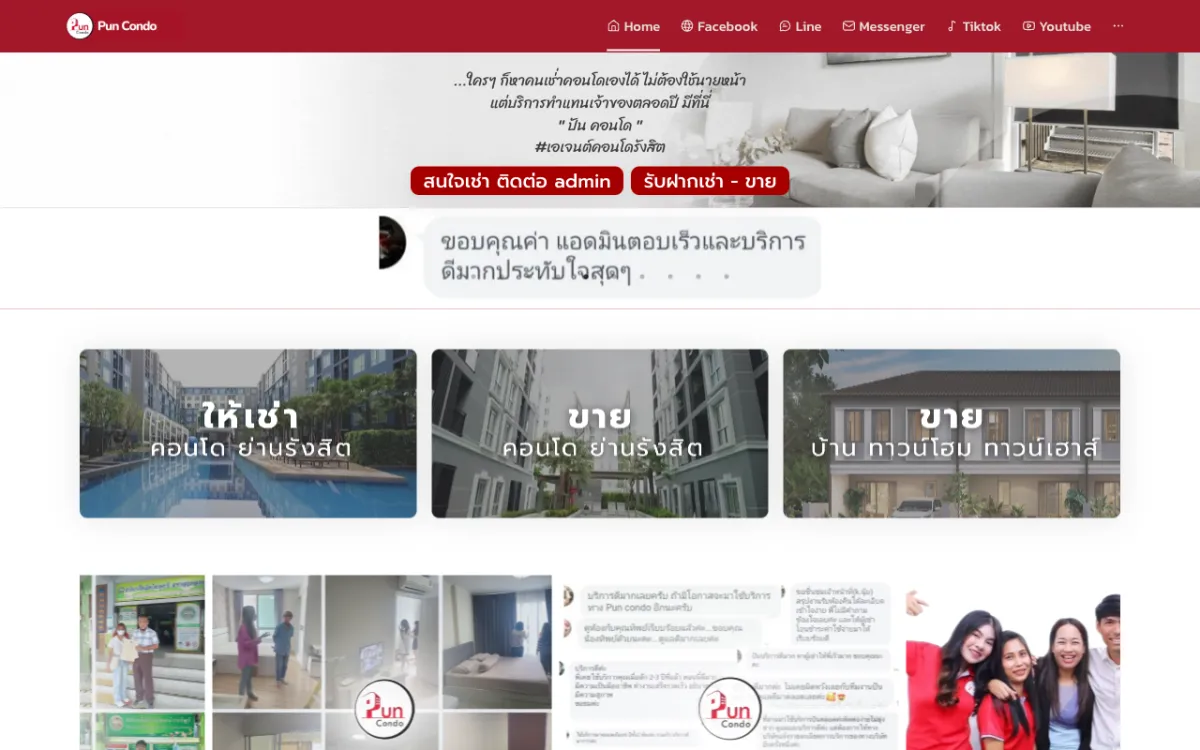
Real-estate platform with property listings and an admin back-office.
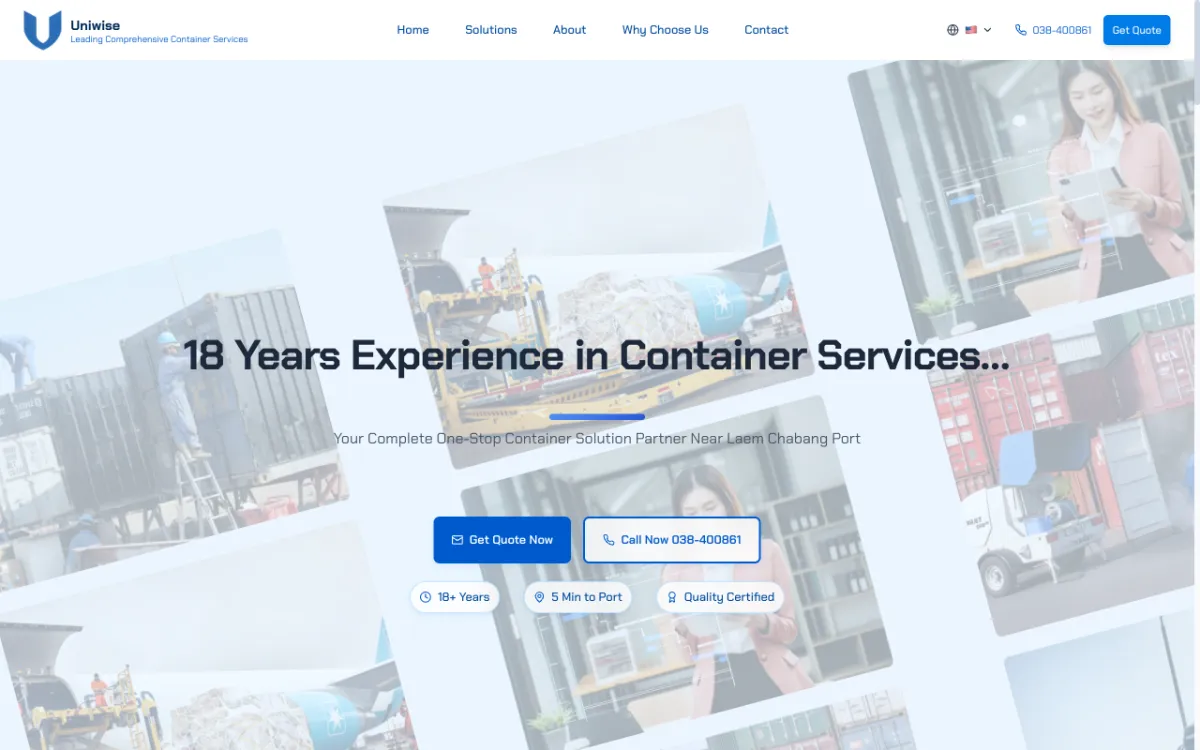
Site for a container yard near Laem Chabang Port. Thai, English and Chinese.
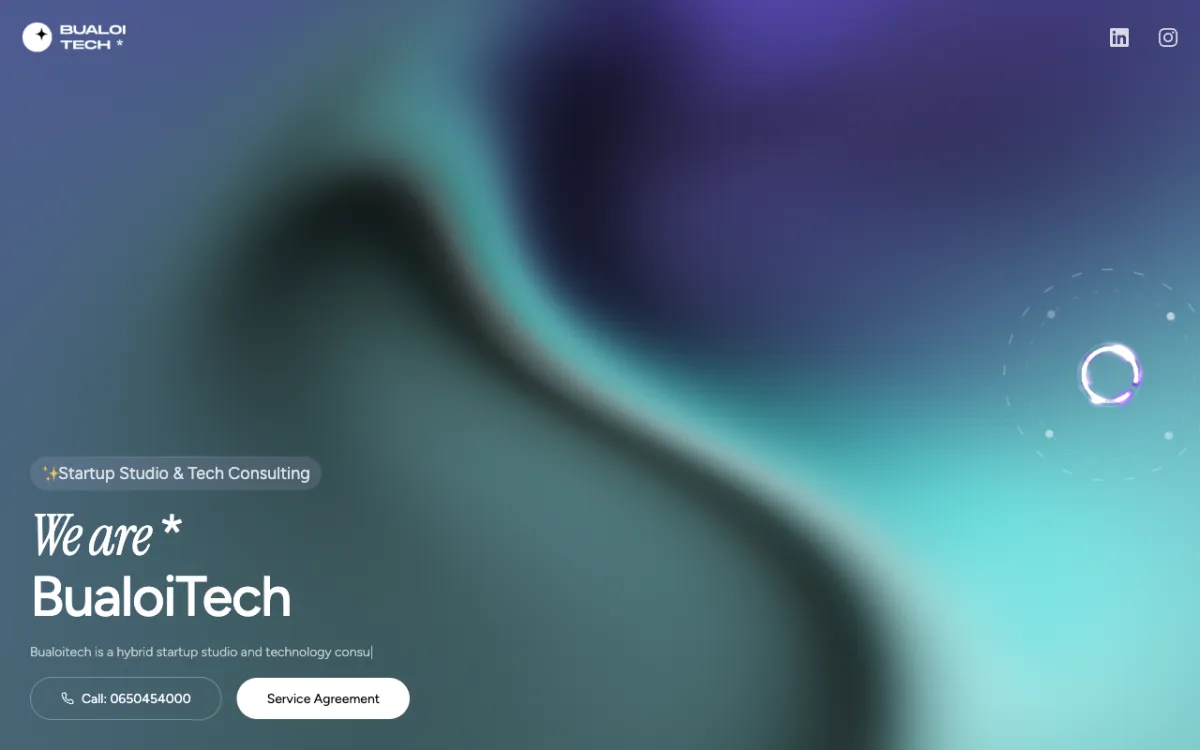
Landing page for a startup studio & tech consultancy focused on MVPs.

Brand site for a software house founded by Chula students, serving Thailand & ASEAN.
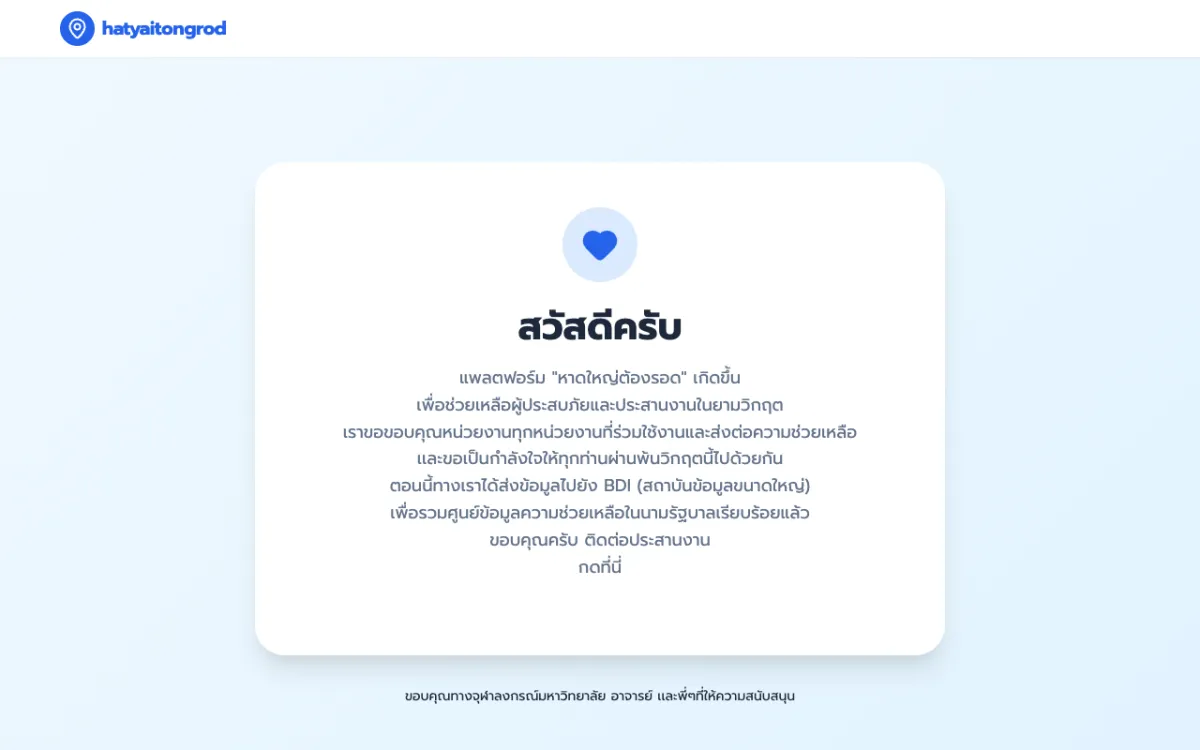
Crisis web app that served 1,000,000+ concurrent users during the Hat Yai floods.
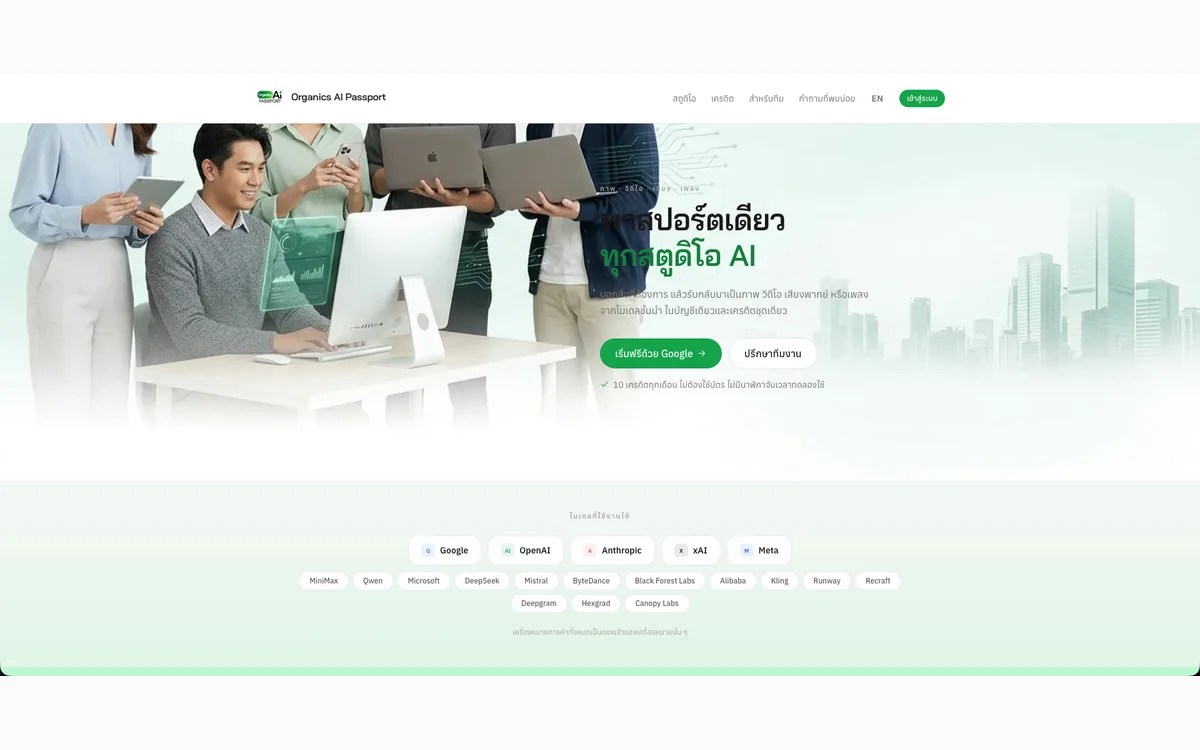
One account to generate images, video, voiceovers and music with AI, metered by a single credit balance.
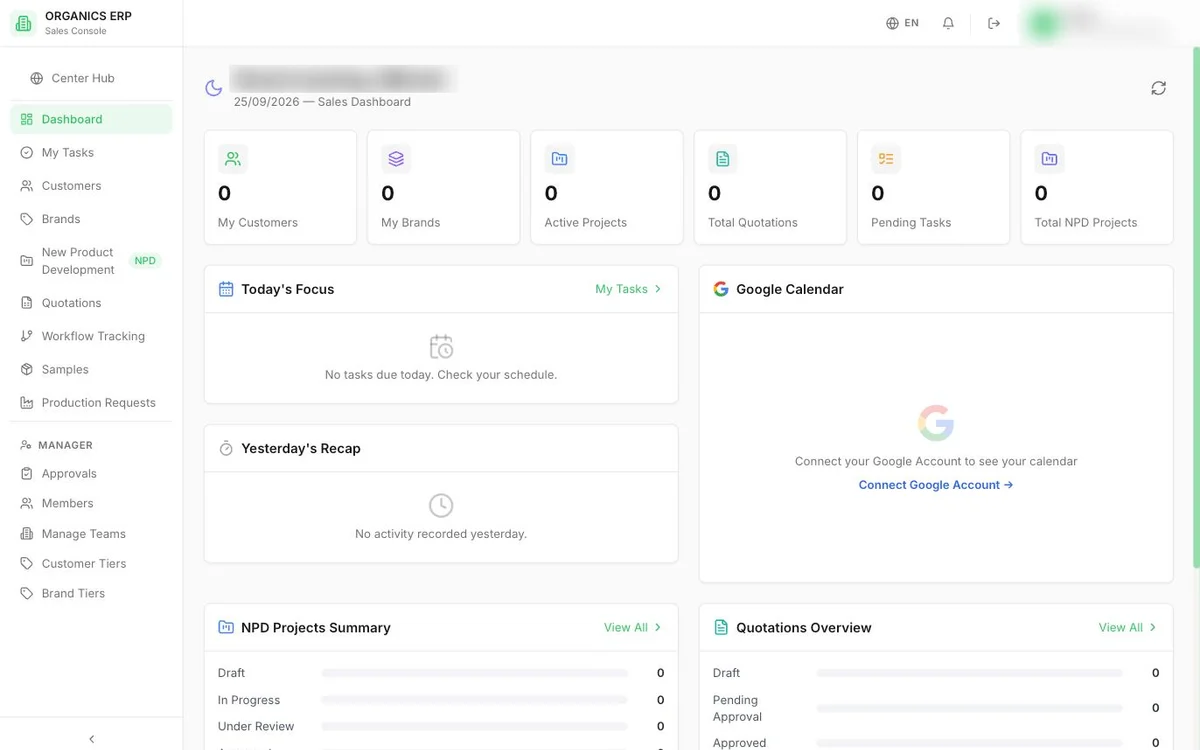
Department-by-department ERP for a cosmetics manufacturer, covering sales, procurement, production, warehouse and finance.
Sales brief system that carries an OEM product brief from intake through quotation to delivery tracking.
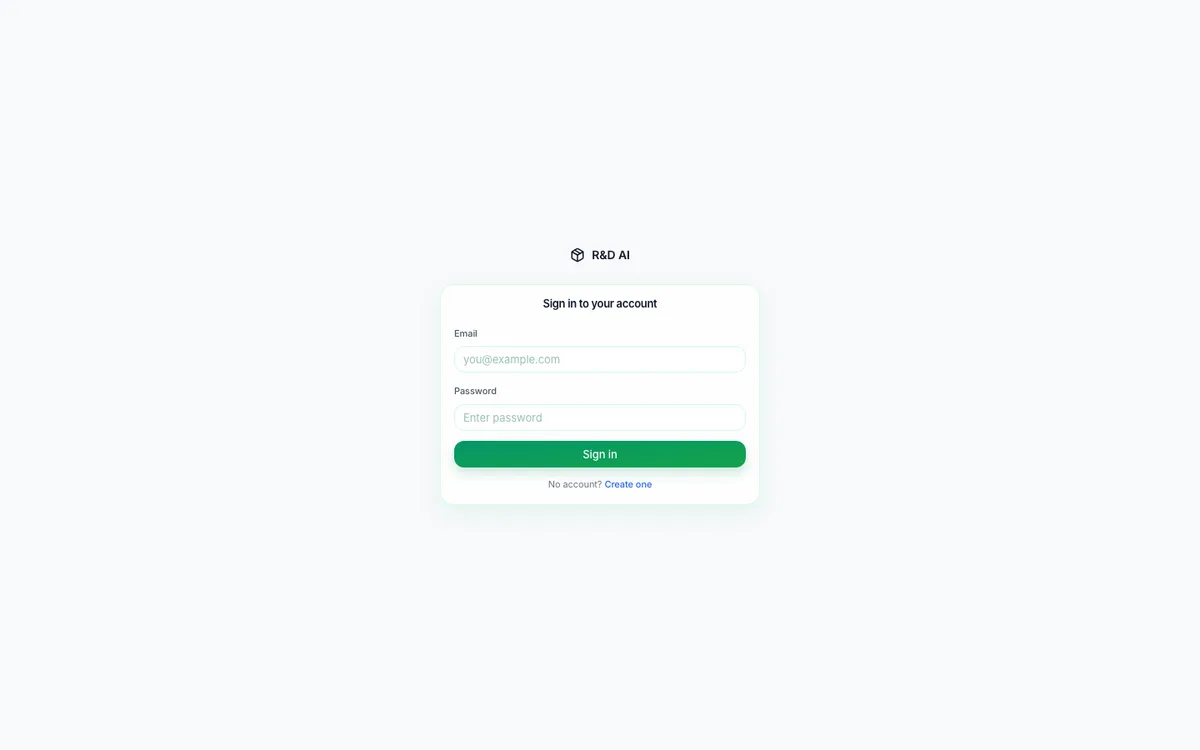
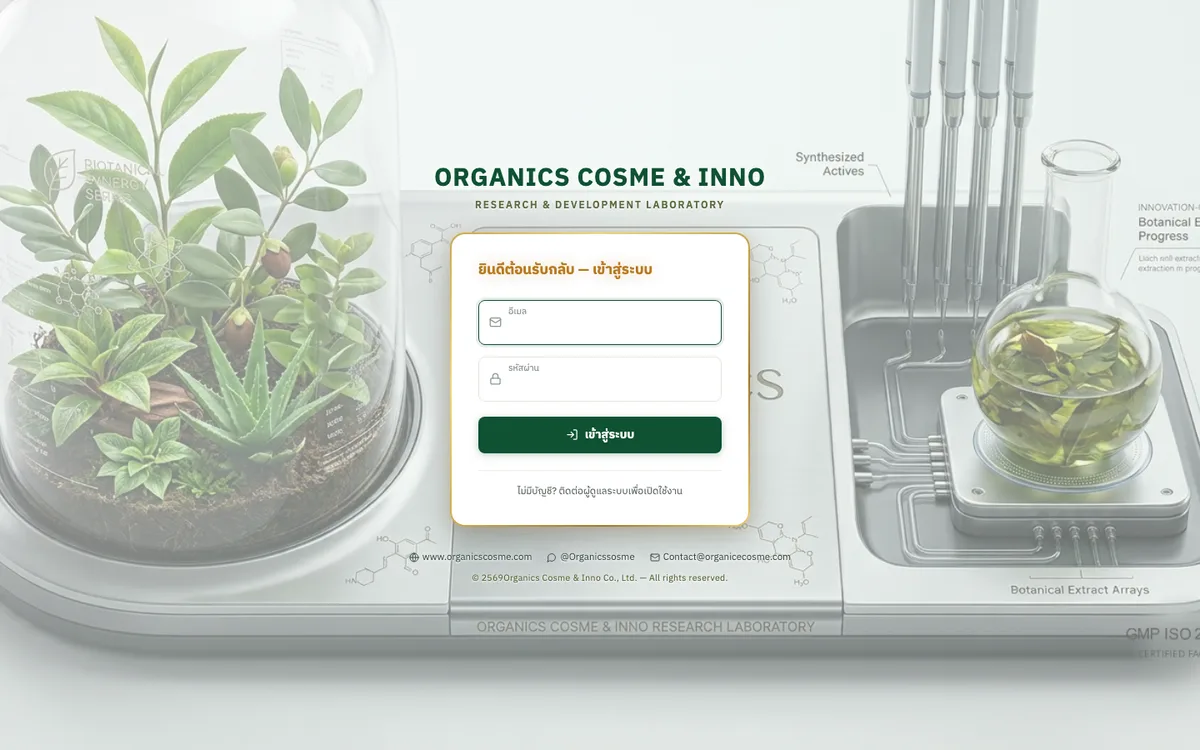
AI workspace for a cosmetics R&D team to find ingredients, check stock, and draft, cost and revise formulas.
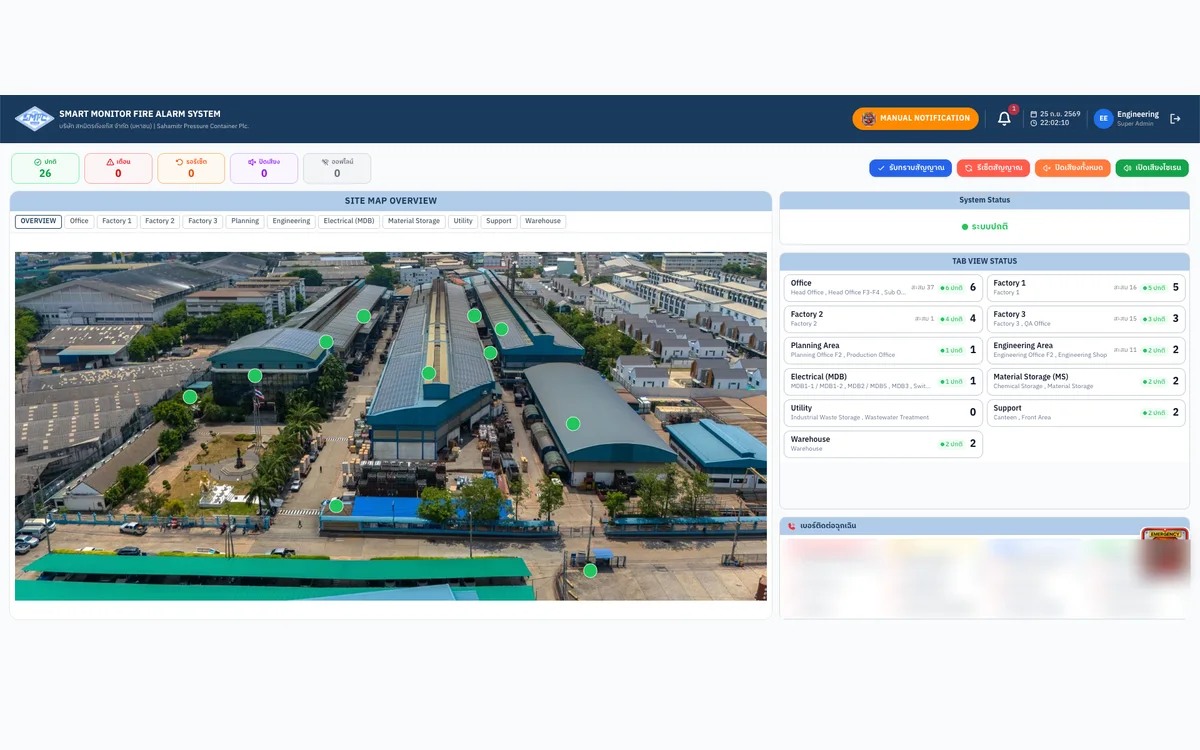
Real-time fire-alarm monitoring web app for a factory, wired directly to its PLC.
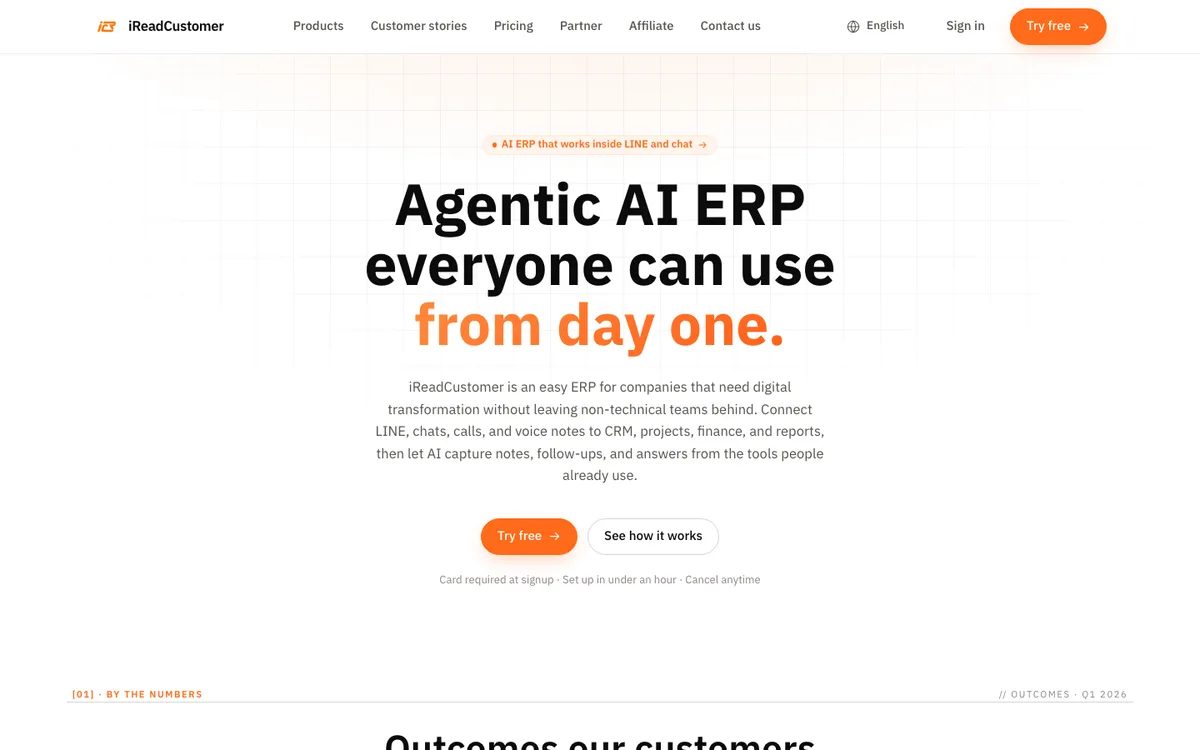
AI-agent ERP that connects LINE chats and voice notes to CRM, projects, sales and accounting.
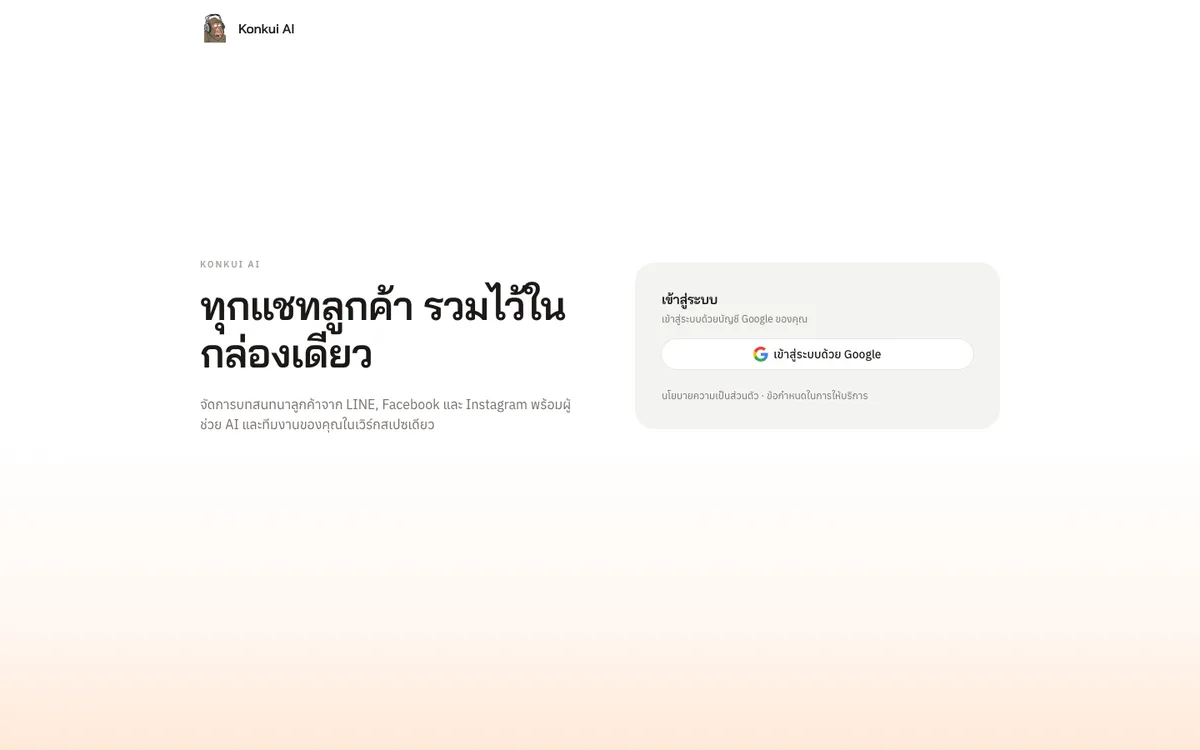
One inbox for LINE, Facebook and Instagram customer chats, with an AI Assistant that answers first and hands off to the team.
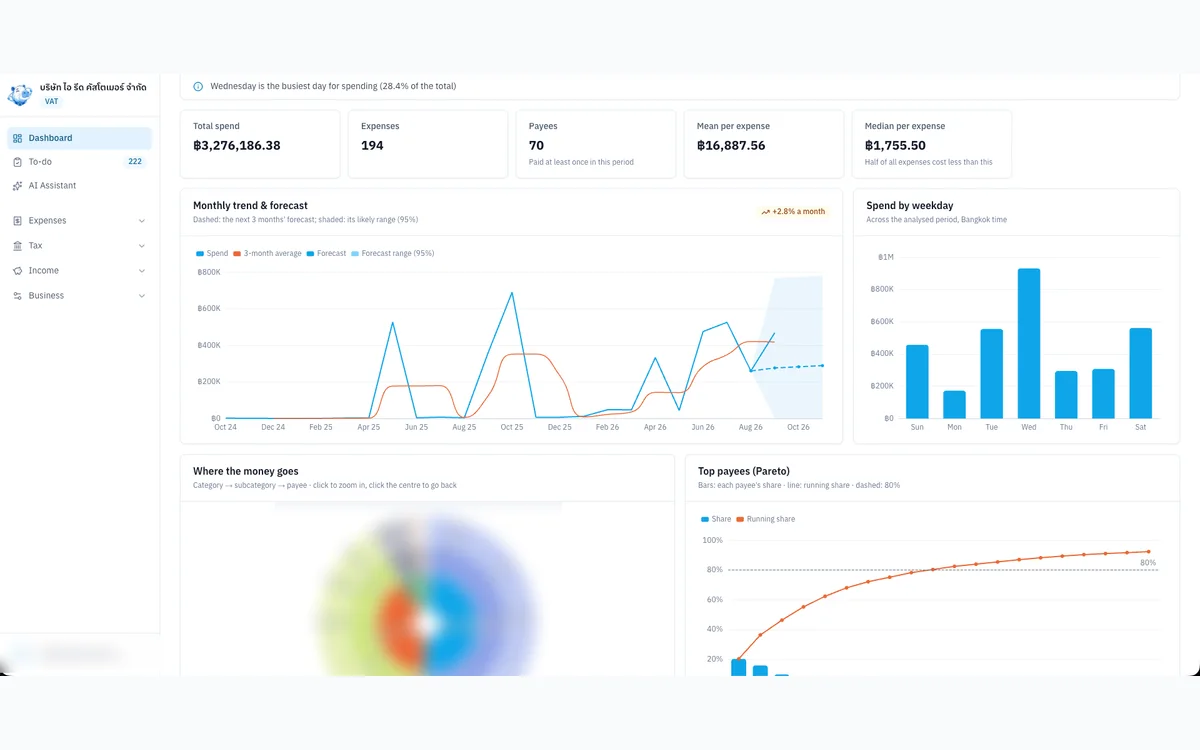
Internal tool that organises expense evidence, input VAT and P.P.36 for a VAT-registered Thai company.
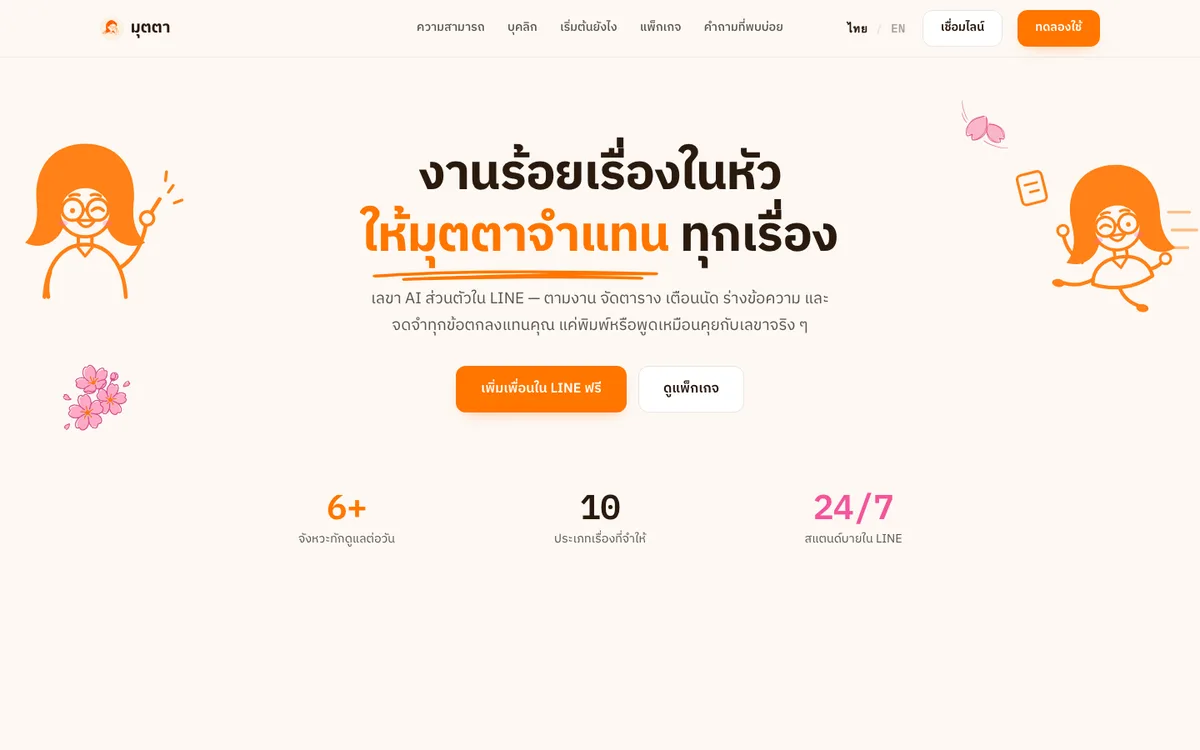
An AI personal secretary in LINE that chases follow-ups, keeps your schedule, drafts messages and remembers every agreement.
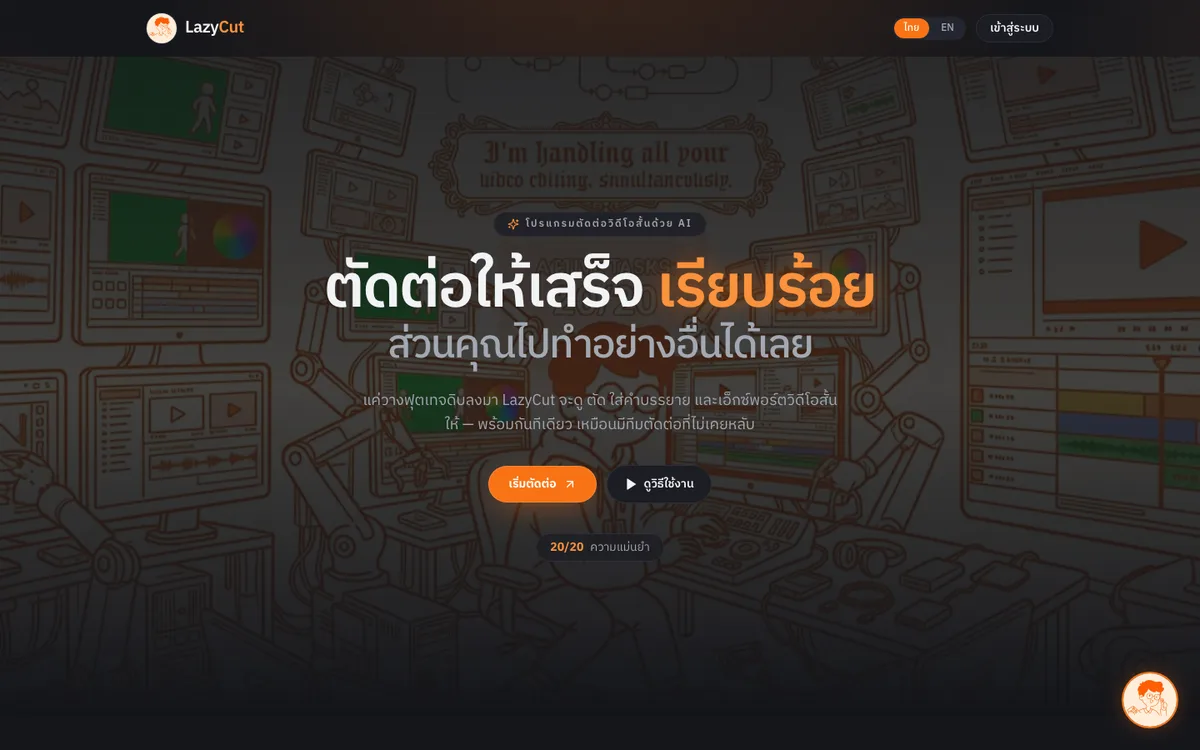
AI short-form video editor that cuts dead air, adds captions and exports ready-to-post clips.
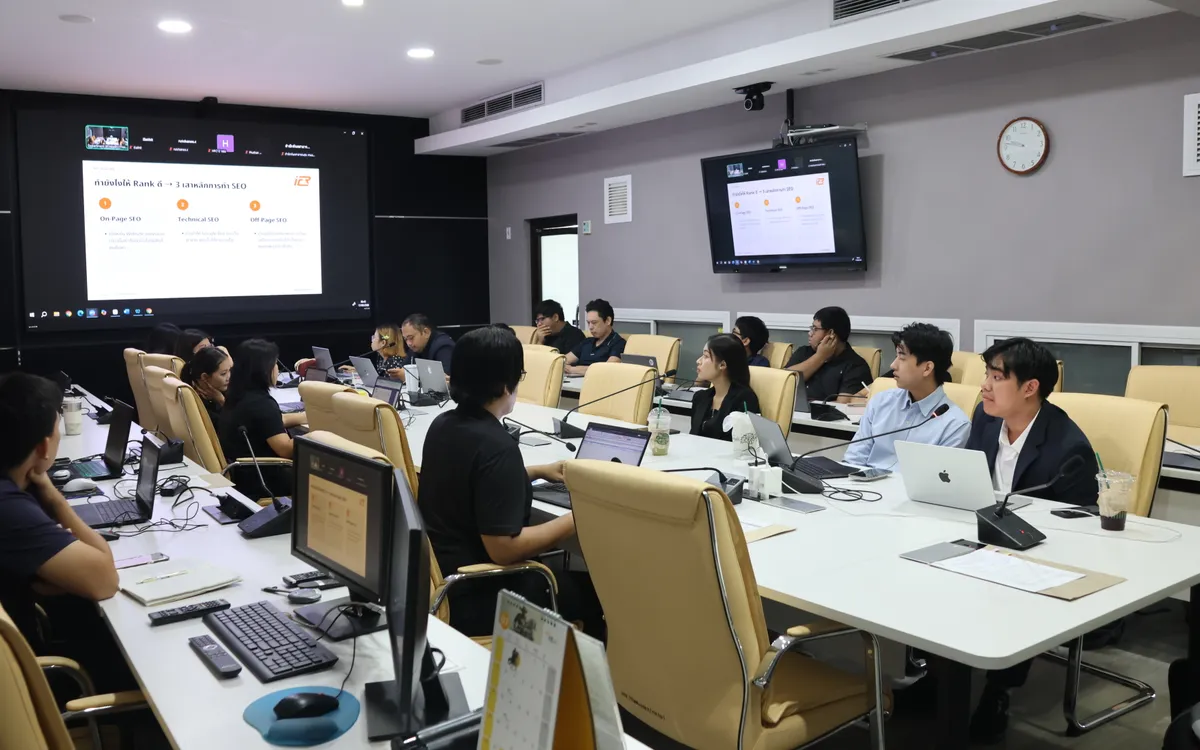
Onsite training and hands-on workshop (09:30–16:00) that helps the Department of Health’s web teams make articles easier for Google and AI search to find, understand and cite.
Contact Us