01·Gallery
Plain-language text or voice input, always confirmed before saving
Confirmed appointments sync with Google Calendar
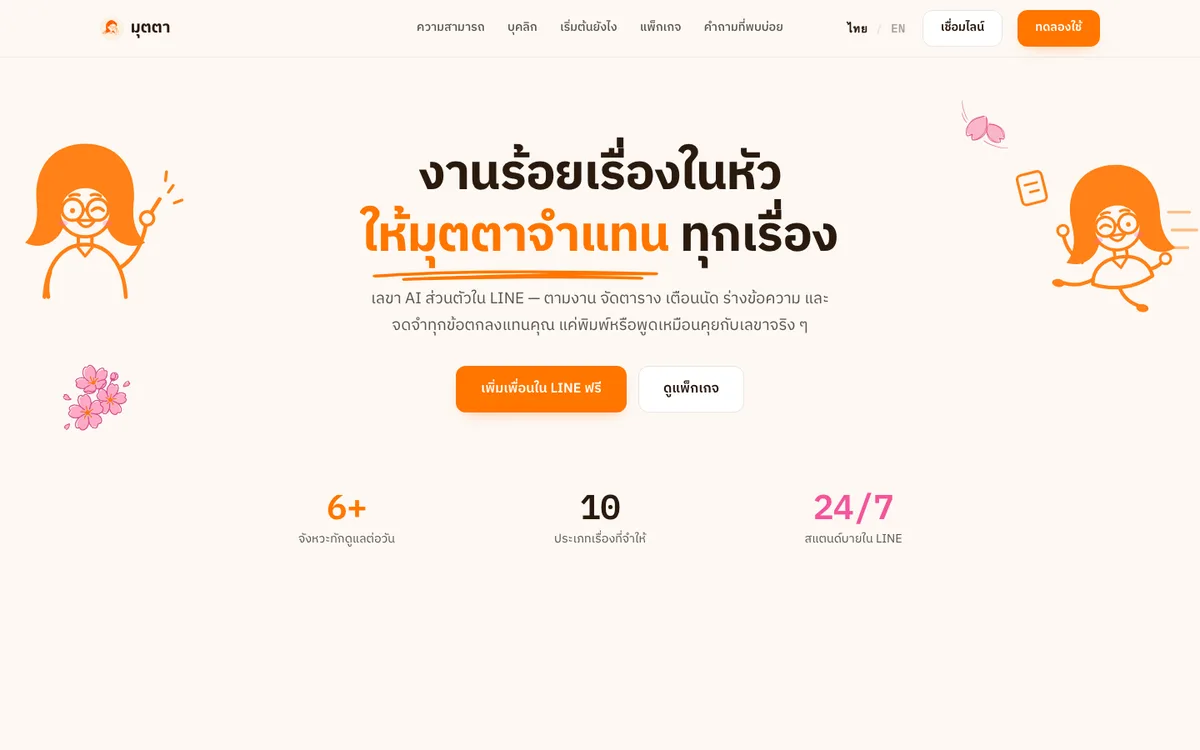
An AI personal secretary in LINE that chases follow-ups, keeps your schedule, drafts messages and remembers every agreement.
Thai, English and Japanese — every user-facing string must exist in all three
Near the deadline, at the deadline and overdue, for tasks with a due date
An unconfirmed proposal expires on its own; nothing is saved without a tap
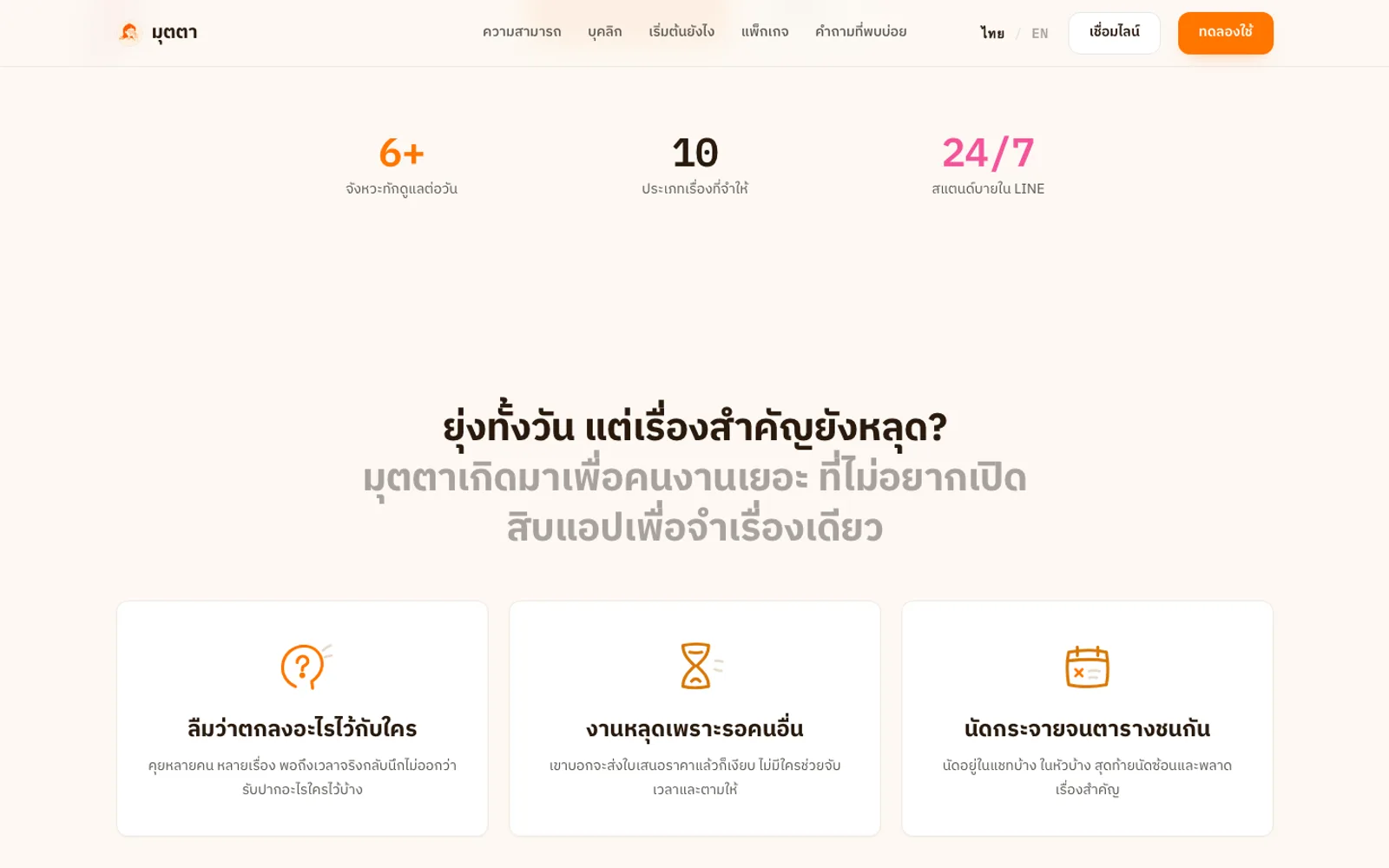
Mutta is an AI personal secretary that works inside LINE: users type or send a voice note in plain language, and Mutta turns it into appointments, tasks and reminders, always confirming before it saves. It chases work assigned to others and drafts follow-ups and replies that are sent only on the user’s approval, or copied to send by hand. A Daily Brief arrives every morning, and a daily summary with a Productivity Score is kept in the web app. Mutta works in 1:1 chats and LINE team groups, and its companion web app — installable on phone or desktop — signs in with LINE or Google.
Busy people keep appointments and promises scattered across chats and memory; work stalls while they wait on others with nobody to chase it, and nobody wants another app just to remember one thing. Teams coordinate in LINE groups where many members have never used Mutta. The brief: a secretary that lives inside LINE, understands everyday Thai, never saves anything the user hasn’t confirmed, and works in team rooms without exposing anyone’s personal data.
Mutta runs no fixed pipeline and no keyword rules: it’s an agent that picks its own tools each turn, its behaviour shaped by guidelines written in markdown — while every write stays locked behind the user’s confirmation.
A Hono gateway takes the LINE webhook and hands each turn to an agent that picks its own tools — appointments, tasks, contacts, memory, web search. Voice messages go to the agent in the same turn. It’s a Bun and TypeScript monorepo on MongoDB via Prisma, with automatic fallback to a backup model when the primary fails.
Every write parks as a draft with a Flex confirm card that expires after ten minutes. Confirmed appointments sync to Google Calendar. Messages Mutta ghostwrites are stored word for word and sent only when the user approves — or handed over to copy when the recipient isn’t on Mutta.
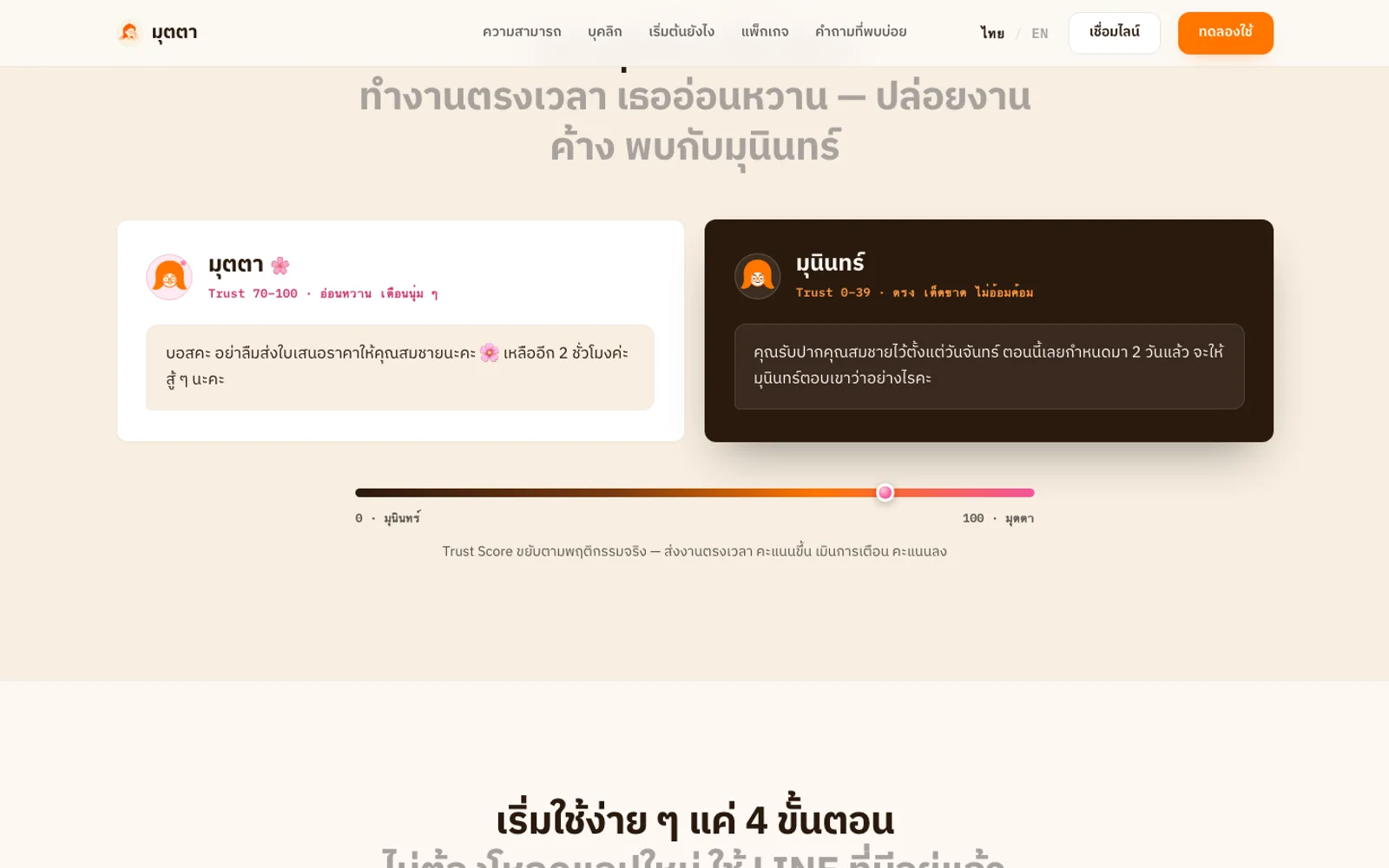
Membership of a room is what authorises members to assign work to each other. Group turns get a curated tool set and read only room-scoped data. Mutta stays silent until addressed; talk not aimed at it is held in memory for at most 30 minutes, for recaps only, and never written to the database.
Scheduled jobs send pre-appointment reminders, a morning brief at the hour each user picks — which pauses itself after three ignored briefs — a daily brief for each team room and the three-stage chase of room tasks, and save a daily memo with a score in the web app.
The web app signs in with LINE or Google and installs to the home screen on phone or desktop, with pages for tasks, schedule, projects, reports and a daily summary. Tests check that every string exists in Thai, English and Japanese.
Mutta is live in LINE and as a web app that installs on phone or desktop.
Users type or send a voice message in everyday language; Mutta turns it into an appointment, task or reminder and asks for a tap before saving.
The day’s appointments and tasks arrive in LINE each morning at the chosen hour, with a reminder before each appointment.
Members of a LINE group can assign work to one another, and Mutta chases dated tasks in the room by tagging the assignee.
Mutta drafts follow-ups and replies, and only ever sends the exact text the user approved.
Thai, English and Japanese — every user-facing string must exist in all three
Near the deadline, at the deadline and overdue, for tasks with a due date
An unconfirmed proposal expires on its own; nothing is saved without a tap
Gallery
01·Gallery
Confirmed appointments sync with Google Calendar
02·Gallery
Works in 1:1 chats, LINE team groups and a web app
03·Gallery
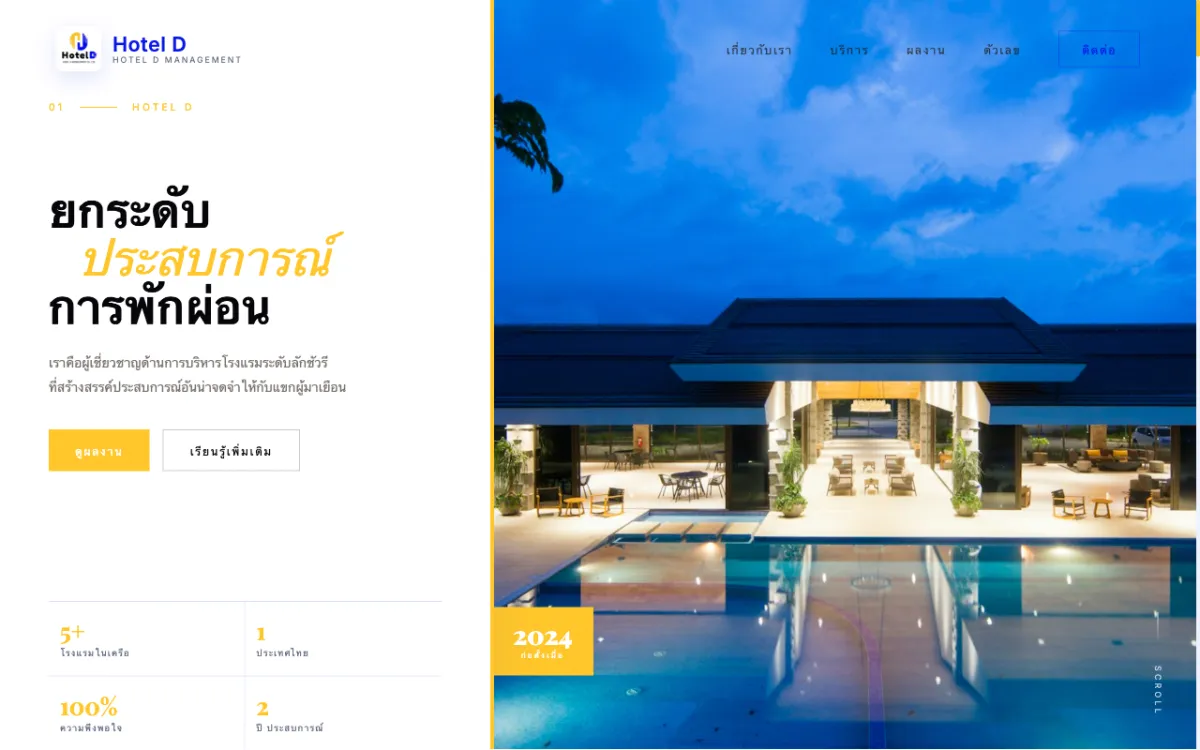
Corporate site for a full-service hotel-management firm serving properties across Thailand. Bilingual.
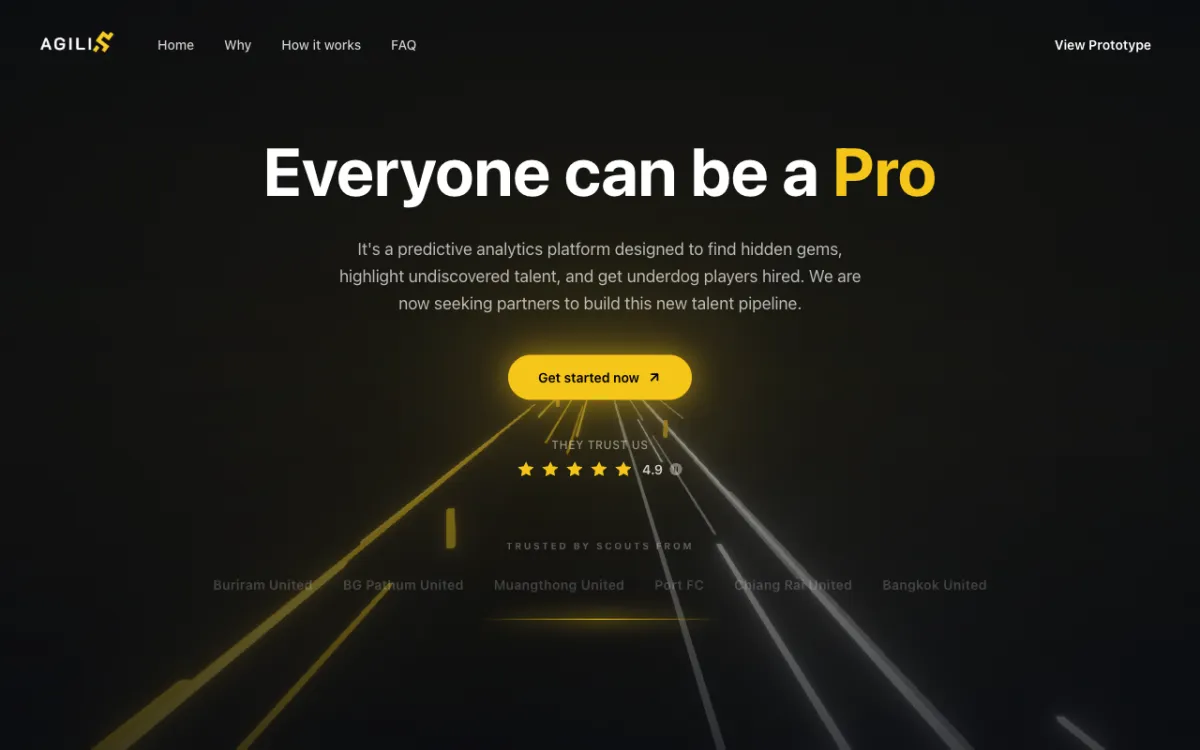
Football scouting platform (prototype stage) connecting players with scouts and clubs.
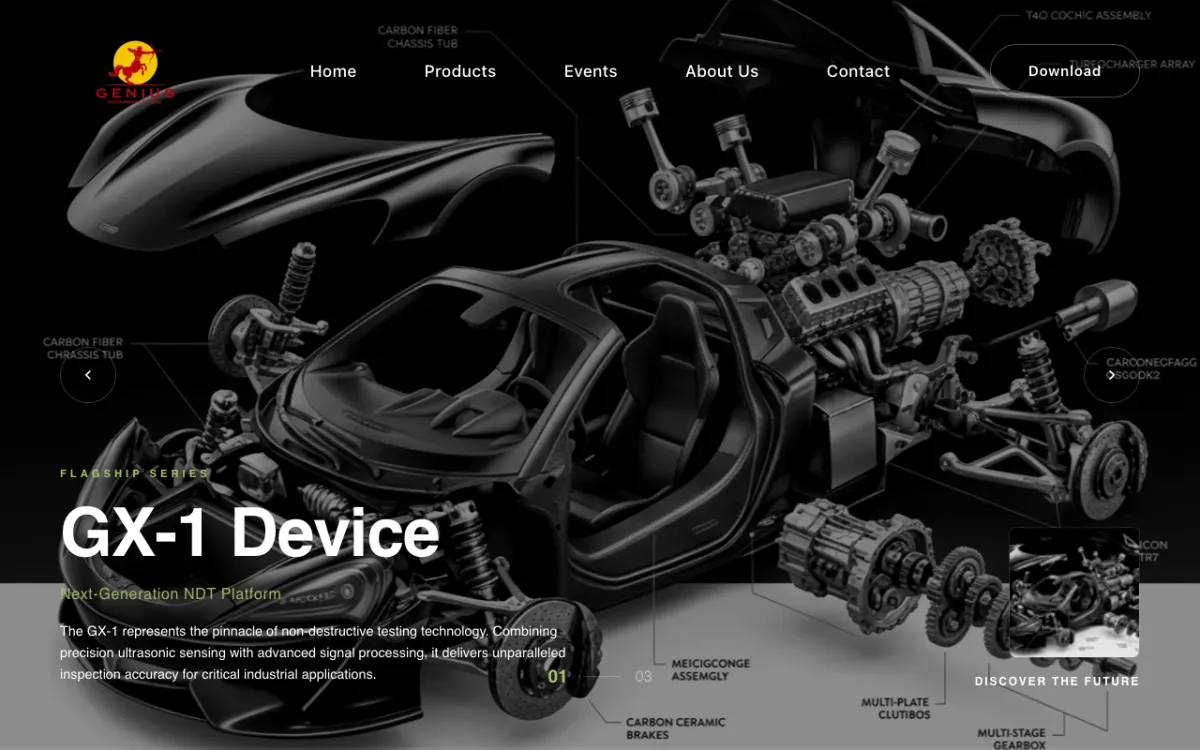
Product and services site for a supplier of NDT systems, coordinate measuring machines (CMM) and 3D scanners.
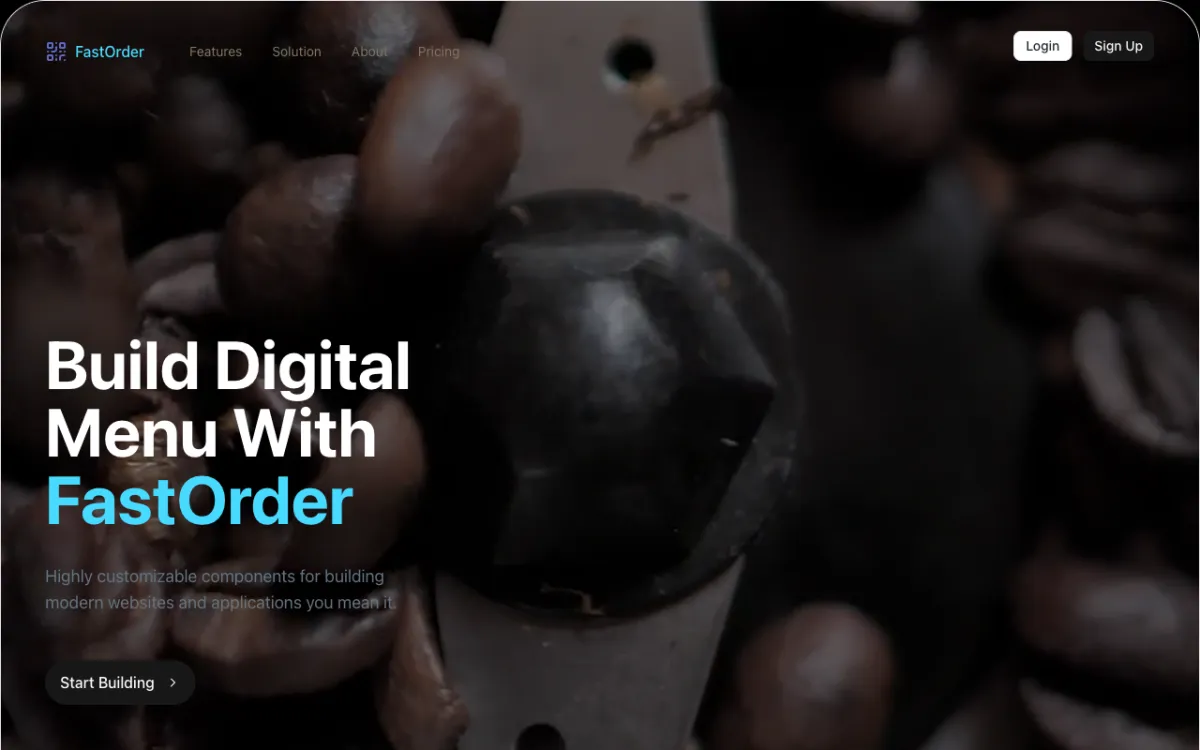
Digital-menu and QR order-management system for restaurants.
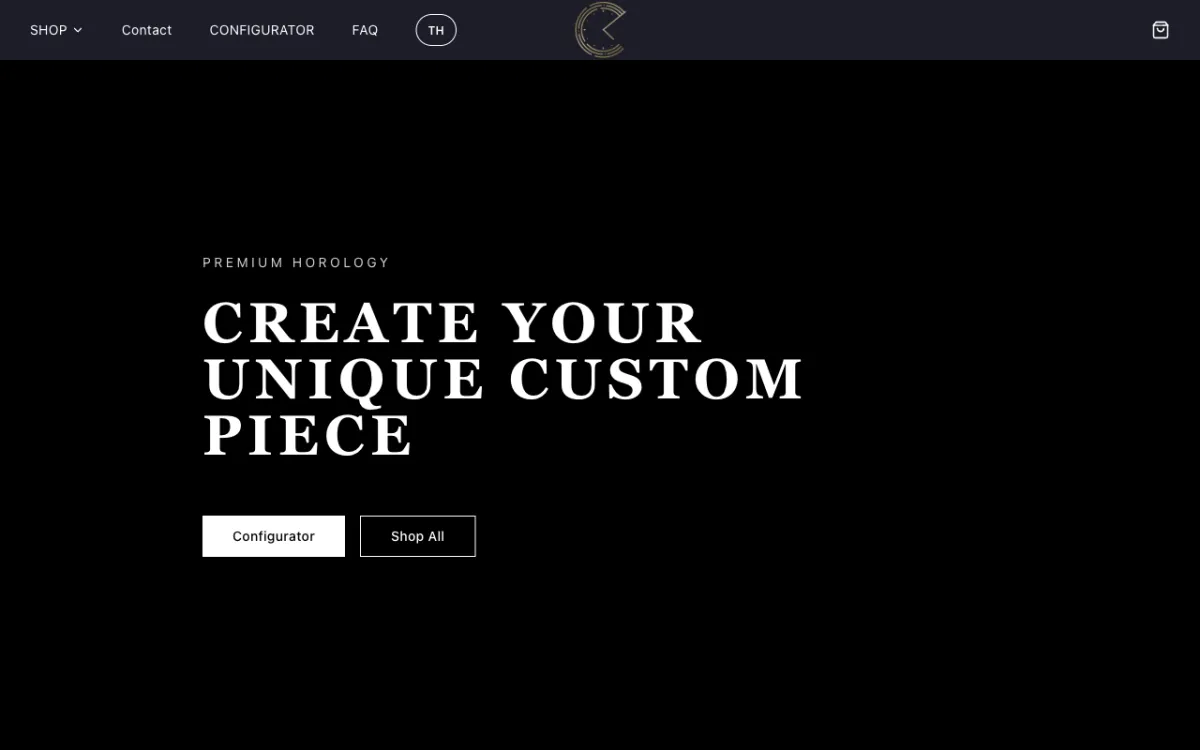
E-commerce store for custom Seiko mod watches with a configurator.
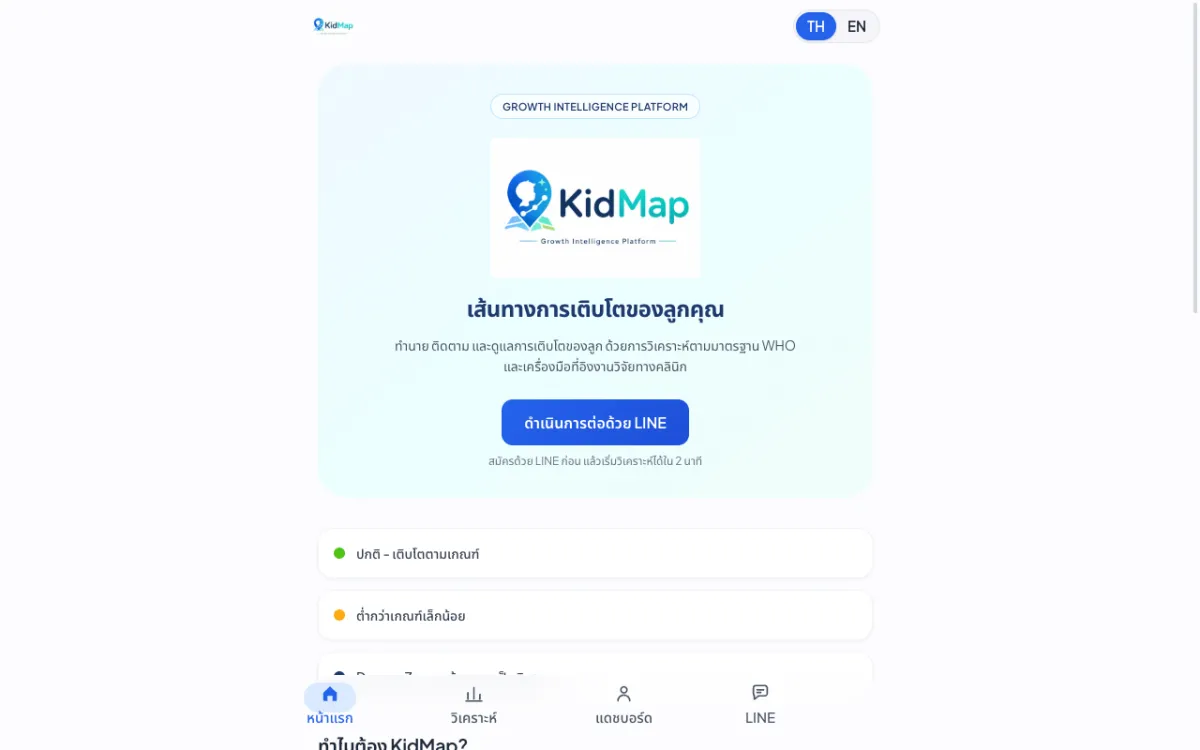
Platform that predicts and tracks children’s growth against WHO standards.
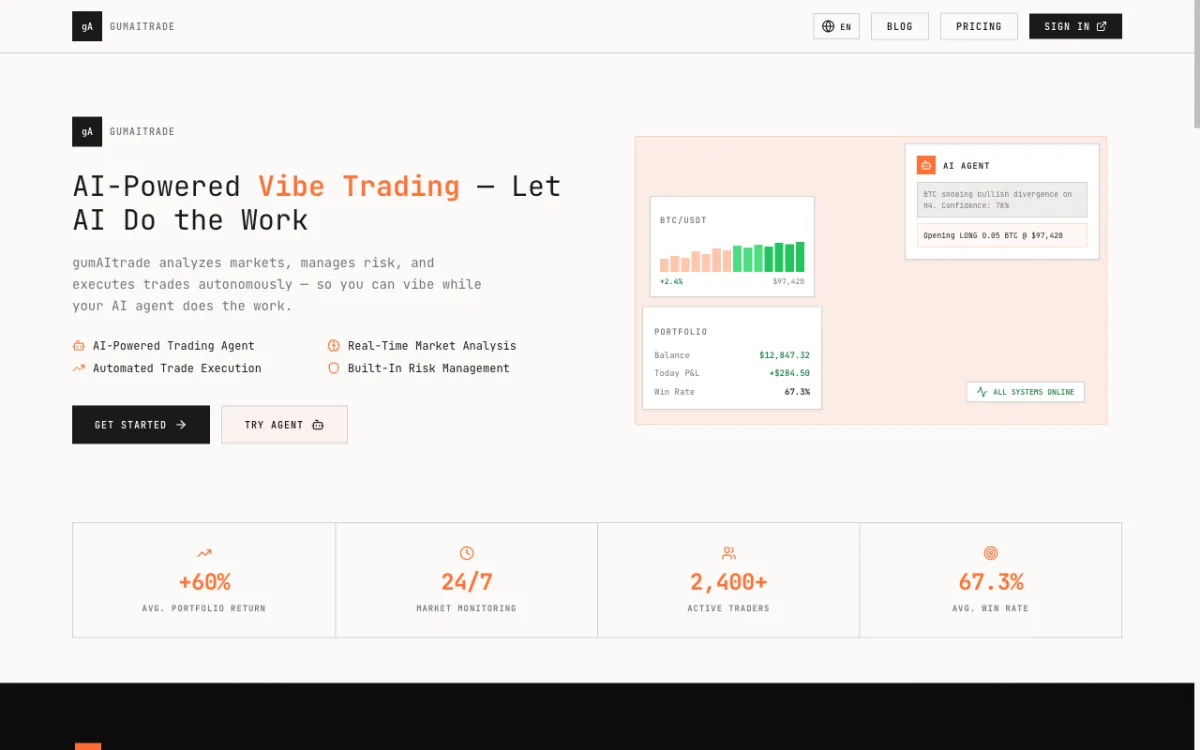
Product site for an AI crypto trading bot built around a “vibe trading” concept.
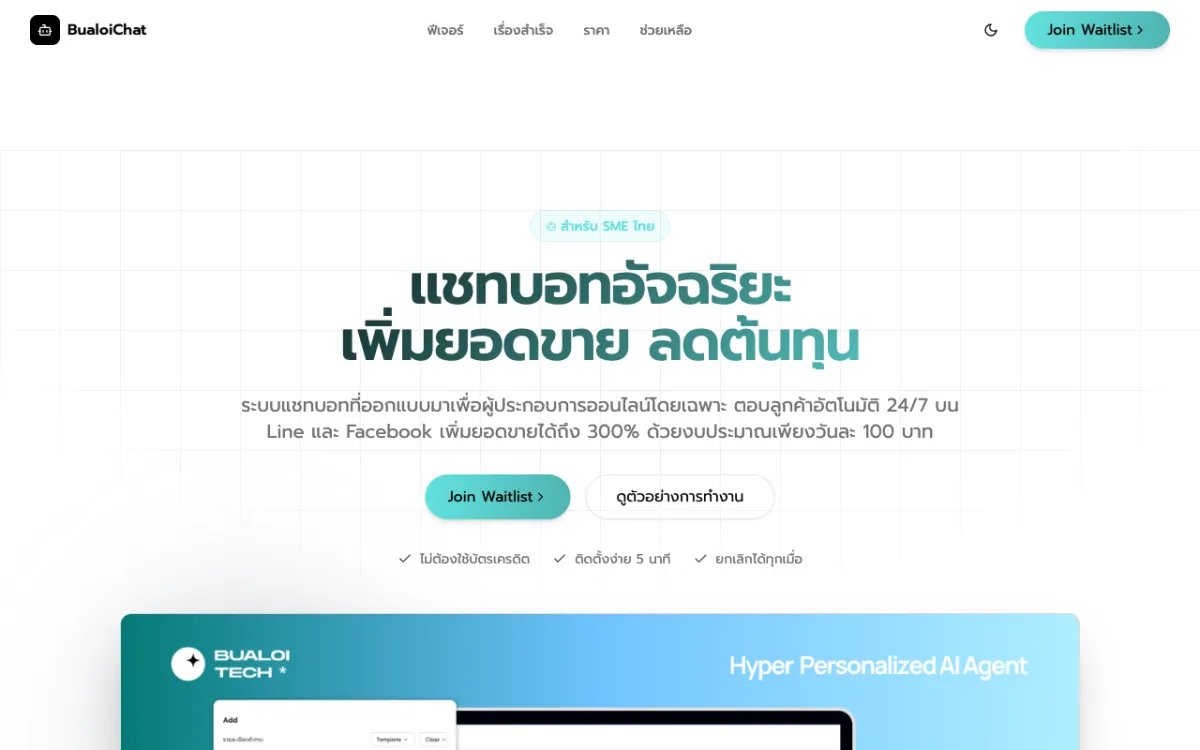
Pre-launch landing page for an AI chatbot service that answers SME customers on LINE OA and Messenger.
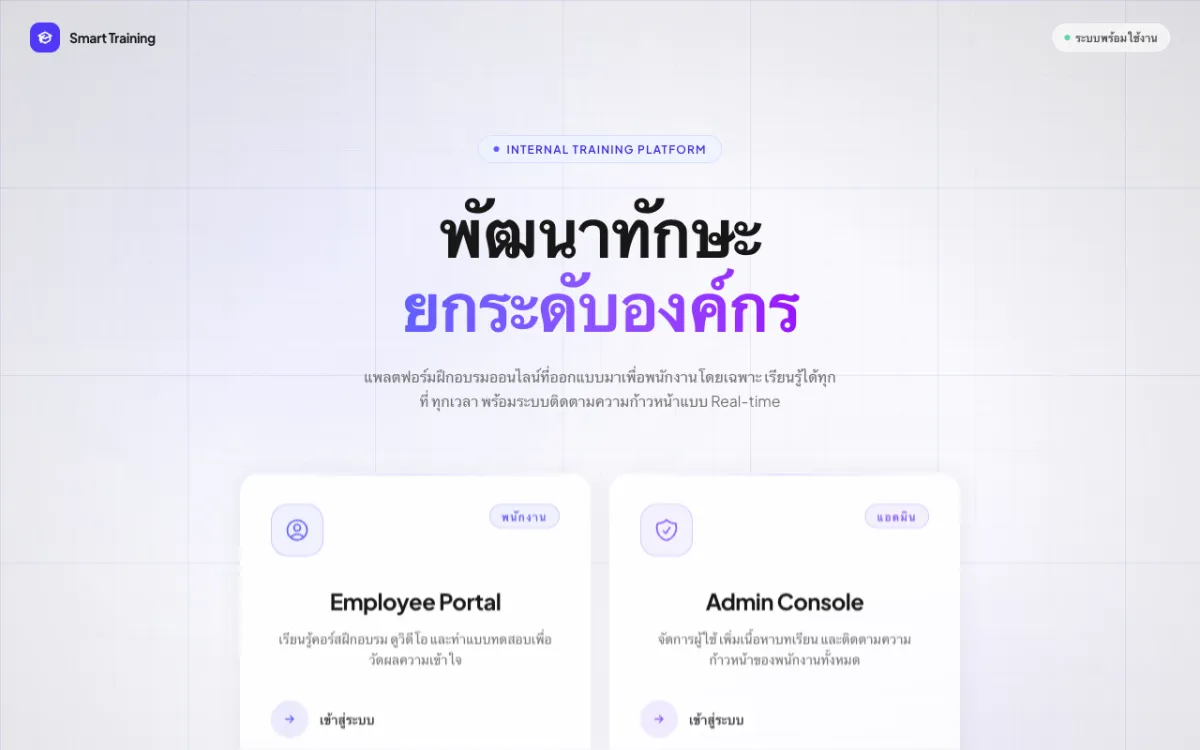
Internal employee training (LMS) with video courses and quizzes.
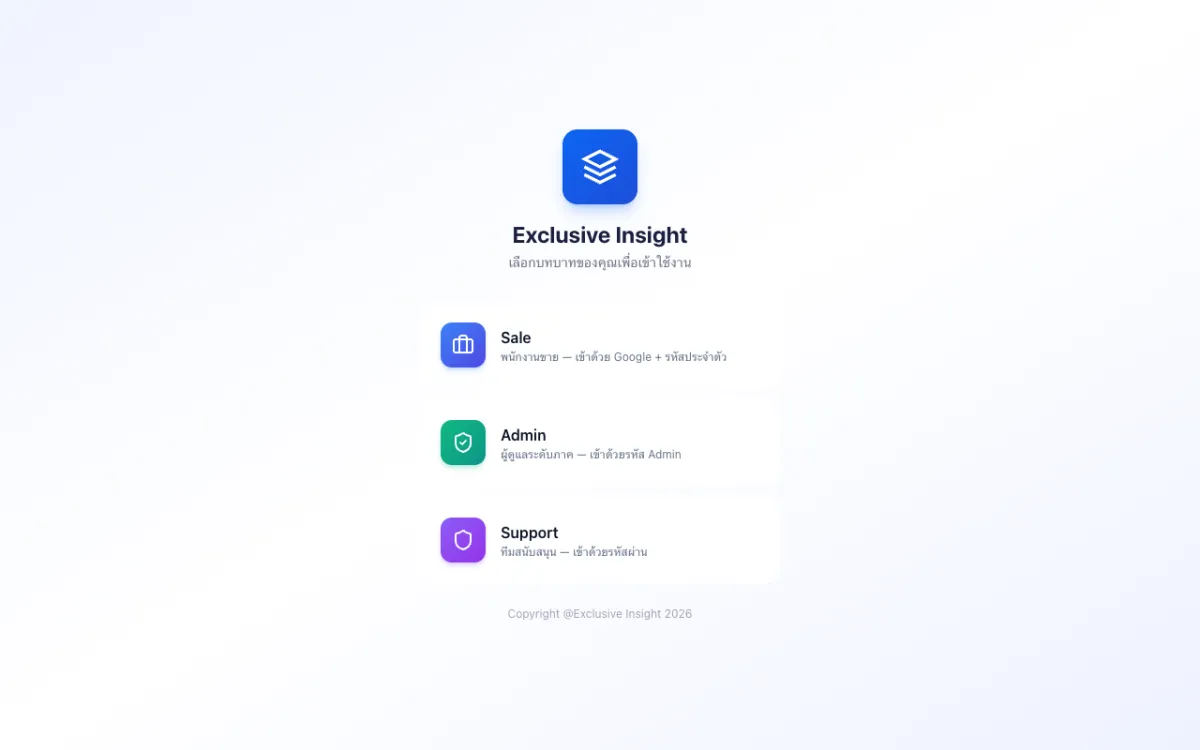
Role-based CRM with Sales, Admin and Support access.
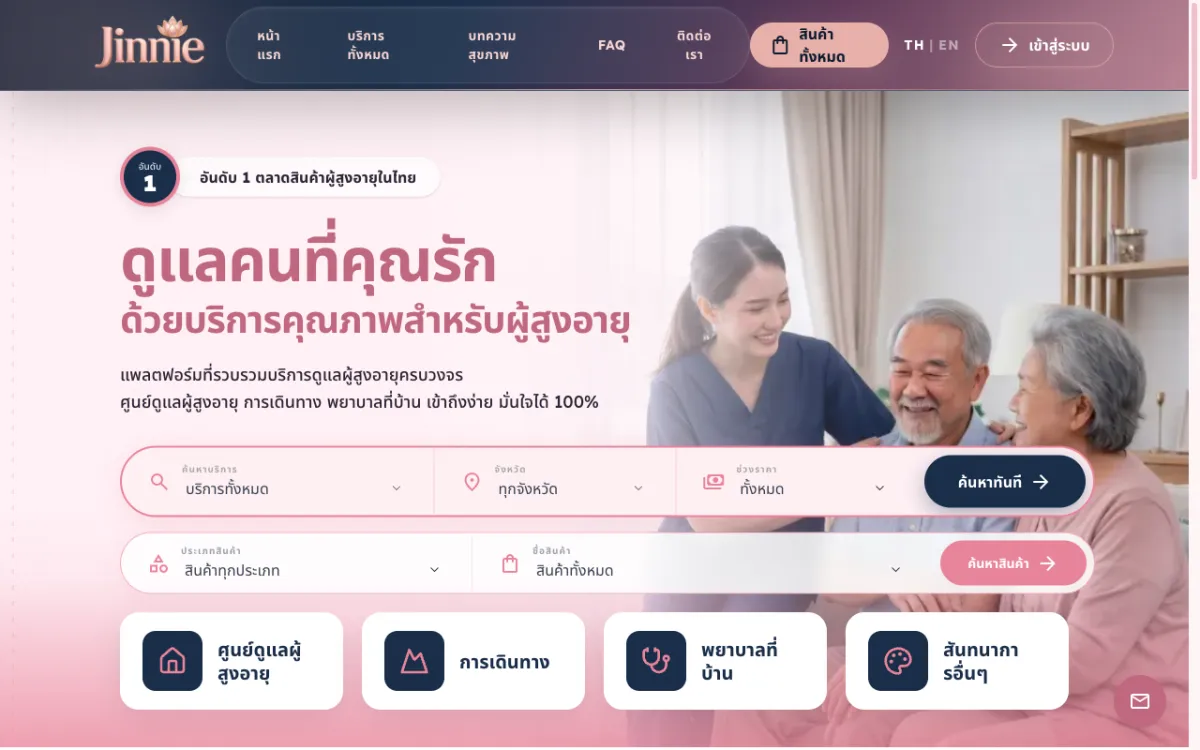
Platform to find and book elderly-care services across 12 categories from many providers.
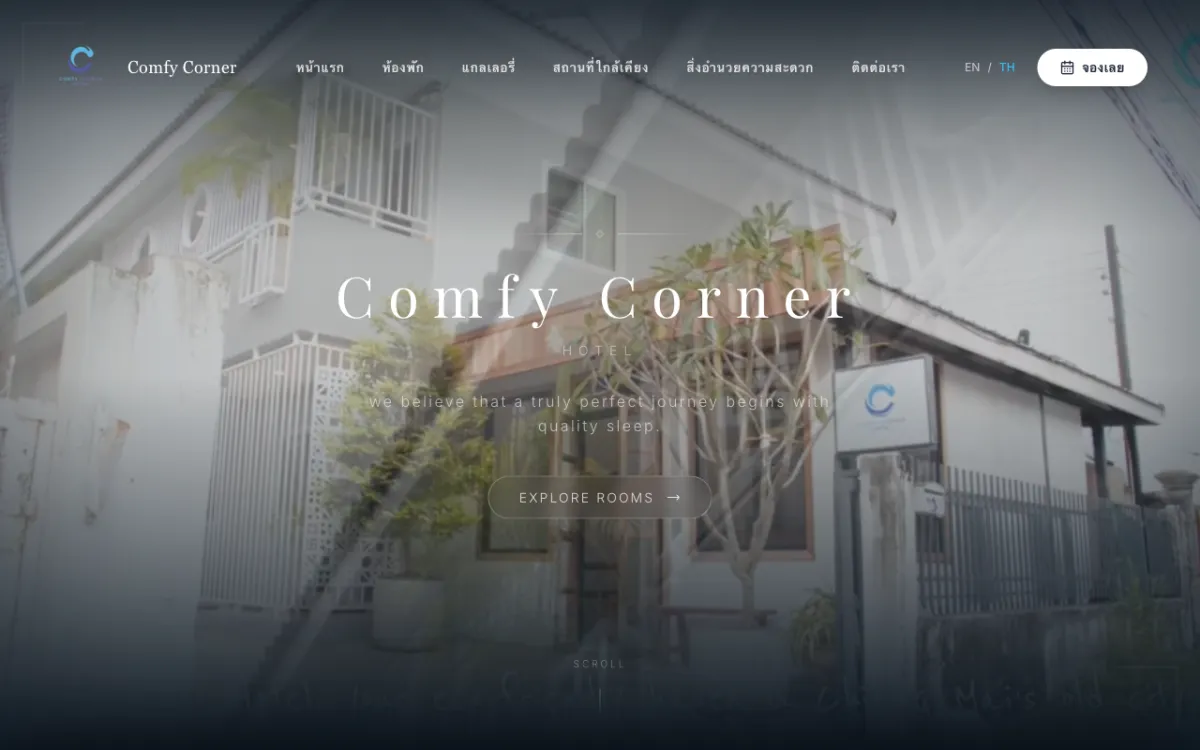
Booking site for a boutique budget hotel in Chiang Mai. Bilingual.
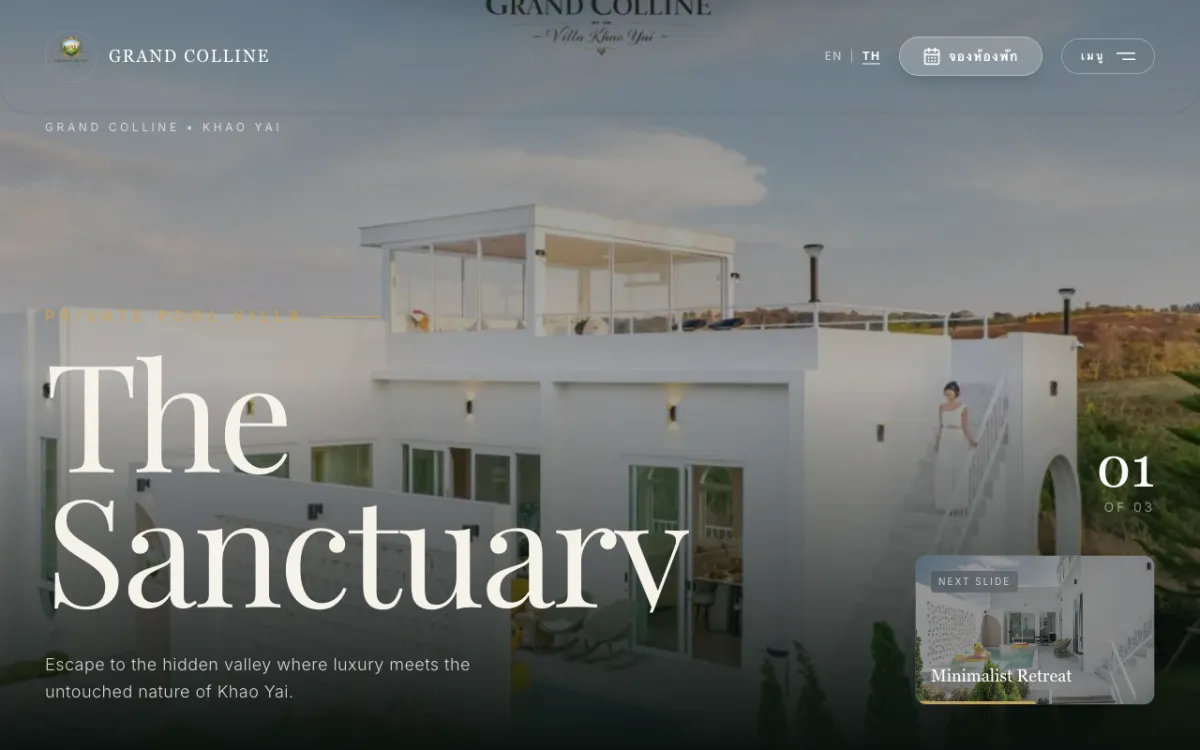
Private luxury pool-villa resort in Khao Yai; books via Agoda/Trip.com. Bilingual.

Khao Yai resort site with a “music meets nature” concept. Bilingual.

Site for a premium real-estate developer and home-builder. Bilingual.
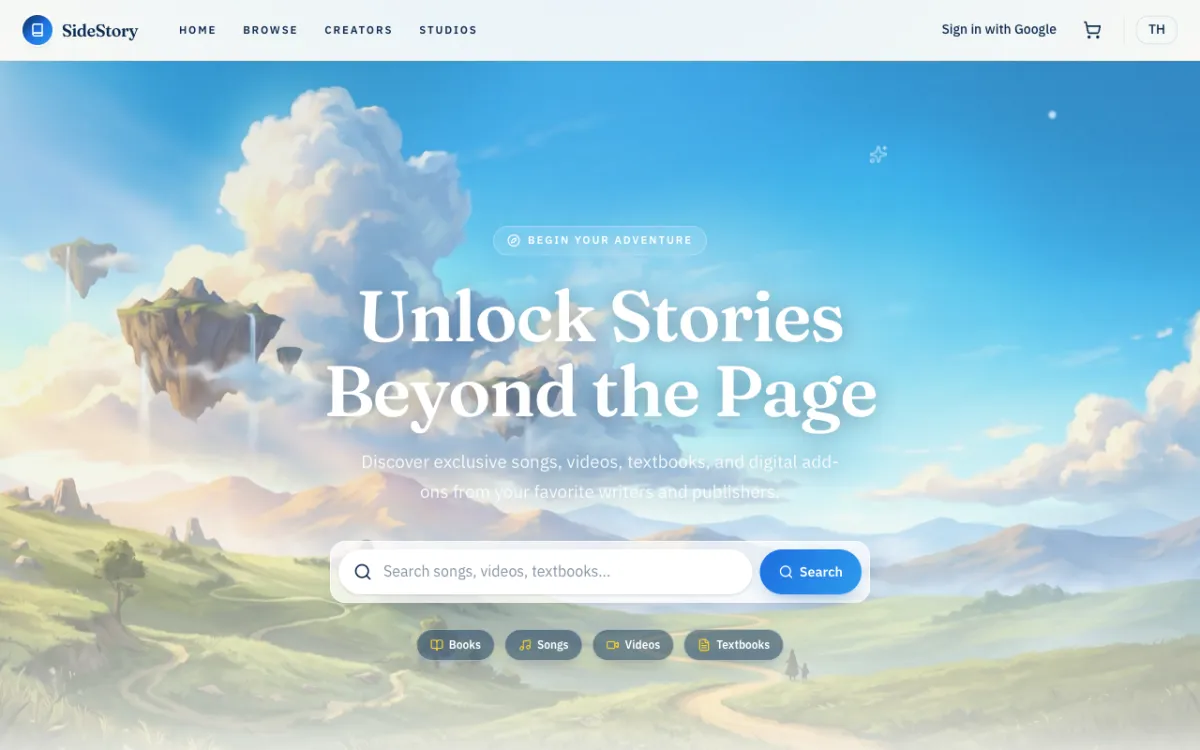
Digital-content marketplace for Thai writers and publishers.
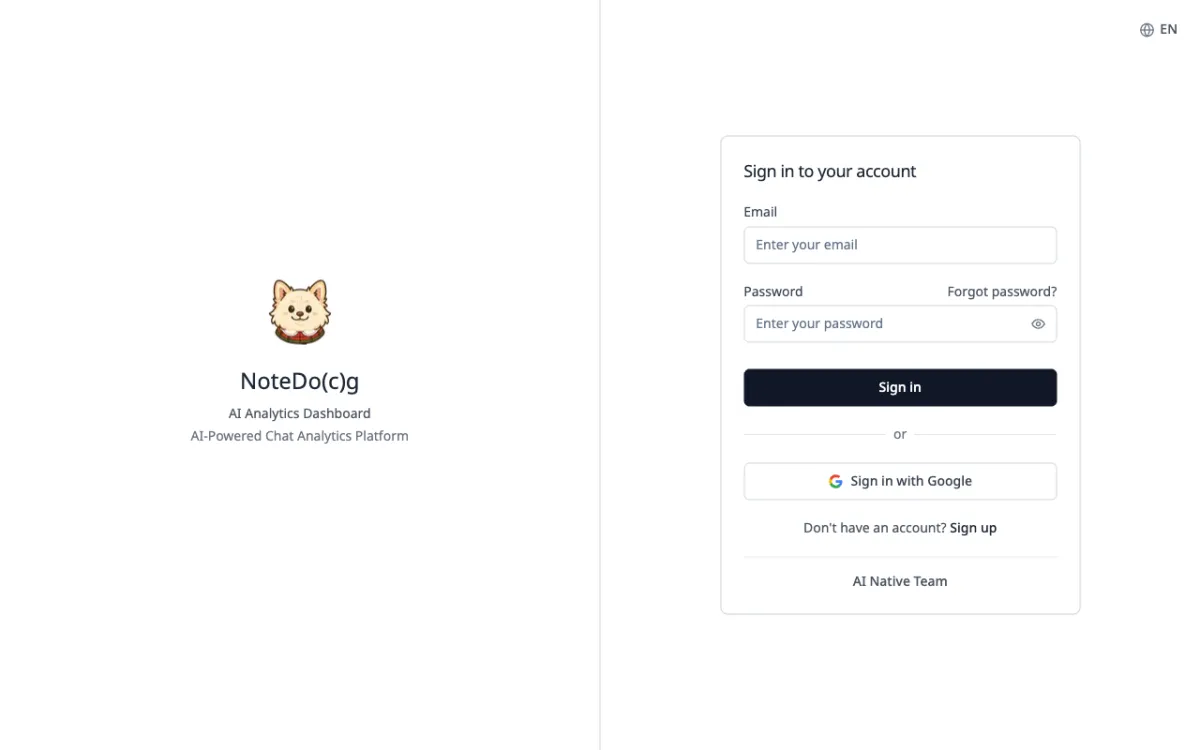
AI analytics for LINE Official Account group chats, with automatic conversation summaries.
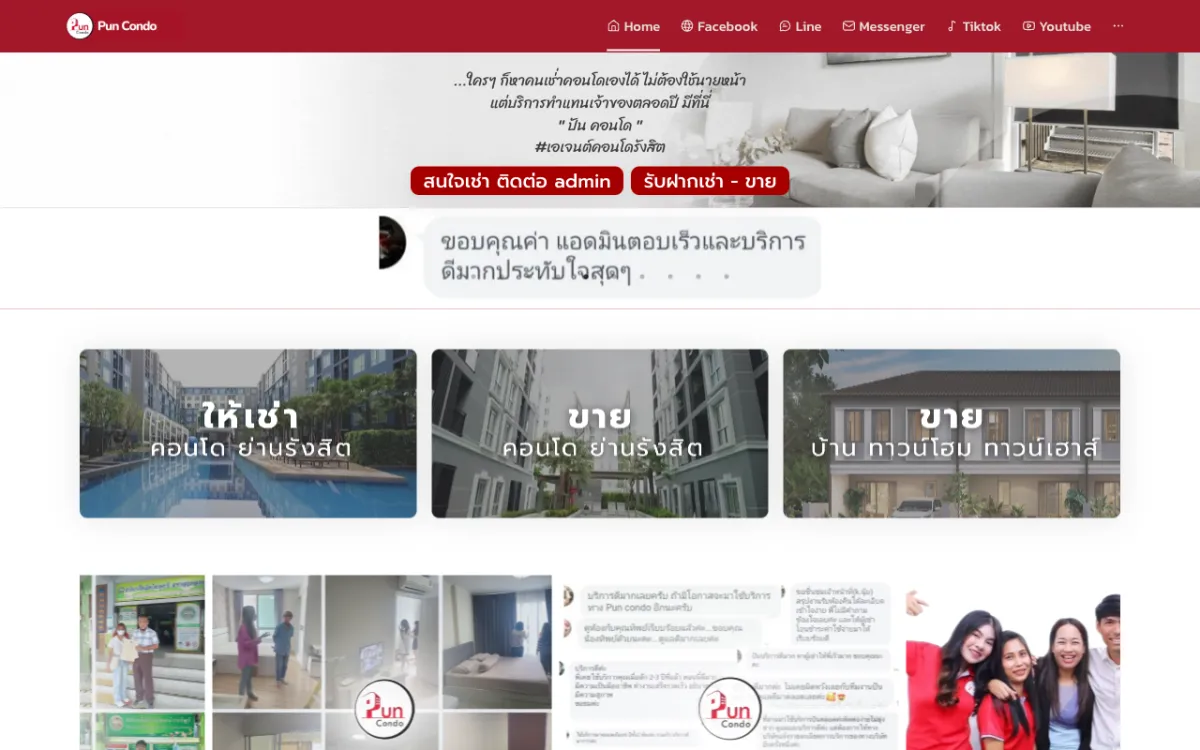
Real-estate platform with property listings and an admin back-office.
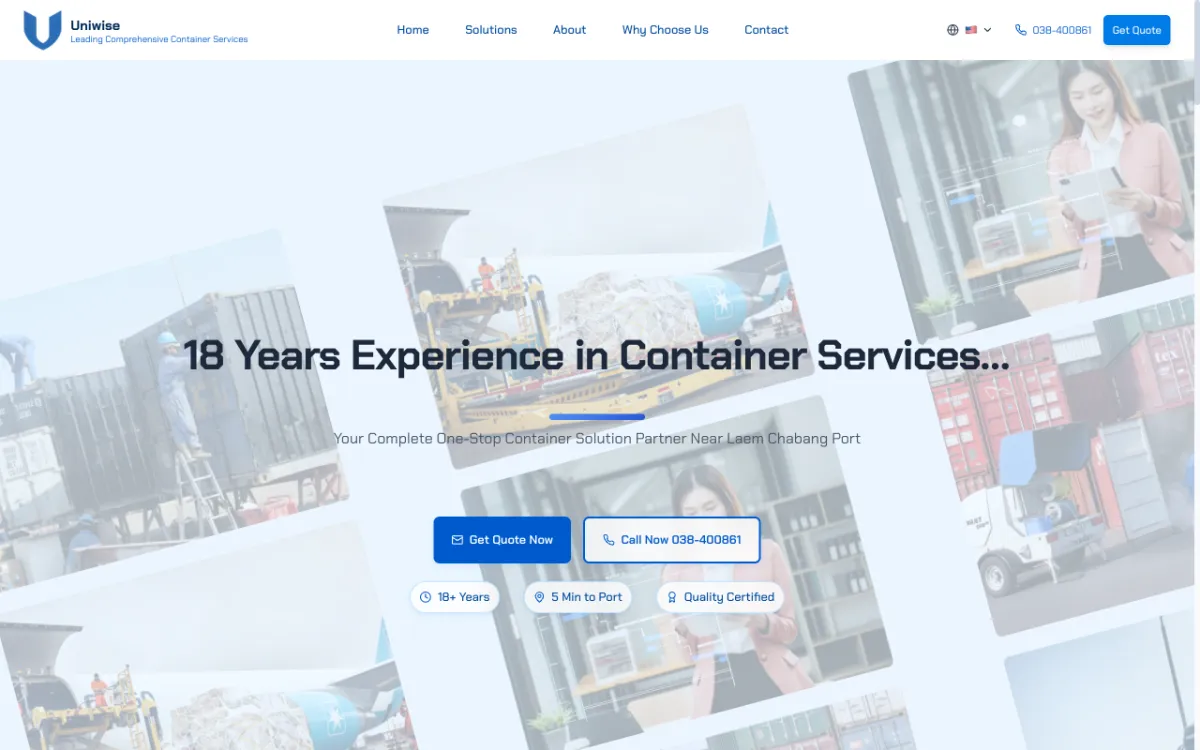
Site for a container yard near Laem Chabang Port. Thai, English and Chinese.
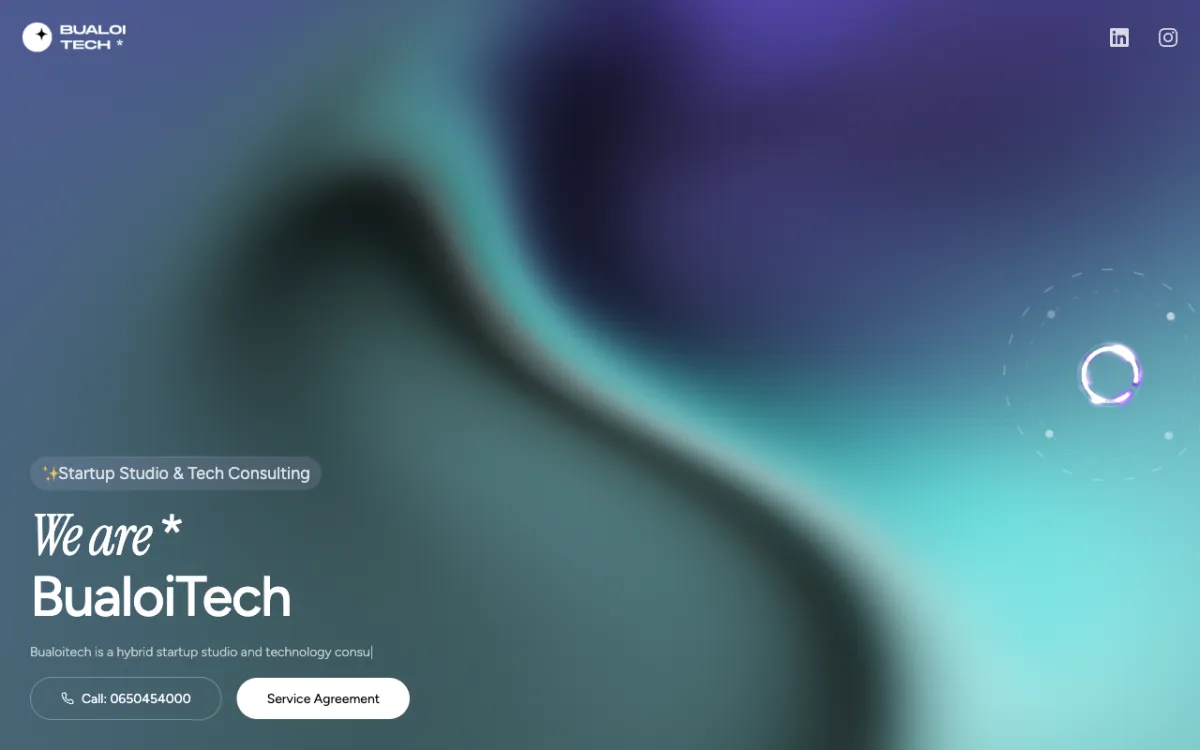
Landing page for a startup studio & tech consultancy focused on MVPs.

Brand site for a software house founded by Chula students, serving Thailand & ASEAN.
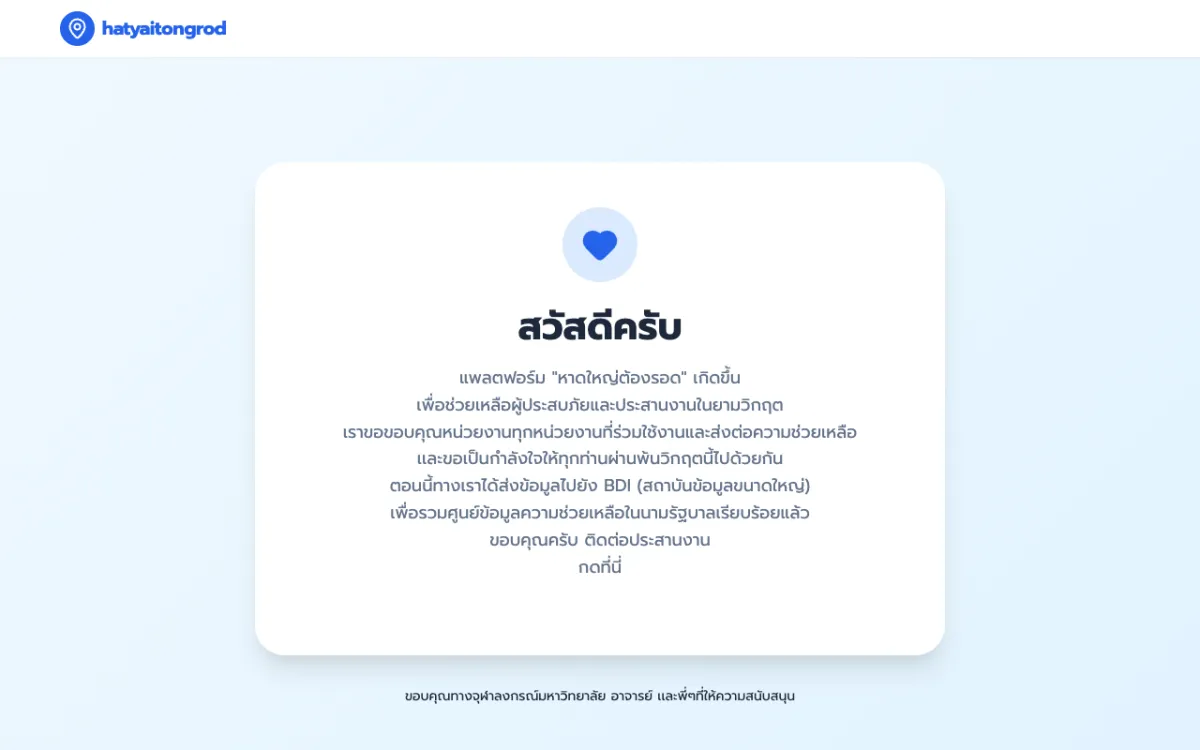
Crisis web app that served 1,000,000+ concurrent users during the Hat Yai floods.
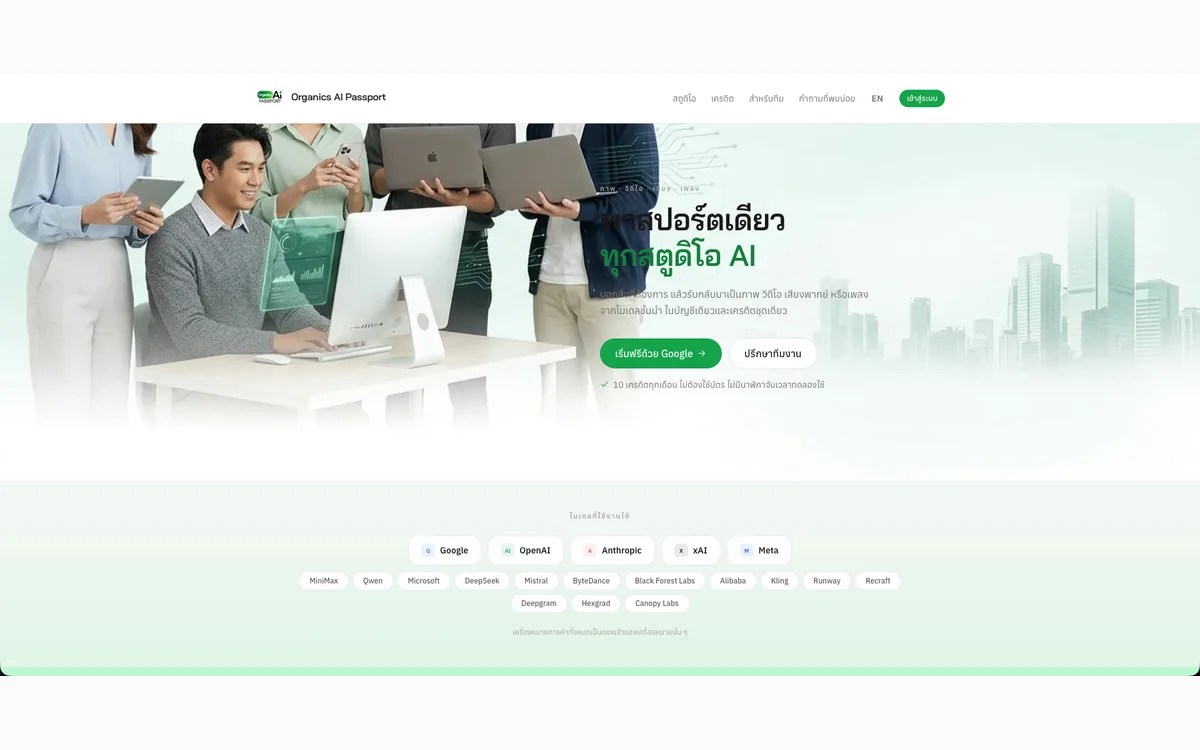
One account to generate images, video, voiceovers and music with AI, metered by a single credit balance.
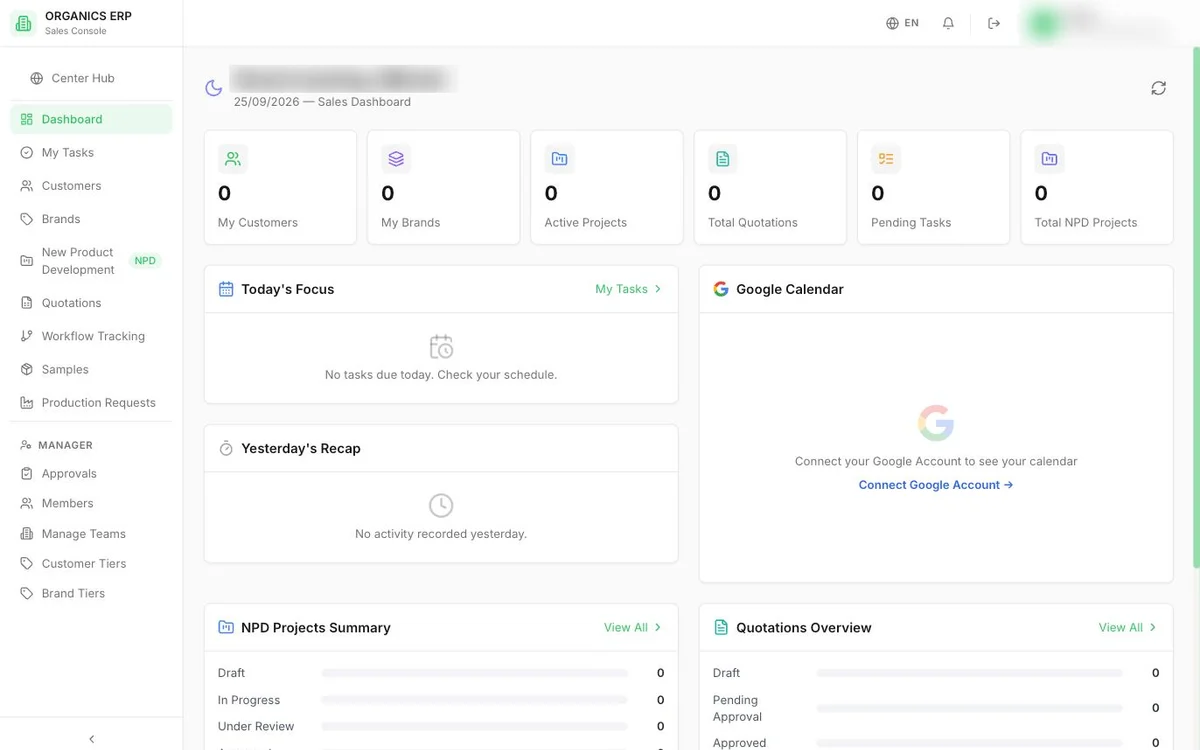
Department-by-department ERP for a cosmetics manufacturer, covering sales, procurement, production, warehouse and finance.
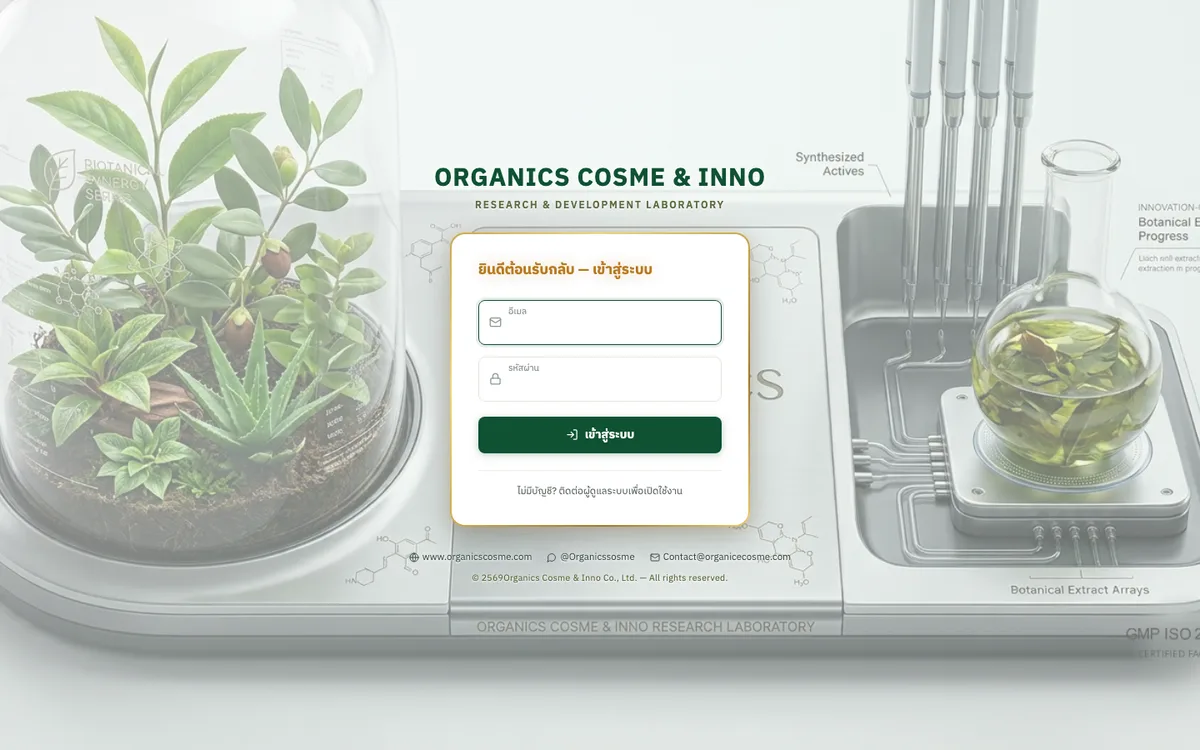
Sales brief system that carries an OEM product brief from intake through quotation to delivery tracking.
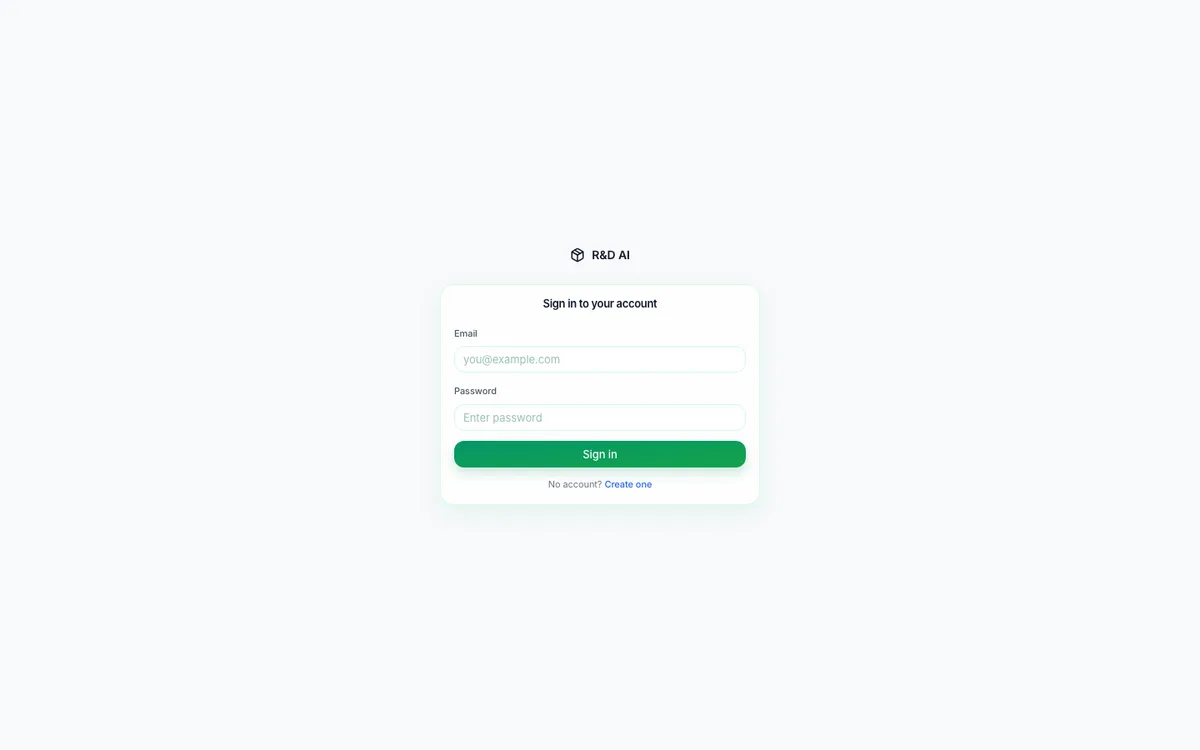
AI workspace for a cosmetics R&D team to find ingredients, check stock, and draft, cost and revise formulas.
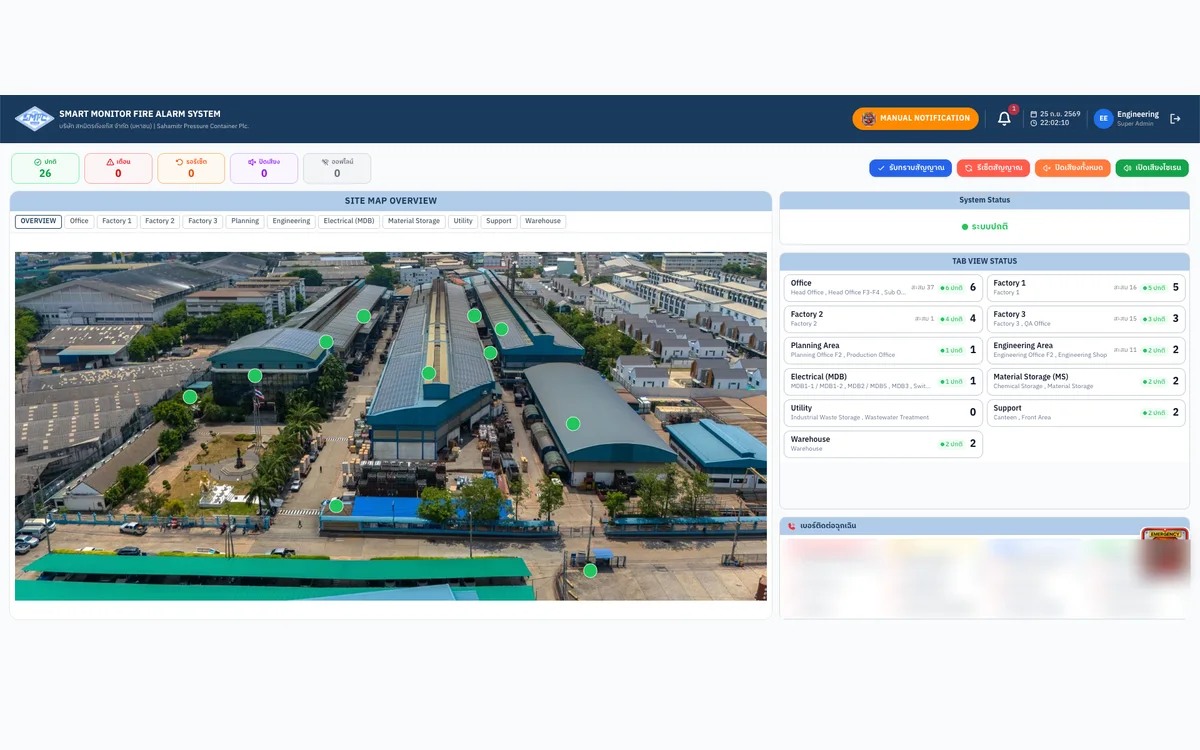
Real-time fire-alarm monitoring web app for a factory, wired directly to its PLC.
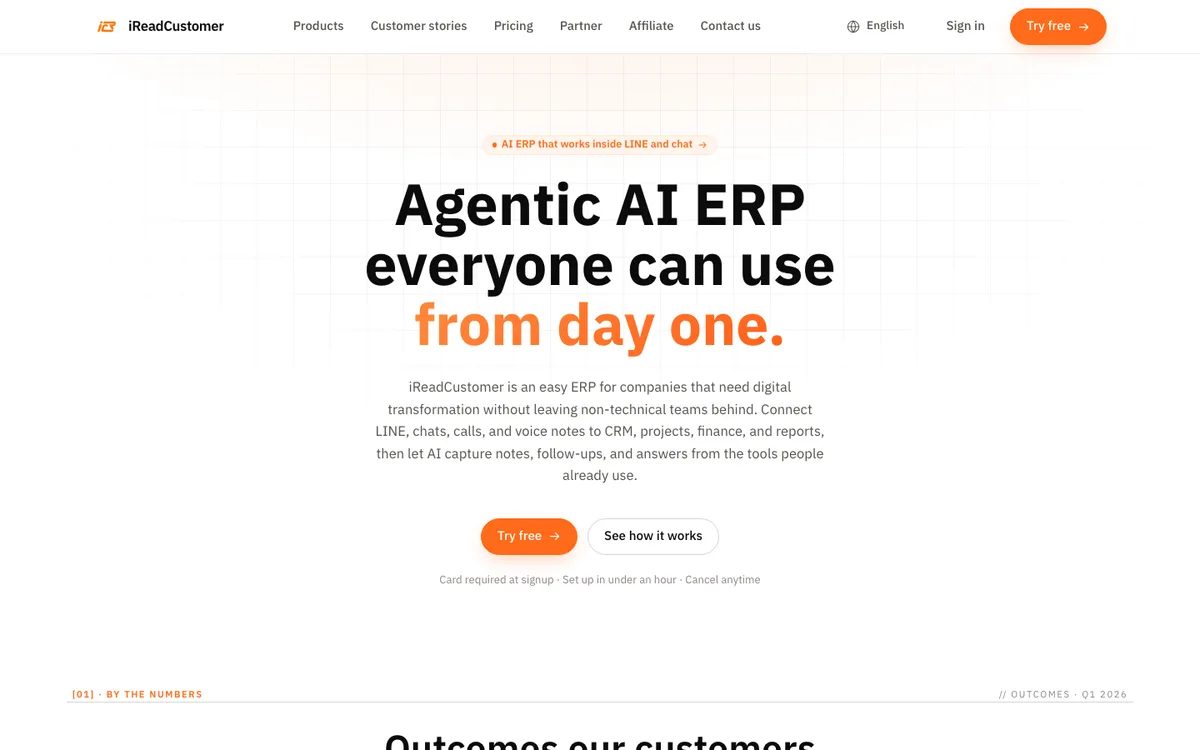
AI-agent ERP that connects LINE chats and voice notes to CRM, projects, sales and accounting.
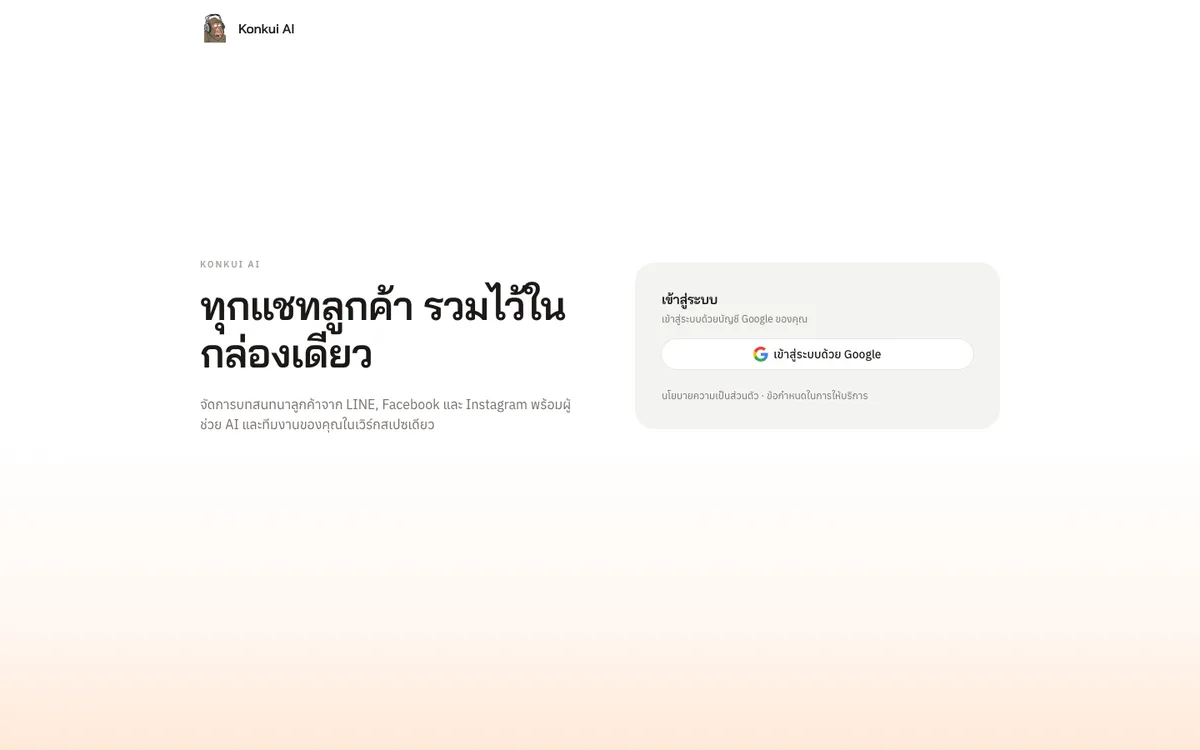
One inbox for LINE, Facebook and Instagram customer chats, with an AI Assistant that answers first and hands off to the team.
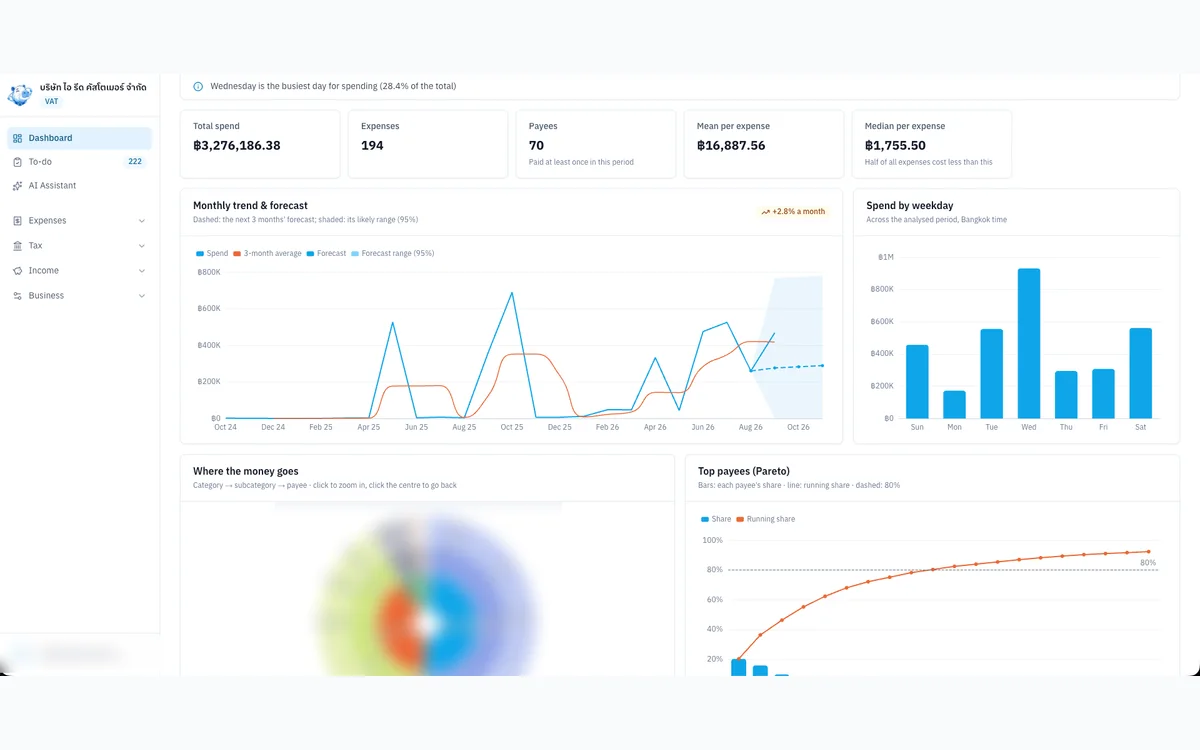
Internal tool that organises expense evidence, input VAT and P.P.36 for a VAT-registered Thai company.
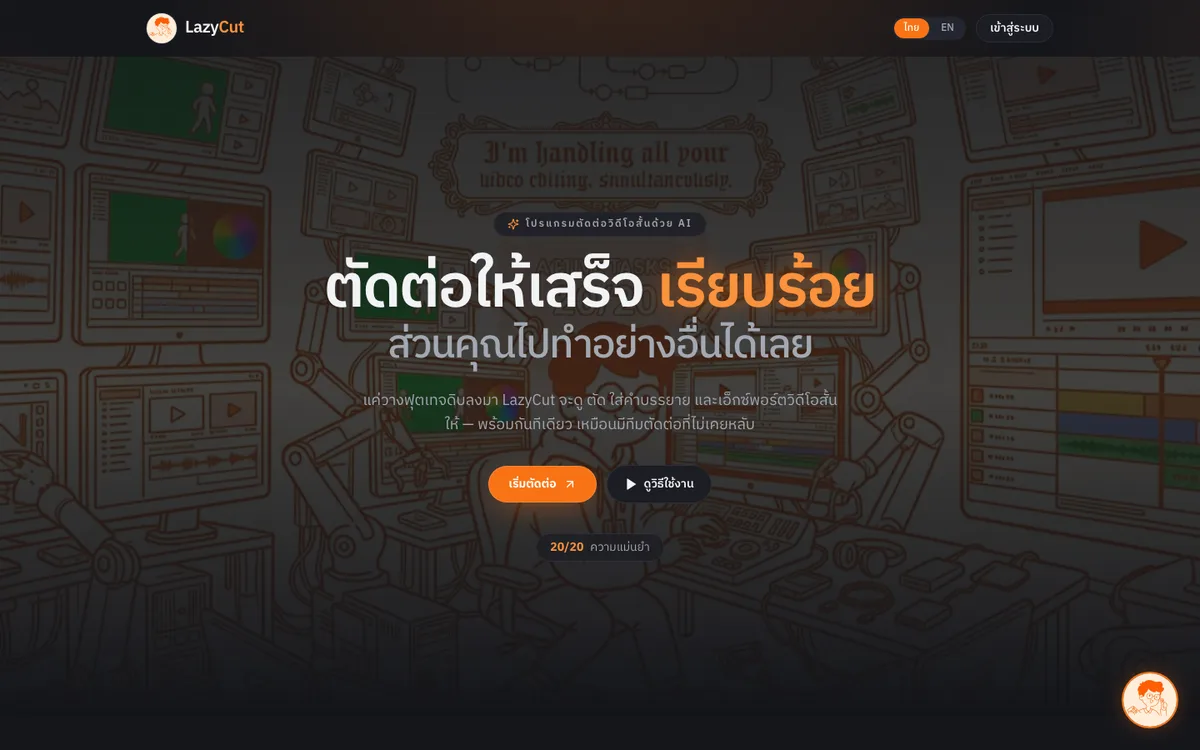
AI short-form video editor that cuts dead air, adds captions and exports ready-to-post clips.
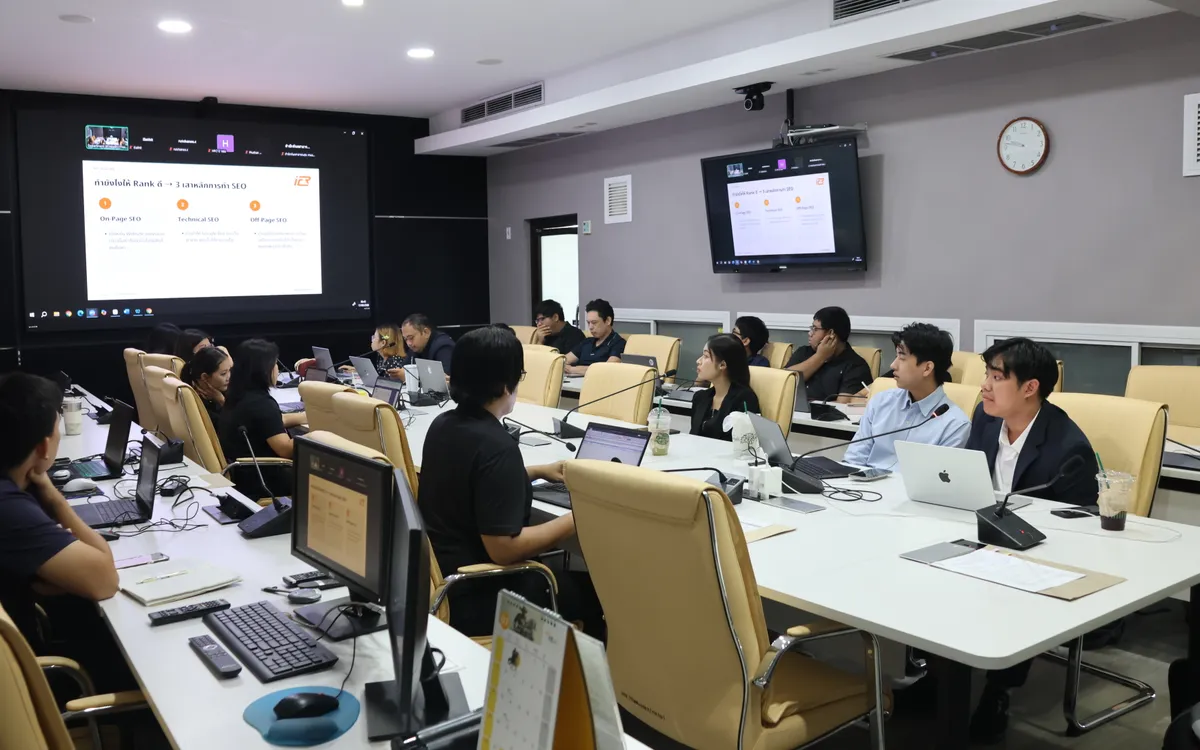
Onsite training and hands-on workshop (09:30–16:00) that helps the Department of Health’s web teams make articles easier for Google and AI search to find, understand and cite.
Contact Us