
01·Gallery
Lets diners scan a QR code, browse and order themselves
Shows what’s selling on a sales dashboard
Diners stop waving for staff: they scan the QR on the table and order, the shop sees it instantly, and owners watch sales live.
Diners shouldn’t have to wait for someone to take their order, and owners shouldn’t have to wait for closing time to know the day’s takings. FastOrder is a digital-menu and order-management platform for modern restaurants: diners scan a QR code to browse the menu and order themselves, while owners manage menus and track orders and sales in real time.
Restaurants want three things: diners browsing and ordering from the table themselves, orders reaching the shop the moment they are placed, and owners seeing revenue and best-sellers while the day is still running, not after closing. FastOrder was built as a ready-made service restaurants sign up for themselves: diners scan a QR code to open the menu and order, the shop receives orders in real time, and owners follow revenue and top-selling items on a dashboard.
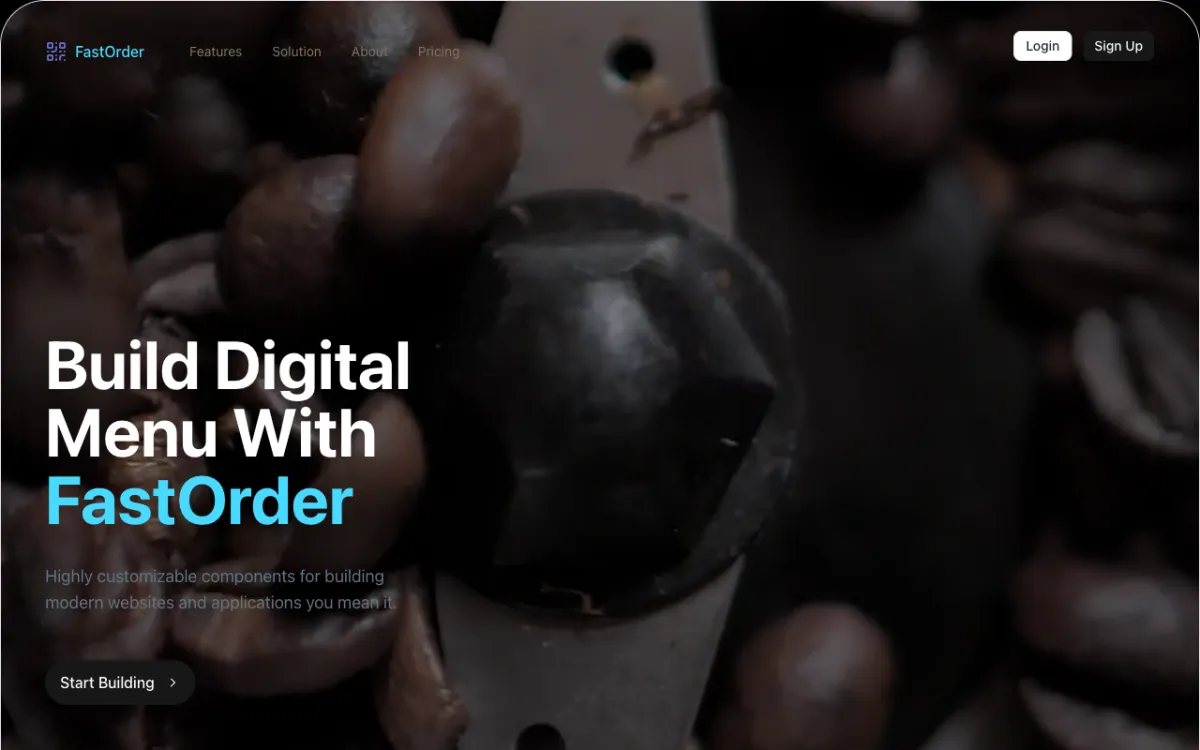
We built the system around one meal: the owner signs the restaurant up, a diner scans the QR code at the table, the order reaches the shop, and the owner sees the numbers while the day is still running.
Restaurant owners sign up or log in on FastOrder’s site by themselves and choose a package from the pricing page before they start.
Diners scan the QR code at the table to open the digital menu, pick items and send the order themselves. The menu shows prices and flags recommended dishes.
Orders from each table reach the shop’s system in real time, so staff can track them straight away.
The dashboard shows daily revenue with a trend chart, today’s orders, average spend per order and a best-seller ranking with how often each item was ordered. It also flags menu items to improve and sums up each month and year so periods can be compared.
The screens shown on this page were captured from FastOrder’s live site in May 2026.
Scan the QR, pick from the menu and order on the spot, no flagging down staff.
Every order enters the system in real time, so staff can act on it straight away.
Owners see the day’s revenue, order count, average per order and best-sellers whenever they look.
Monthly and yearly reports put one period’s performance next to another.
Gallery
01·Gallery
Shows what’s selling on a sales dashboard
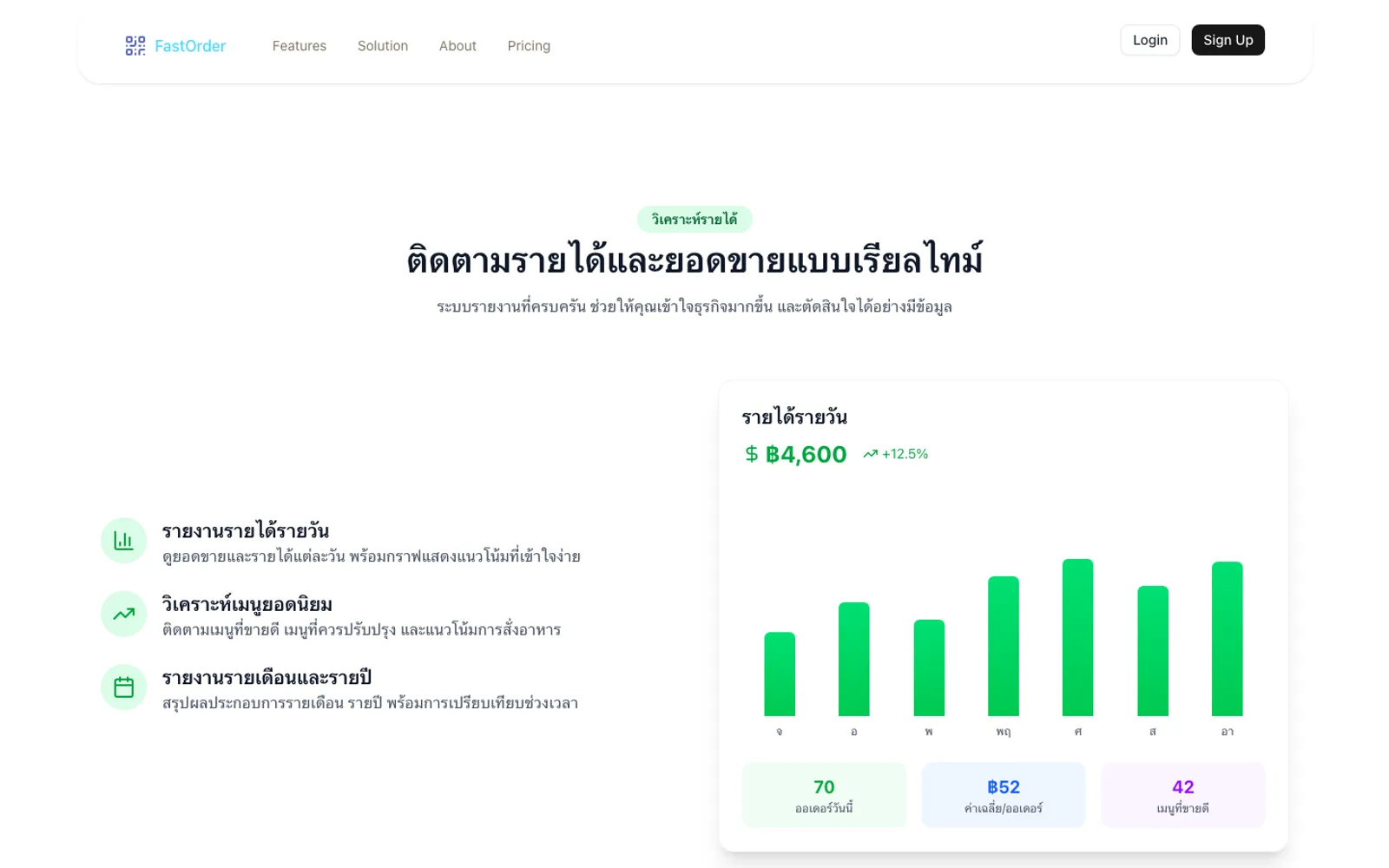
02·Gallery
Reports revenue by day, month and year
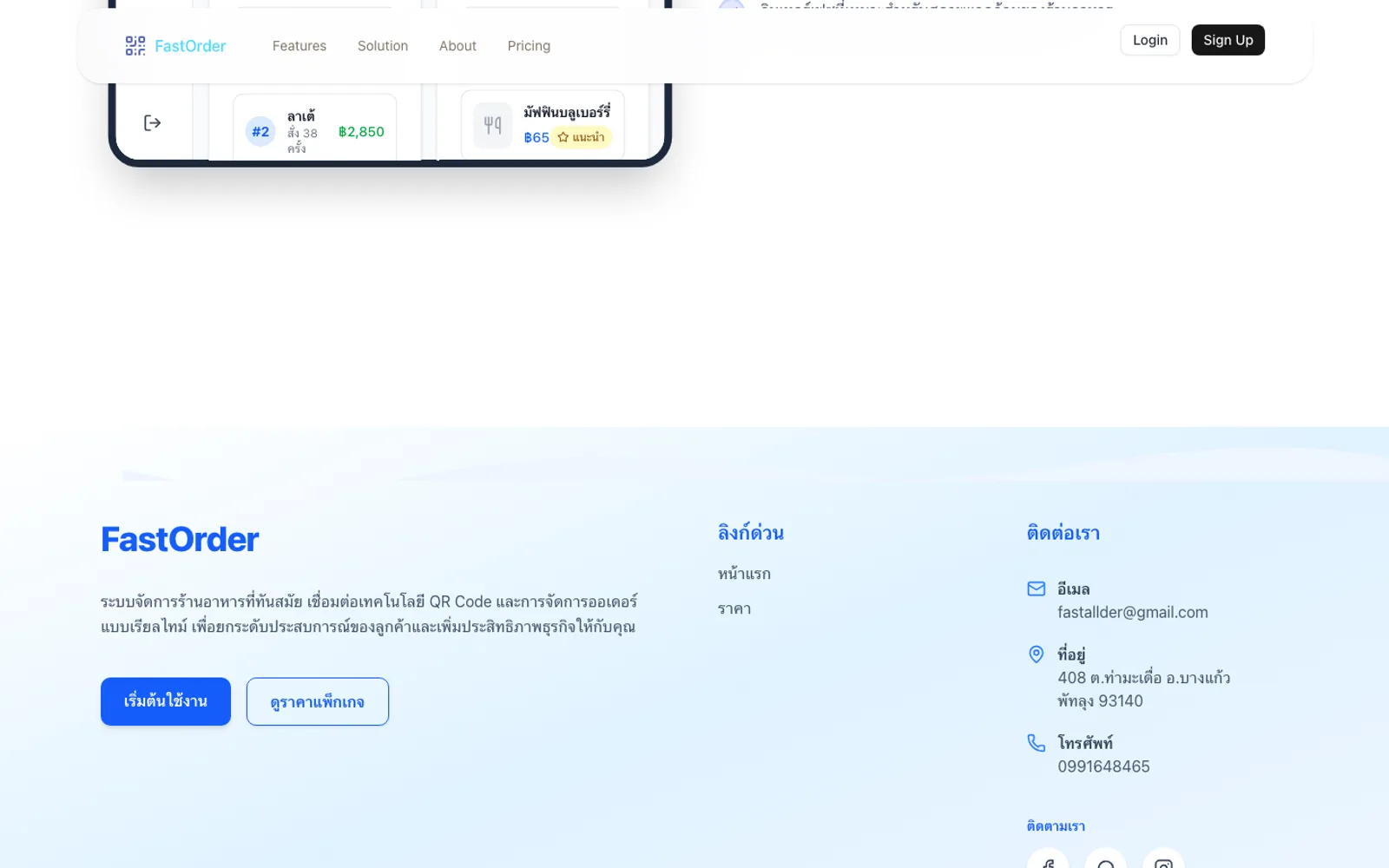
03·Gallery
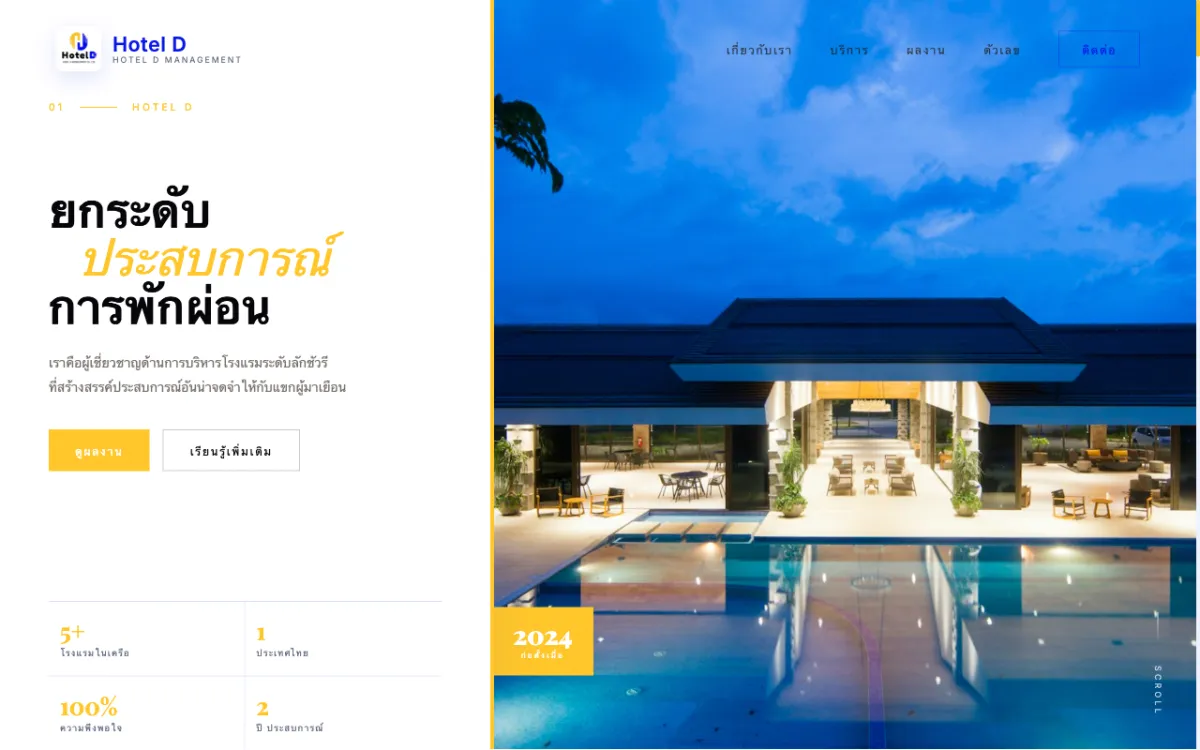
Owners don't hand over a hotel on trust. One page shows the firm's six service lines and the five properties it already runs.

Plenty of good footballers never get seen by a scout. Agilix puts their profile in front of clubs (prototype stage).

Engineers compare specs before they call sales. Each of Genius Instruments’ 25 products now has its own page and a quote request.
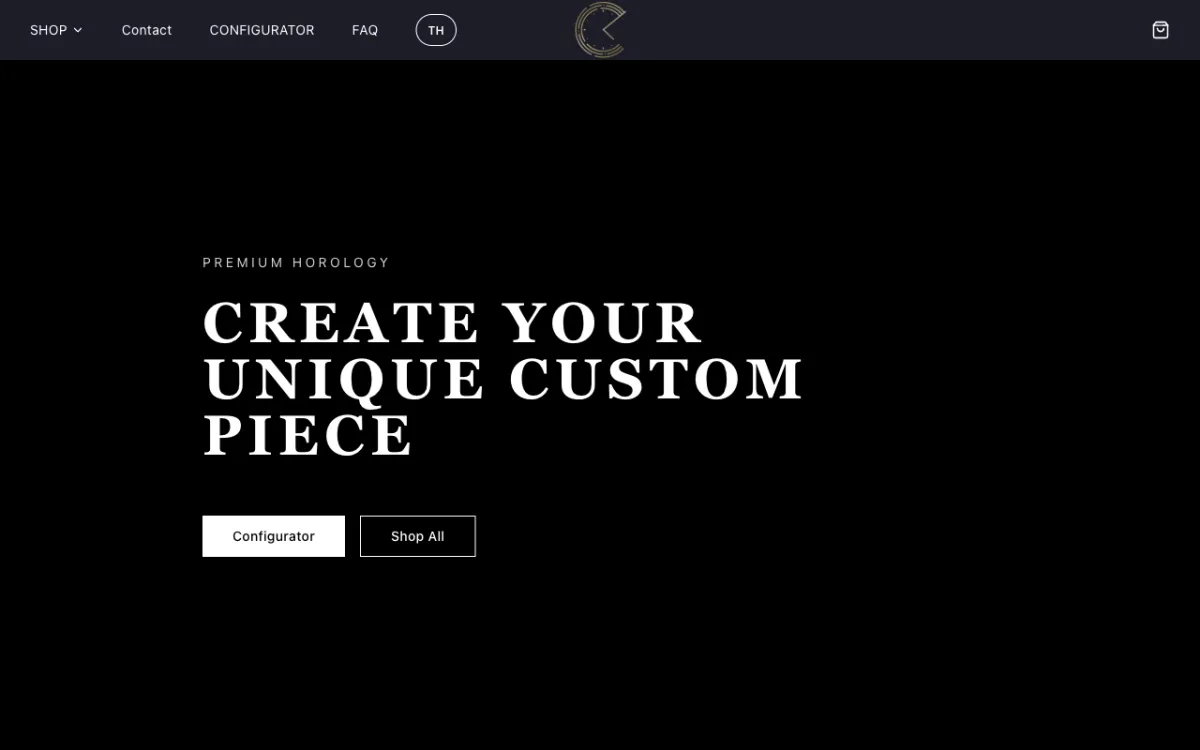
Custom Seiko mods used to be specced over chat, part by part. Now buyers design their own online, see the price at once and order.
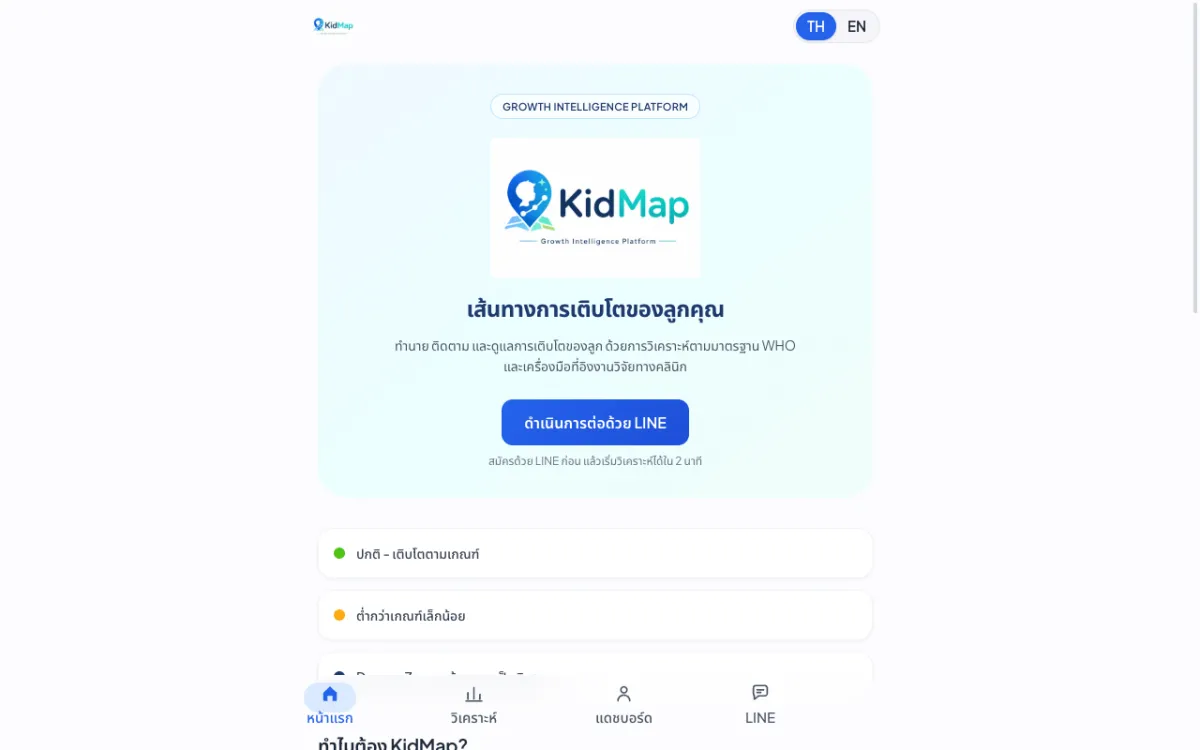
Many parents still track growth on paper and guesswork. KidMap checks a child against WHO standards and predicts what comes next.
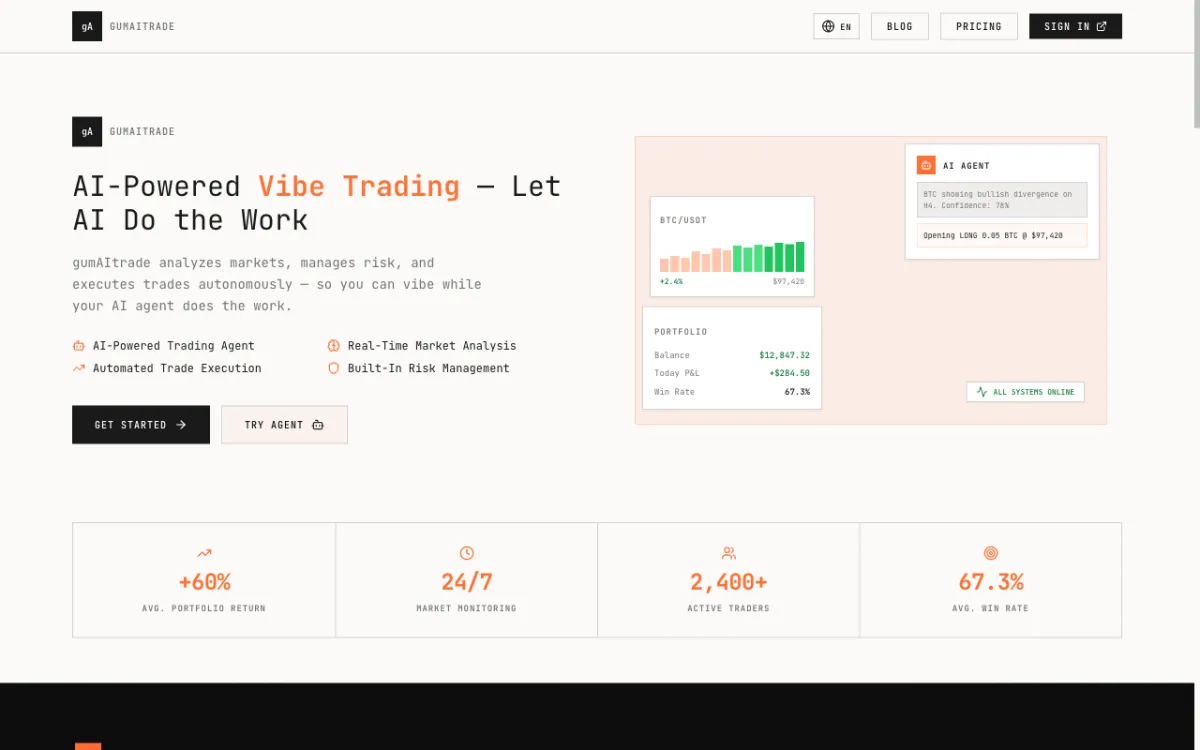
Crypto never closes, but traders have to sleep. gumAItrade is iReadCustomer’s own AI trading bot, built around “vibe trading”.
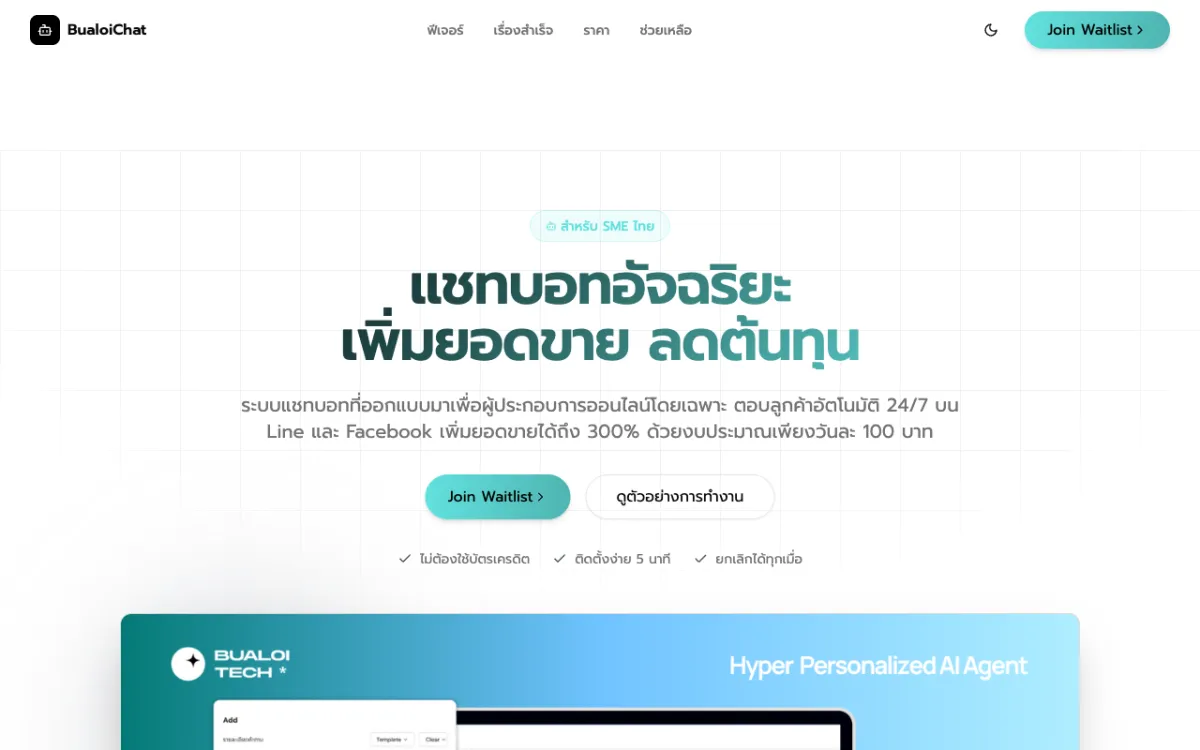
Online shops answer the same questions on LINE OA and Messenger daily. BualoiChat’s AI chatbot is built to take them on (pre-launch).
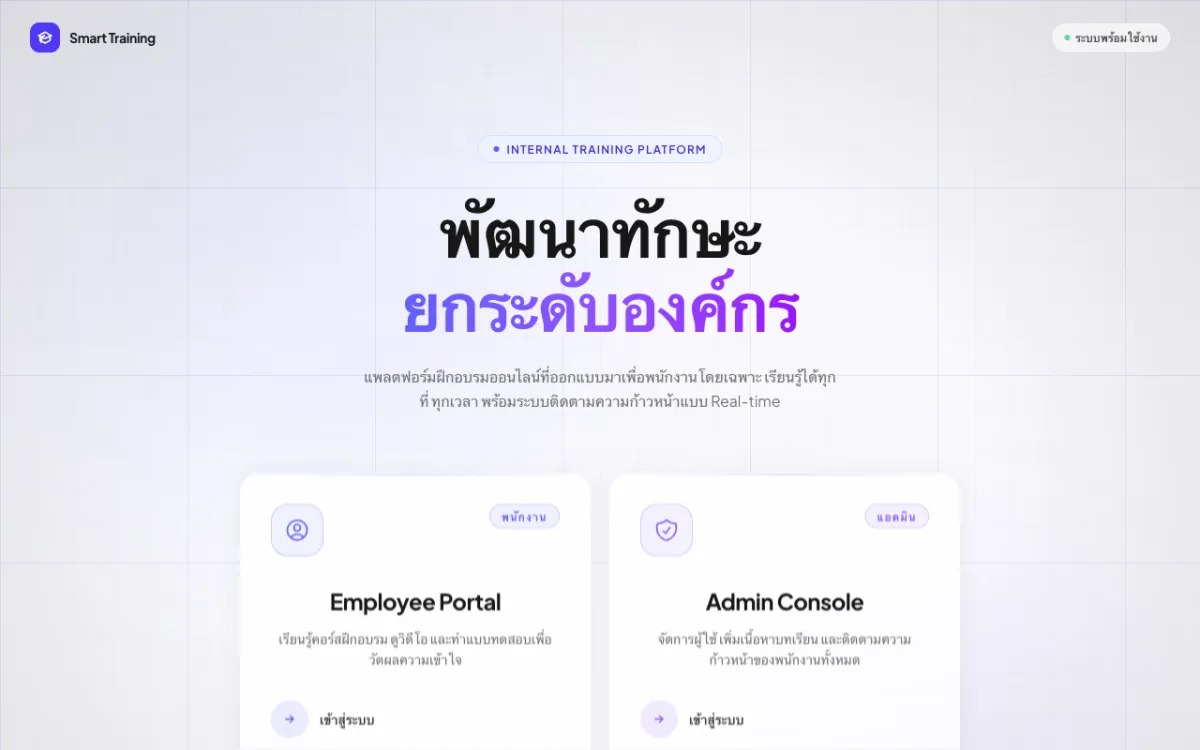
One training standard for every branch, and a clear view of who finished and who passed, through video courses and quizzes.
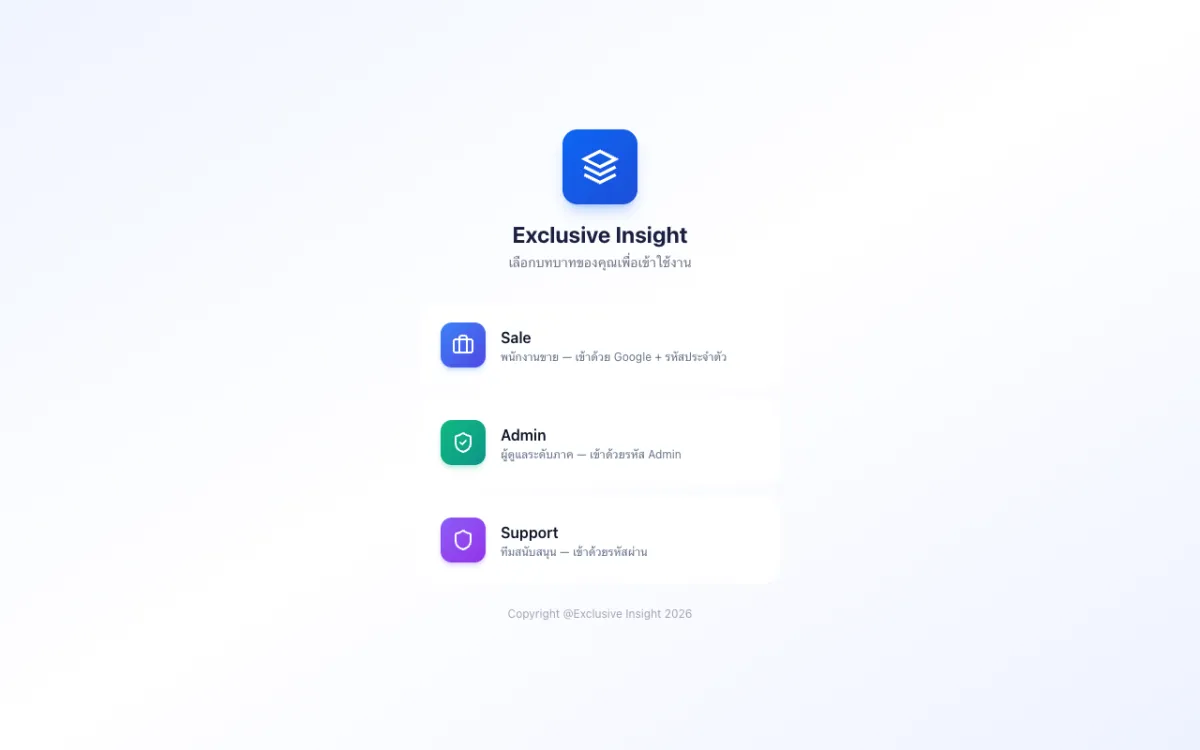
Sales staff across regions, one home for every customer. In this CRM, sales, admins and support see only what their role allows.
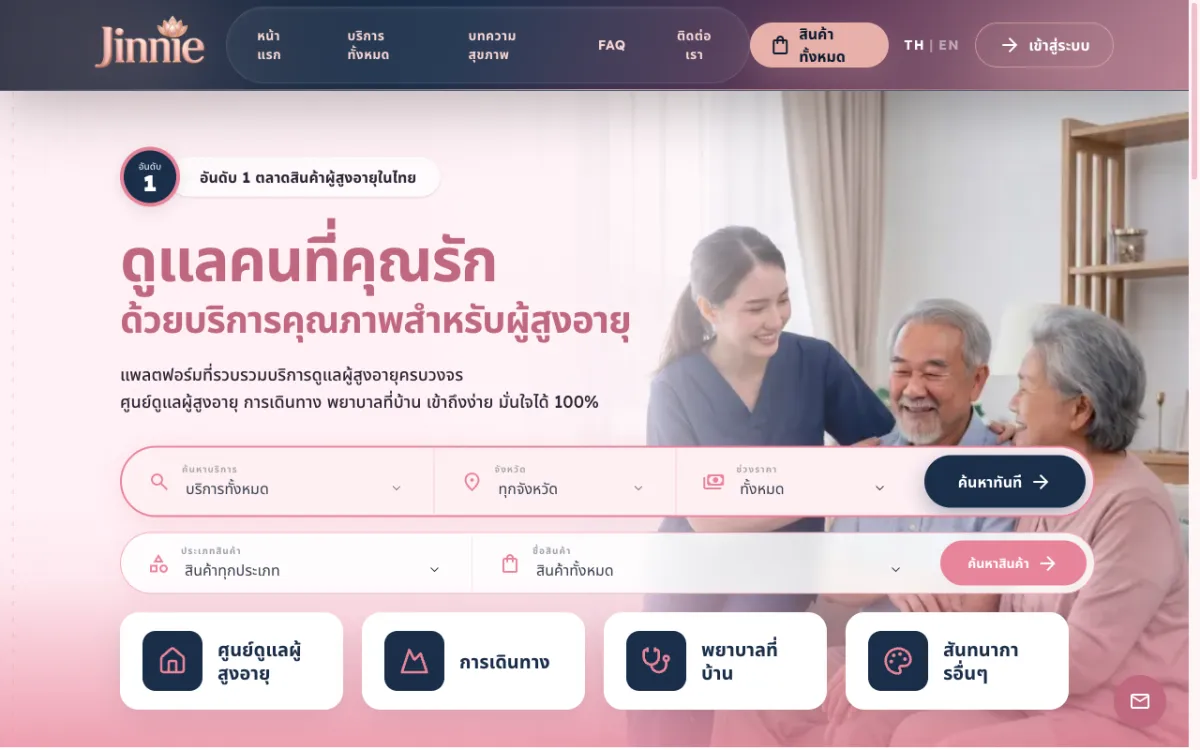
Elderly-care options sit scattered across many providers. Jinnie Care gathers 12 categories so families can search, compare and book.
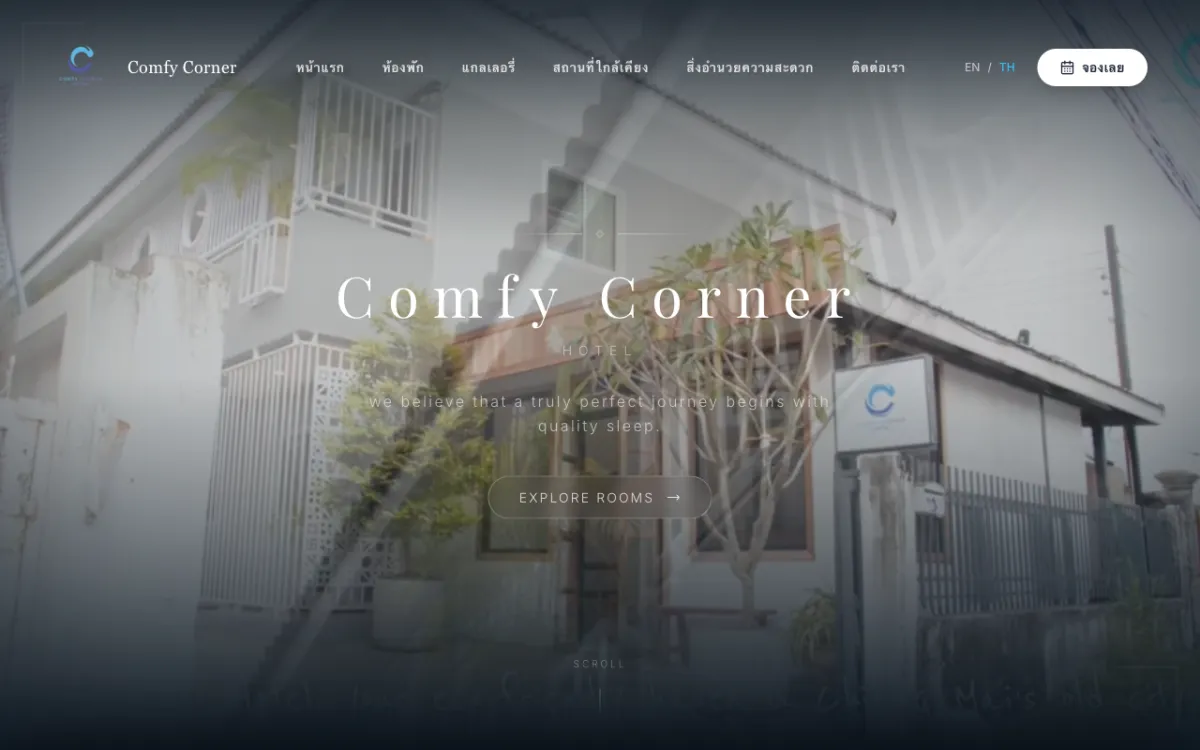
This Chiang Mai budget boutique hotel sells sleep. Its bilingual site tells the story an OTA listing can’t, then sends guests to book.

Bookings already run through Agoda and Trip.com. This bilingual site’s job is getting a private luxury pool villa in Khao Yai found.

Even the room names come from music. This Khao Yai resort sells “music meets nature” as much as rooms, and its bilingual site carries it.

Premium buyers judge a builder by the work they can see. Deer Build lets its wellness-living projects make the case. Bilingual.
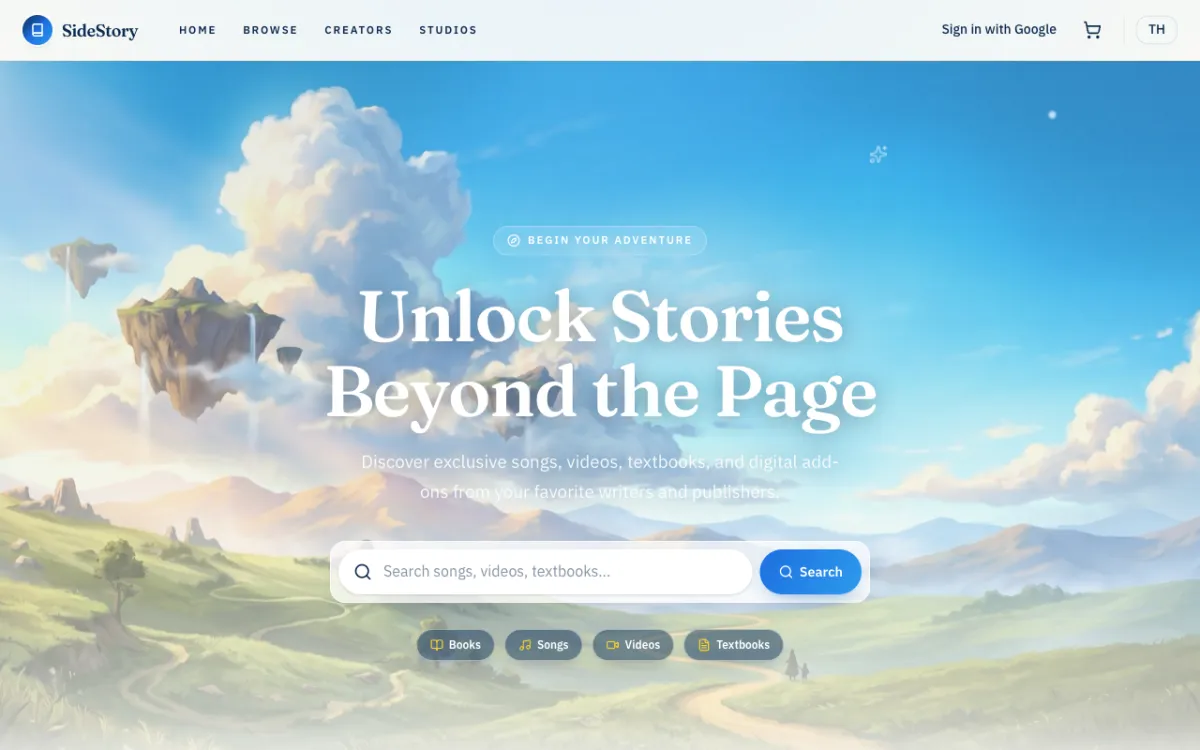
Many stories outlive the last page. SideStory is where Thai writers and publishers sell the songs, videos and textbooks around them.
Decisions made in LINE groups get buried under new messages. NoteDo(c)g has AI summarise every conversation so the team can search and ask.
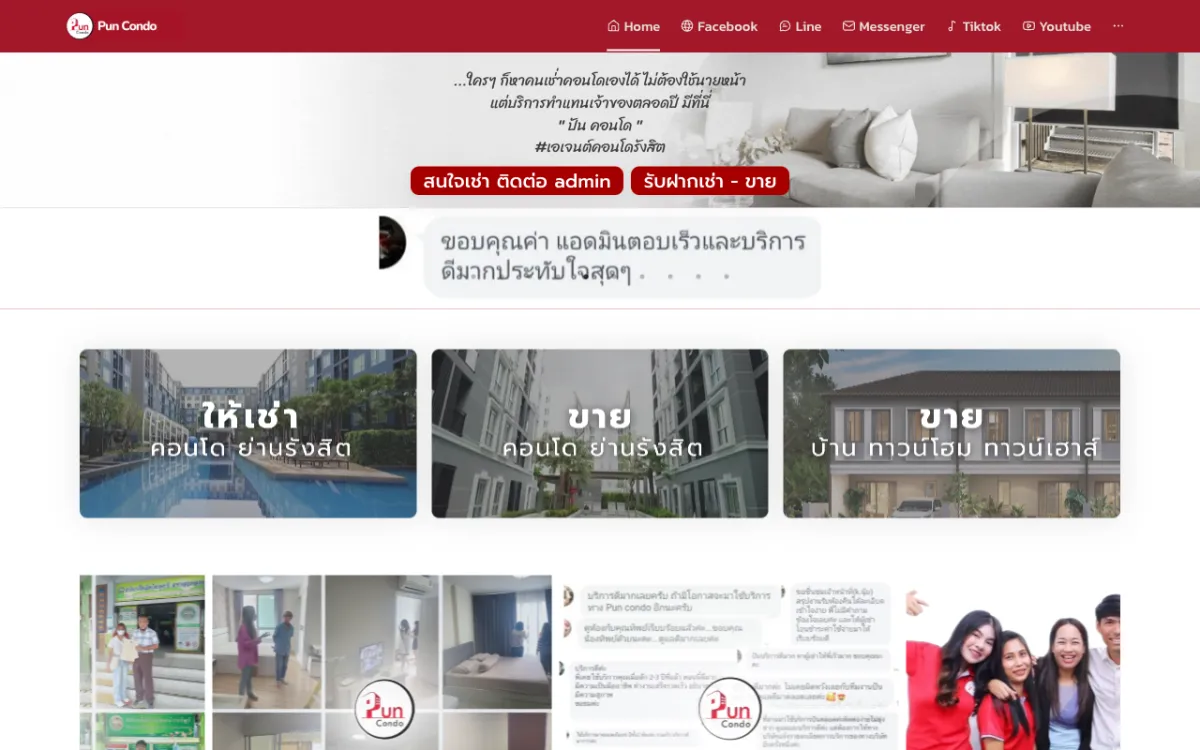
Rooms lived in Excel, leads lived in chats. Pun Property now runs its listings and back office on one platform.
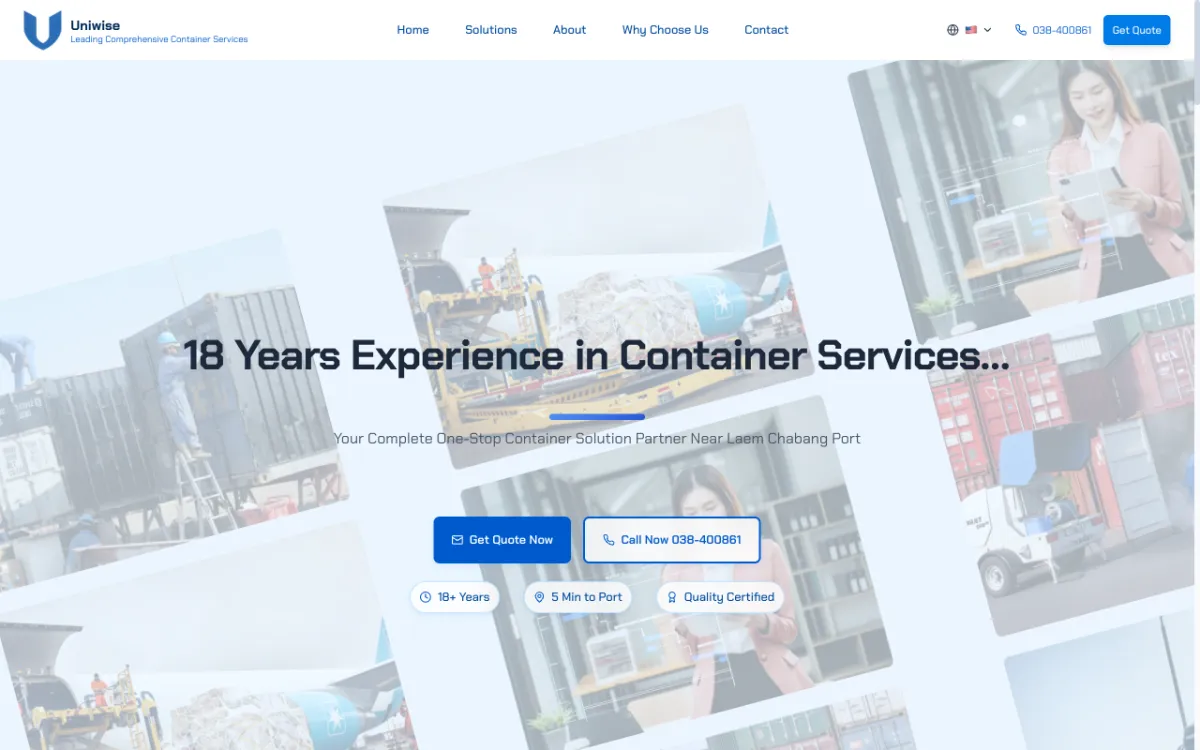
Shipping lines look for container yards online. Uniwise’s trilingual site, near Laem Chabang Port, answers them and leads to a quote.

A startup studio that is also a consultancy is hard to grasp in one visit. This landing page makes its MVP-led offer clear on one page.

Clients judge a software house by its own website. This one lets VAIZANG, founded by Chula students, show its craft from the first screen.
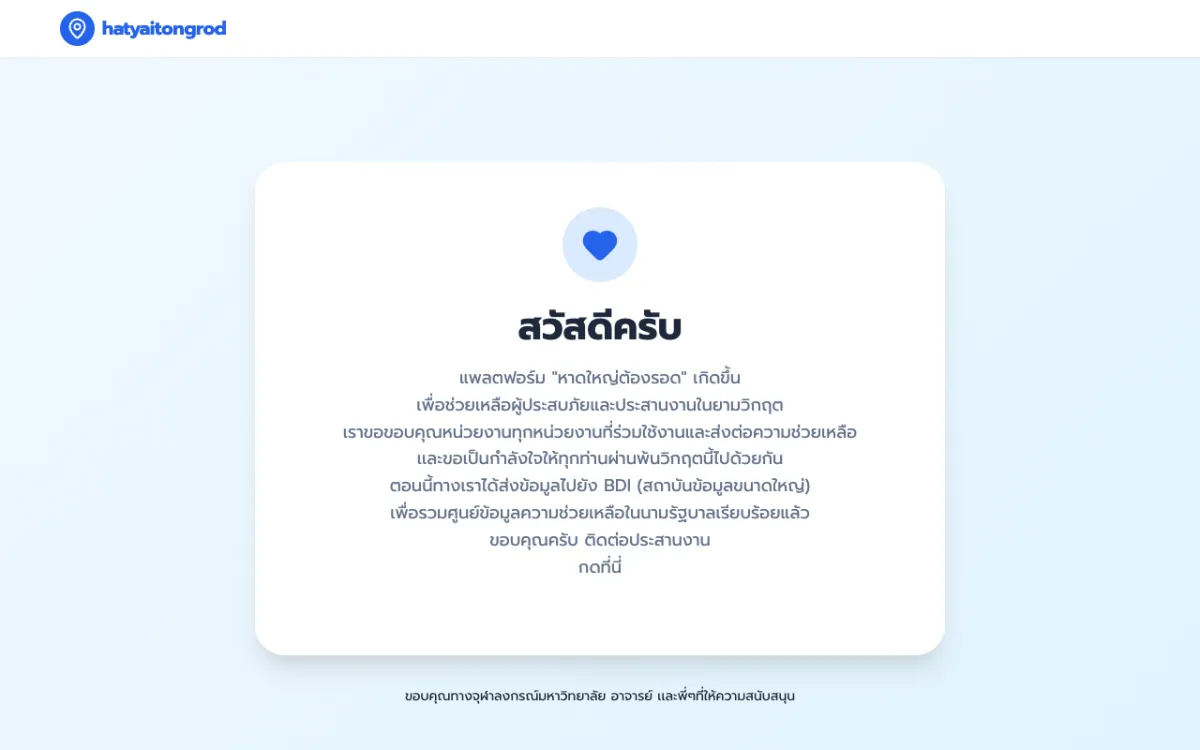
When Hat Yai flooded and communities were cut off, this web app took help requests from 1,000,000+ concurrent users and stayed up.
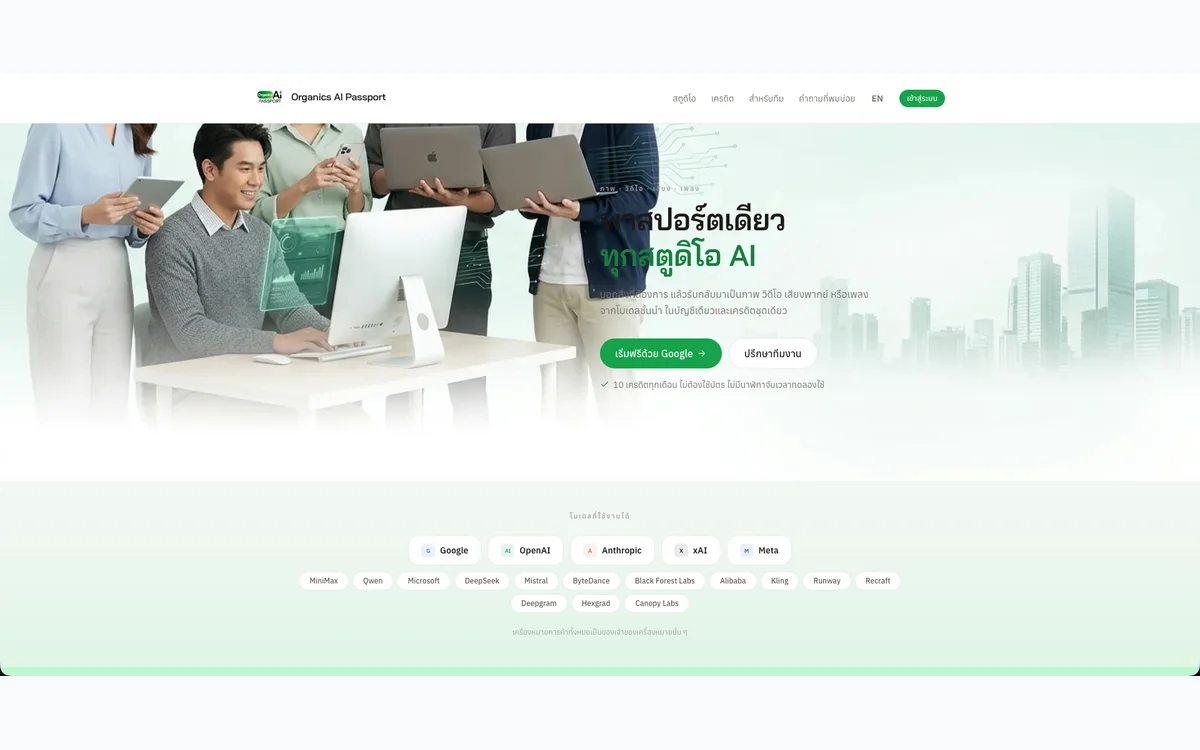
Images, video, voiceovers and music from one account and one credit balance, with the price shown before every click.
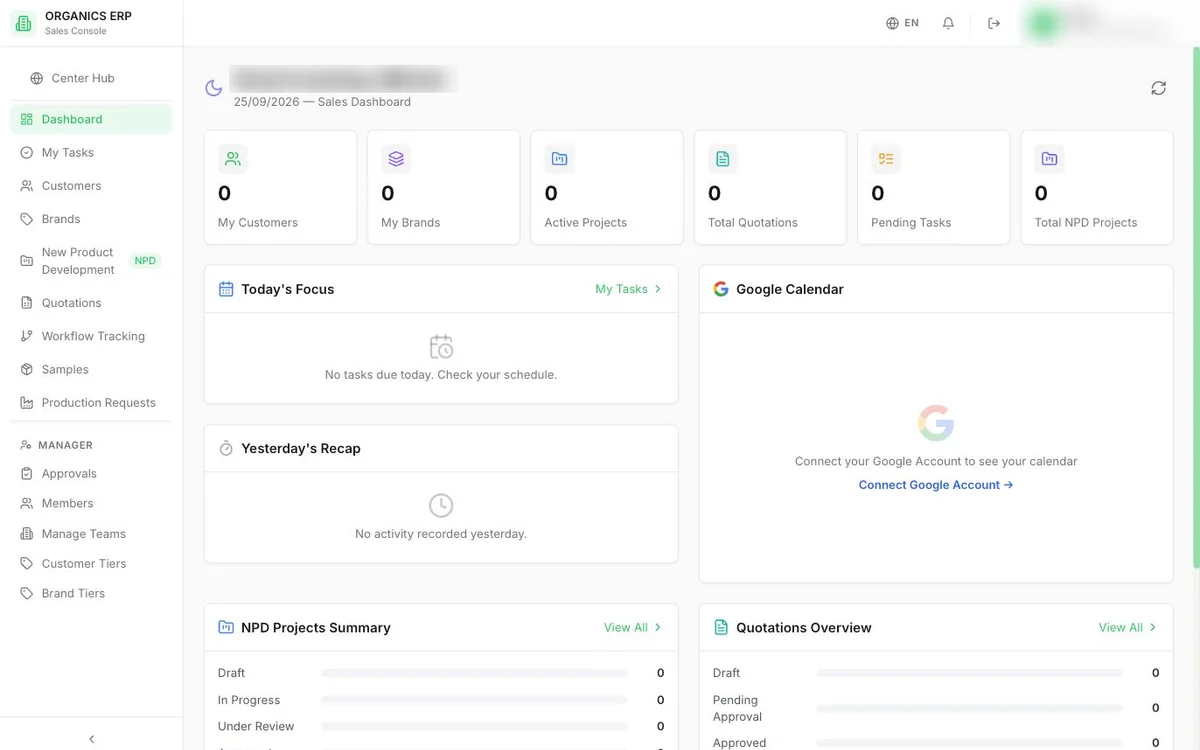
One customer brief passes through many departments before it becomes a product. ORGANICS ERP keeps them on one record, traceable throughout.
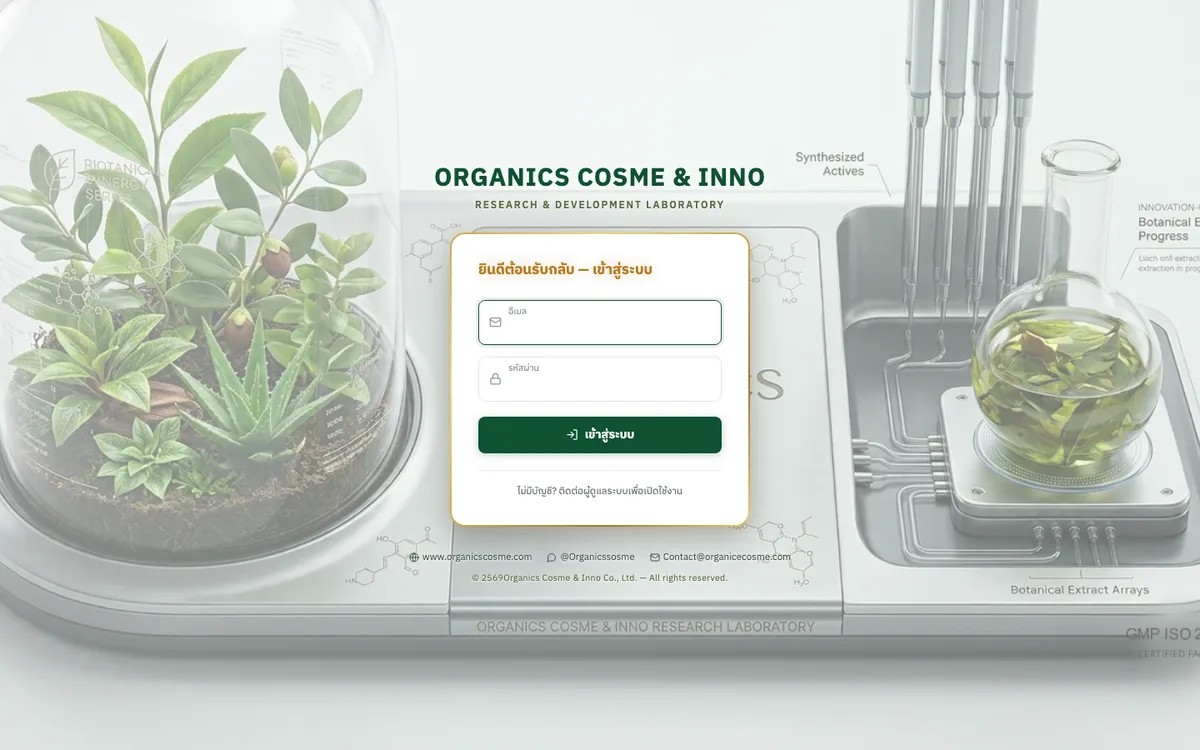
OEM briefs that lived in one huge spreadsheet now run from intake to quotation to delivery, in one system customers can track.
Can this formula be made from what’s in stock, and at what cost? The R&D team now asks one AI assistant instead of hopping between tools.
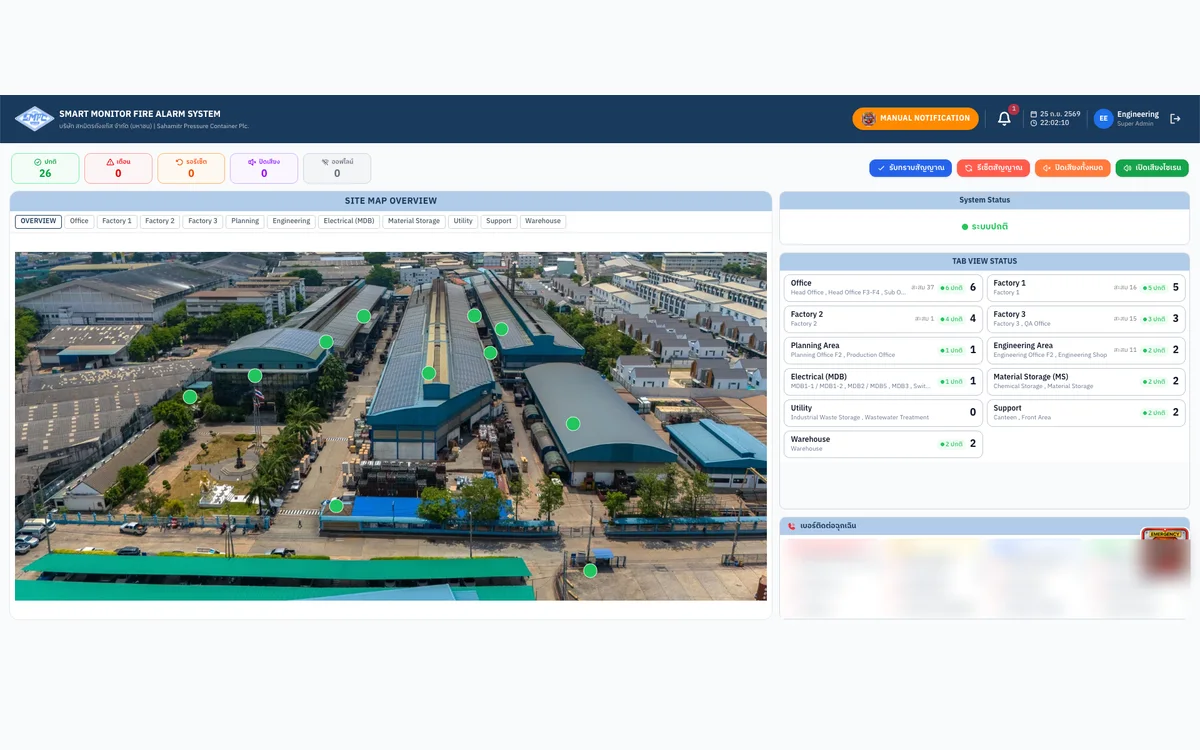
Every fire alarm meant a walk to a hard-to-reach panel. This web app puts the panel’s PLC status on any screen in real time.

Frontline teams live in LINE, not an ERP. Agentic ERP uses AI to turn chats and voice notes into CRM, project, sales and accounting records.

Customers message on LINE, Facebook and Instagram. Konkui pulls it all into one Inbox where AI answers first and hands off to the team.
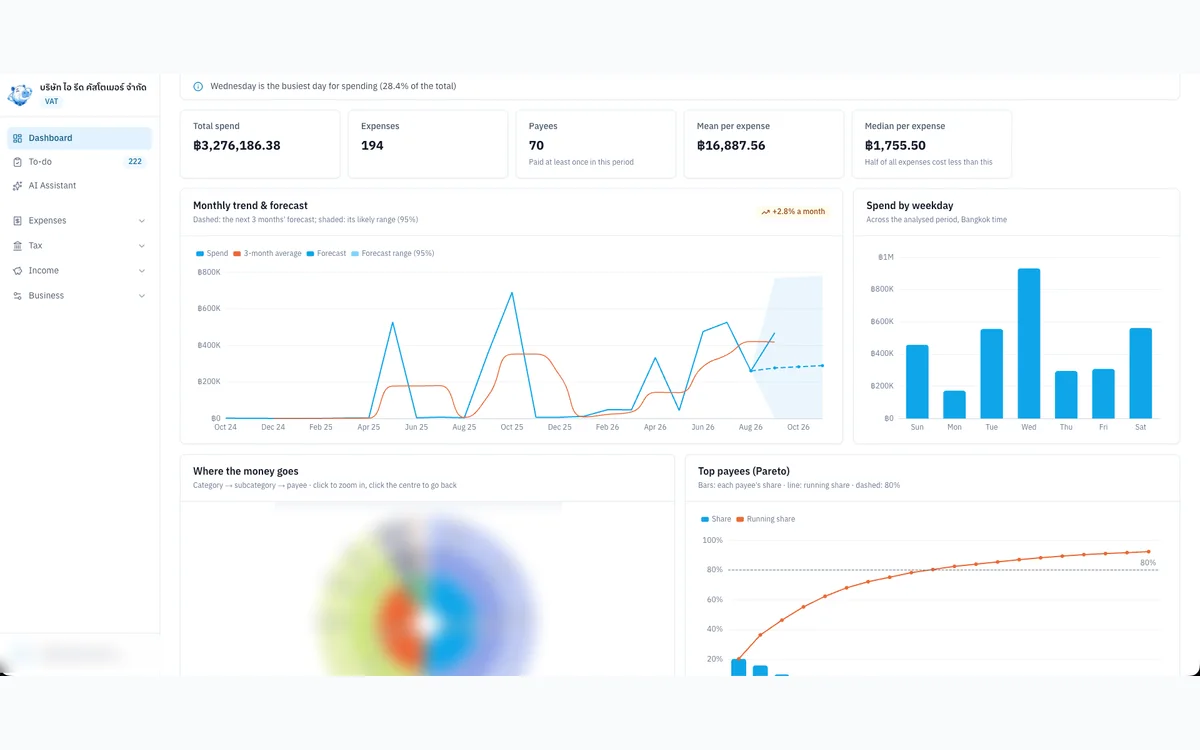
Lost input VAT and missed P.P.36 filings leak money quietly. Akon AI captures expense evidence and flags what’s missing before month end.

Work stalls when nobody chases it. Mutta, an AI secretary in LINE, keeps your schedule, chases follow-ups and remembers every agreement.
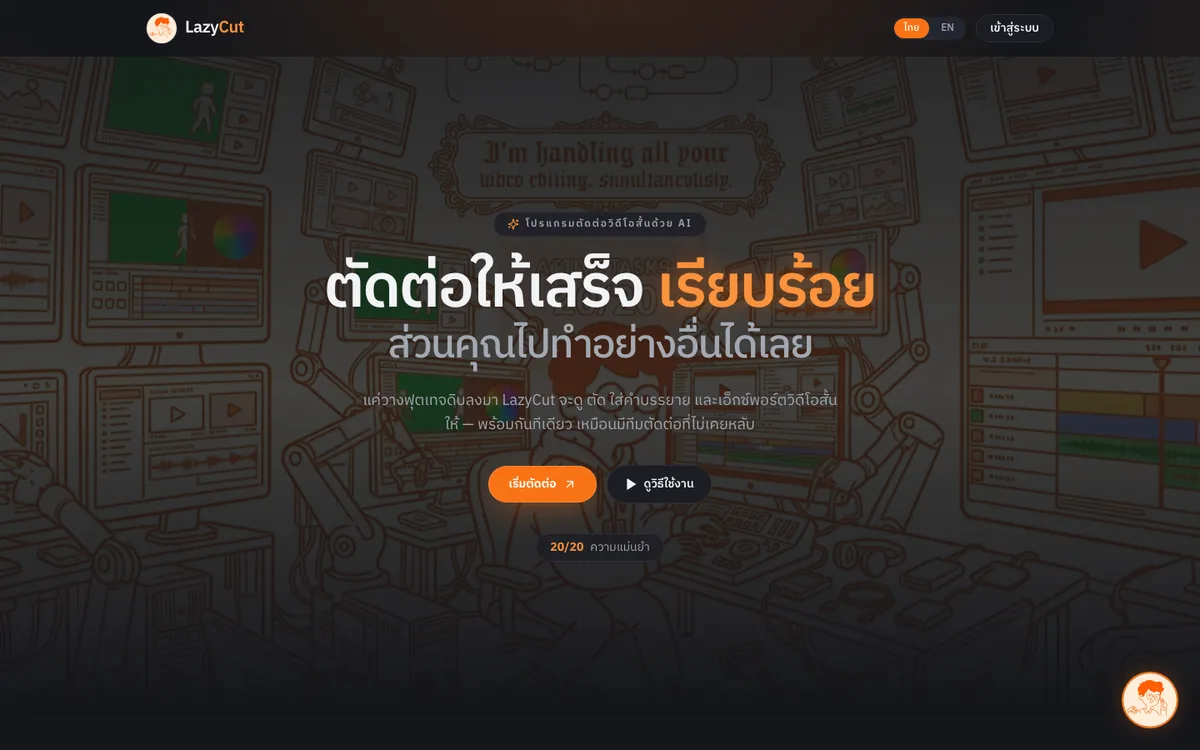
Stop trimming dead air and typing subtitles. LazyCut’s AI cuts raw footage, captions it and exports a short that’s ready to post.
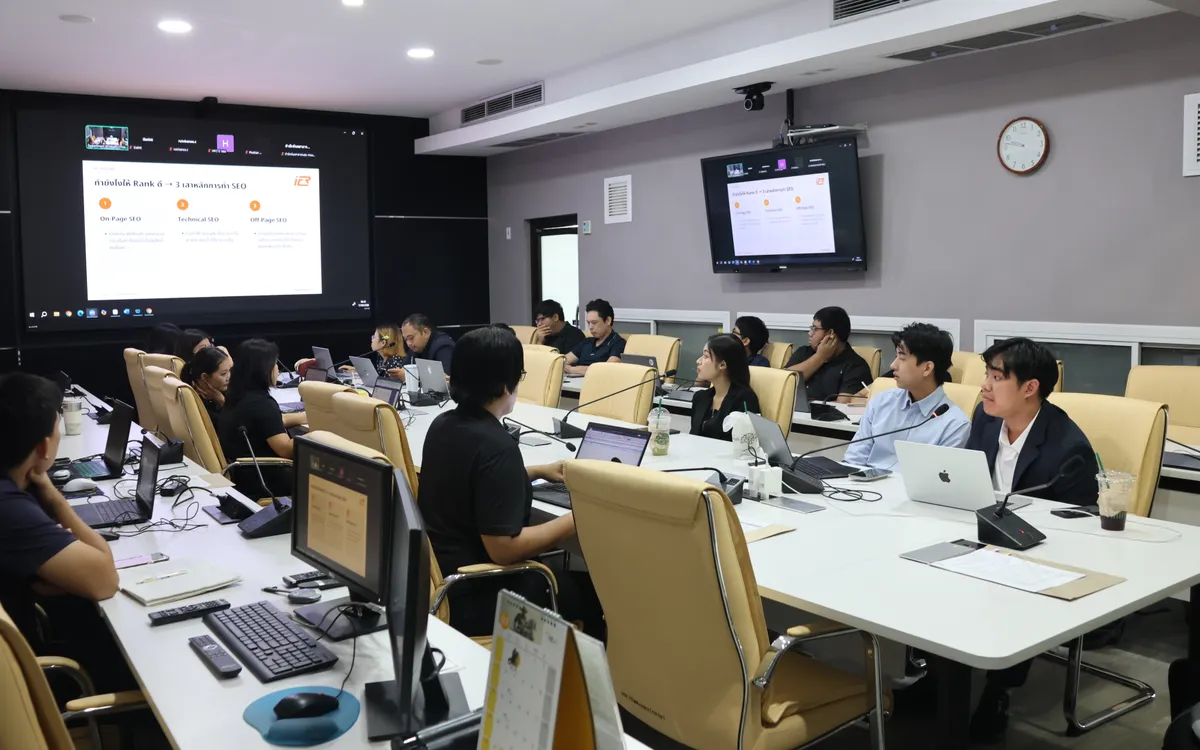
Online isn’t the same as understood. In one onsite day, Department of Health web teams reworked articles for Google and AI to find and cite.
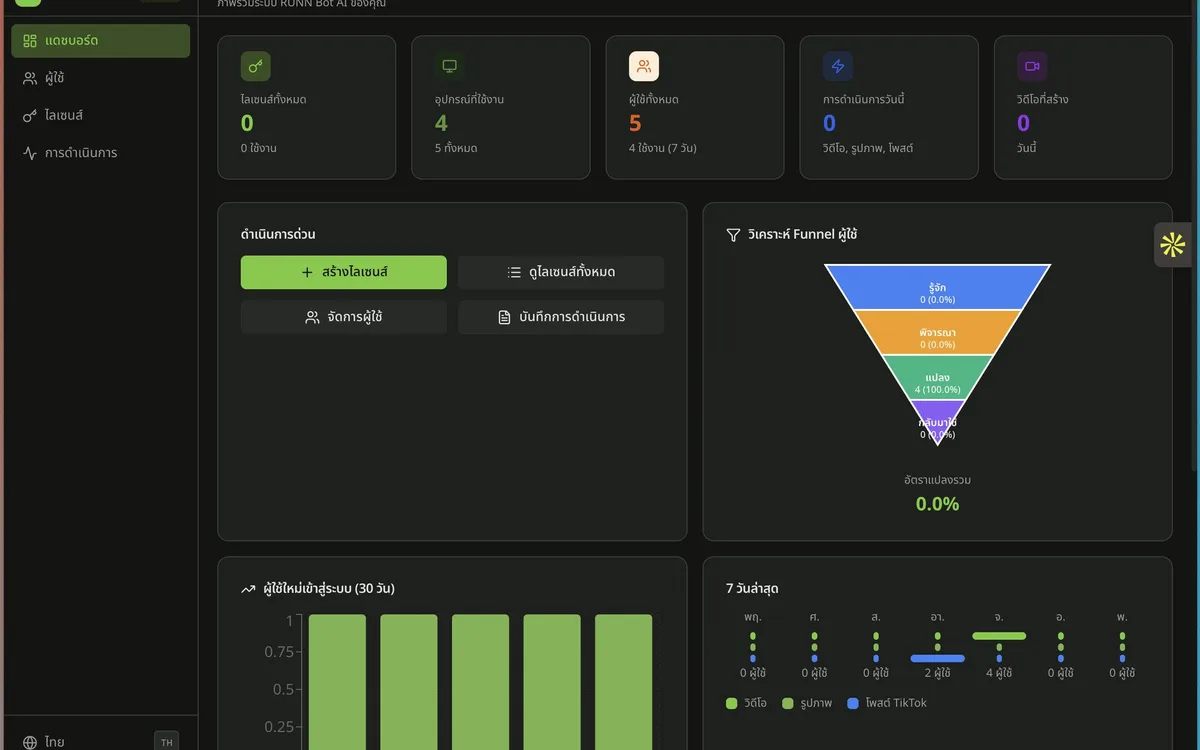
Small team, steady TikTok schedule. RUNN Bot AI turns product images into videos, images and posts, with admin views of licences and users.
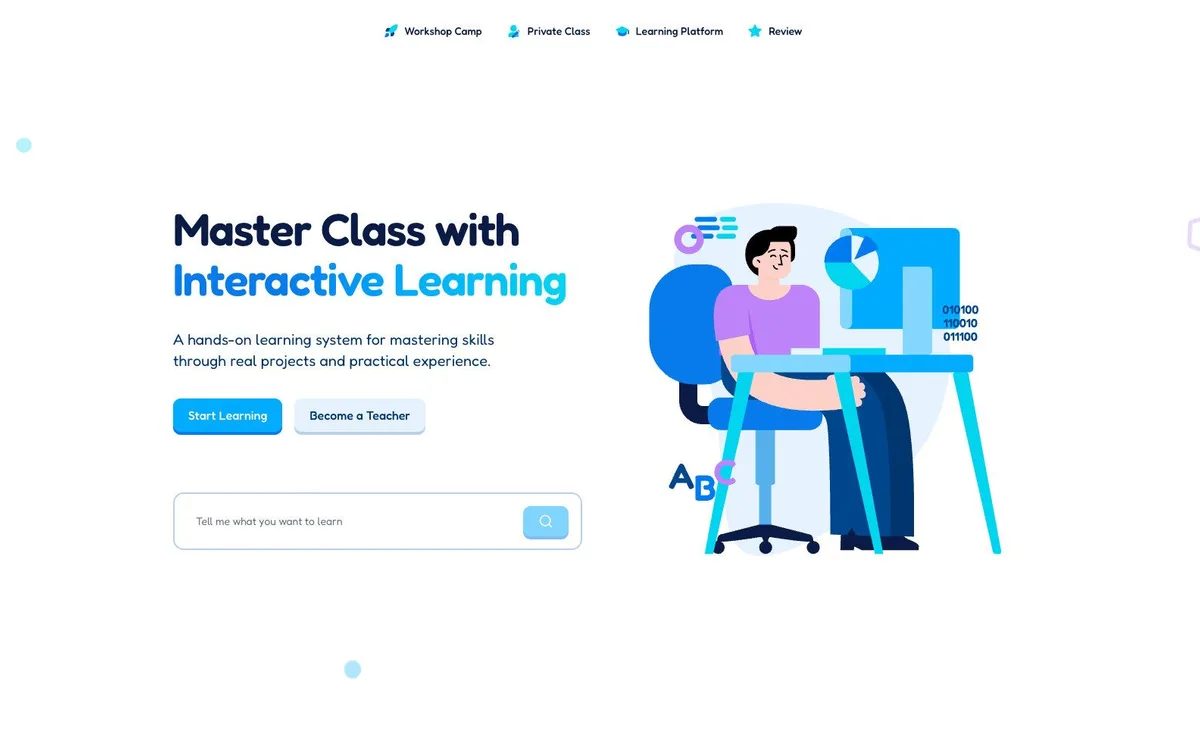
Skills you learn by doing. LCS puts workshops, private classes and online courses on one site, and new teachers apply to join on their own.
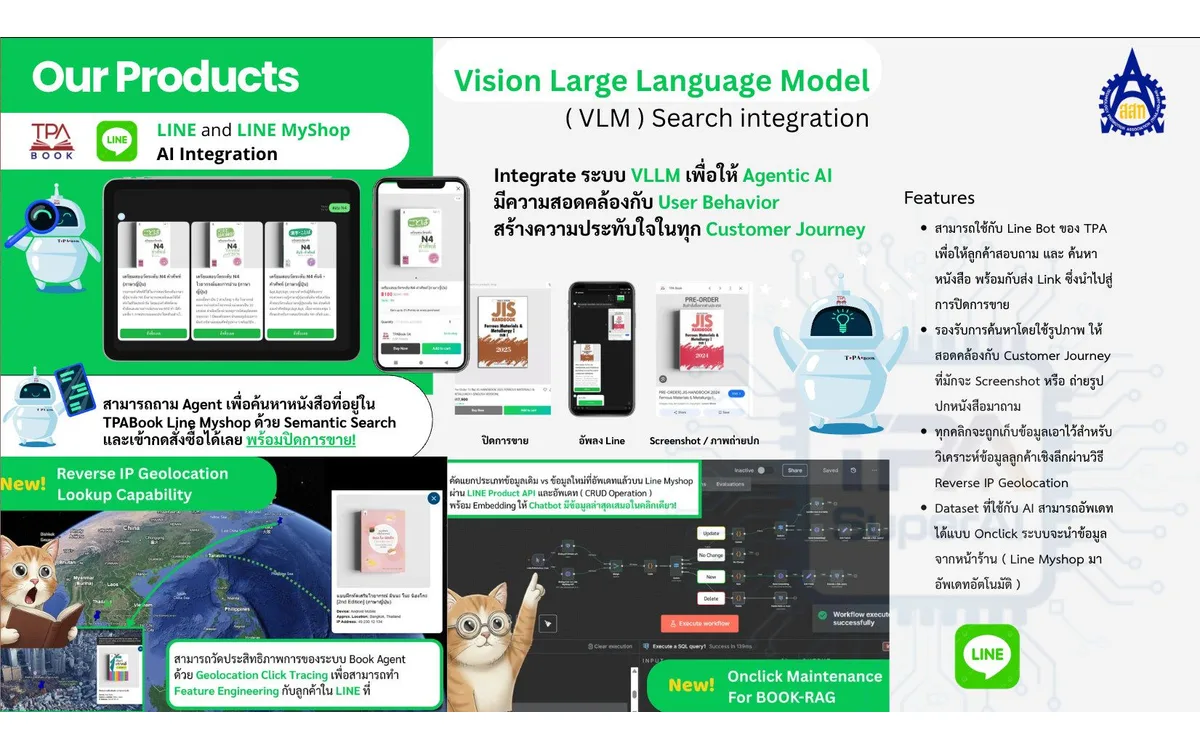
No title, just a photo of the cover. TPA Book’s AI agent in LINE finds the book from a picture or a question and links to LINE MyShop.
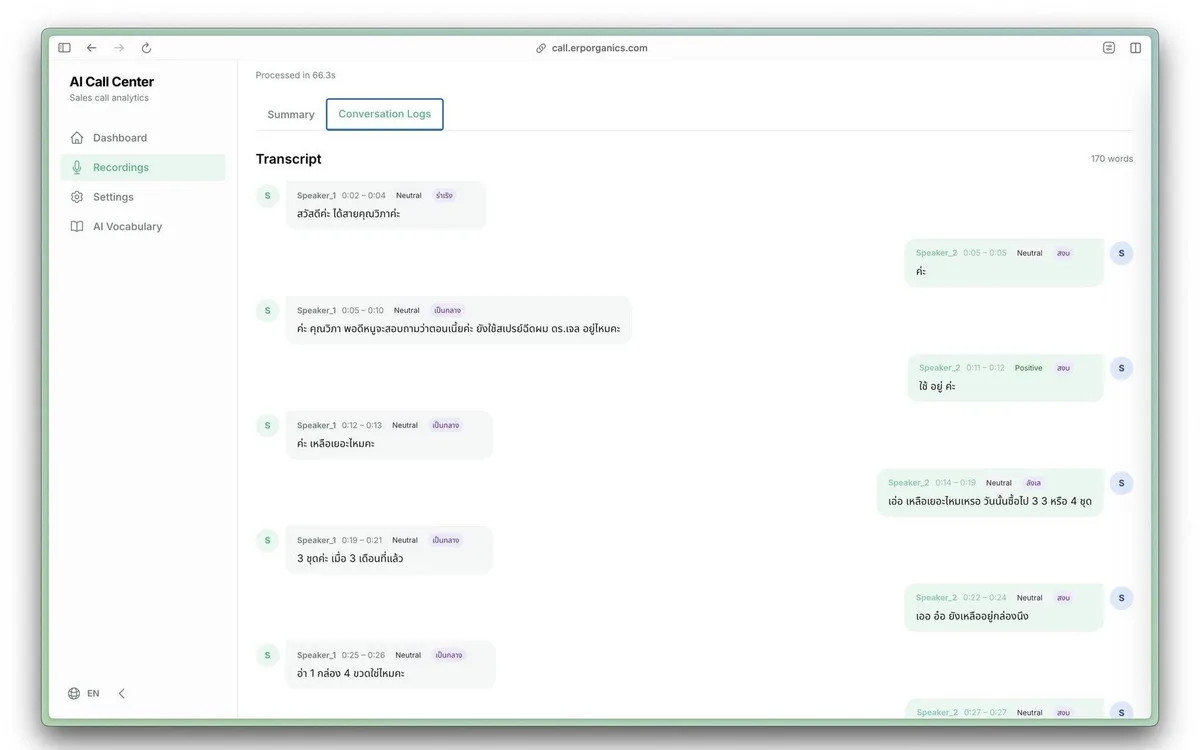
No team lead can listen to every sales call. Telesales AI reviews them all: Thai transcripts, selling quality, call performance.
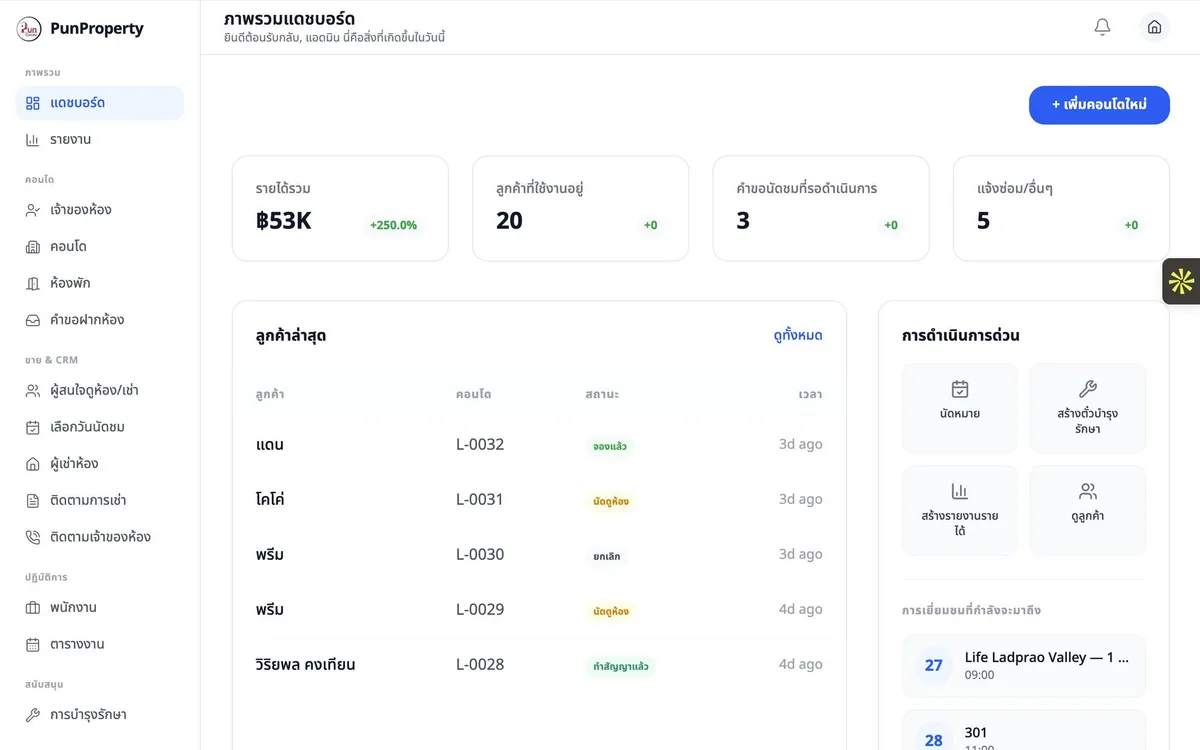
The sales team used to hunt leads in online posts by hand. Now AI collects the listings, and leads, leases and repairs share one system.
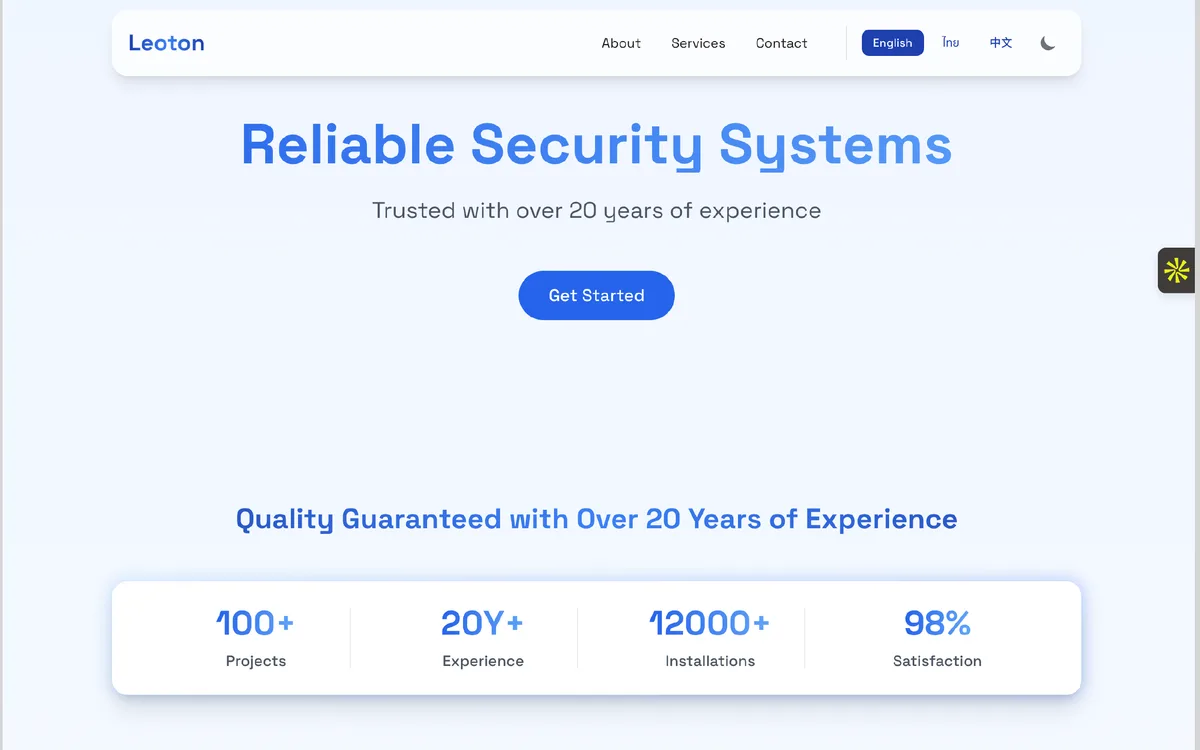
Over 20 years in security. Now Leoton has a landing page in three languages that leads to its service team, and an AI IoT security system.
Contact Us