
01·Gallery
AI transcription with suggested cuts for silences and filler words
Browser studio with multi-track timeline, B-roll and multiple clips
AI short-form video editor that cuts dead air, adds captions and exports ready-to-post clips.
Vertical 9:16, rendered with Remotion from the same components as the editor preview
Default, Karaoke, Bold Yellow, Word Pop and Emoji Keyword
Whisper, Deepgram and Gemini, switched by configuration rather than code
LazyCut is iReadCustomer’s in-house AI editor for short-form video. Users upload raw footage — talking-head clips, podcasts, screencasts or stream replays — and the AI transcribes it, proposes cuts for silences and filler words, adds word-level animated captions and places emoji, sound effects and memes. Everything stays editable in a browser studio with a multi-track timeline, and the finished edit exports as a vertical 9:16 video (1080×1920) for TikTok, Reels and Shorts.
Turning a talking-head recording into a tight vertical short takes time and skill: trimming dead air, cutting filler words and fluffed takes, framing for 9:16 and adding captions. The alternatives were editing it yourself or paying an editor. The brief: let AI do the whole first pass from raw footage, while keeping every AI decision reviewable and adjustable before render.

At the centre is the EDL (Edit Decision List), a JSON document that is the single source of truth: the AI proposes edits to it, the user adjusts them, and the renderer reads the same file.
All editing logic lives in pure shared packages with no infrastructure attached, and every outside provider sits behind a swappable adapter. The web app is Next.js on Vercel; processing runs on a DigitalOcean worker, with Postgres and Drizzle, Spaces for media, and a Redis and BullMQ job queue.
The worker extracts audio with FFmpeg, transcribes it word by word with timings, finds silences and filler words, and has an LLM — Claude, GPT or Gemini — plan the cuts, snapped to word boundaries so names are never clipped mid-word. It then places emoji on keywords, sound effects at cut transitions and one or two memes, deterministically and removably.
A CapCut-style browser editor opens on the full take: the cuts the AI proposes are highlighted on the timeline to keep or cut take by take, and the subtitle list is split into sections labelled good take, bad take, dead air or filler, each one a click from its spot in the preview. A multi-track timeline carries B-roll you can position and scale.
Remotion renders 1080×1920 video on the worker from the same components as the editor preview, tiling cuts frame-accurately so no one-frame blip appears between them, with IBM Plex Sans Thai loaded into the export.
The auto-reframe stage is wired into the pipeline but stays off until a face tracker passes a real render test, and the credits-and-billing engine is built but not yet switched on.
The web studio and the processing worker are live in production.
Upload a talking-head clip, podcast or screencast, and the AI transcribes it, proposes cuts and adds captions in one pass.
Cuts, captions, emoji, sound effects and memes can all be adjusted or removed in the studio, and nothing is cut until the user approves it.
Captions follow speech word by word in five styles, with adjustable font and position, and Thai renders correctly in the export.
Exports a 1080×1920 vertical video for TikTok, Reels and Shorts.
Vertical 9:16, rendered with Remotion from the same components as the editor preview
Default, Karaoke, Bold Yellow, Word Pop and Emoji Keyword
Whisper, Deepgram and Gemini, switched by configuration rather than code
Gallery
01·Gallery
Browser studio with multi-track timeline, B-roll and multiple clips

02·Gallery
Vertical 9:16 export (1080×1920); Thai and English UI

03·Gallery
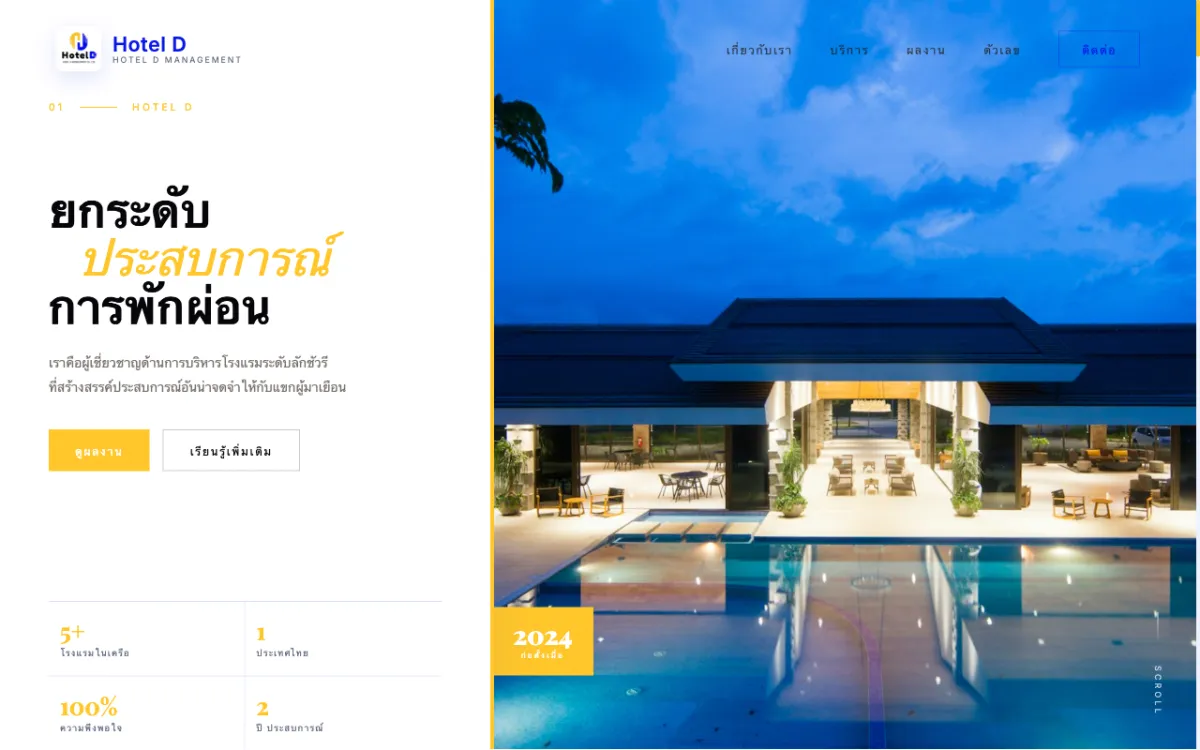
Corporate site for a full-service hotel-management firm serving properties across Thailand. Bilingual.

Football scouting platform (prototype stage) connecting players with scouts and clubs.
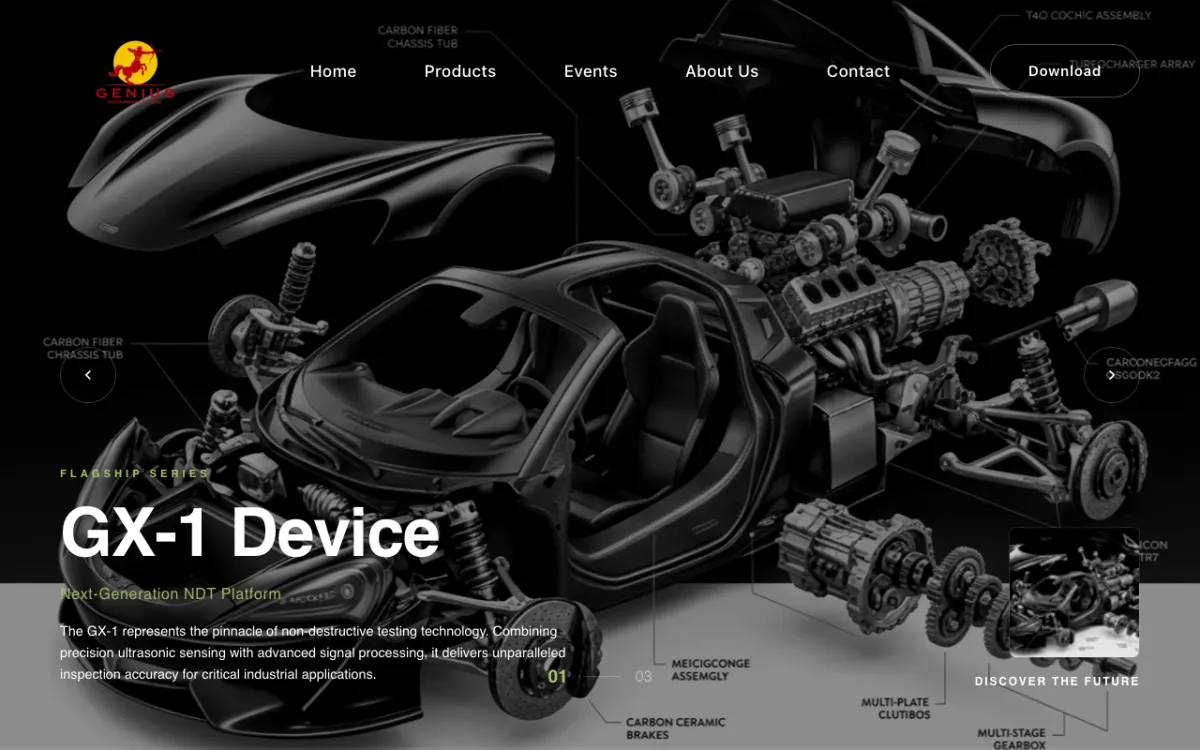
Product and services site for a supplier of NDT systems, coordinate measuring machines (CMM) and 3D scanners.
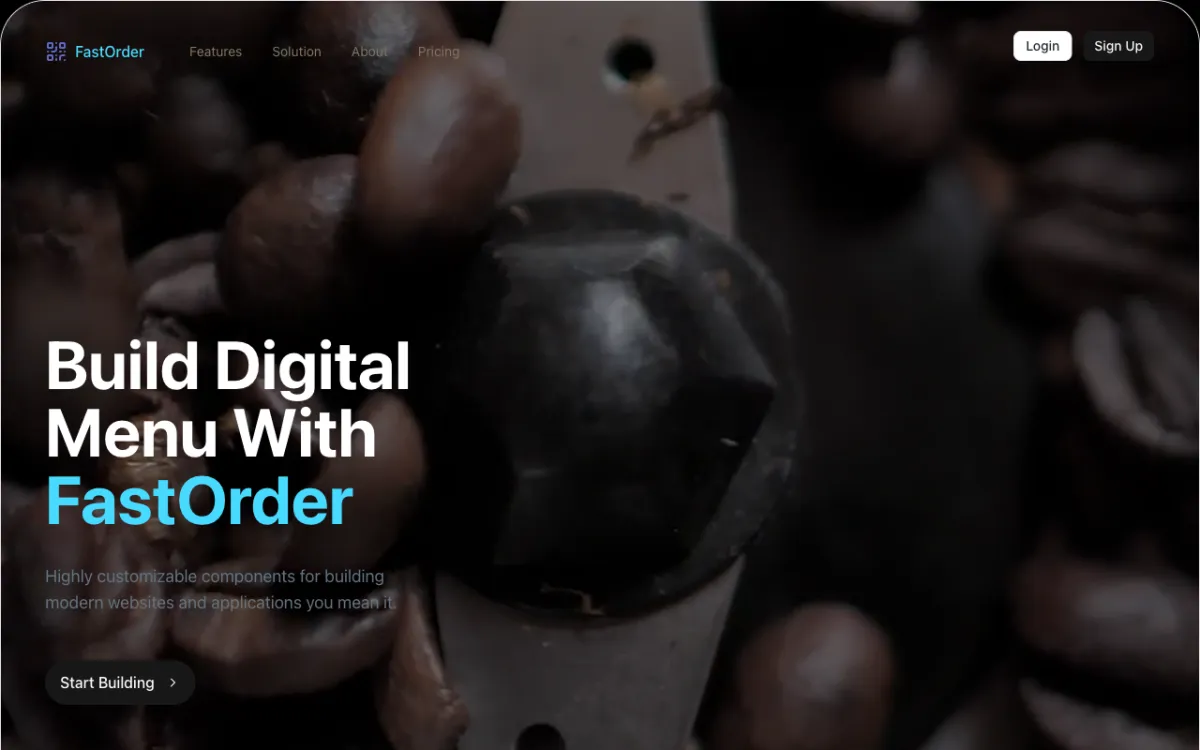
Digital-menu and QR order-management system for restaurants.
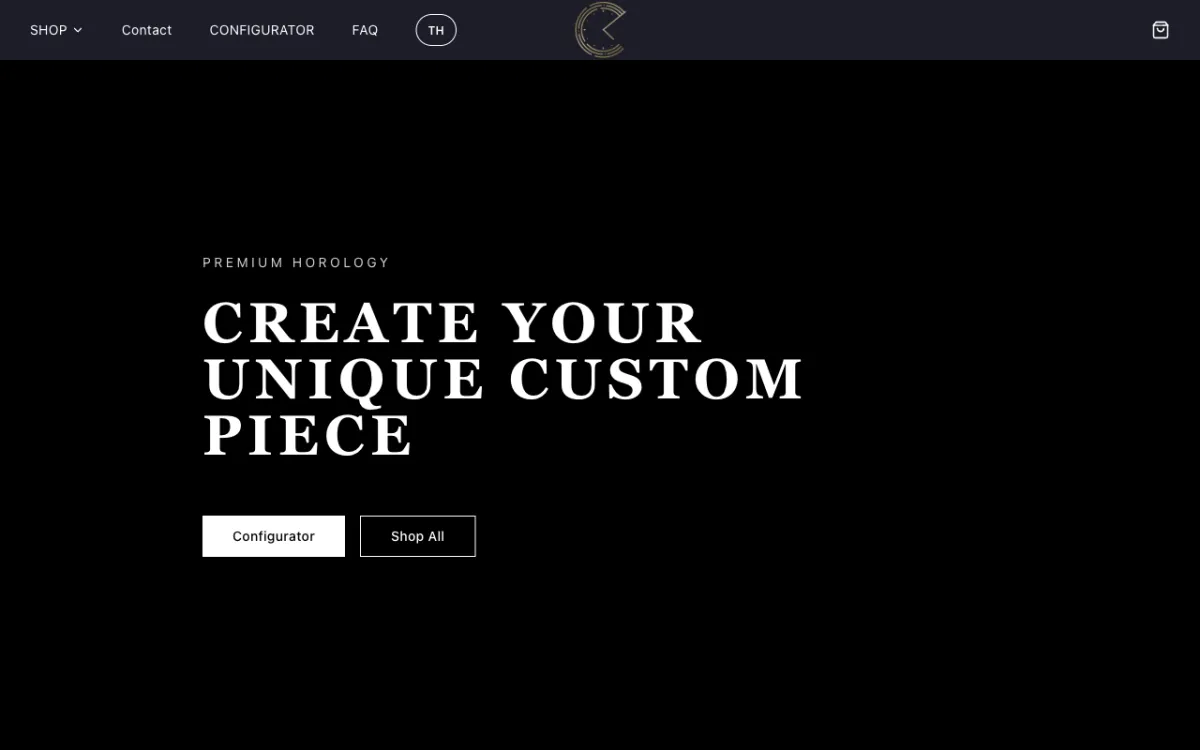
E-commerce store for custom Seiko mod watches with a configurator.
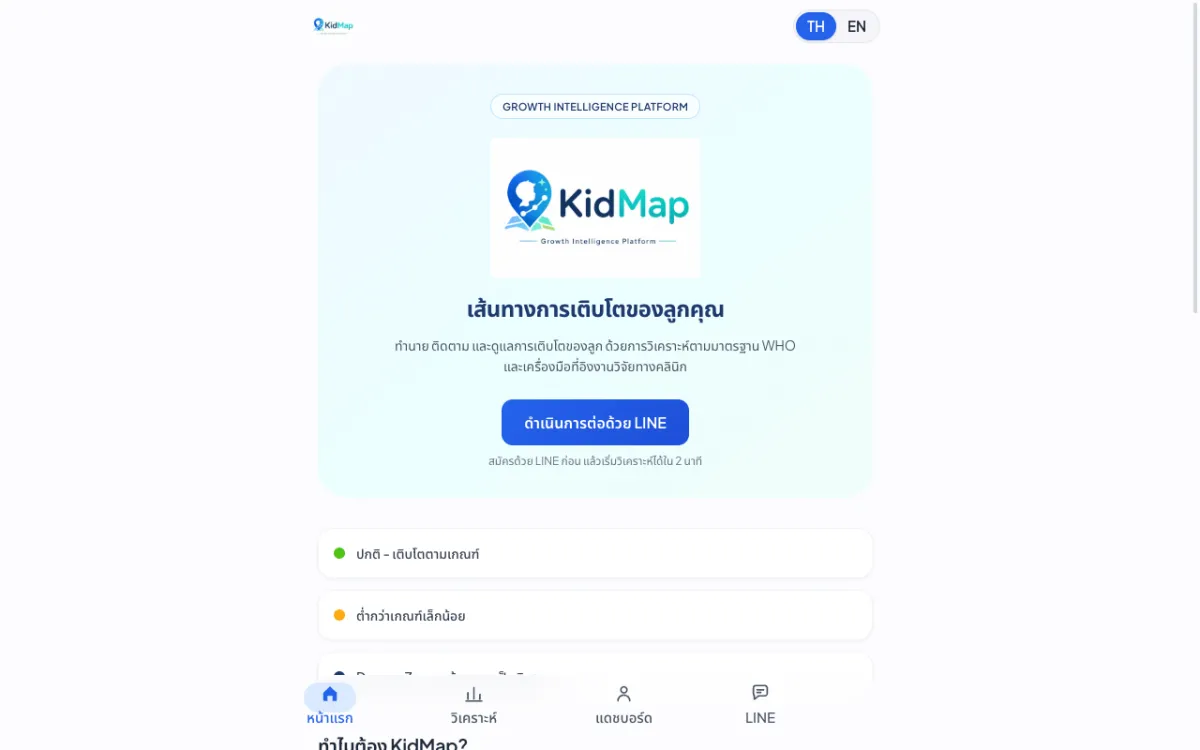
Platform that predicts and tracks children’s growth against WHO standards.
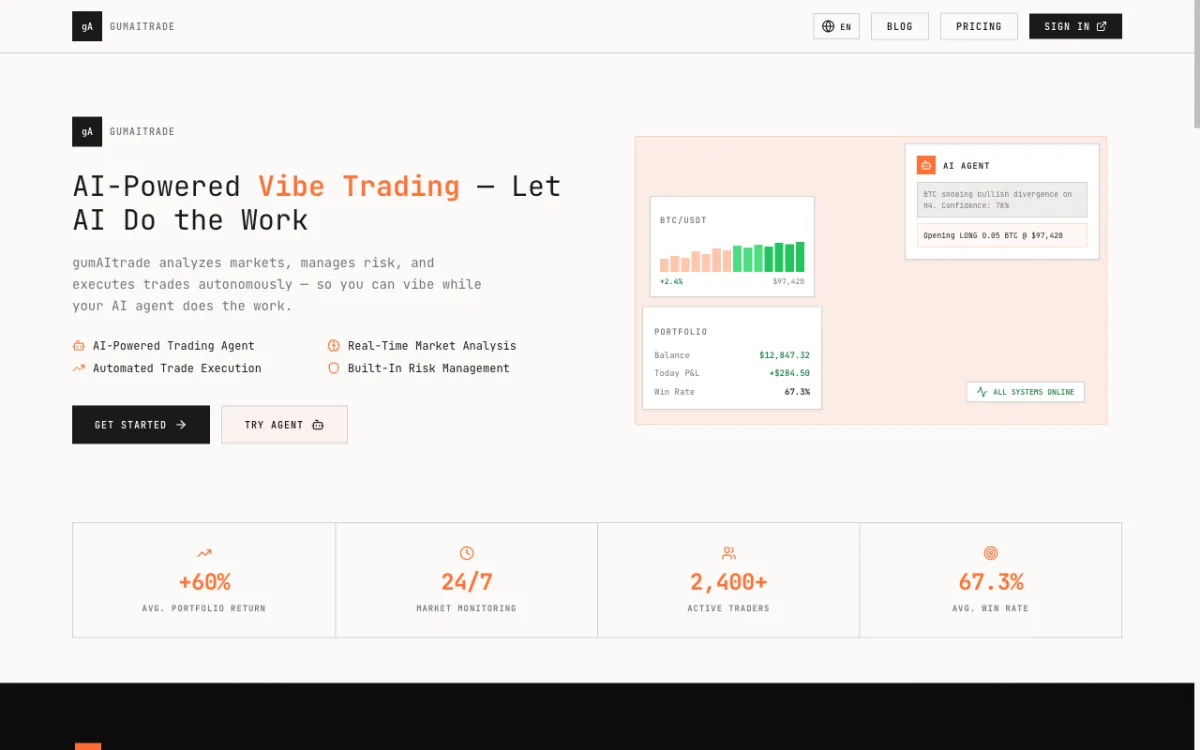
Product site for an AI crypto trading bot built around a “vibe trading” concept.

Pre-launch landing page for an AI chatbot service that answers SME customers on LINE OA and Messenger.
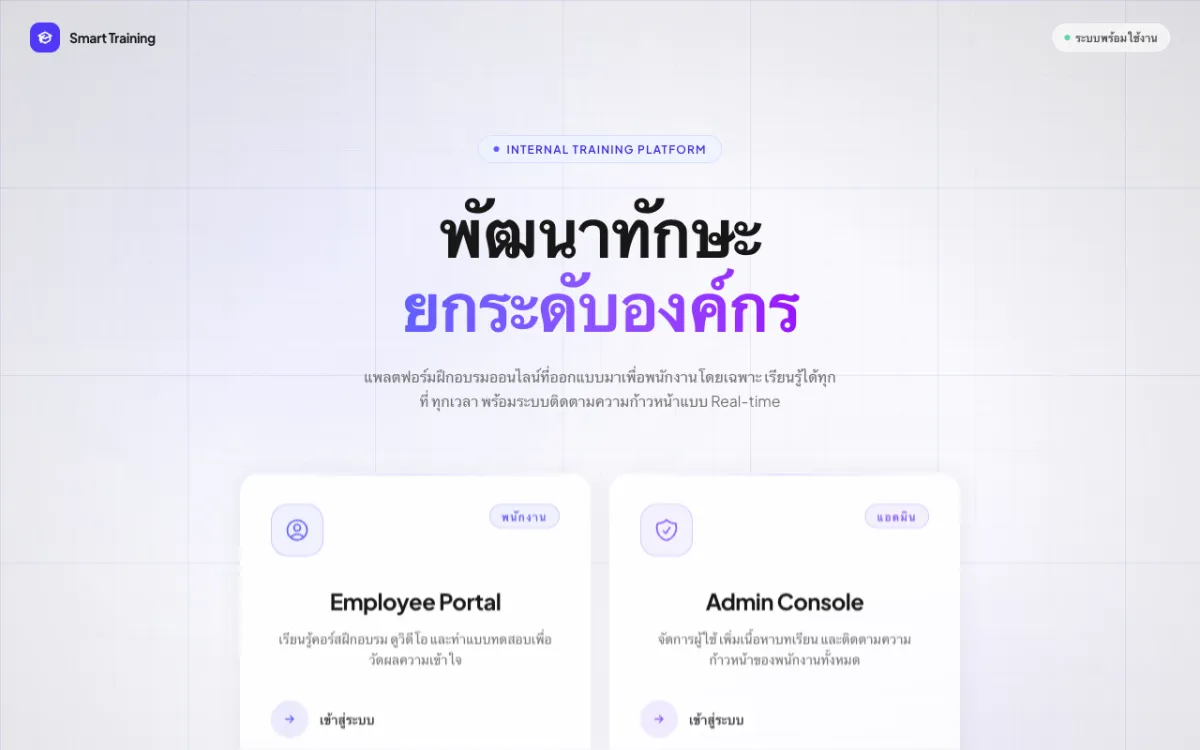
Internal employee training (LMS) with video courses and quizzes.
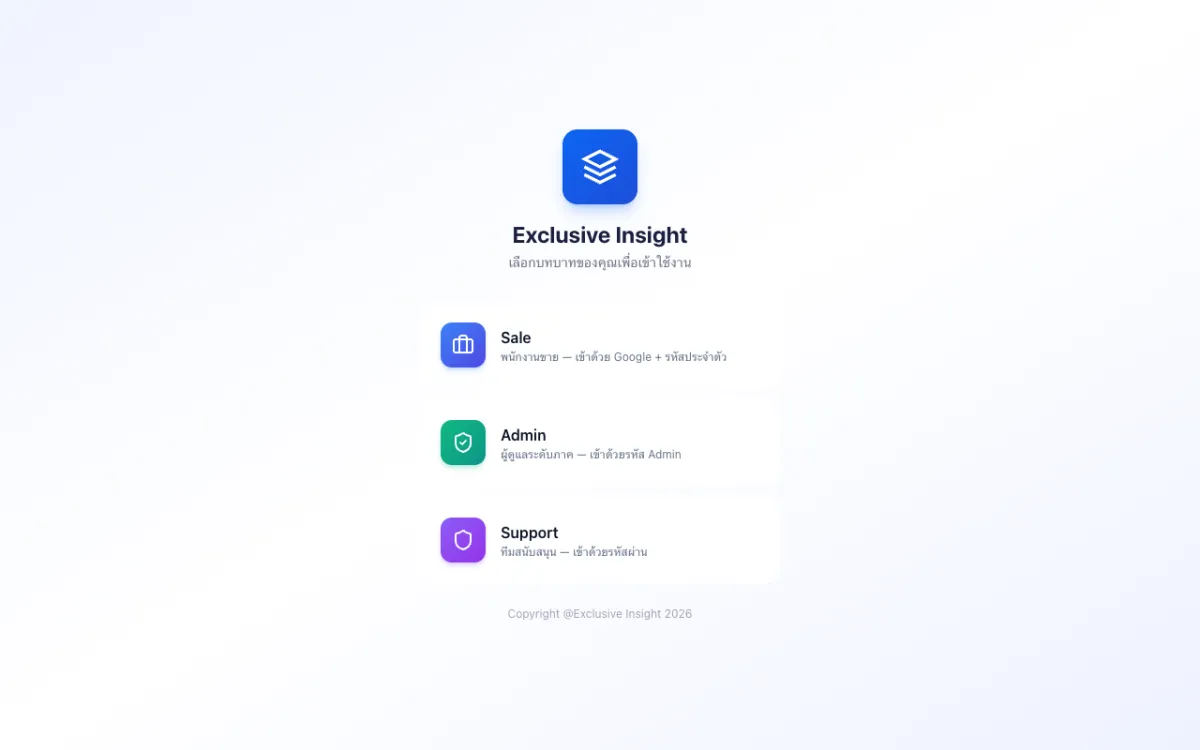
Role-based CRM with Sales, Admin and Support access.
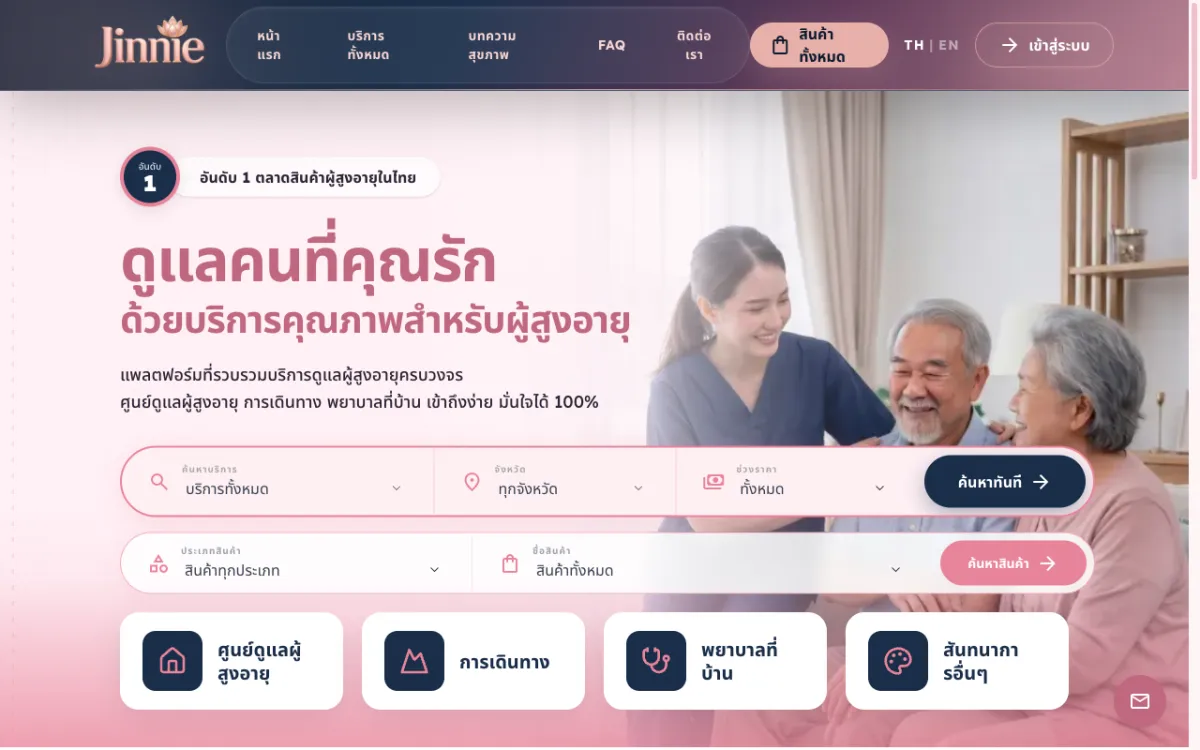
Platform to find and book elderly-care services across 12 categories from many providers.
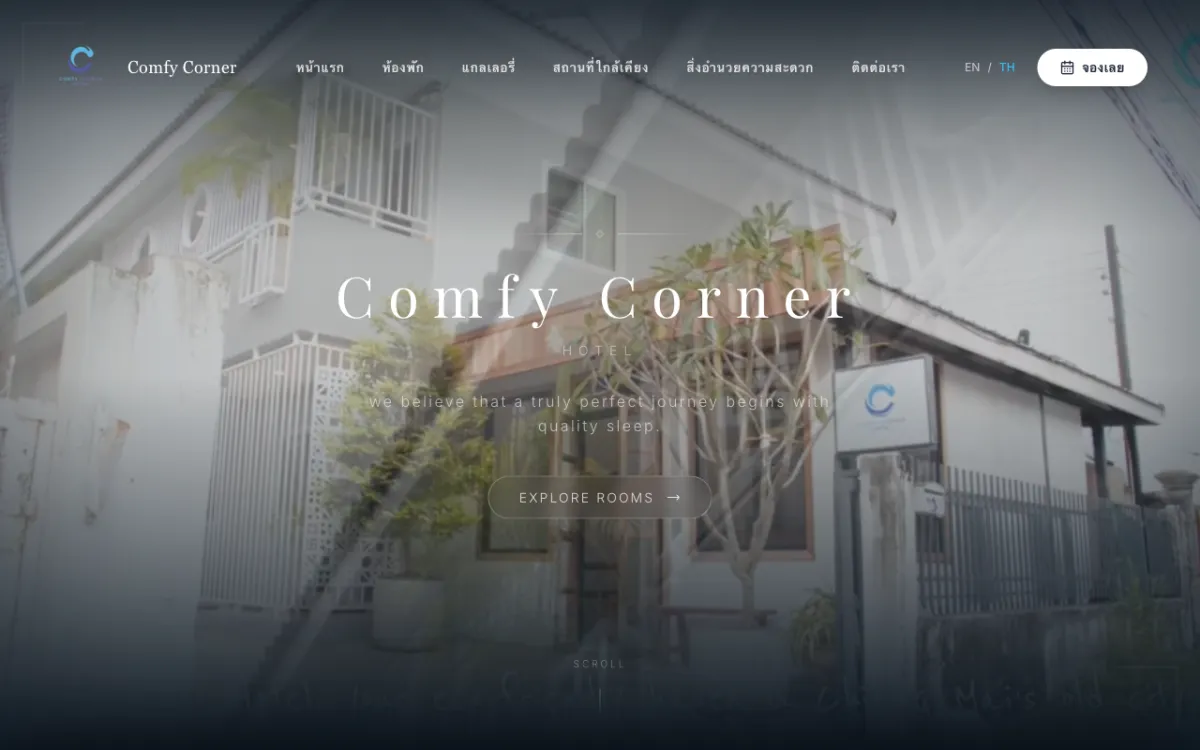
Booking site for a boutique budget hotel in Chiang Mai. Bilingual.

Private luxury pool-villa resort in Khao Yai; books via Agoda/Trip.com. Bilingual.

Khao Yai resort site with a “music meets nature” concept. Bilingual.

Site for a premium real-estate developer and home-builder. Bilingual.

Digital-content marketplace for Thai writers and publishers.
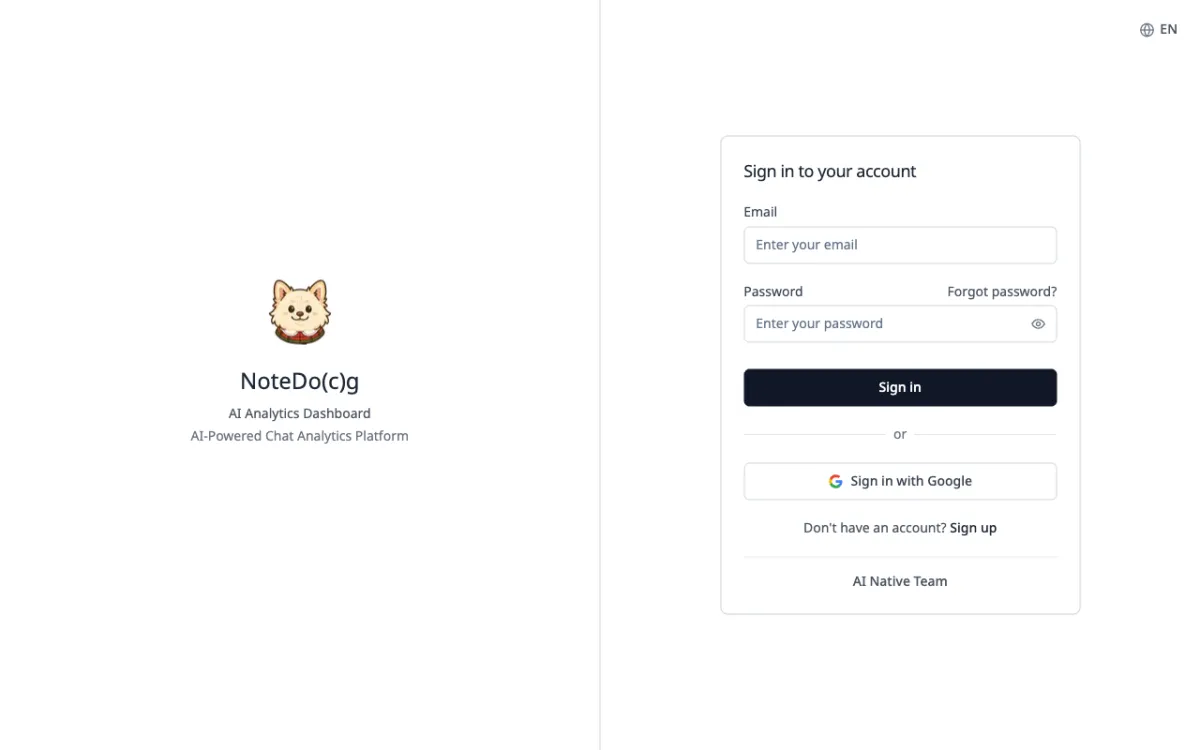
AI analytics for LINE Official Account group chats, with automatic conversation summaries.
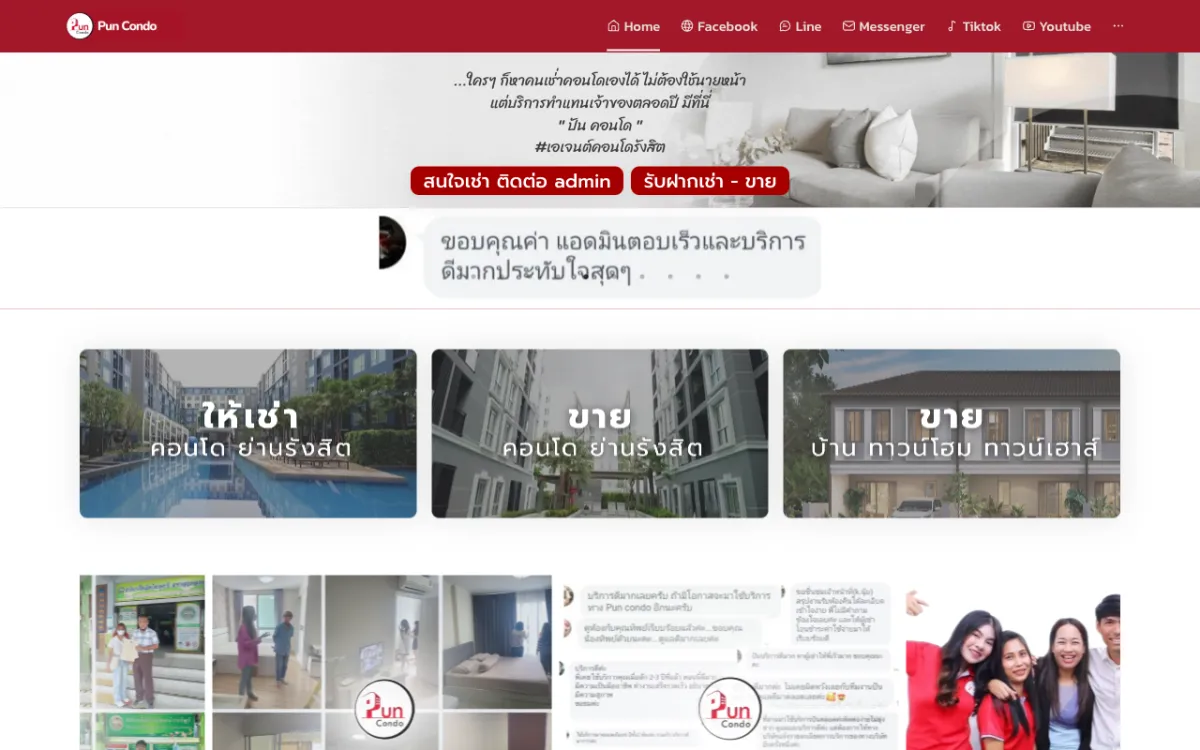
Real-estate platform with property listings and an admin back-office.
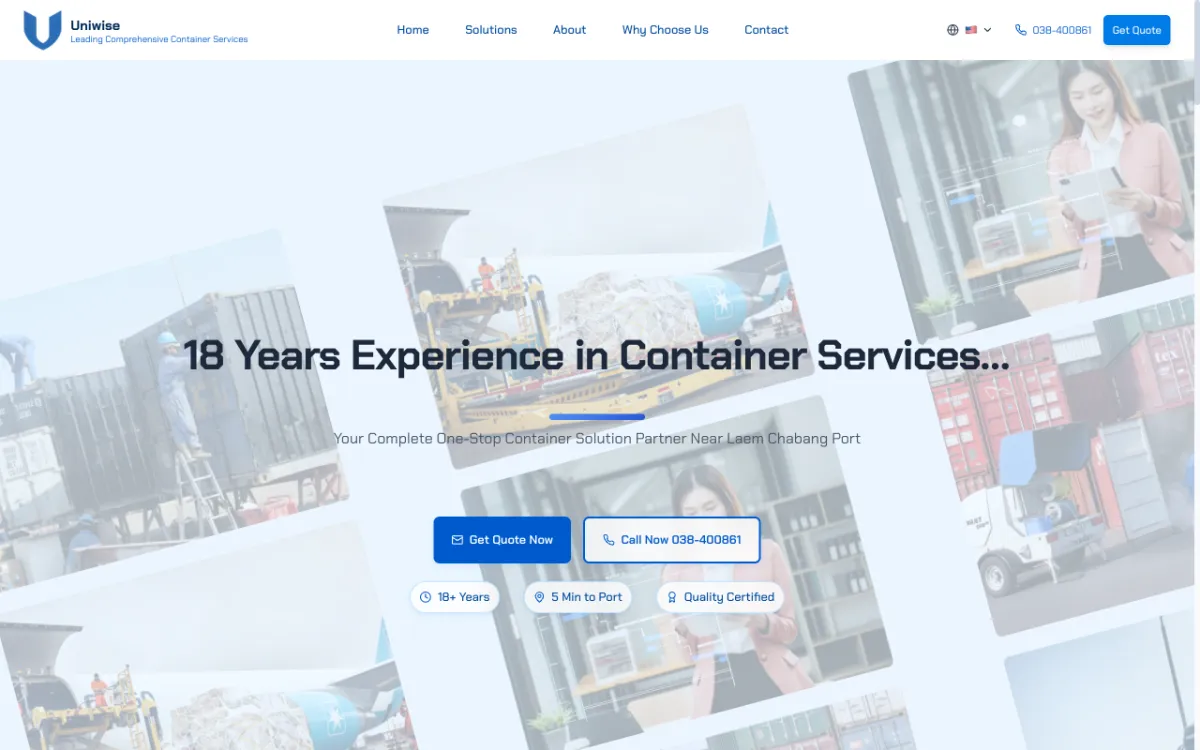
Site for a container yard near Laem Chabang Port. Thai, English and Chinese.

Landing page for a startup studio & tech consultancy focused on MVPs.

Brand site for a software house founded by Chula students, serving Thailand & ASEAN.
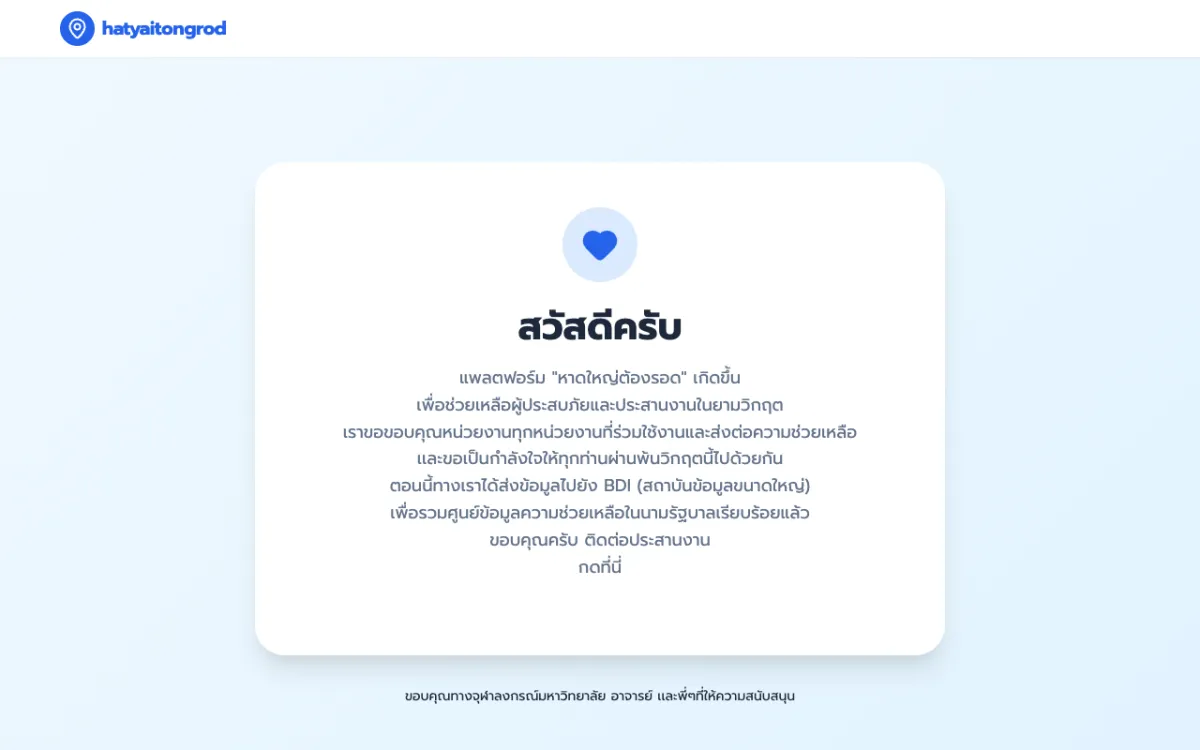
Crisis web app that served 1,000,000+ concurrent users during the Hat Yai floods.
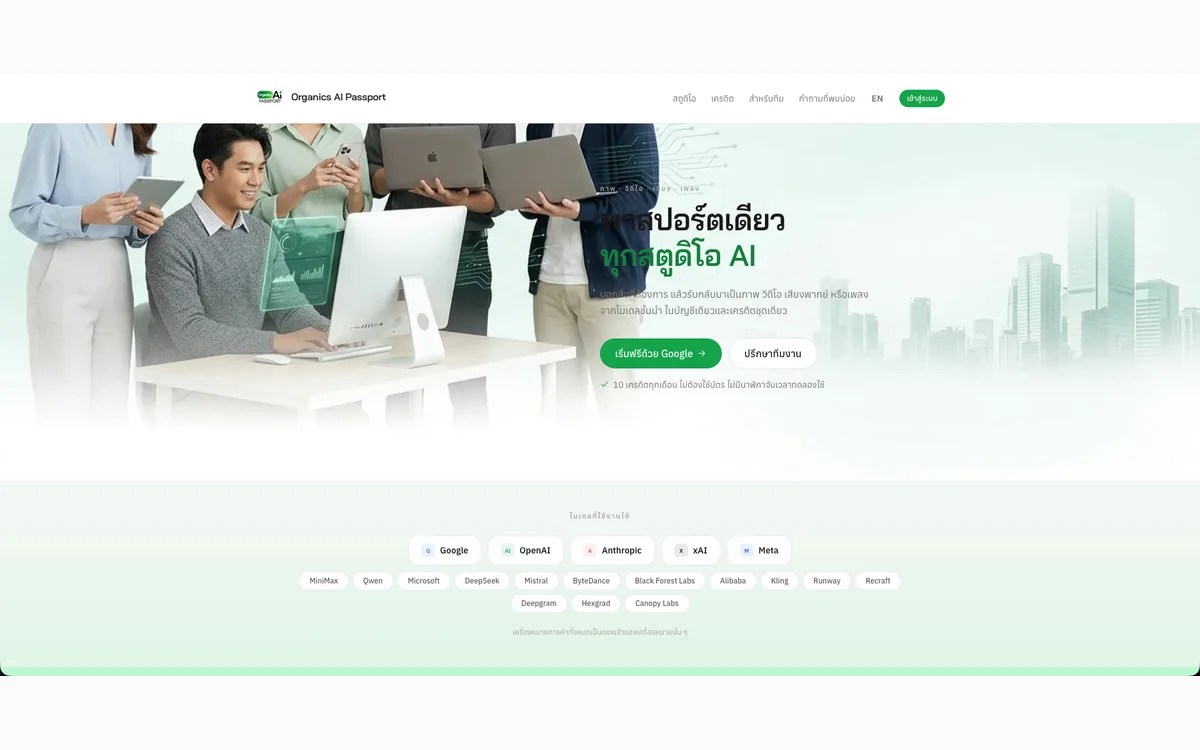
One account to generate images, video, voiceovers and music with AI, metered by a single credit balance.
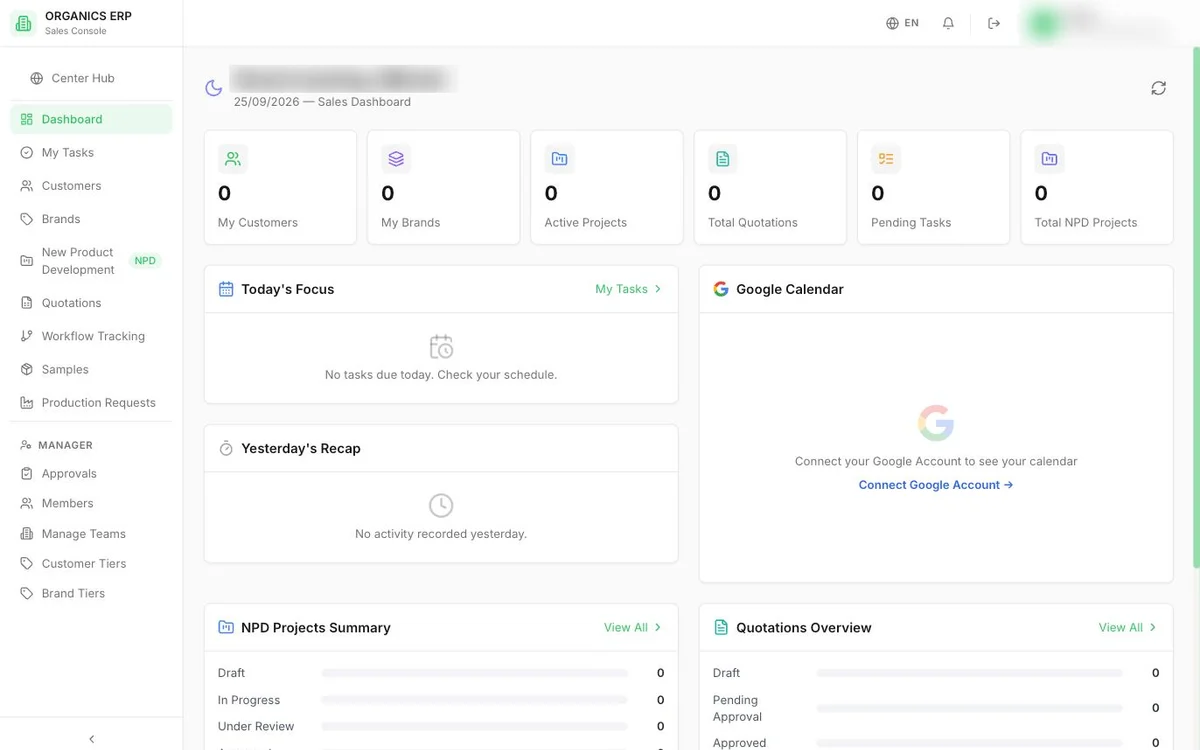
Department-by-department ERP for a cosmetics manufacturer, covering sales, procurement, production, warehouse and finance.

Sales brief system that carries an OEM product brief from intake through quotation to delivery tracking.
AI workspace for a cosmetics R&D team to find ingredients, check stock, and draft, cost and revise formulas.
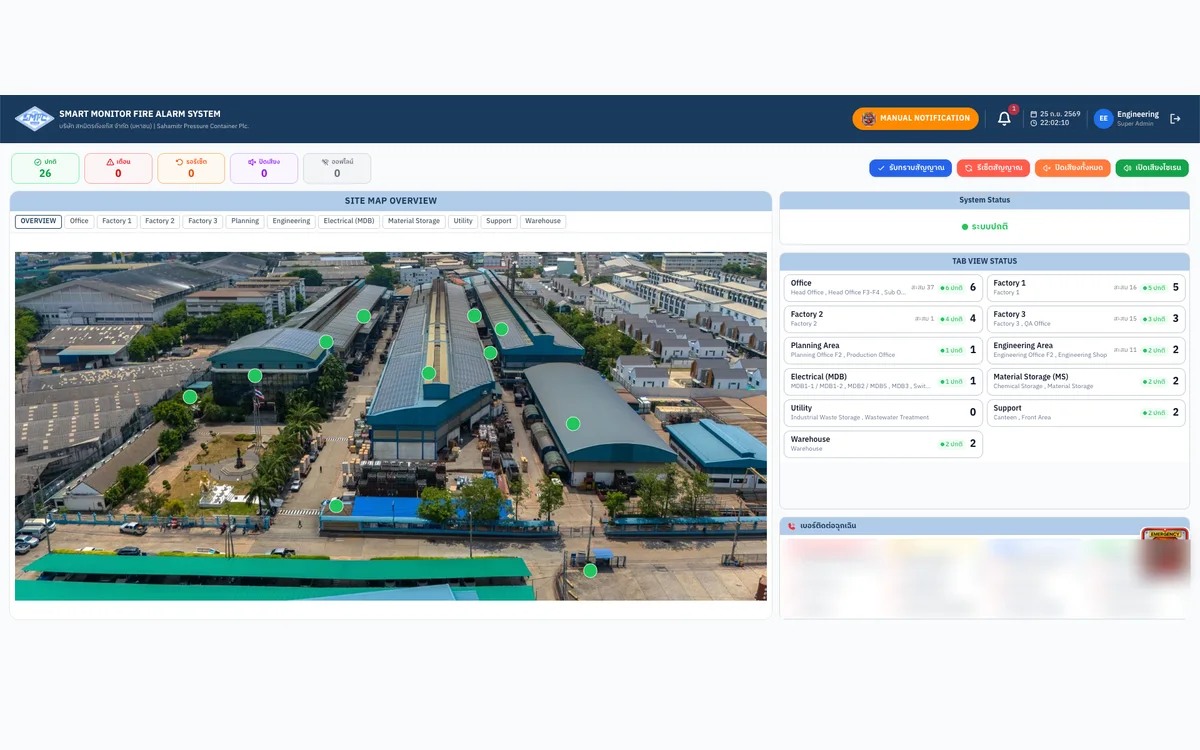
Real-time fire-alarm monitoring web app for a factory, wired directly to its PLC.
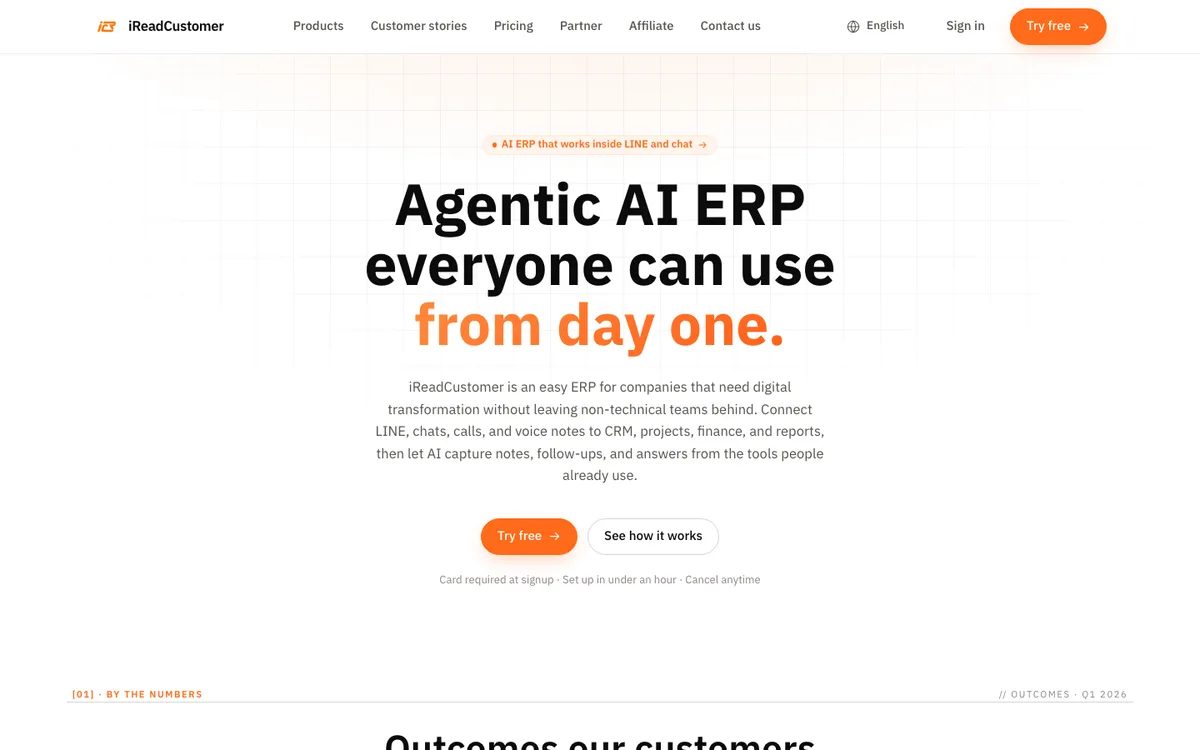
AI-agent ERP that connects LINE chats and voice notes to CRM, projects, sales and accounting.

One inbox for LINE, Facebook and Instagram customer chats, with an AI Assistant that answers first and hands off to the team.
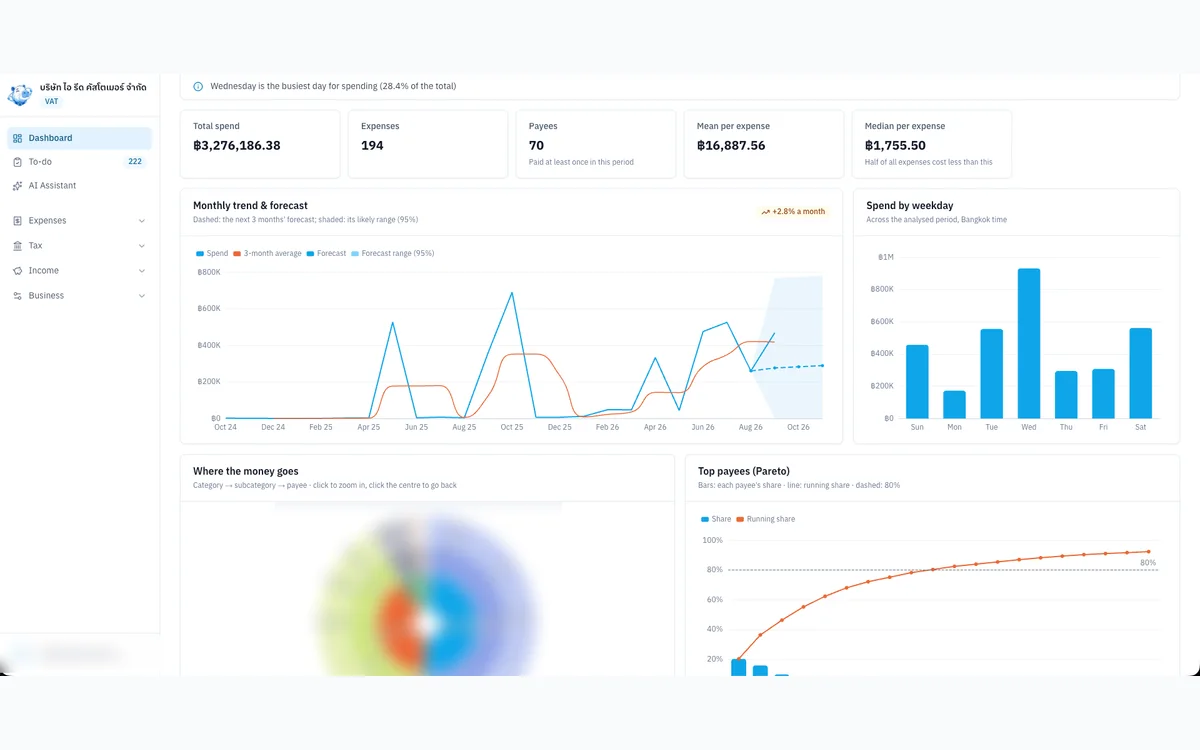
Internal tool that organises expense evidence, input VAT and P.P.36 for a VAT-registered Thai company.

An AI personal secretary in LINE that chases follow-ups, keeps your schedule, drafts messages and remembers every agreement.
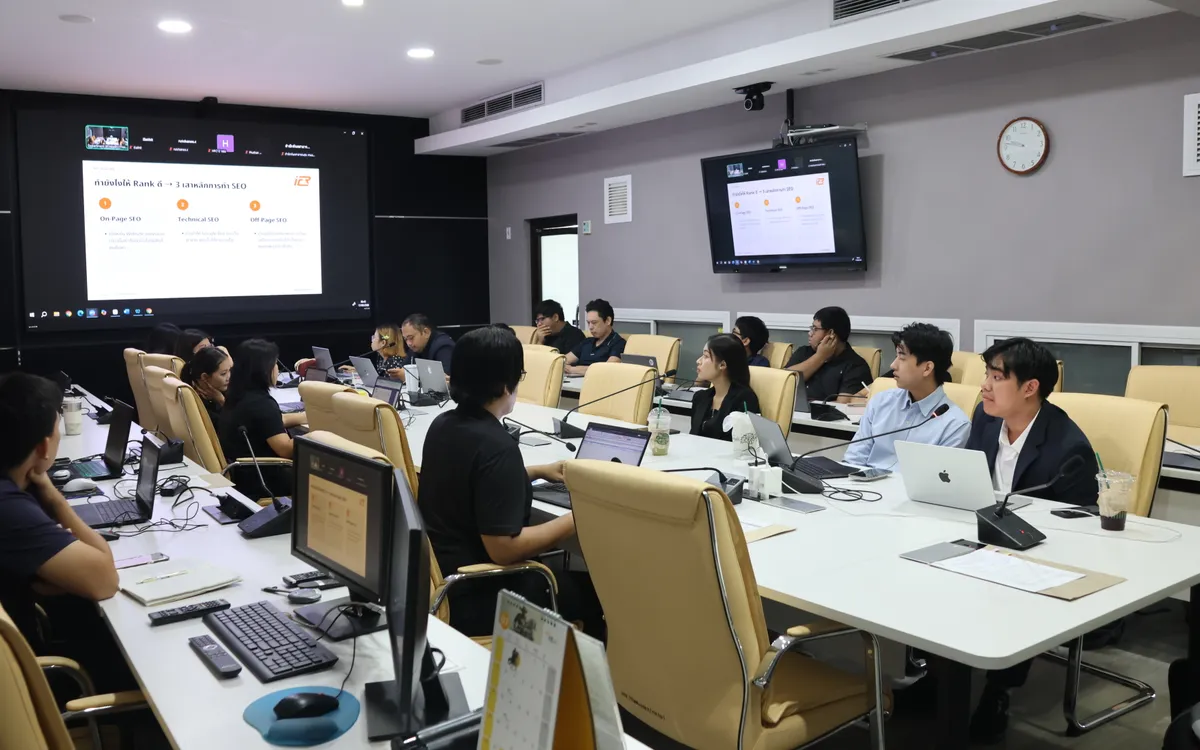
Onsite training and hands-on workshop (09:30–16:00) that helps the Department of Health’s web teams make articles easier for Google and AI search to find, understand and cite.
Contact Us