01·Gallery
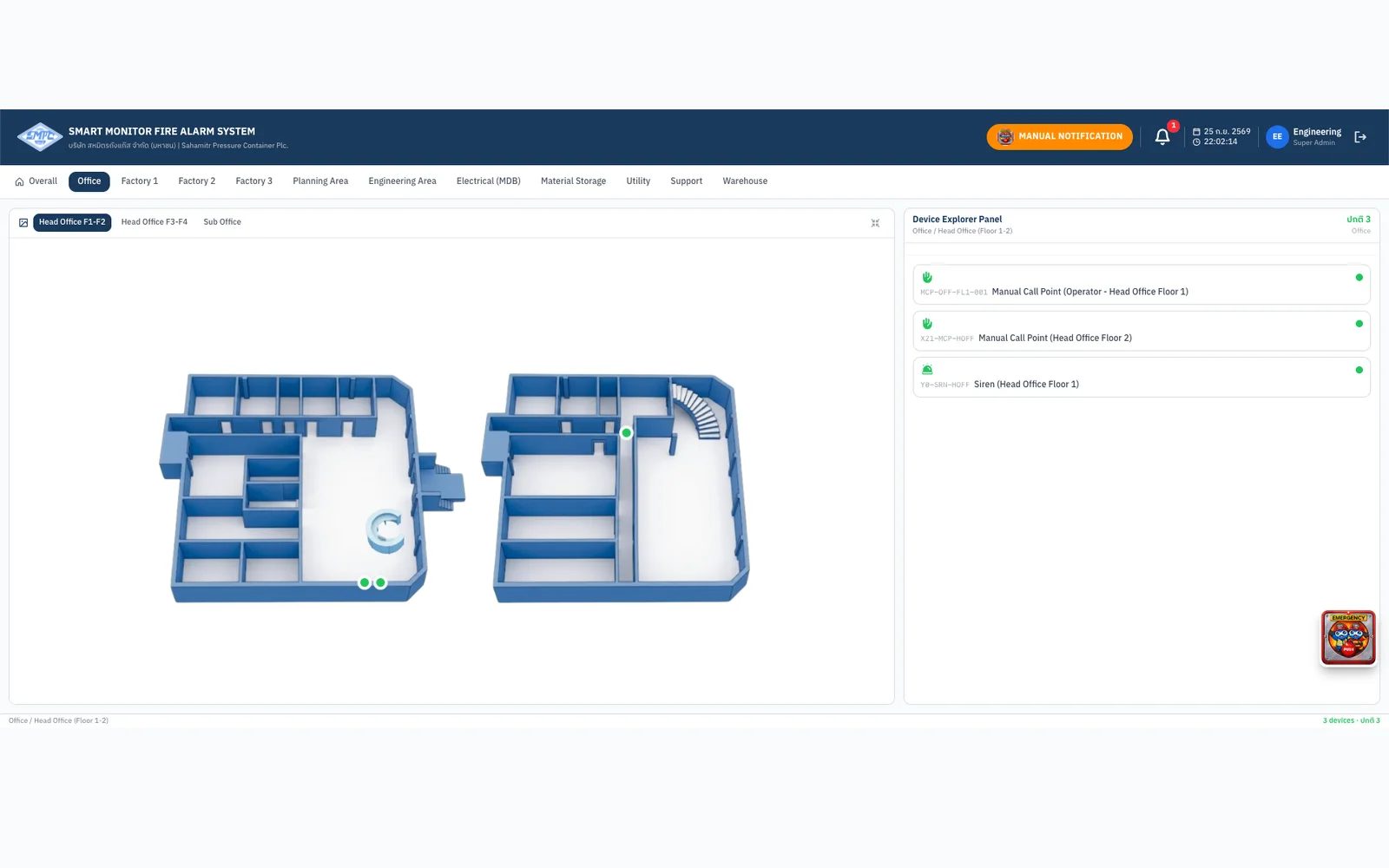
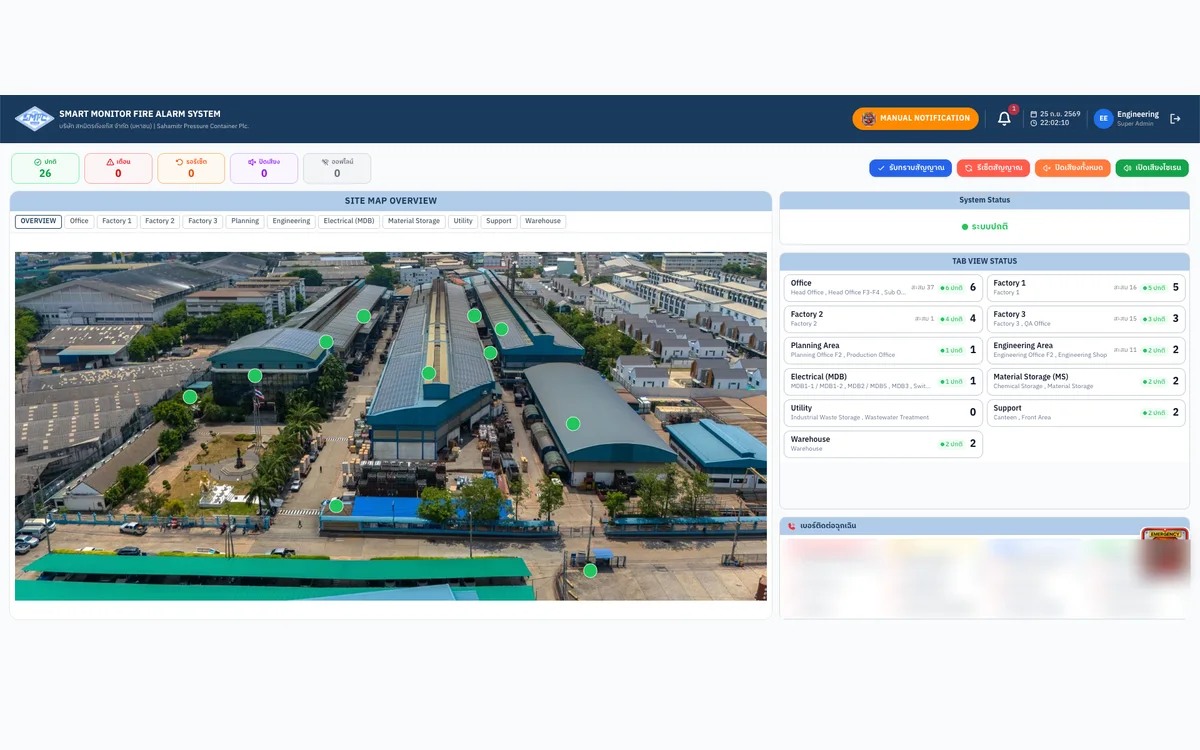
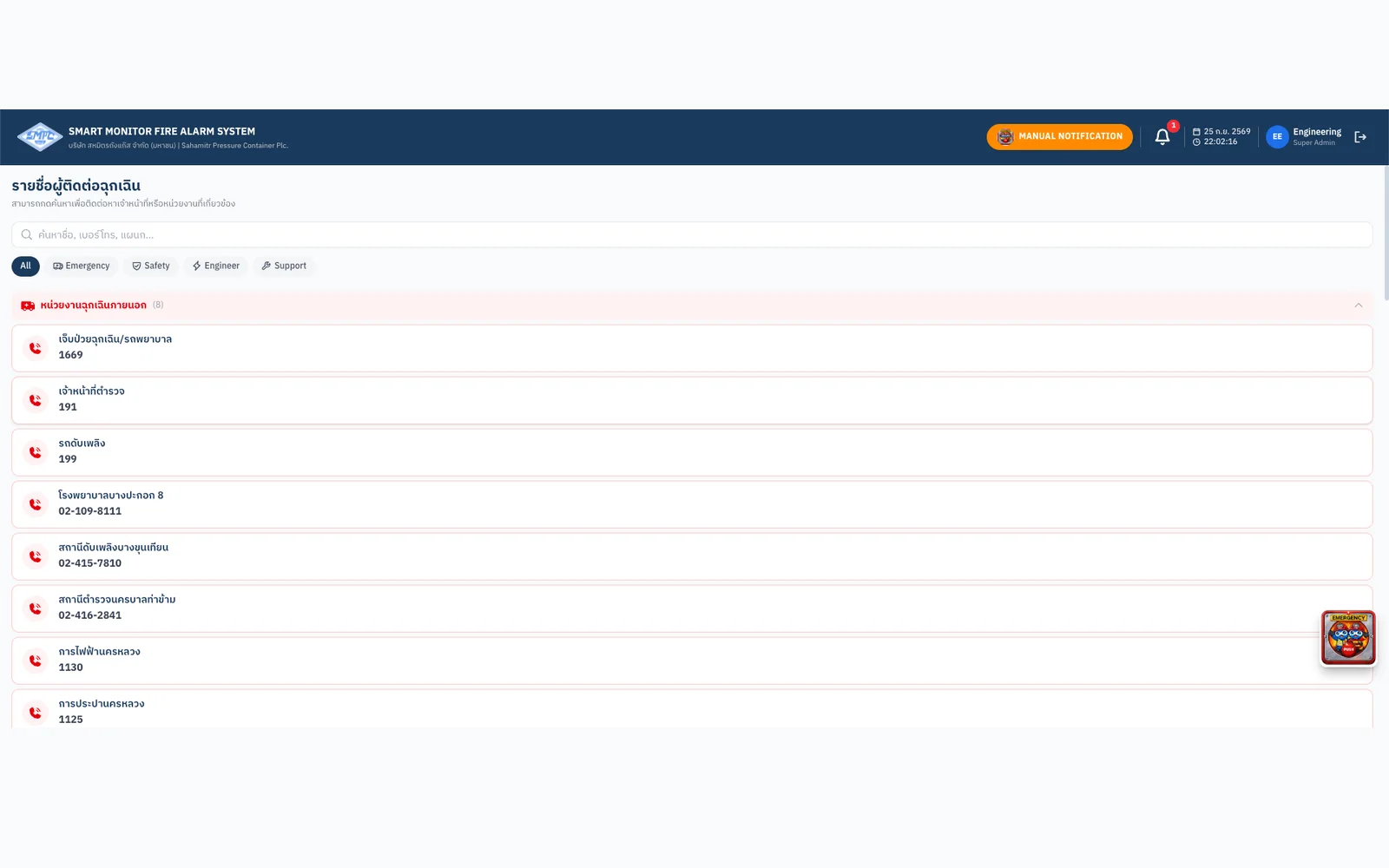
Real-time device status from the PLC on site map and floor plans
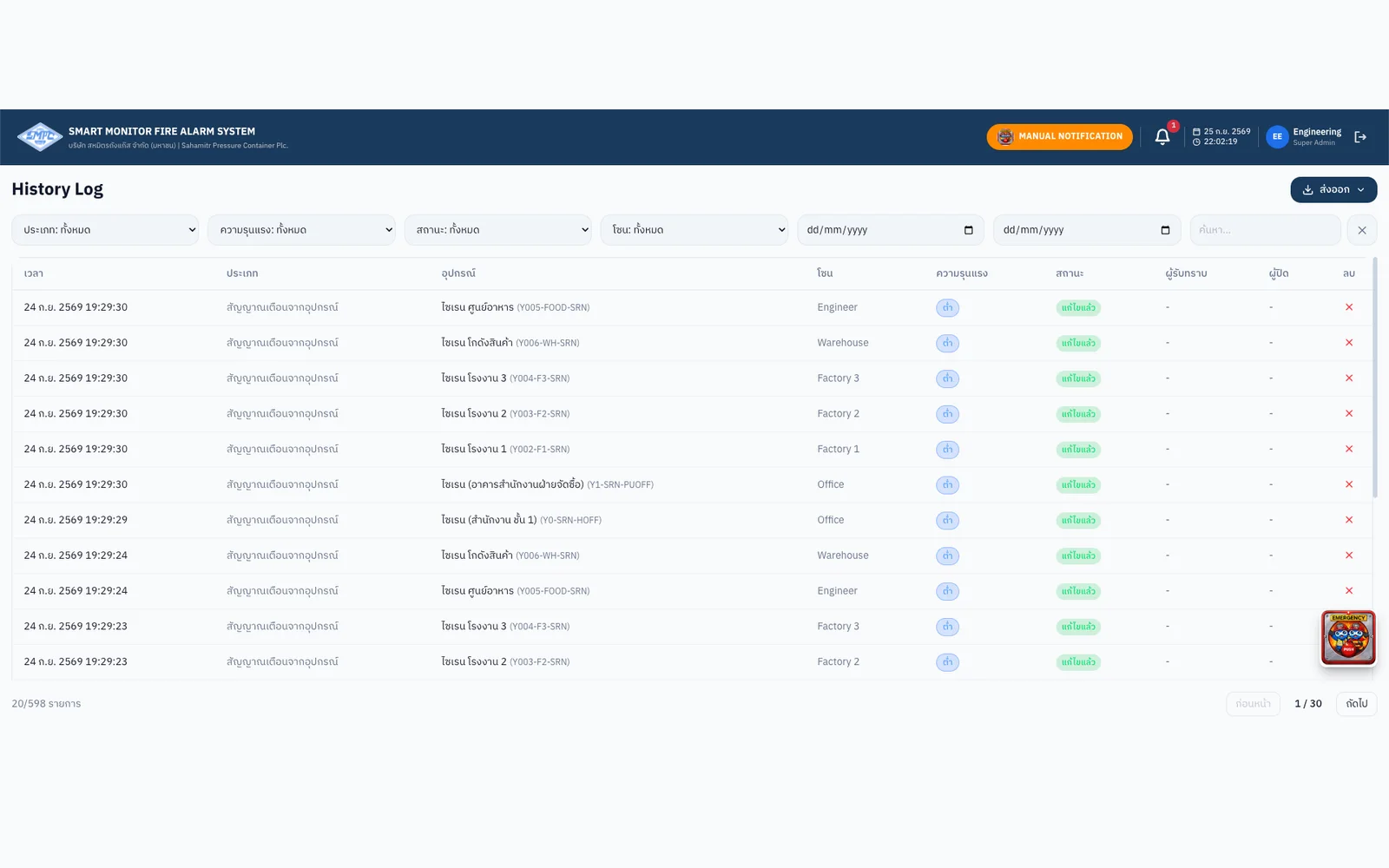
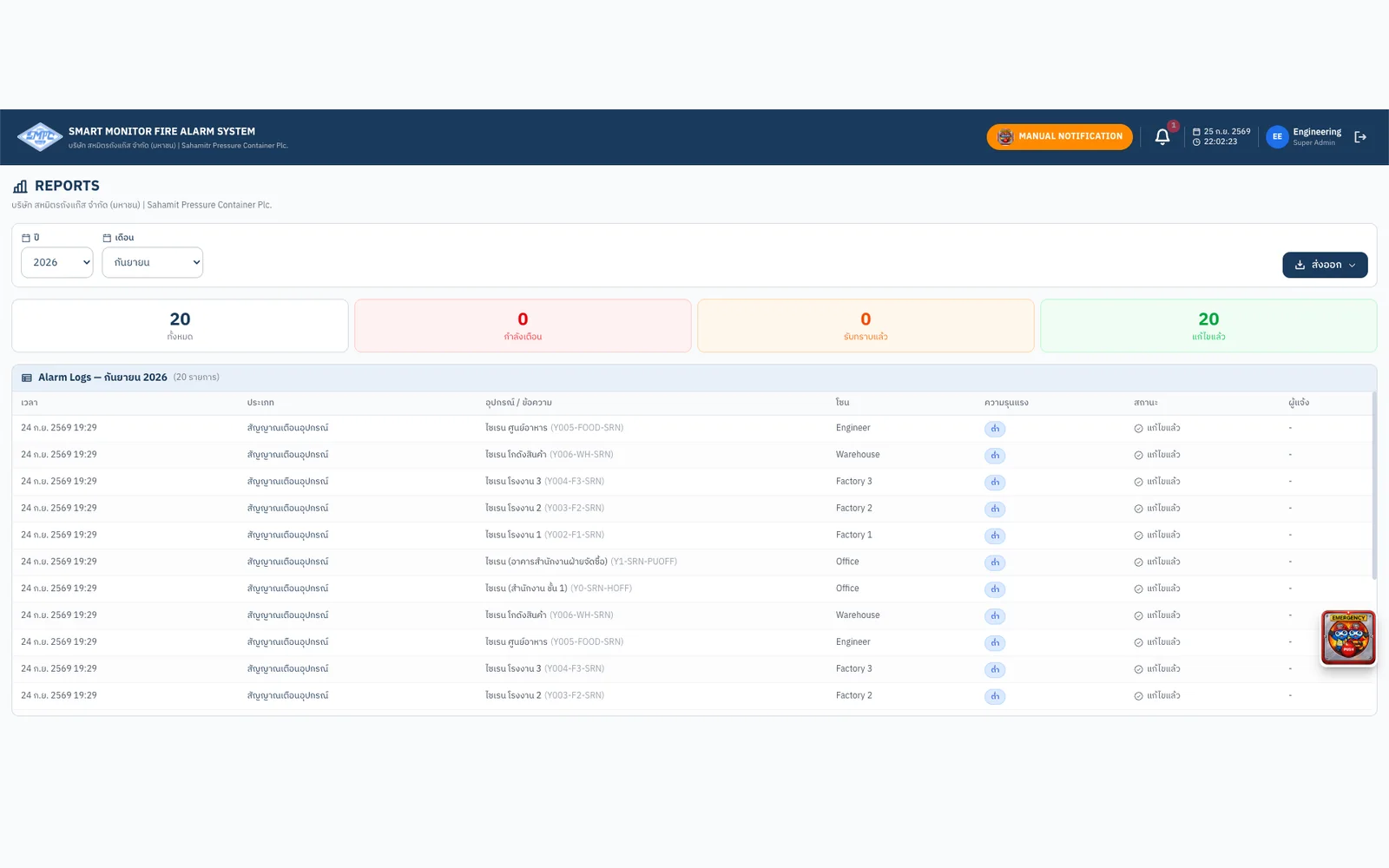
Five role levels; alarm-history export (CSV/Excel/PDF) and audit trail
Real-time fire-alarm monitoring web app for a factory, wired directly to its PLC.
Every device on screen is refreshed from the PLC once a second
Connected directly over MC Protocol (SLMP) on the factory Ethernet
Who can watch, who can act, who can test and who can configure
A fire-alarm monitoring web app built for SMPC’s factory. A PLC bridge reads the plant’s Mitsubishi FX5U PLC over MC Protocol (SLMP) every second and shows each device’s status on a site map and building floor plans. Alerts go to a LINE group and every action lands in an audit trail. Remote acknowledge, silence and reset — confirmed first and checked by the PLC — are built and switch on after on-site acceptance.
The fire-alarm control panel at SMPC’s factory sits somewhere hard to reach. Every alarm meant someone had to get to the cabinet before it could be acknowledged or silenced, nobody could see at a glance which building the alarm came from, and there was no digital record of who did what and when. The brief: put the panel’s state on a screen everyone responsible can open immediately — without changing the fire system’s existing hardware or wiring.
This is a life-safety system, so we designed from the PLC outwards rather than from the screens inwards: every command the web can send has to match the program actually running in the panel.
We built a PLC bridge that speaks MC Protocol (SLMP) to the factory’s Mitsubishi FX5U over Ethernet, reads inputs, outputs and internal flags every second, and streams them to the web app.
We decoded the factory’s ladder program and matched it against the web’s device inventory point by point, so every input and every on-screen command is bound to the right address in the real panel.
We built a site map over an aerial photo and 3D building plans from the client’s AutoCAD file, then placed every device at its real position with a live status colour.
Access is split into Super Admin, Admin, Operator, User and Guest. Every command needs a confirmation and is checked again by the PLC’s own conditions, while the emergency button works for everyone on every page.
Alerts go to a LINE group when an alarm starts and when it clears, plus a daily summary. Alarm history and the audit trail export to CSV, Excel or PDF.
Monitoring is live in production. Writing commands back to the PLC is built and is switched on as the final step, after witnessed acceptance with the factory on its own network — in a life-safety system, write access is not opened before every point has been verified.
The people responsible can see every fire-alarm device on the site map and floor plans from a phone, tablet or PC, without walking to the cabinet.
Every event and every action is logged, filterable by time, zone and status, and exportable as a monthly report.
LINE alerts the moment an alarm starts and when it clears, with an emergency contact list that dials straight from the web app.
Acknowledge, silence, un-silence and reset are built and checked against the PLC program; they are enabled once on-site acceptance is witnessed.
Every device on screen is refreshed from the PLC once a second
Connected directly over MC Protocol (SLMP) on the factory Ethernet
Who can watch, who can act, who can test and who can configure
Gallery
01·Gallery
Five role levels; alarm-history export (CSV/Excel/PDF) and audit trail
02·Gallery
03·Gallery
04·Gallery
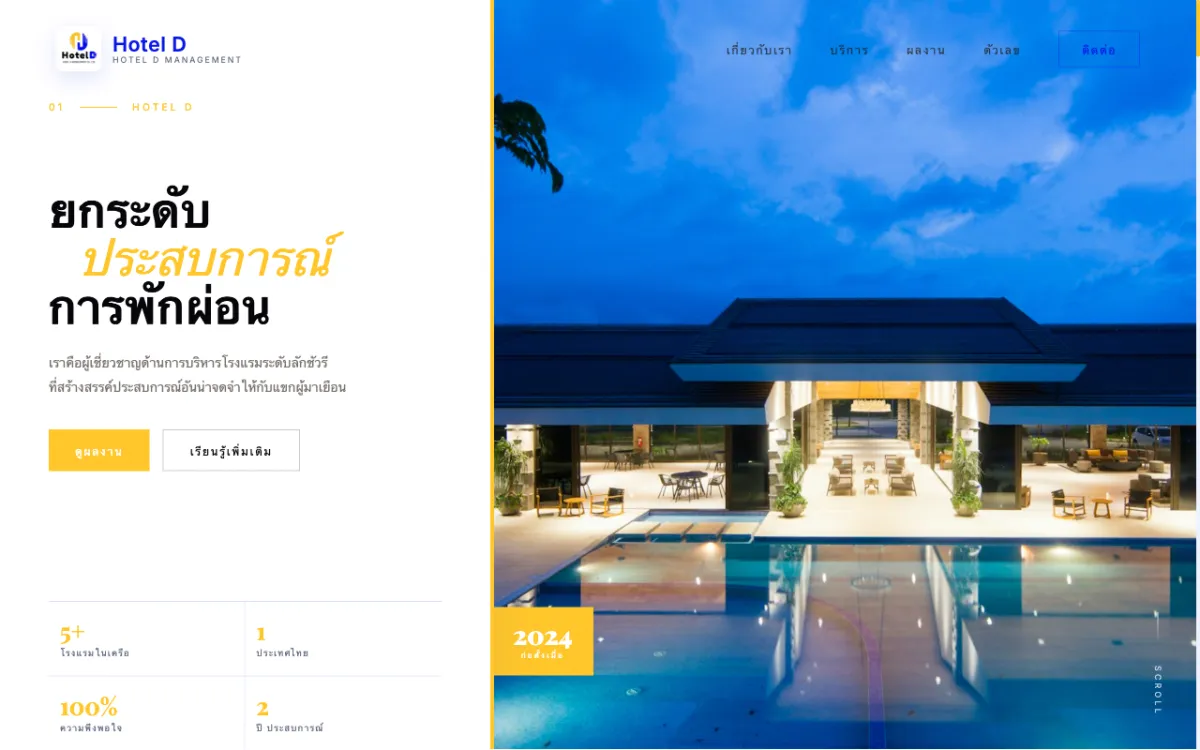
Corporate site for a full-service hotel-management firm serving properties across Thailand. Bilingual.
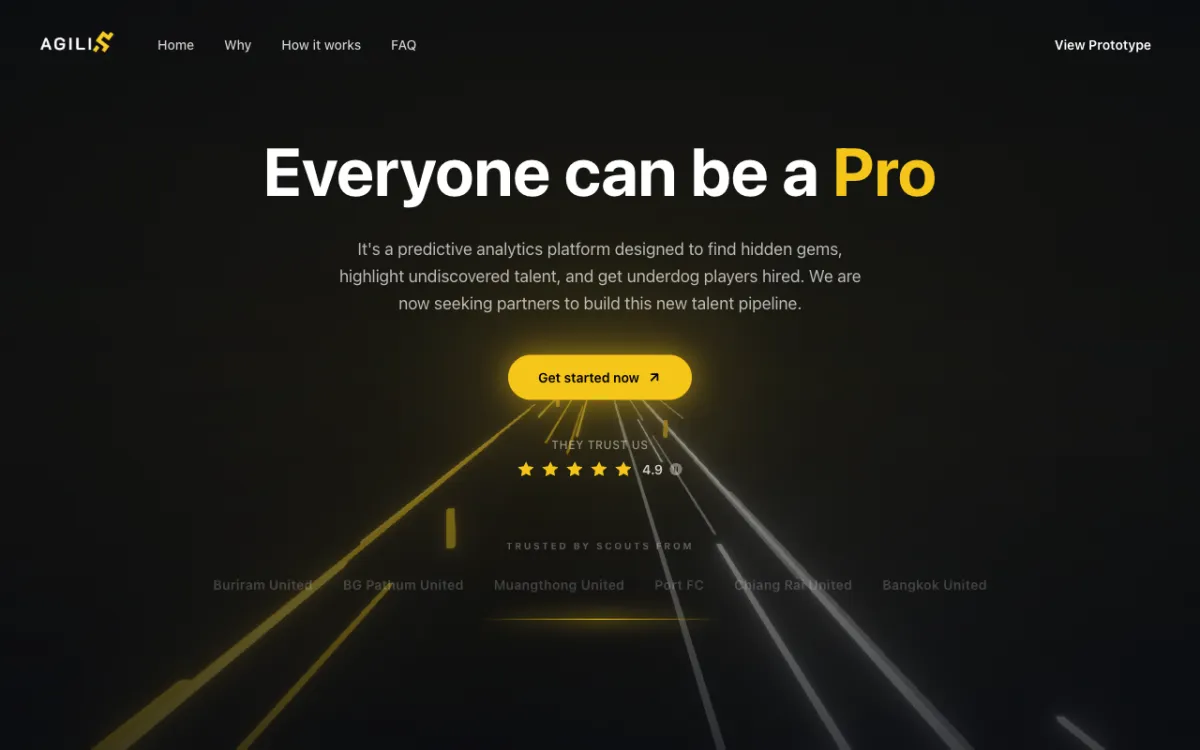
Football scouting platform (prototype stage) connecting players with scouts and clubs.
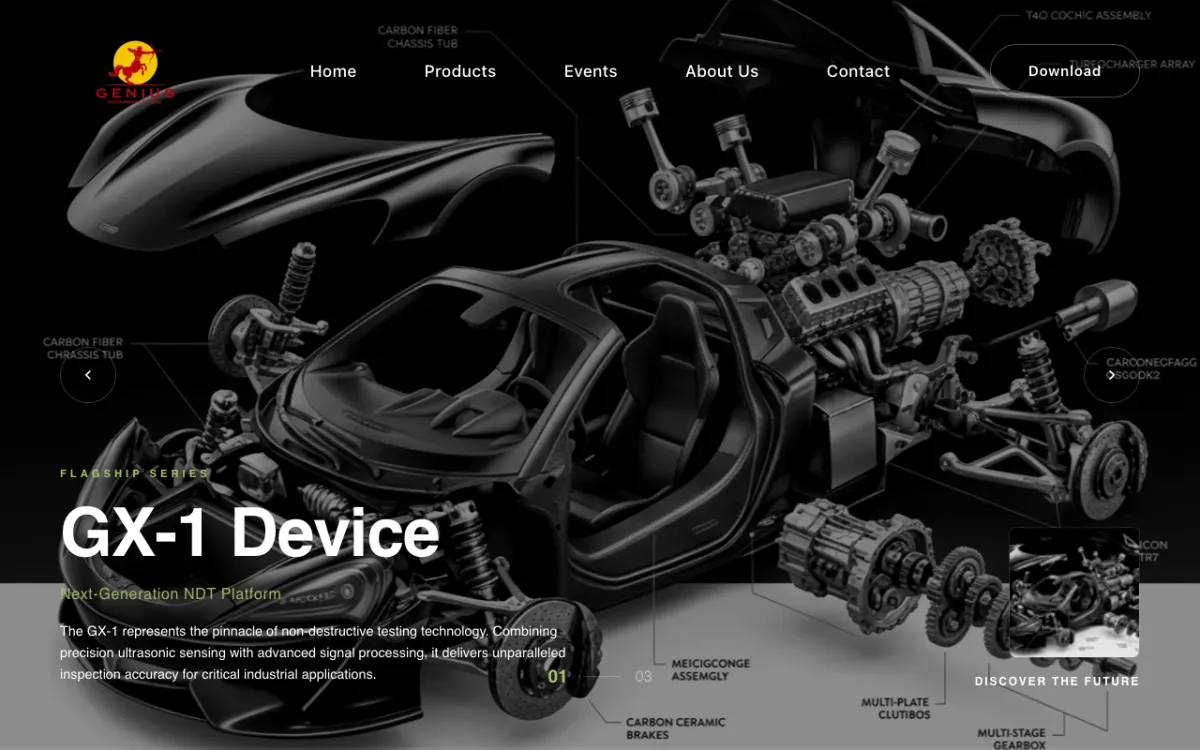
Product and services site for a supplier of NDT systems, coordinate measuring machines (CMM) and 3D scanners.
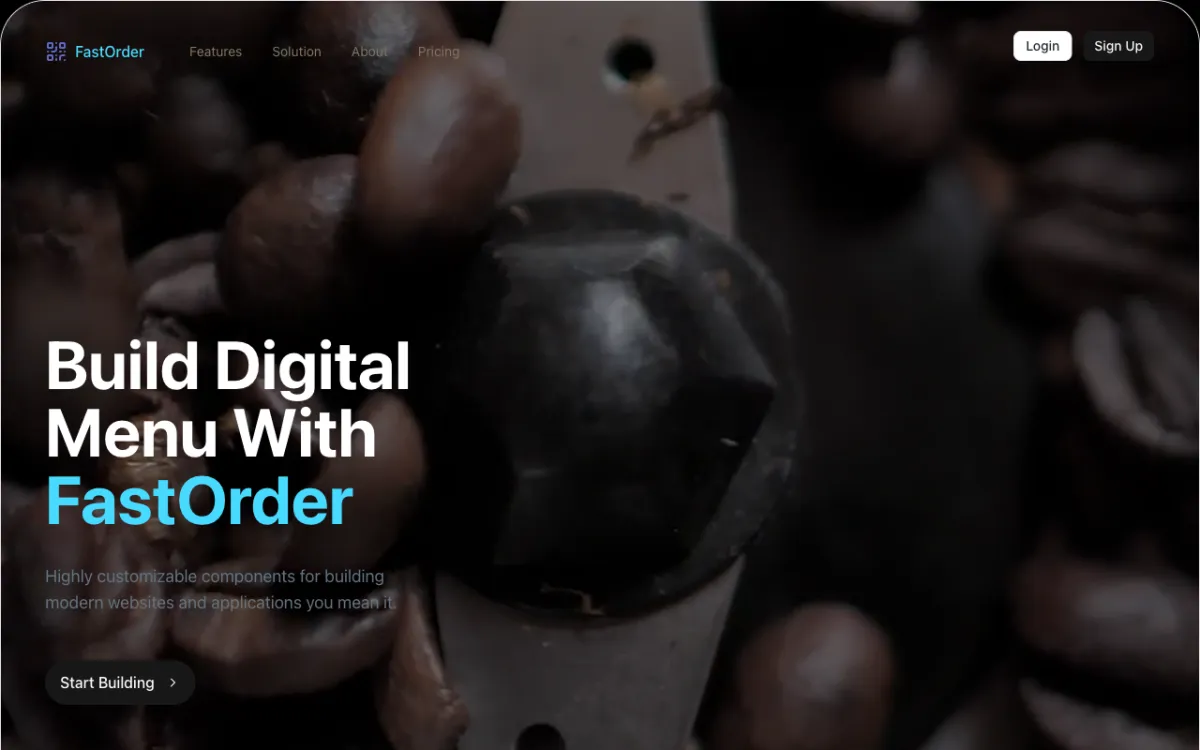
Digital-menu and QR order-management system for restaurants.
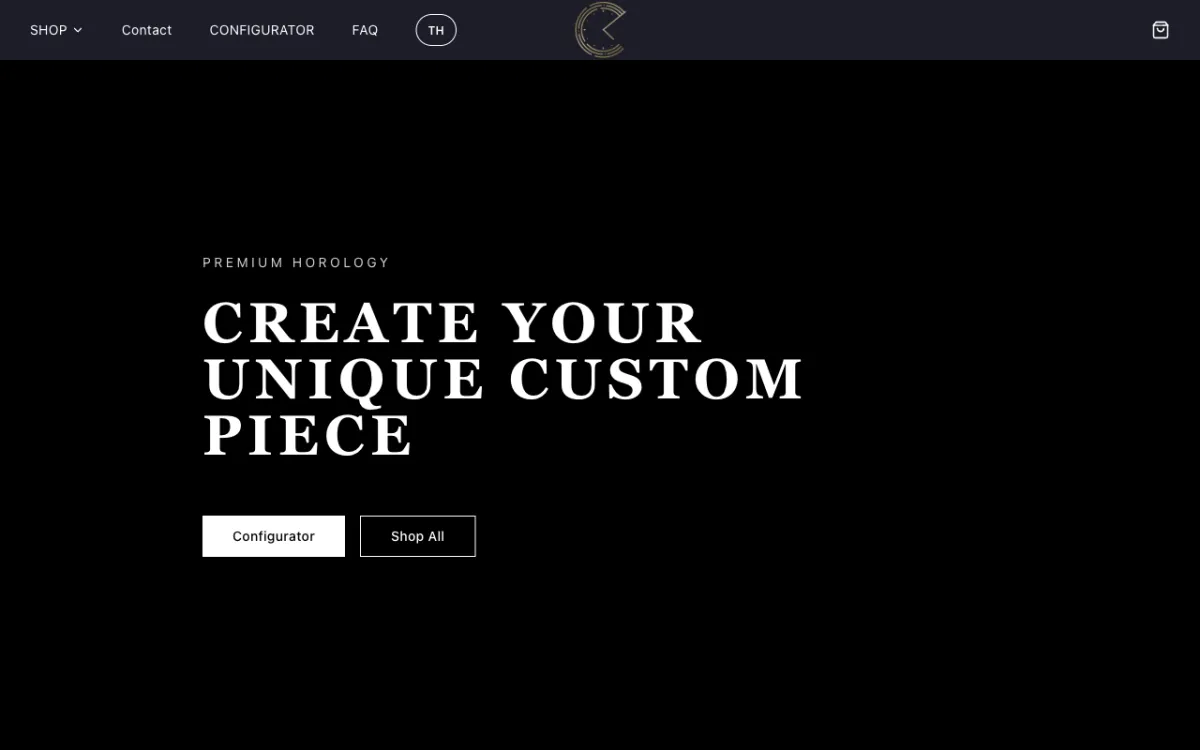
E-commerce store for custom Seiko mod watches with a configurator.
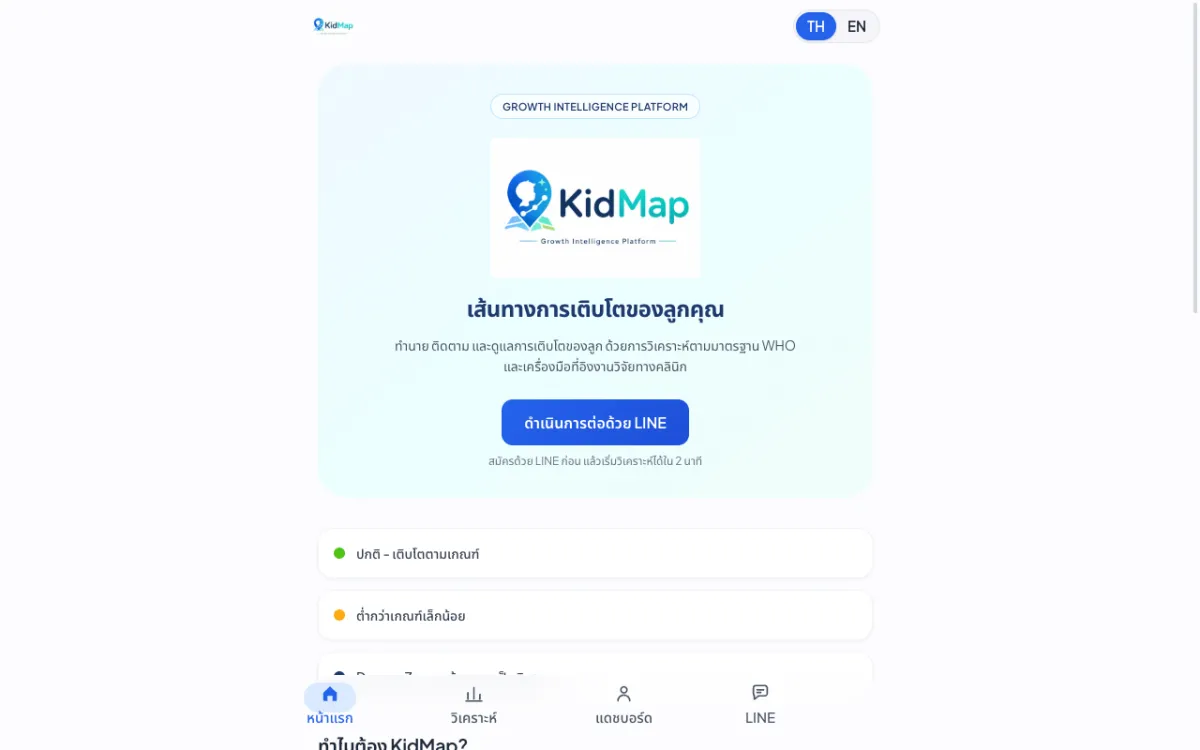
Platform that predicts and tracks children’s growth against WHO standards.
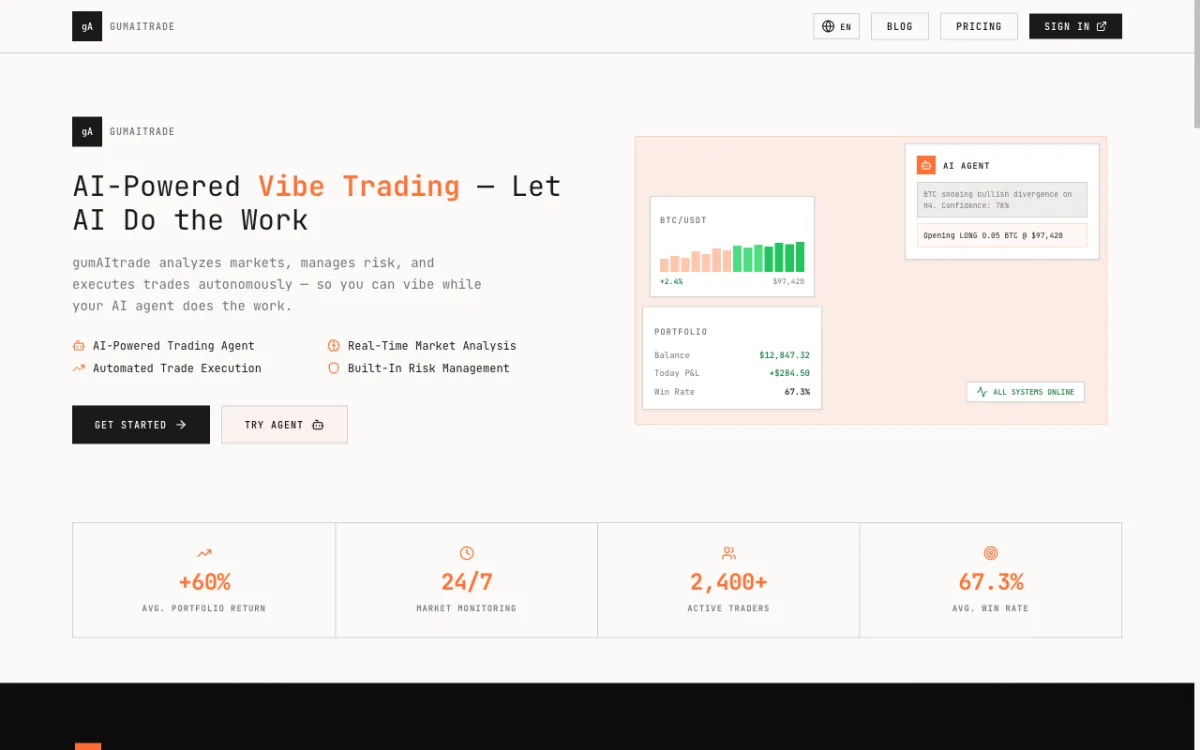
Product site for an AI crypto trading bot built around a “vibe trading” concept.
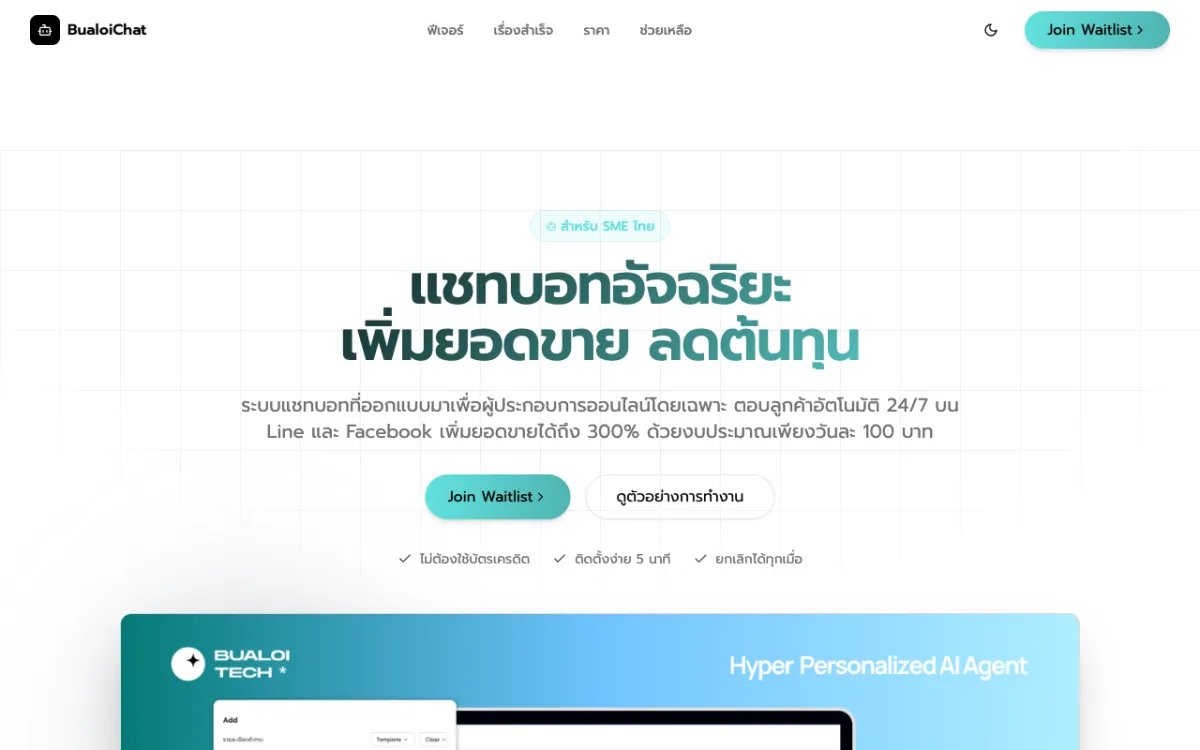
Pre-launch landing page for an AI chatbot service that answers SME customers on LINE OA and Messenger.
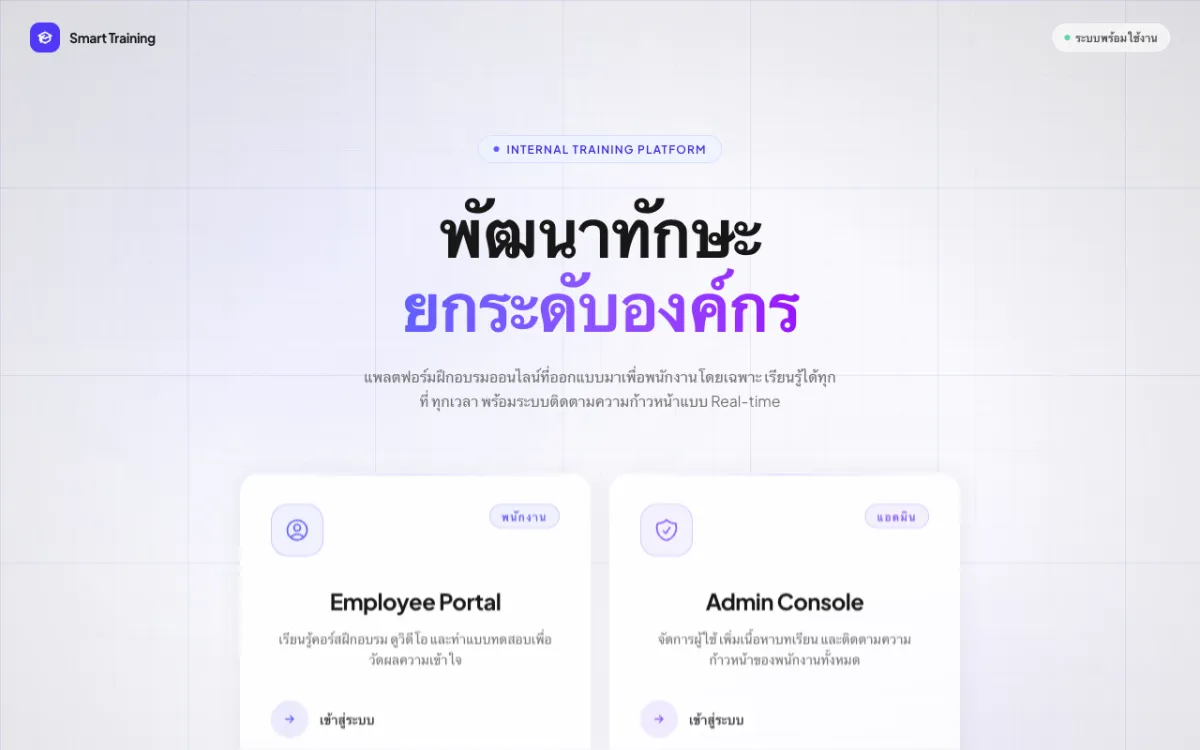
Internal employee training (LMS) with video courses and quizzes.
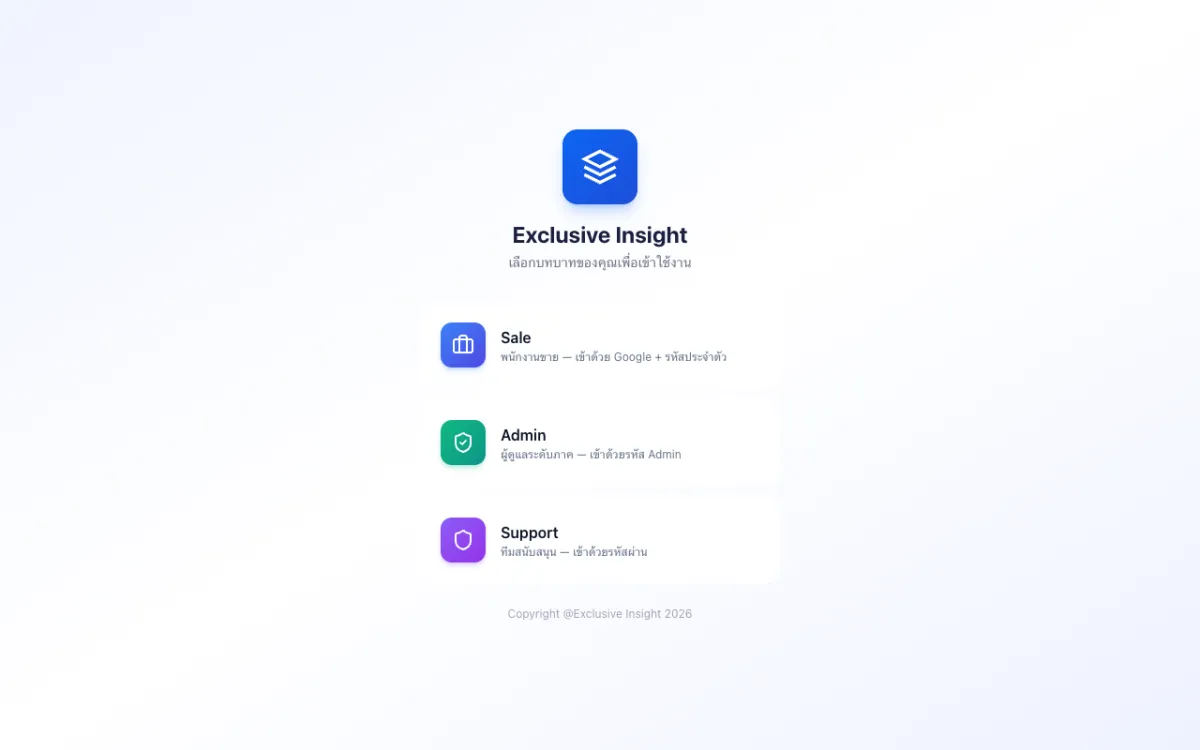
Role-based CRM with Sales, Admin and Support access.
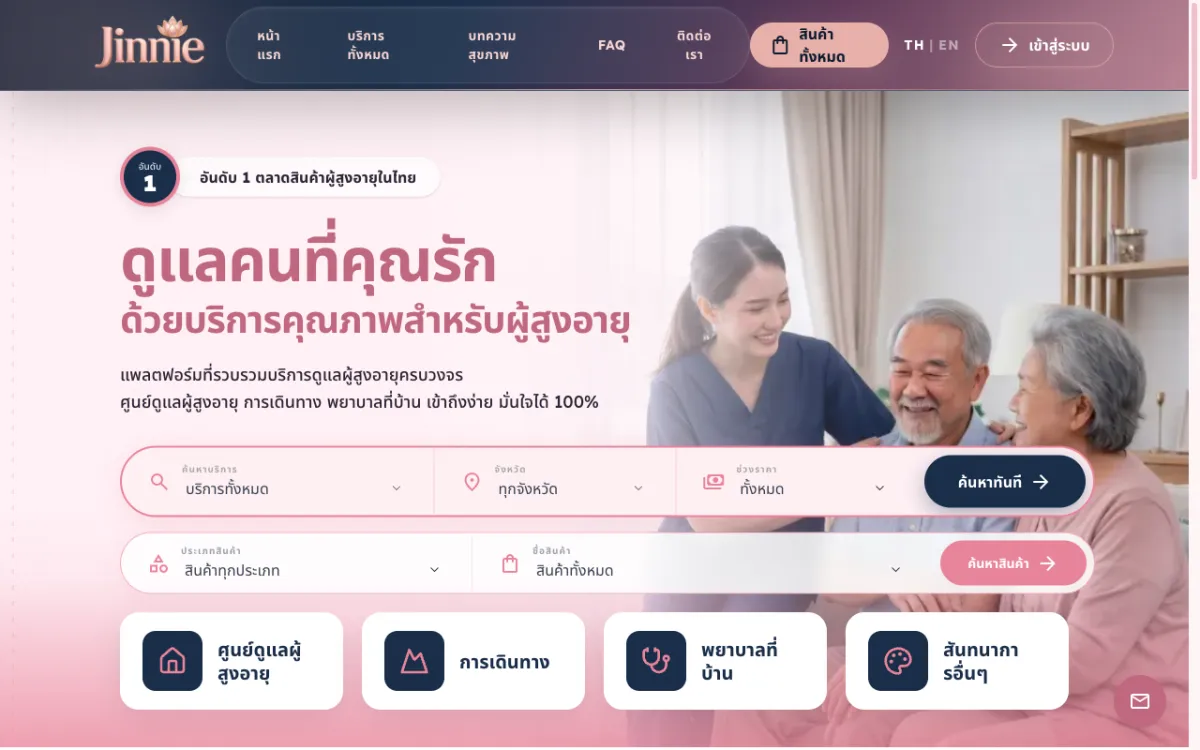
Platform to find and book elderly-care services across 12 categories from many providers.
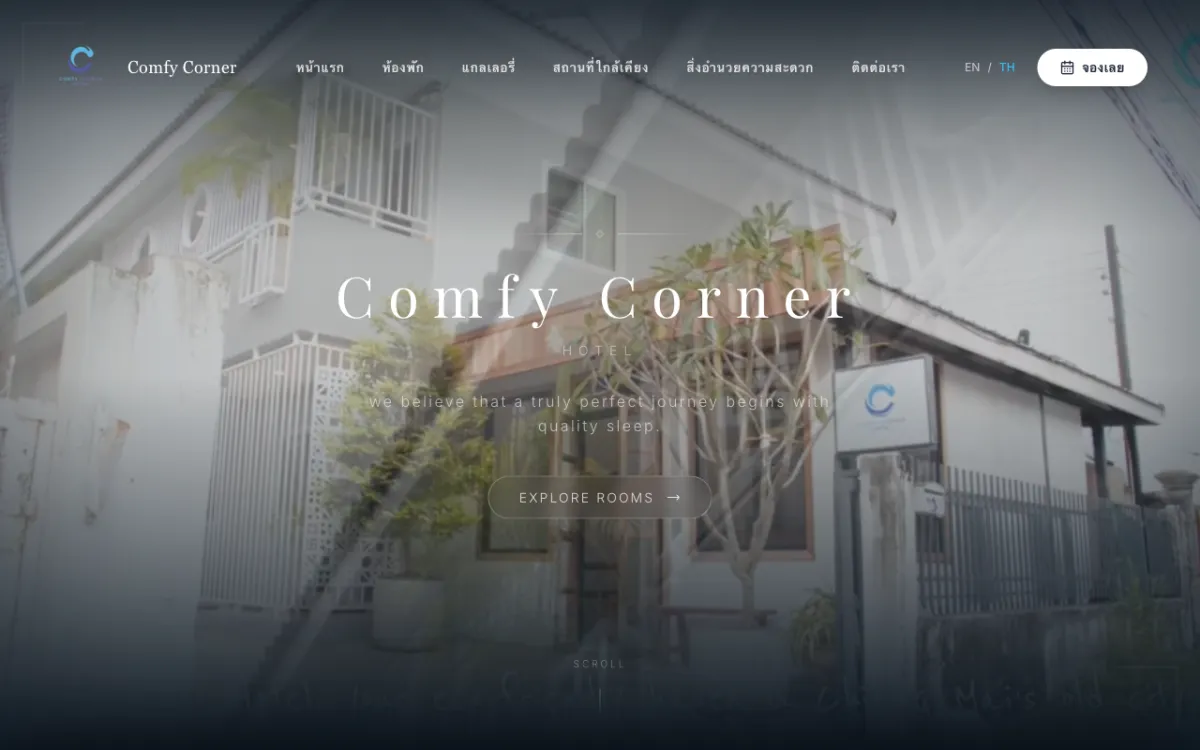
Booking site for a boutique budget hotel in Chiang Mai. Bilingual.
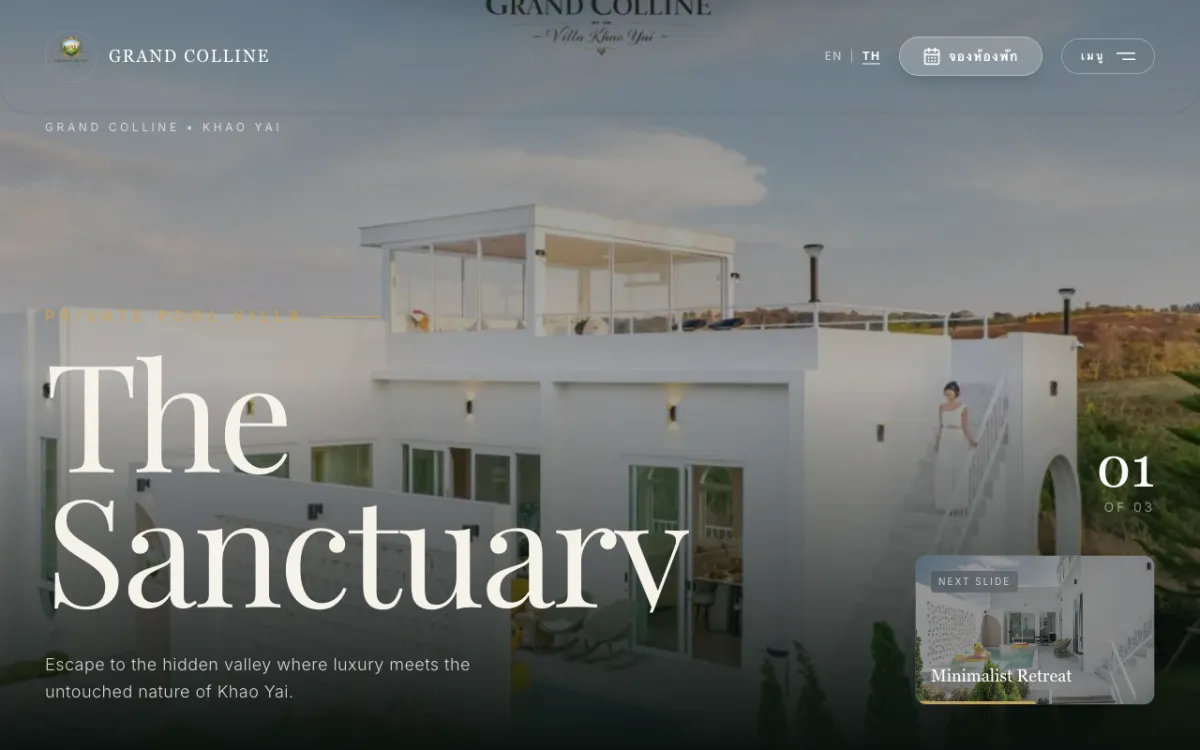
Private luxury pool-villa resort in Khao Yai; books via Agoda/Trip.com. Bilingual.

Khao Yai resort site with a “music meets nature” concept. Bilingual.

Site for a premium real-estate developer and home-builder. Bilingual.

Digital-content marketplace for Thai writers and publishers.
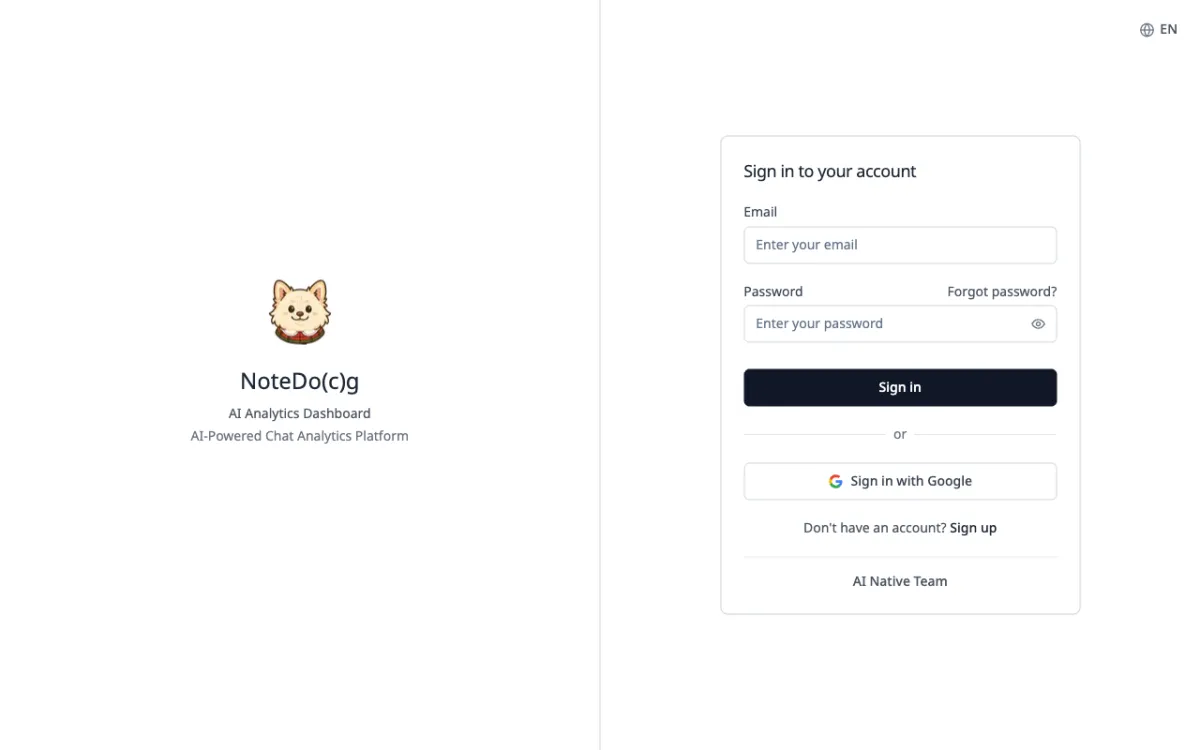
AI analytics for LINE Official Account group chats, with automatic conversation summaries.
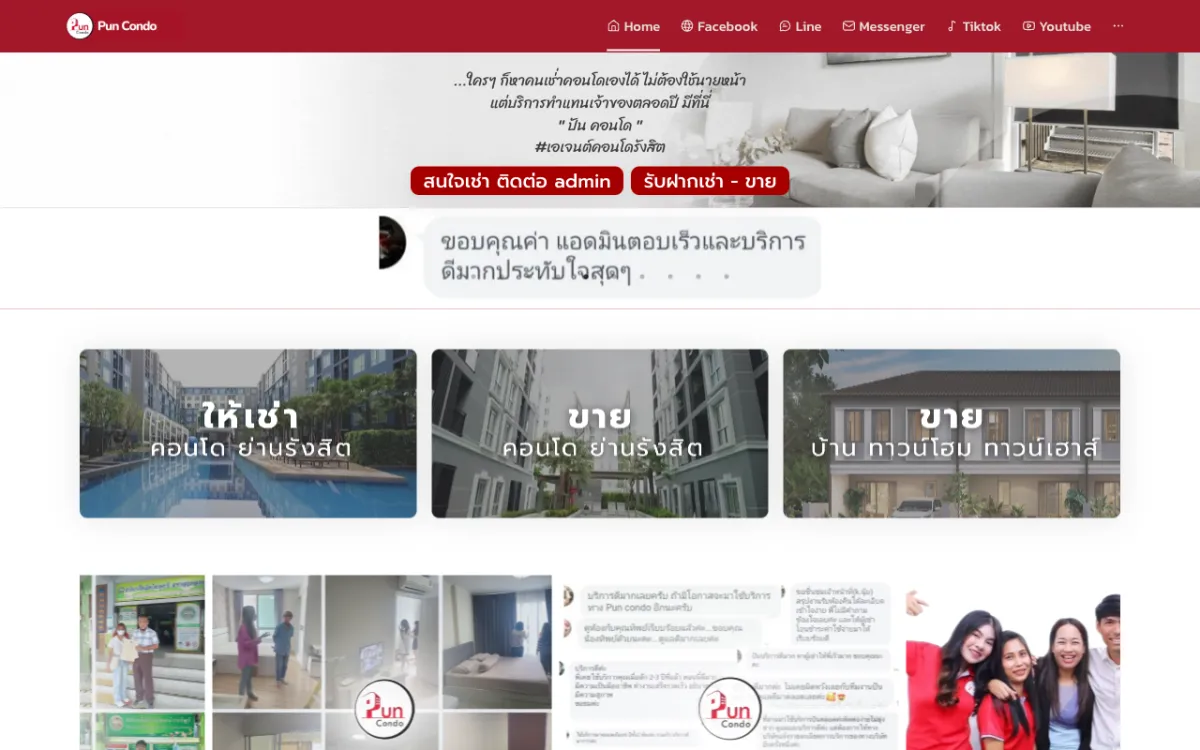
Real-estate platform with property listings and an admin back-office.
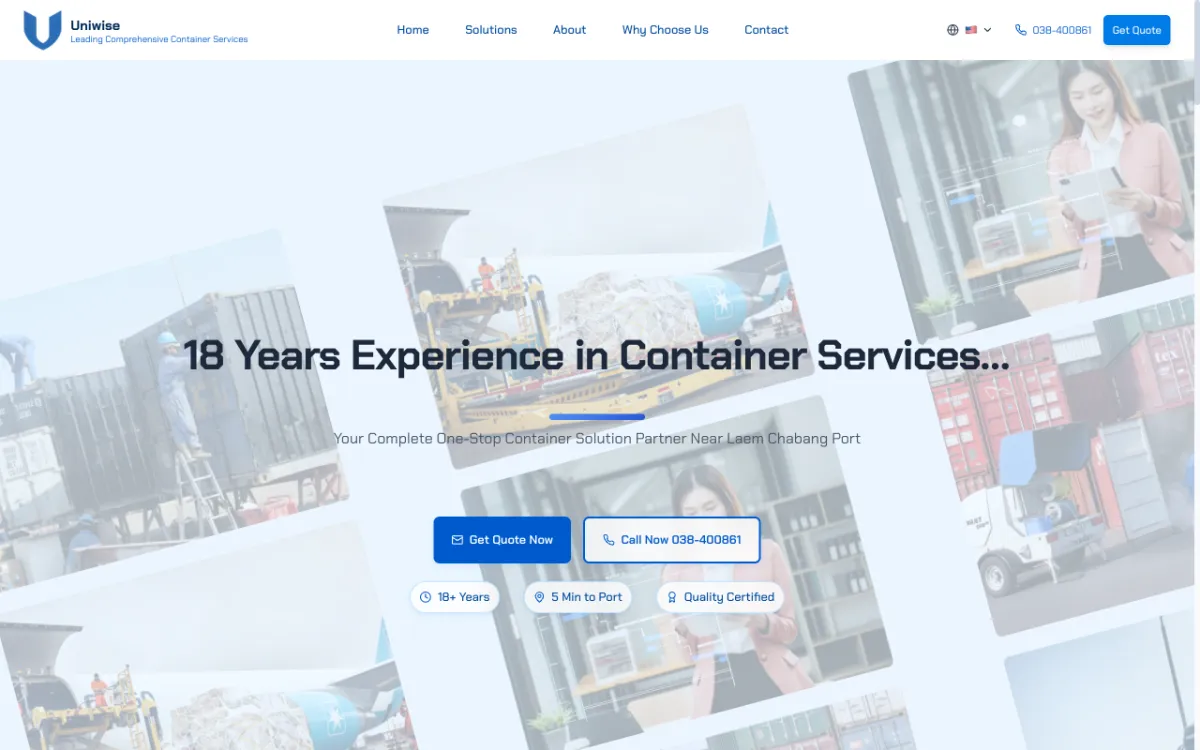
Site for a container yard near Laem Chabang Port. Thai, English and Chinese.
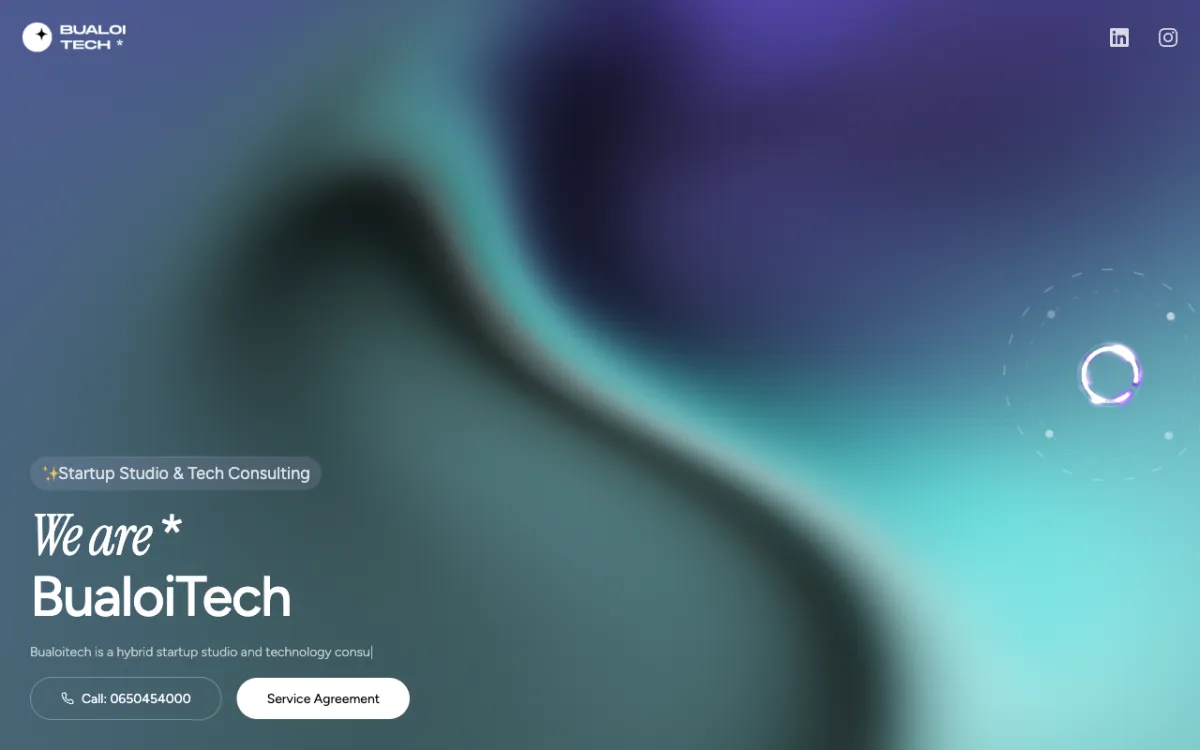
Landing page for a startup studio & tech consultancy focused on MVPs.
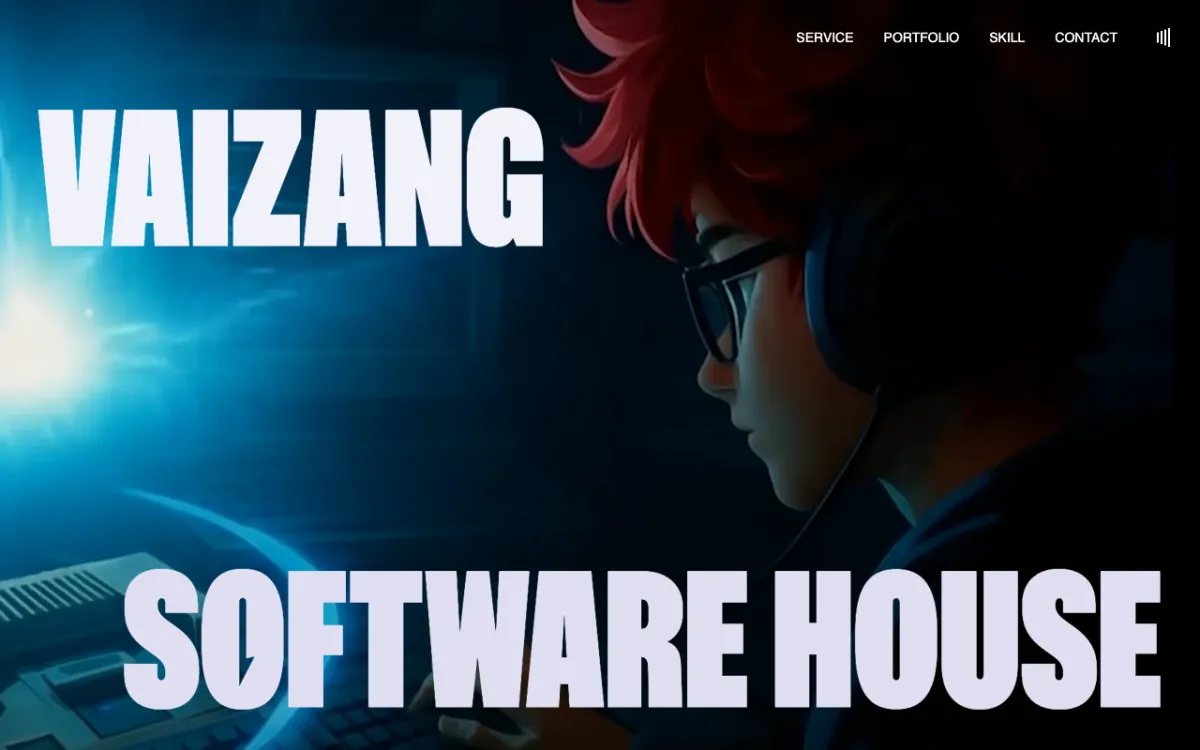
Brand site for a software house founded by Chula students, serving Thailand & ASEAN.
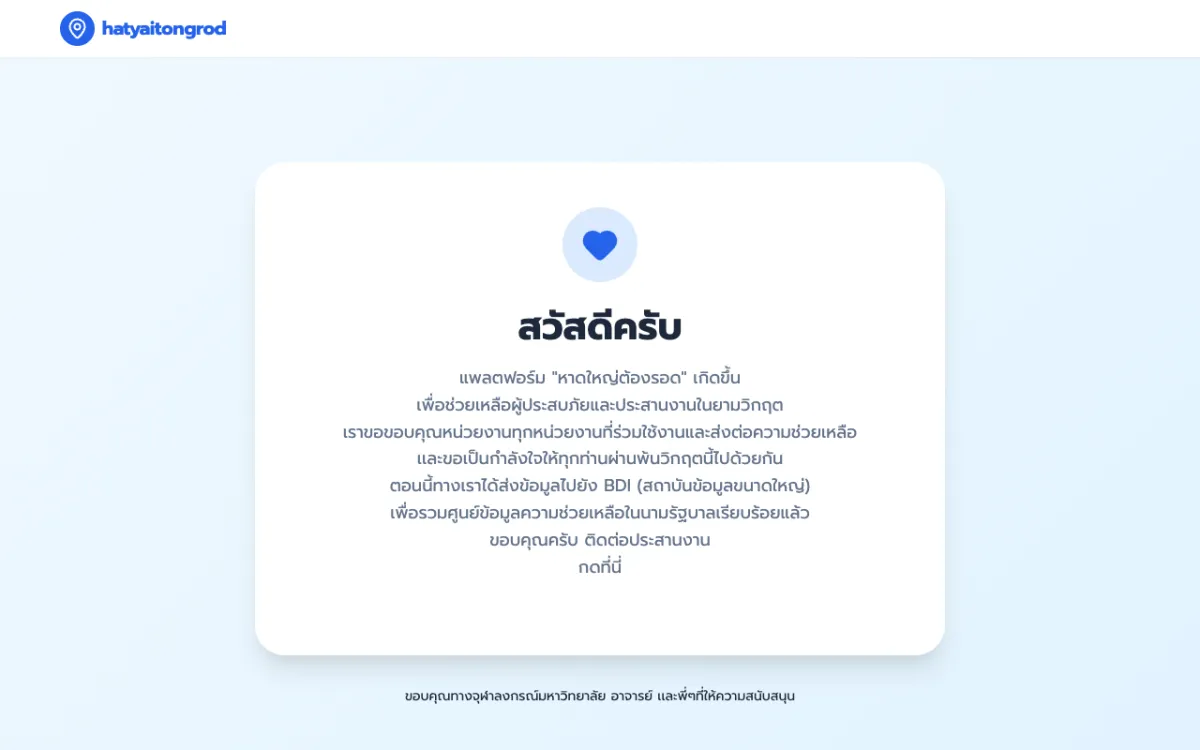
Crisis web app that served 1,000,000+ concurrent users during the Hat Yai floods.
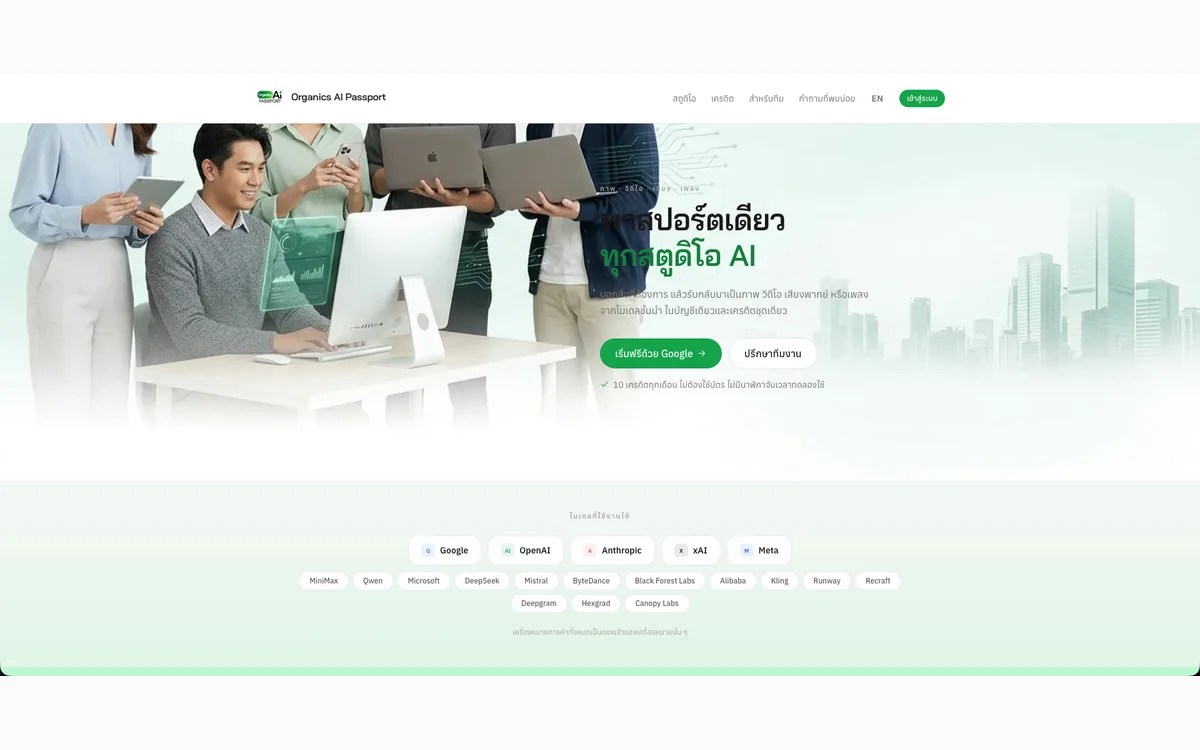
One account to generate images, video, voiceovers and music with AI, metered by a single credit balance.
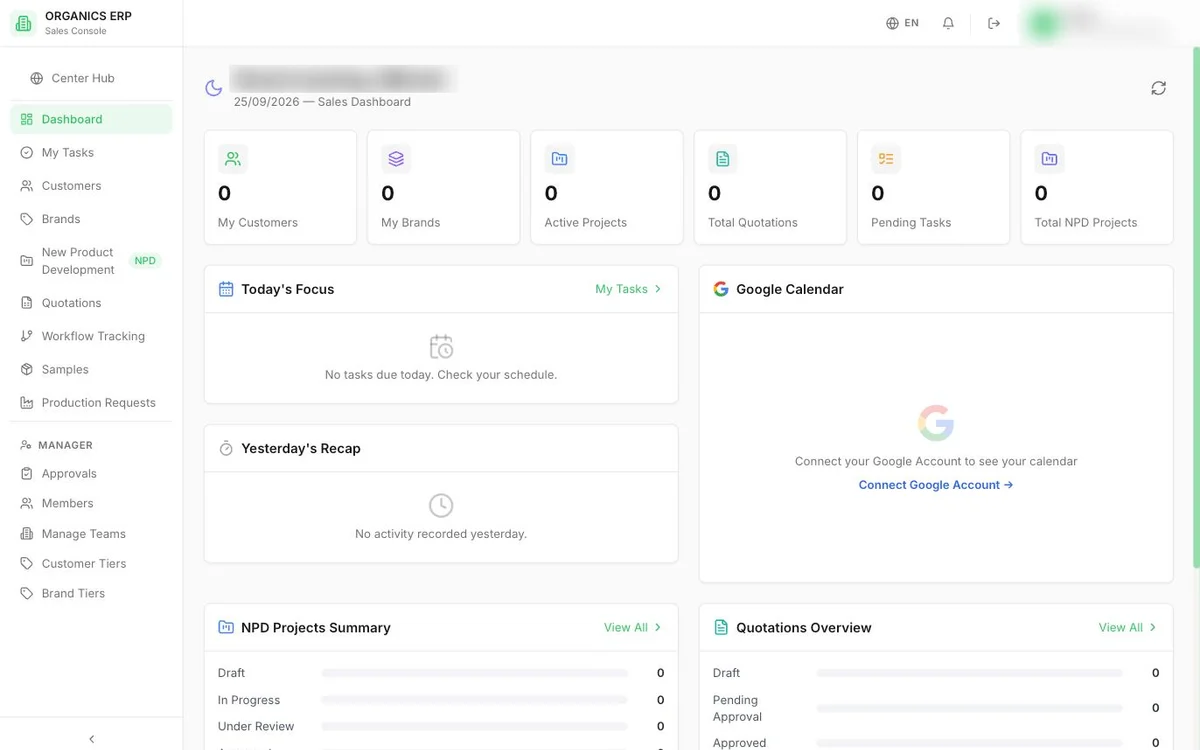
Department-by-department ERP for a cosmetics manufacturer, covering sales, procurement, production, warehouse and finance.
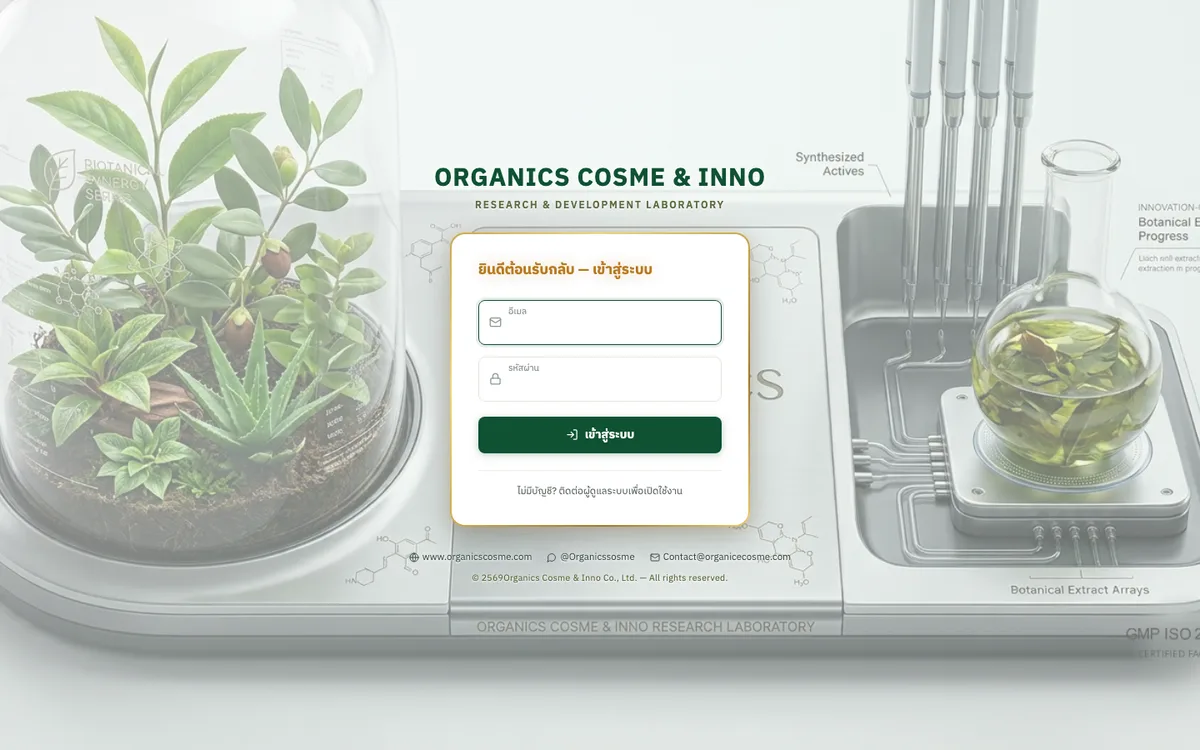
Sales brief system that carries an OEM product brief from intake through quotation to delivery tracking.
AI workspace for a cosmetics R&D team to find ingredients, check stock, and draft, cost and revise formulas.
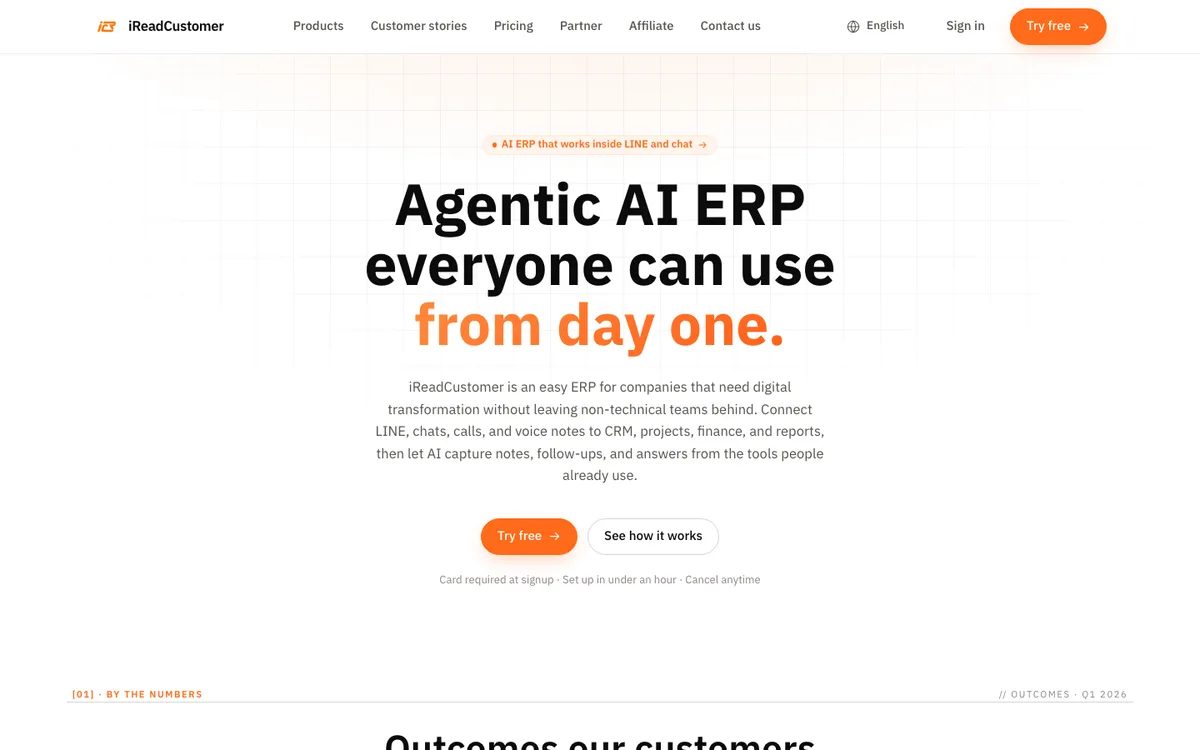
AI-agent ERP that connects LINE chats and voice notes to CRM, projects, sales and accounting.
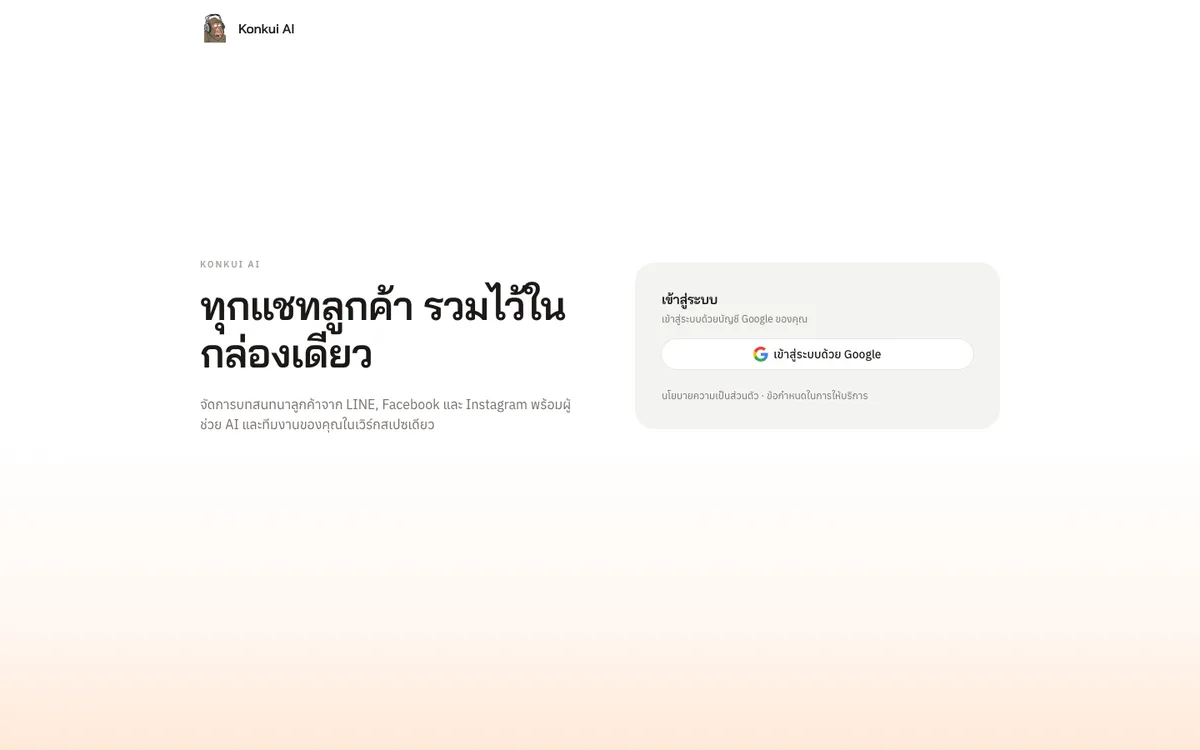
One inbox for LINE, Facebook and Instagram customer chats, with an AI Assistant that answers first and hands off to the team.
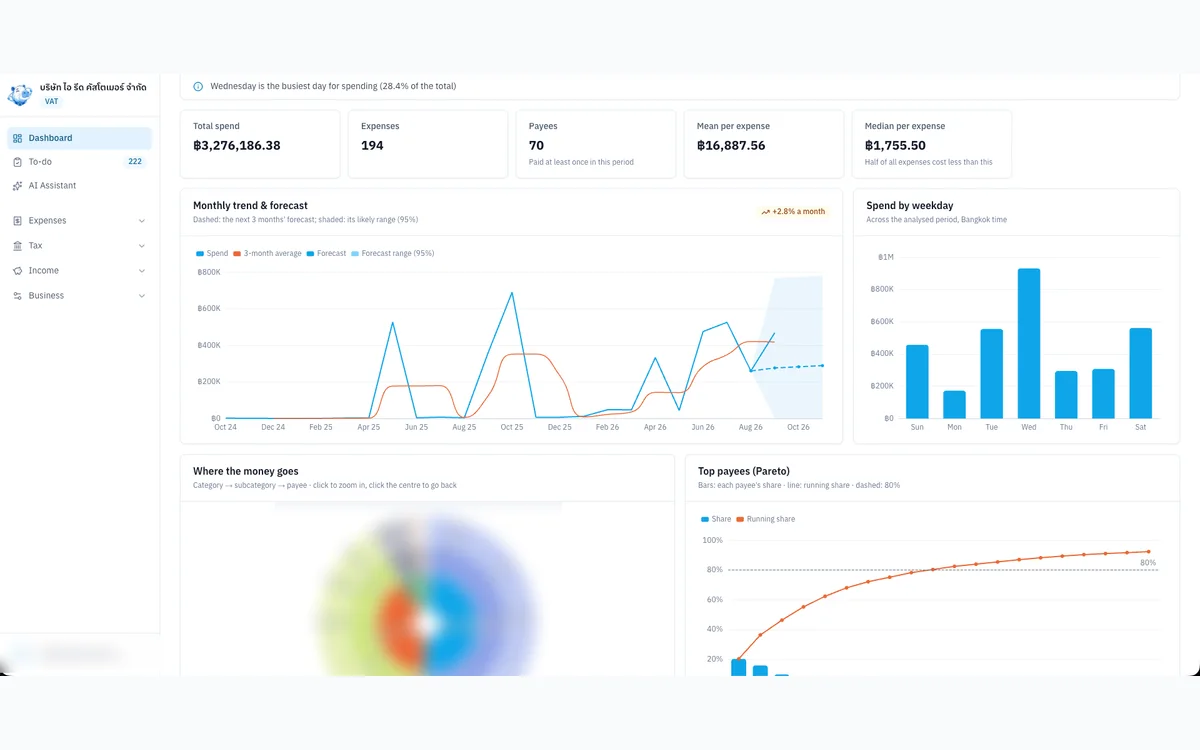
Internal tool that organises expense evidence, input VAT and P.P.36 for a VAT-registered Thai company.
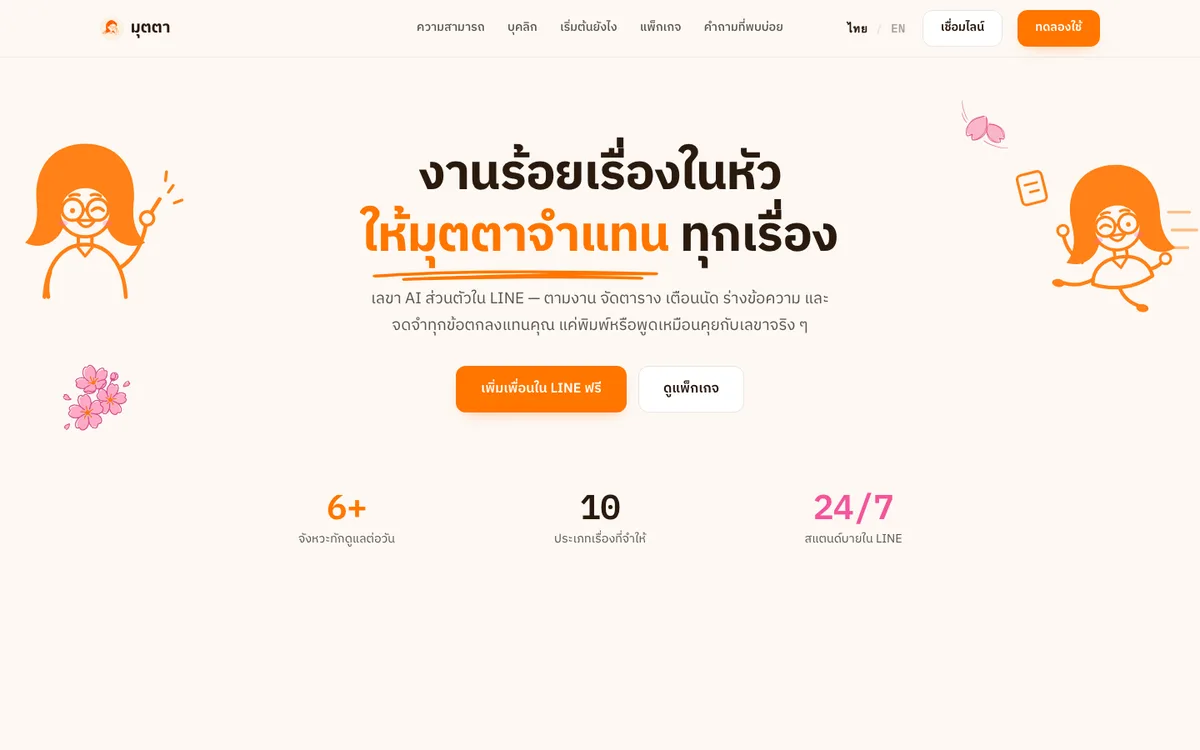
An AI personal secretary in LINE that chases follow-ups, keeps your schedule, drafts messages and remembers every agreement.
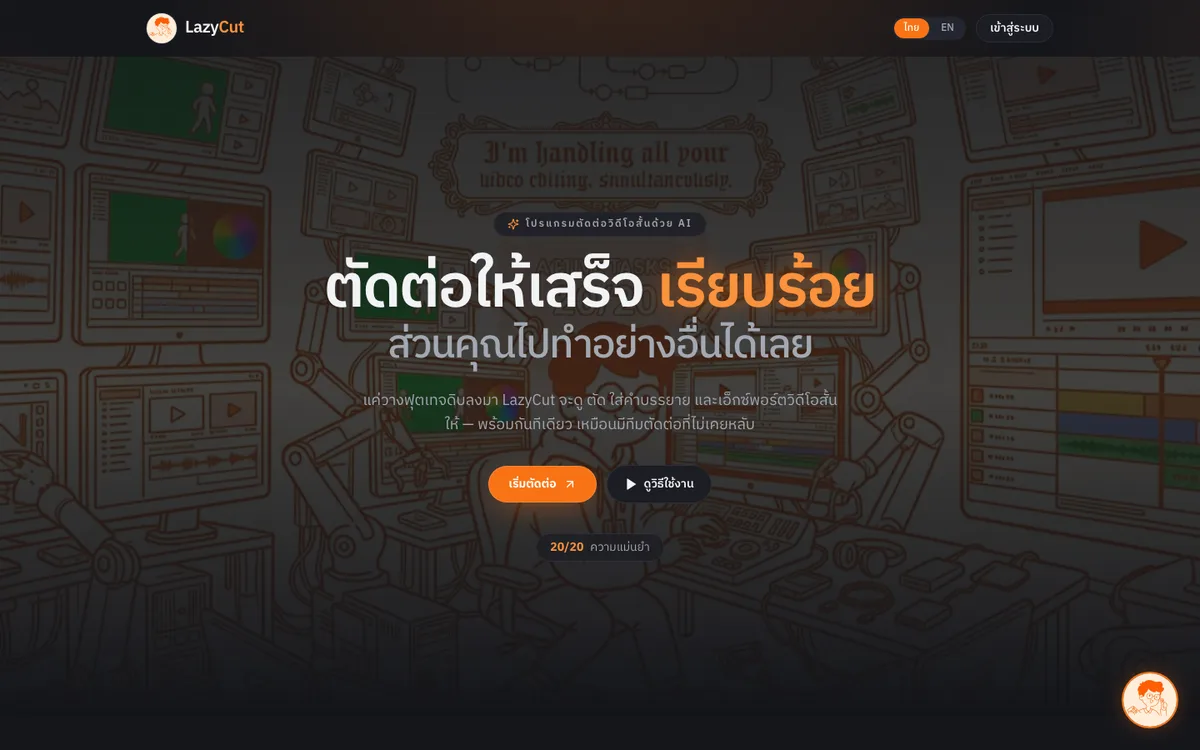
AI short-form video editor that cuts dead air, adds captions and exports ready-to-post clips.
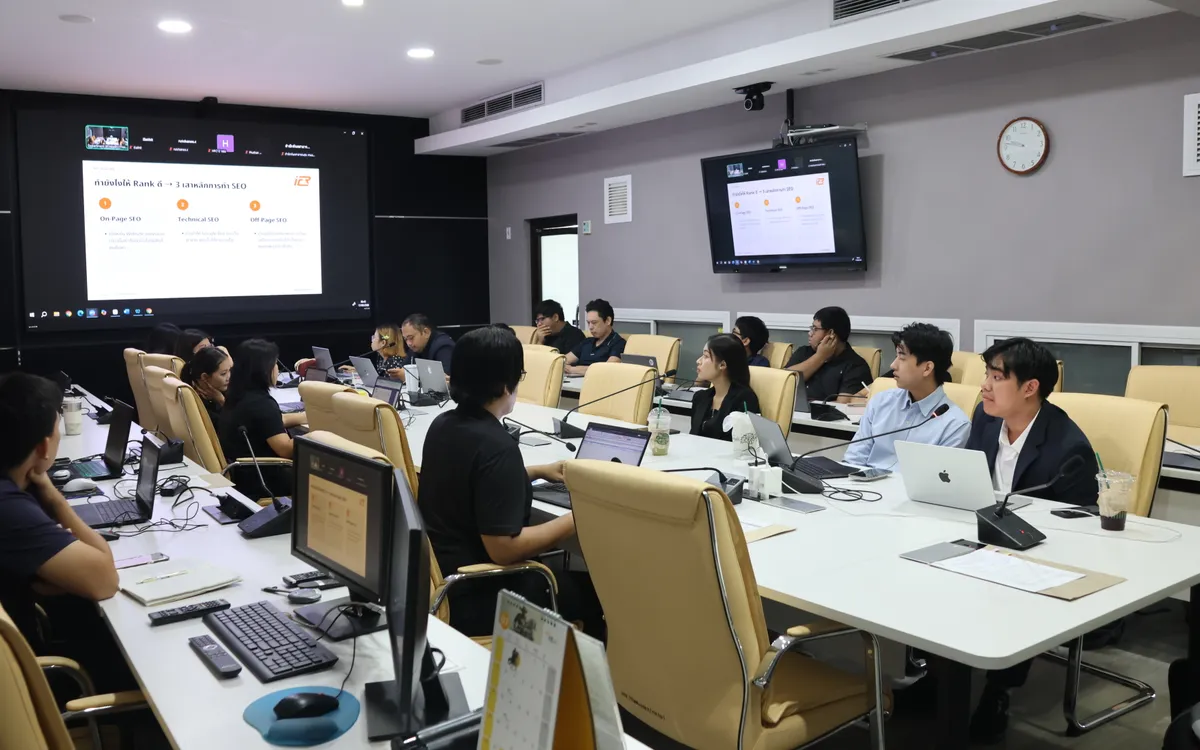
Onsite training and hands-on workshop (09:30–16:00) that helps the Department of Health’s web teams make articles easier for Google and AI search to find, understand and cite.
Contact Us